Background Video Recorder Cam PC
Digital Grace App
قم بتنزيل Background Video Recorder Cam على جهاز الكمبيوتر باستخدام GameLoop Emulator
Background Video Recorder Cam على الكمبيوتر الشخصي
Background Video Recorder Cam ، القادم من المطور Digital Grace App ، يعمل على نظام Android في الماضي.
الآن ، يمكنك لعب Background Video Recorder Cam على جهاز الكمبيوتر باستخدام GameLoop بسلاسة.
قم بتنزيله في مكتبة GameLoop أو في نتائج البحث. لا مزيد من الانتباه إلى البطارية أو المكالمات المحبطة في الوقت الخطأ بعد الآن.
ما عليك سوى الاستمتاع بجهاز Background Video Recorder Cam على الشاشة الكبيرة مجانًا!
Background Video Recorder Cam مقدمة
Professional Background Video Recorder (BVR)
The Background Video Recorder (BVR) is a feature-rich tool designed for secure, hands-free video capture. Use continuous recording while using other apps, or schedule recordings to start automatically. Whether you need a quick capture tool or a long-term recording solution, explore the power of our professional background recording engine.
Our app provides a seamless way to record video with a single tap. High-utility functions include screen-off recording, automated scheduling, and a user-friendly interface that captures high-quality video and audio without requiring the app to be in the foreground.
Why Choose This Recorder?
This app is designed for users who need a reliable recording tool for lectures, meetings, or security purposes. You can start a private recording session with one click and customize your settings to fit your environment. This includes recording during phone calls or setting specific dates and times for your device to capture footage automatically.
The BVR app operates as an automated background utility for video and voice. It allows you to toggle camera shutter sounds and preview windows to suit your preference for a quiet recording environment. Even when your device is locked, the recording continues uninterrupted, ensuring you never miss a moment.
Key Features and Functions
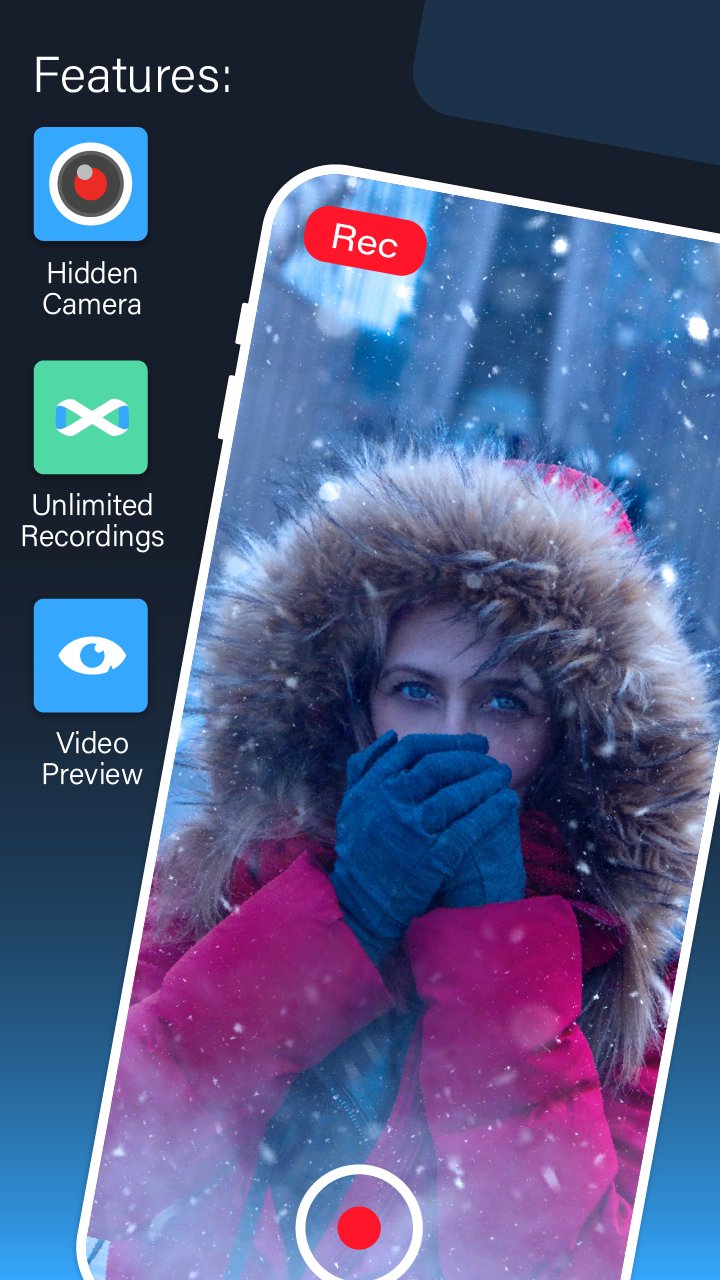
>>Unlimited Recording Duration: Capture as much footage as your storage allows.
>>Preview Toggle: Record with or without a visible camera preview window.
>>External Storage Support: Save your recorded videos directly to an SD card.
>>One-Touch Operation: Start or stop recording instantly with a single tap.
>>Built-in Video Trimmer: Quickly edit and trim your videos after recording.
>>Smart Orientation: Supports both portrait and landscape video modes.
>>Call Compatibility: Continues recording even during active phone calls.
>>Energy Efficient: Automatically turns off the screen while recording to save battery.
>>High-Definition Quality: Supports Full HD (1920x1080) and multiple other resolutions (720p, 480p).
>>Enhanced Security: Secure the app with a Passcode Lock.
>>Hands-Free Control: Use voice commands to start or stop recording.
>>Advanced Image Processing: Auto white balance and high-quality rendering options.
>>Optimized File Size: Video compression tools included for easier sharing.
>>Privacy Protection: All recorded files are password-protected within the app.
>>Smart Metadata: Securely coded with optional geotagging for file organization.
>>Dual Camera Support: Use either the front or back camera.
>>Professional Modes: Includes night mode and shutter sound controls.
معاينة
العلامات
أدواتVideo-Playersإضفاء الطابع الشخصيمعلومة
مطور
Digital Grace App
احدث اصدار
35.2
آخر تحديث
2026-01-27
فئة
أدوات
متاح على
Google Play
أظهر المزيد
كيف تلعب Background Video Recorder Cam مع GameLoop على جهاز الكمبيوتر
1. قم بتنزيل GameLoop من الموقع الرسمي ، ثم قم بتشغيل ملف exe لتثبيت GameLoop.
2. افتح GameLoop وابحث عن "Background Video Recorder Cam" ، وابحث عن Background Video Recorder Cam في نتائج البحث وانقر على "تثبيت".
3. استمتع بلعب Background Video Recorder Cam على GameLoop.
Minimum requirements
OS
Windows 8.1 64-bit or Windows 10 64-bit
GPU
GTX 1050
CPU
i3-8300
Memory
8GB RAM
Storage
1GB available space
Recommended requirements
OS
Windows 8.1 64-bit or Windows 10 64-bit
GPU
GTX 1050
CPU
i3-9320
Memory
16GB RAM
Storage
1GB available space