
Anti-Theft Motion Phone Alarm PC
Droidrec
قم بتنزيل Anti-Theft Motion Phone Alarm على جهاز الكمبيوتر باستخدام GameLoop Emulator
Anti-Theft Motion Phone Alarm على الكمبيوتر الشخصي
Anti-Theft Motion Phone Alarm ، القادم من المطور Droidrec ، يعمل على نظام Android في الماضي.
الآن ، يمكنك لعب Anti-Theft Motion Phone Alarm على جهاز الكمبيوتر باستخدام GameLoop بسلاسة.
قم بتنزيله في مكتبة GameLoop أو في نتائج البحث. لا مزيد من الانتباه إلى البطارية أو المكالمات المحبطة في الوقت الخطأ بعد الآن.
ما عليك سوى الاستمتاع بجهاز Anti-Theft Motion Phone Alarm على الشاشة الكبيرة مجانًا!
Anti-Theft Motion Phone Alarm مقدمة
Whoever touches your smart-phone anti-theft application that detects motion when someone tries to touch or disconnect the charger of your smart-phone without your permission. Don’t Touch My Mobile - Theft Alarm with a password is the best for smart-phone Lock 2020 as well with great IMEI device tracker. Find out immediately who tries to unlock your smart-phone with a motion detector alarm the best application with a motion sensor.
Where to use Antitheft Motion Alarm-Don't Touch My Phone App:
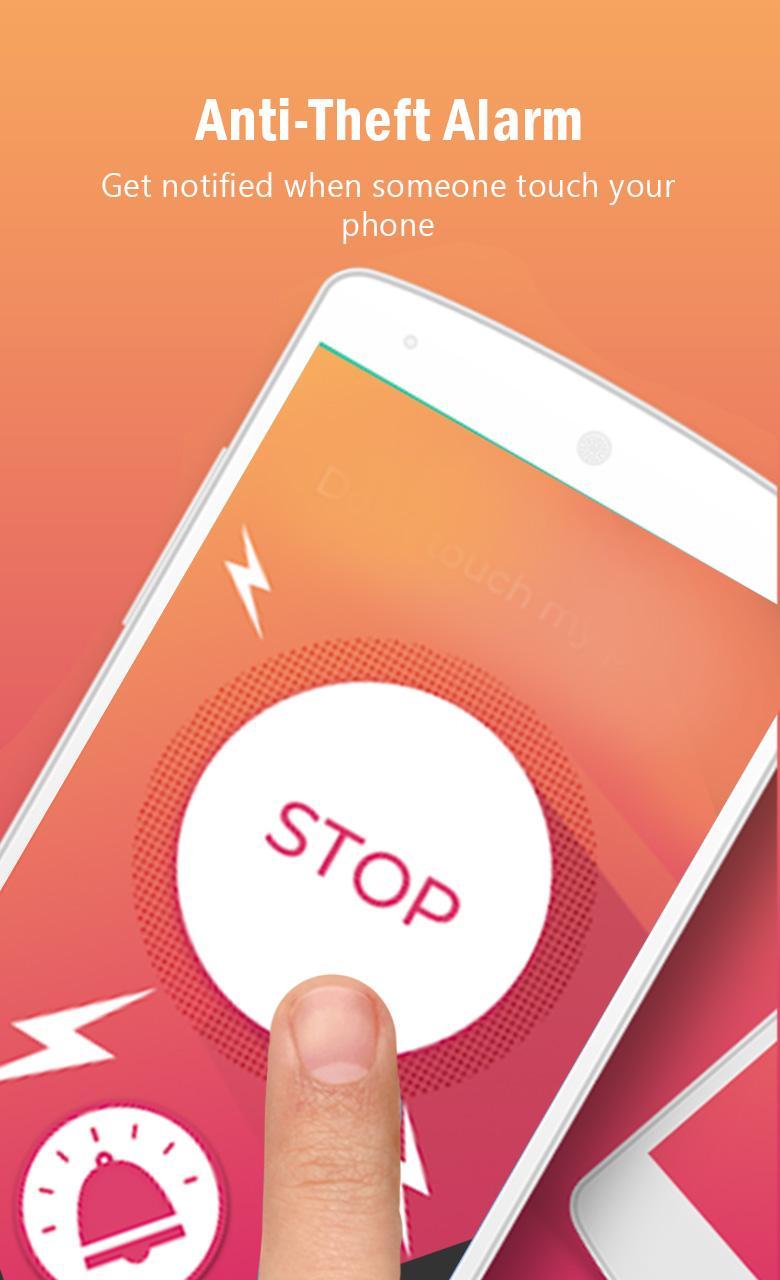
✔️ Alarm activated immediately when someone touches your phone
✔️ Catch who is trying to touch your phone.
✔️ Are you worried if someone is trying to tamper with your smartphone?
✔️This simple and most used security app can save your phone.
✔️ Now don't worry about the phone will be stolen. Catch thieves with alarm alert!
✔️ Sight who unlocks my phone
✔️ Your family or friends are trying to spy into your privet phone (texts and private emails etc.) without your permission
✔️ Scared to leave it alone in public places like train, school or airport
✔️ Many times kids, siblings, family members or coworkers are using your phone when you’re not around
Secure your phone with the easiest setup
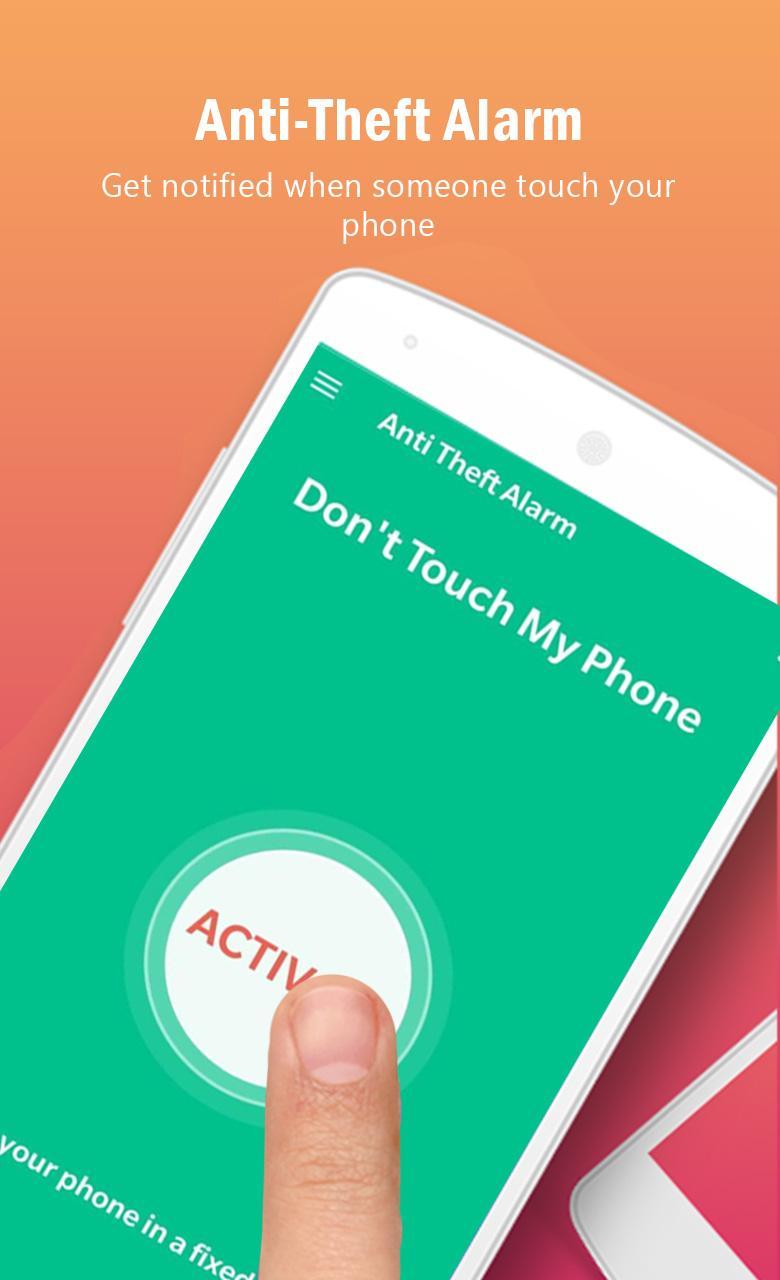
1. Press the START button to activate the Anti-Theft Alarm.
2. Place the device on a fixed place e.g. table
Awesome Features:
1. The passCode for extra protection
2. You can switch off the alarm with a Fingerprint.
3. Disconnect Charger alarm makes more sense.
4. You can use Flashlight with an alarm.
5. Custom delay to set alarm.
6. Funny sound included.
7. Best Antitheft Alarm on your mobile phone.
Application Permissions: ( for more detail visit our privacy policy)
• Open network sockets
• Access information about networks
• PACKAGE_USAGE_STATS
• Access fine (e.g., GPS) location
• Access the vibration feature
معاينة
العلامات
أدواتمعلومة
مطور
Droidrec
احدث اصدار
1.0.18
آخر تحديث
2025-06-24
فئة
أدوات
متاح على
Google Play
أظهر المزيد
كيف تلعب Anti-Theft Motion Phone Alarm مع GameLoop على جهاز الكمبيوتر
1. قم بتنزيل GameLoop من الموقع الرسمي ، ثم قم بتشغيل ملف exe لتثبيت GameLoop.
2. افتح GameLoop وابحث عن "Anti-Theft Motion Phone Alarm" ، وابحث عن Anti-Theft Motion Phone Alarm في نتائج البحث وانقر على "تثبيت".
3. استمتع بلعب Anti-Theft Motion Phone Alarm على GameLoop.
Minimum requirements
OS
Windows 8.1 64-bit or Windows 10 64-bit
GPU
GTX 1050
CPU
i3-8300
Memory
8GB RAM
Storage
1GB available space
Recommended requirements
OS
Windows 8.1 64-bit or Windows 10 64-bit
GPU
GTX 1050
CPU
i3-9320
Memory
16GB RAM
Storage
1GB available space