Always visible mouse PC
OK soft
قم بتنزيل Always visible mouse على جهاز الكمبيوتر باستخدام GameLoop Emulator
Always visible mouse على الكمبيوتر الشخصي
Always visible mouse ، القادم من المطور OK soft ، يعمل على نظام Android في الماضي.
الآن ، يمكنك لعب Always visible mouse على جهاز الكمبيوتر باستخدام GameLoop بسلاسة.
قم بتنزيله في مكتبة GameLoop أو في نتائج البحث. لا مزيد من الانتباه إلى البطارية أو المكالمات المحبطة في الوقت الخطأ بعد الآن.
ما عليك سوى الاستمتاع بجهاز Always visible mouse على الشاشة الكبيرة مجانًا!
Always visible mouse مقدمة
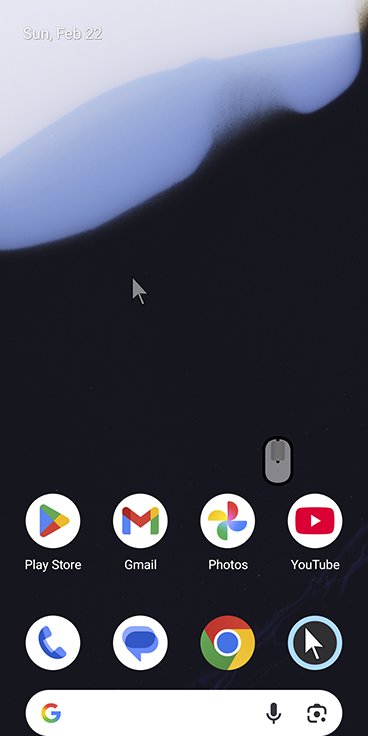
Take full control of your device with a highly customizable floating mouse. Click, drag, or draw. With Mouse Keys, you can move the cursor precisely, even when your hands are shaking, allowing you to accurately click small buttons.
Key Features:
Always-visible floating cursor: Reach any corner of the screen with one hand.
Multiple control modes: Default, Voice Click, Gliding Cursor, or Mouse Keys.
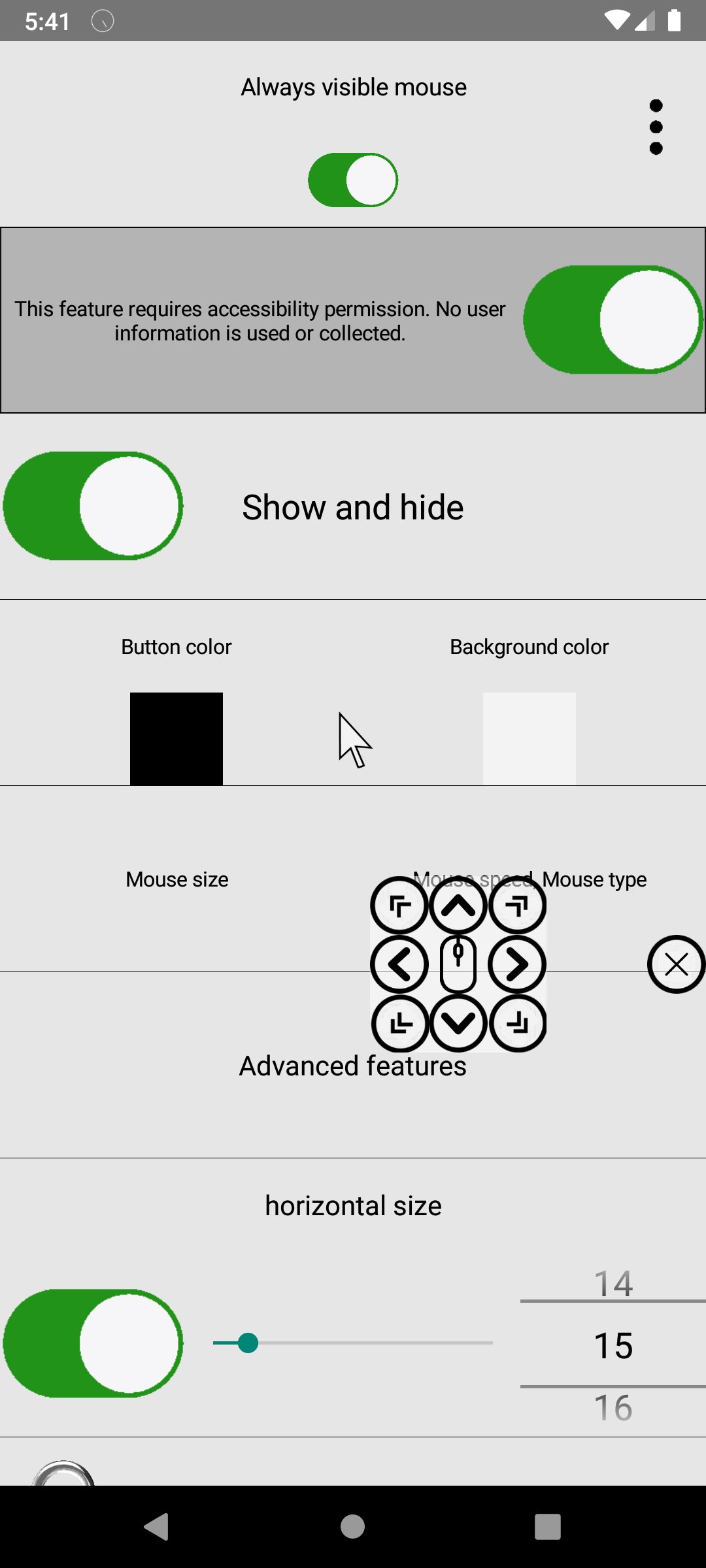
Cursor customization: Adjust speed, delay, sensitivity, size, and color.
Drawing mode: Long press to draw with customizable pen thickness and color.
Drag & scroll: Long-press to drag or use the middle wheel click to scroll.
Fun animations & sounds: Add particles, shapes, custom icons, and click sounds.
Image support: Load images as mouse icons or for drawing.
Remote input support: Control Windows (requires EXE) or other Android devices over Wi-Fi.
Advanced accessibility:
Face recognition cursor movement
Smile detection for clicking
Voice or blowing gestures for clicks
Auto-click after 3 seconds or in screen corners
Multiple sequential clicks
Magnifier: Zoom in on your cursor position for precision.
This floating mouse combines creativity, accessibility, and efficiency—perfect for anyone seeking more control and fun while using their device.
معاينة
العلامات
أدواتمعلومة
مطور
OK soft
احدث اصدار
3.55
آخر تحديث
2026-03-14
فئة
أدوات
متاح على
Google Play
أظهر المزيد
كيف تلعب Always visible mouse مع GameLoop على جهاز الكمبيوتر
1. قم بتنزيل GameLoop من الموقع الرسمي ، ثم قم بتشغيل ملف exe لتثبيت GameLoop.
2. افتح GameLoop وابحث عن "Always visible mouse" ، وابحث عن Always visible mouse في نتائج البحث وانقر على "تثبيت".
3. استمتع بلعب Always visible mouse على GameLoop.
Minimum requirements
OS
Windows 8.1 64-bit or Windows 10 64-bit
GPU
GTX 1050
CPU
i3-8300
Memory
8GB RAM
Storage
1GB available space
Recommended requirements
OS
Windows 8.1 64-bit or Windows 10 64-bit
GPU
GTX 1050
CPU
i3-9320
Memory
16GB RAM
Storage
1GB available space