2G 3G 4G LTE Network Monitor PC
Sun Light
قم بتنزيل 2G 3G 4G LTE Network Monitor على جهاز الكمبيوتر باستخدام GameLoop Emulator
2G 3G 4G LTE Network Monitor على الكمبيوتر الشخصي
2G 3G 4G LTE Network Monitor ، القادم من المطور Sun Light ، يعمل على نظام Android في الماضي.
الآن ، يمكنك لعب 2G 3G 4G LTE Network Monitor على جهاز الكمبيوتر باستخدام GameLoop بسلاسة.
قم بتنزيله في مكتبة GameLoop أو في نتائج البحث. لا مزيد من الانتباه إلى البطارية أو المكالمات المحبطة في الوقت الخطأ بعد الآن.
ما عليك سوى الاستمتاع بجهاز 2G 3G 4G LTE Network Monitor على الشاشة الكبيرة مجانًا!
2G 3G 4G LTE Network Monitor مقدمة
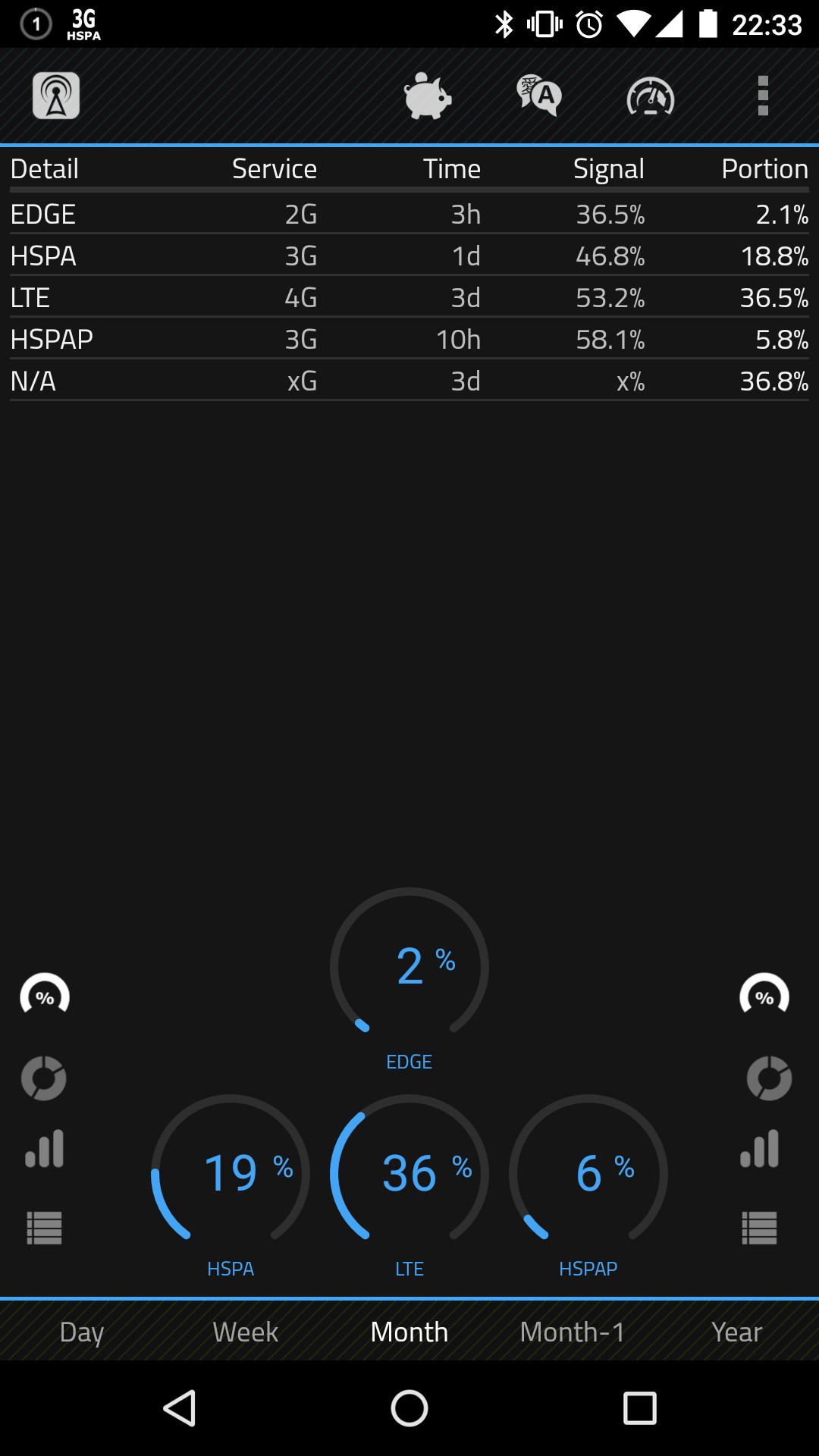
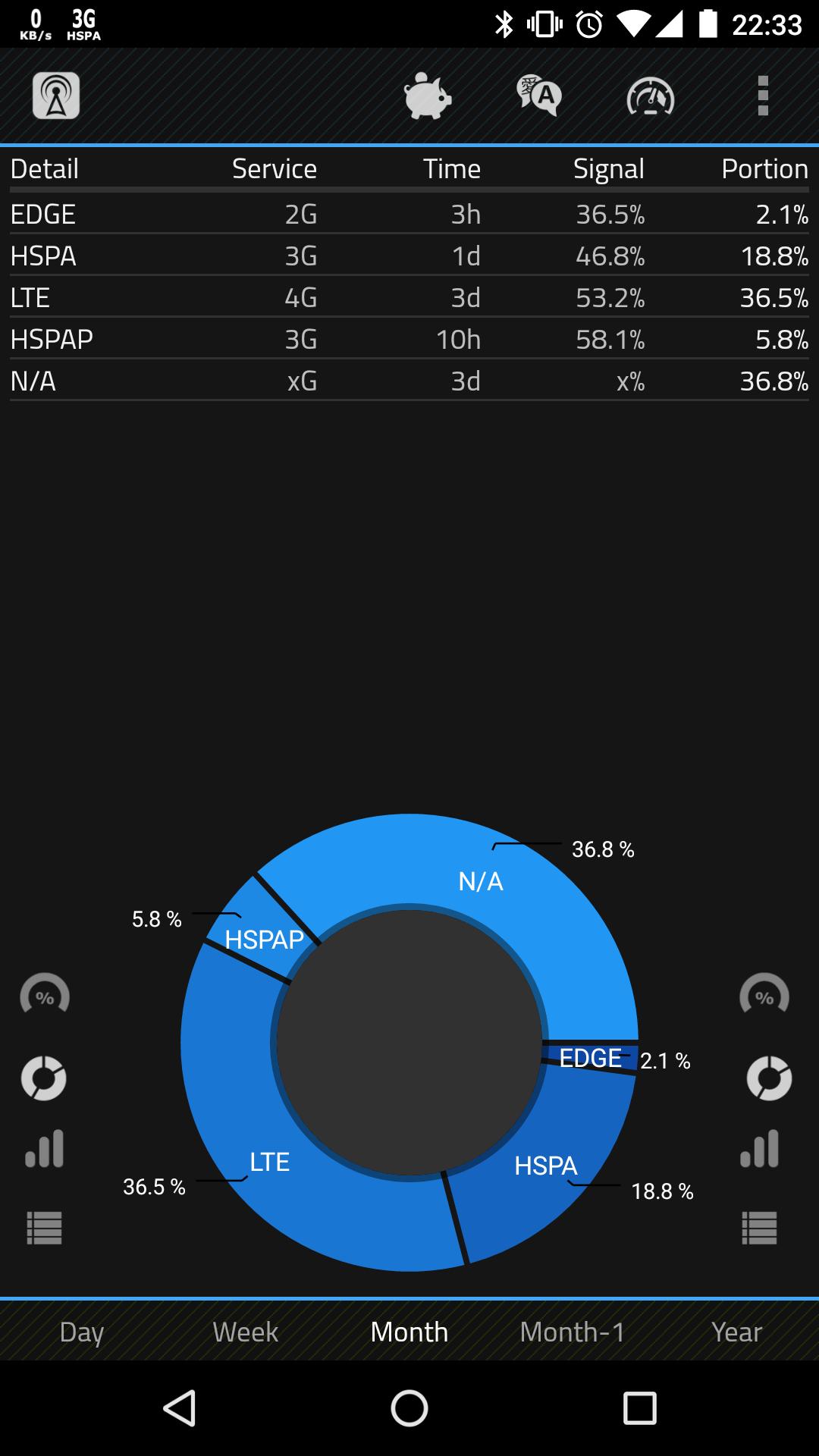
Free application that measure what technology (LTE, UMTS, EDGE, etc.) is used for internet connection and also allows fast switch between 2G/3G network.
★Main features
• monitor current network status and show network usage in graphs and tables
• widget to toggle 2G/3G/4G network mode - it is shortcut, because Google block access to change it directly
• widget to toggle mobile data, synchronization, Wi-Fi, Wi-Fi tether/Wi-Fi hotspot
• notification for lost signal
• 5 color schemes
• no advertisement
★Application detect following networks
2G (GPRS), 2G (EDGE), 3G (UMTS), 3G (HSDPA), 3G (HSPA), 3G (HSUPA), 3G(EHRPD), 3G (HSPAP), 4G (LTE), CDMA (RTT), CDMA, CDMA (EVDO 0), CDMA (EVDO A), CDMA (EVDO B), IDEN.
★Important
• If you use task killer, put this application to ignore list!
• Always keep application updated to avoid any problems.
• Dual SIM is not supported by Android API
★Help me to improve application
• let me know your ideas with integrated feedback option
• help me to translate or correct text
• share application with friends
• donate to support further development
★Widget to toggle Wi-Fi tether/Wi-Fi hotspot by one click!
This function is not supported on many devices, but it should work on many of them. Please don´t rate this application badly, if it is not working for you. There can be a lot of reasons, why this is not working (your operator doesn't support Wi-Fi tethering, it is blocked, your system had been modified by the manufacturer, etc.). I am trying to make it easier for you, but I can´t promise to you that it will work on all devices!
معاينة
العلامات
أدواتمعلومة
مطور
Sun Light
احدث اصدار
3.0.9
آخر تحديث
2019-05-24
فئة
أدوات
متاح على
Google Play
أظهر المزيد
كيف تلعب 2G 3G 4G LTE Network Monitor مع GameLoop على جهاز الكمبيوتر
1. قم بتنزيل GameLoop من الموقع الرسمي ، ثم قم بتشغيل ملف exe لتثبيت GameLoop.
2. افتح GameLoop وابحث عن "2G 3G 4G LTE Network Monitor" ، وابحث عن 2G 3G 4G LTE Network Monitor في نتائج البحث وانقر على "تثبيت".
3. استمتع بلعب 2G 3G 4G LTE Network Monitor على GameLoop.
Minimum requirements
OS
Windows 8.1 64-bit or Windows 10 64-bit
GPU
GTX 1050
CPU
i3-8300
Memory
8GB RAM
Storage
1GB available space
Recommended requirements
OS
Windows 8.1 64-bit or Windows 10 64-bit
GPU
GTX 1050
CPU
i3-9320
Memory
16GB RAM
Storage
1GB available space