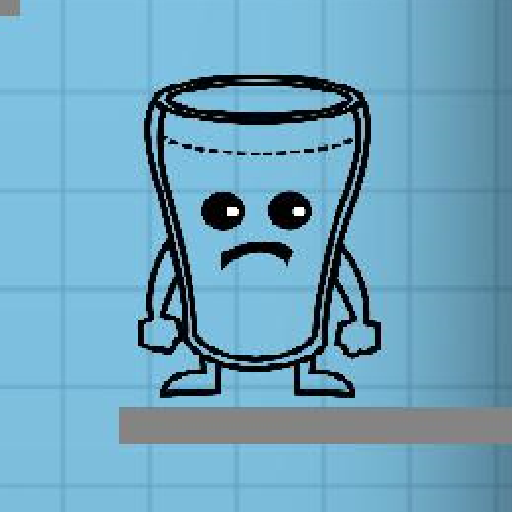
Happy Glass-Water Game PC
GamesPivot
قم بتنزيل Happy Glass-Water Game على جهاز الكمبيوتر باستخدام GameLoop Emulator
Happy Glass-Water Game على الكمبيوتر الشخصي
Happy Glass-Water Game ، القادم من المطور GamesPivot ، يعمل على نظام Android في الماضي.
الآن ، يمكنك لعب Happy Glass-Water Game على جهاز الكمبيوتر باستخدام GameLoop بسلاسة.
قم بتنزيله في مكتبة GameLoop أو في نتائج البحث. لا مزيد من الانتباه إلى البطارية أو المكالمات المحبطة في الوقت الخطأ بعد الآن.
ما عليك سوى الاستمتاع بجهاز Happy Glass-Water Game على الشاشة الكبيرة مجانًا!
Happy Glass-Water Game مقدمة
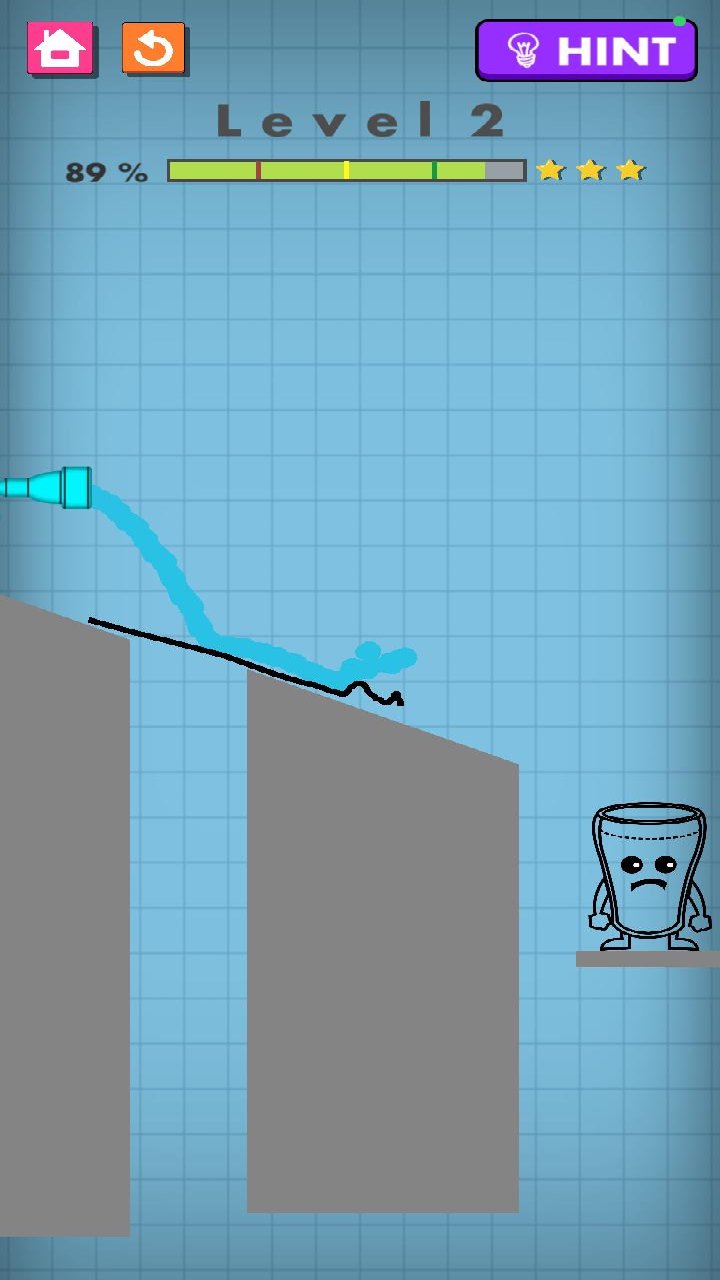
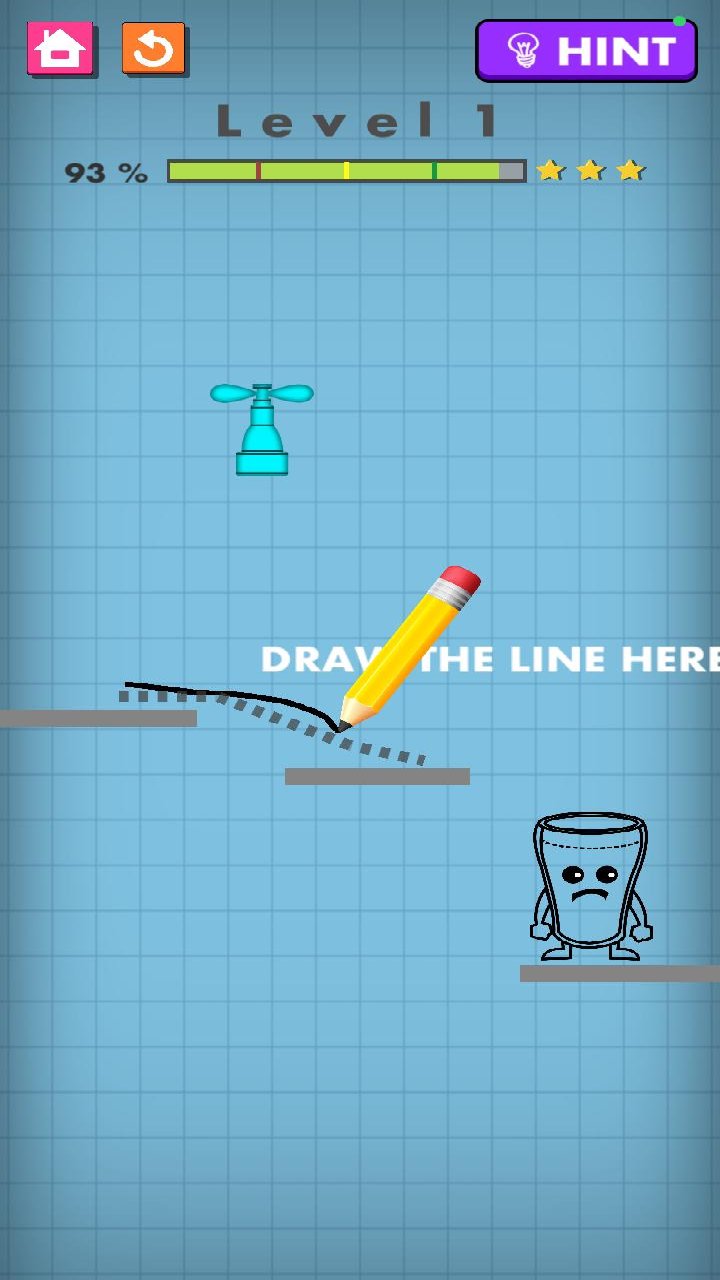
In the straightforward puzzle game Happy Glass: Water Game, you direct water into a glass by making paths and lines. Before you advance, take note of the platforms, gaps, obstructions, water source, and glass location. To guide the water's flow toward the glass, draw an appropriate line on the screen. Make careful use of the available space and design a course that directs the water in the proper direction. Every level has a unique layout that calls for consideration of placement, distance, and angles. Make sure the glass gets enough water to finish the level while avoiding obstructions that could obstruct or reroute the water. To find a solution that works, experiment with different line placements and forms.
معاينة
العلامات
محاكاةعربةشاحنةTruck-Simاليوميلاعب واحدمنمنمةغير متصل على الانترنتمعلومة
مطور
GamesPivot
احدث اصدار
995
آخر تحديث
2026-10-07
فئة
إستراتيجية
متاح على
Google Play
أظهر المزيد
كيف تلعب Happy Glass-Water Game مع GameLoop على جهاز الكمبيوتر
1. قم بتنزيل GameLoop من الموقع الرسمي ، ثم قم بتشغيل ملف exe لتثبيت GameLoop.
2. افتح GameLoop وابحث عن "Happy Glass-Water Game" ، وابحث عن Happy Glass-Water Game في نتائج البحث وانقر على "تثبيت".
3. استمتع بلعب Happy Glass-Water Game على GameLoop.
Minimum requirements
OS
Windows 8.1 64-bit or Windows 10 64-bit
GPU
GTX 1050
CPU
i3-8300
Memory
8GB RAM
Storage
1GB available space
Recommended requirements
OS
Windows 8.1 64-bit or Windows 10 64-bit
GPU
GTX 1050
CPU
i3-9320
Memory
16GB RAM
Storage
1GB available space