
PIX4TEAM Remote PC
MOVE 'N SEE
قم بتنزيل PIX4TEAM Remote على جهاز الكمبيوتر باستخدام GameLoop Emulator
PIX4TEAM Remote على الكمبيوتر الشخصي
PIX4TEAM Remote ، القادم من المطور MOVE 'N SEE ، يعمل على نظام Android في الماضي.
الآن ، يمكنك لعب PIX4TEAM Remote على جهاز الكمبيوتر باستخدام GameLoop بسلاسة.
قم بتنزيله في مكتبة GameLoop أو في نتائج البحث. لا مزيد من الانتباه إلى البطارية أو المكالمات المحبطة في الوقت الخطأ بعد الآن.
ما عليك سوى الاستمتاع بجهاز PIX4TEAM Remote على الشاشة الكبيرة مجانًا!
PIX4TEAM Remote مقدمة
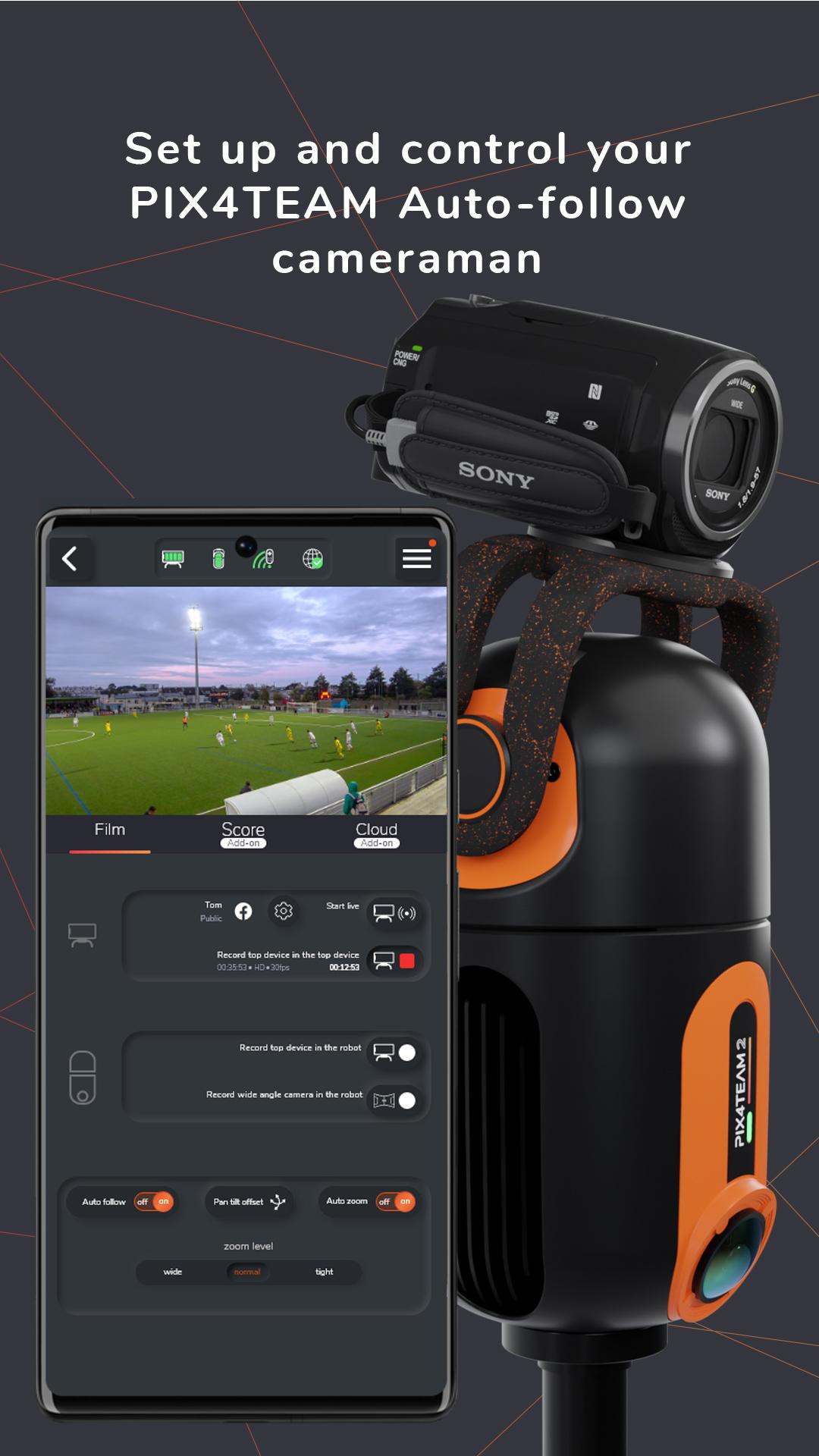
The PIX4TEAM Remote is the app to set up and control your PIX4TEAM Auto-follow cameraman for team sports:
Select the sport you want to film and define the corners of the field.
Choose if you want to film with a camera or with a smartphone/tablet mounted on the robot.
Start/stop the recording of the match.
Start/stop the free live-streaming on social media.
Start/stop the free live-streaming on your own website with a RTMP link.
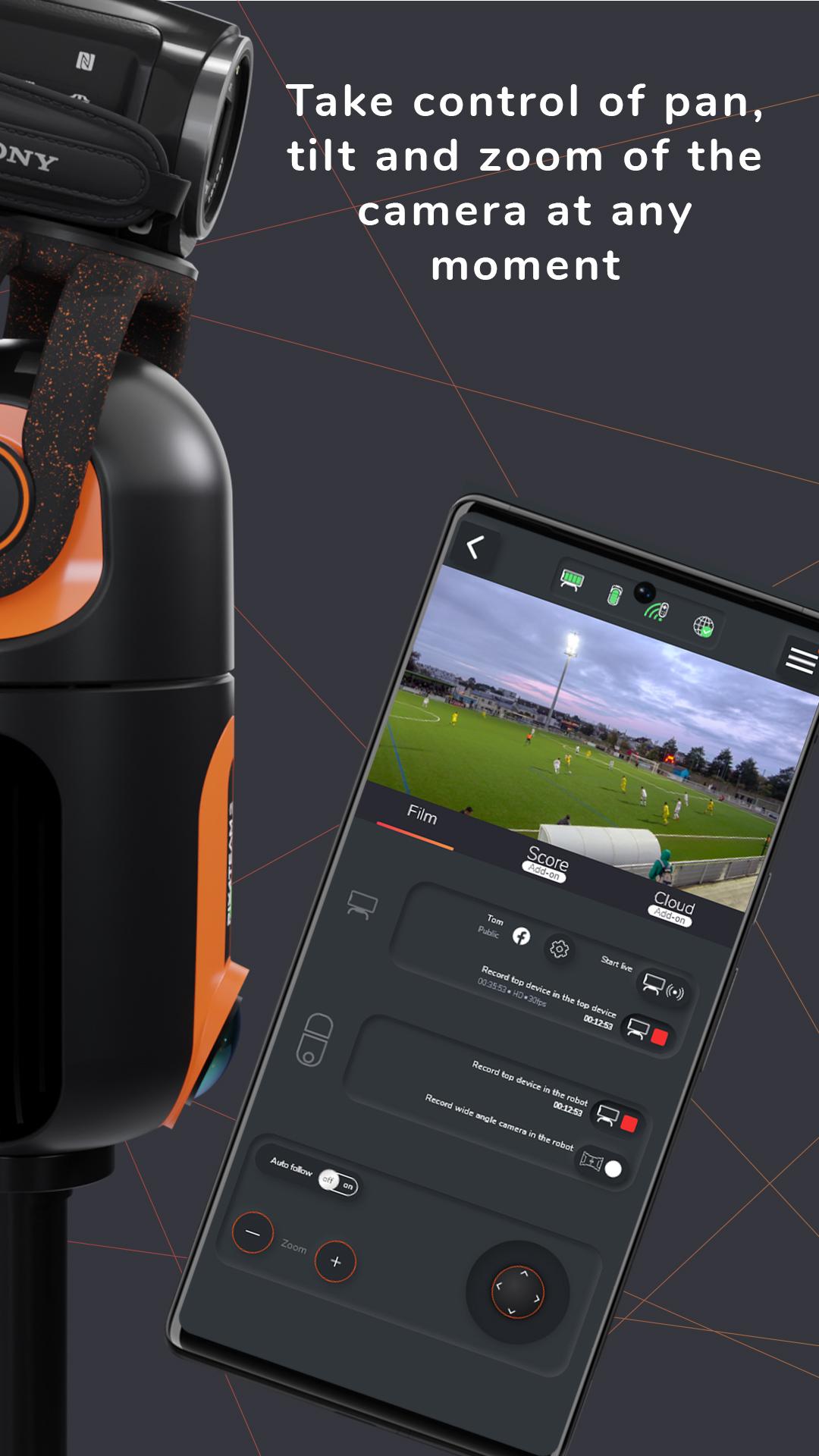
Deactivate the auto-follow mode and take control of pan, tilt, and zoom of the camera at any moment.
Launch a firmware update of your robot.
Add score, game time and an advertisement banner with your sponsors or logos to your video and lives PIX4TEAM
PIX4TEAM is used by thousands of clubs around the world to film team sport matches and training sessions, progress faster thanks to video, communicate more thanks to free live-streaming on social networks or on your own websites, make more memories.
معاينة
العلامات
رياضاتمعلومة
مطور
MOVE 'N SEE
احدث اصدار
2.22
آخر تحديث
2025-08-09
فئة
رياضات
متاح على
Google Play
أظهر المزيد
كيف تلعب PIX4TEAM Remote مع GameLoop على جهاز الكمبيوتر
1. قم بتنزيل GameLoop من الموقع الرسمي ، ثم قم بتشغيل ملف exe لتثبيت GameLoop.
2. افتح GameLoop وابحث عن "PIX4TEAM Remote" ، وابحث عن PIX4TEAM Remote في نتائج البحث وانقر على "تثبيت".
3. استمتع بلعب PIX4TEAM Remote على GameLoop.
Minimum requirements
OS
Windows 8.1 64-bit or Windows 10 64-bit
GPU
GTX 1050
CPU
i3-8300
Memory
8GB RAM
Storage
1GB available space
Recommended requirements
OS
Windows 8.1 64-bit or Windows 10 64-bit
GPU
GTX 1050
CPU
i3-9320
Memory
16GB RAM
Storage
1GB available space