
Screen Time Manager PC
AppBuck3t
قم بتنزيل Screen Time Manager على جهاز الكمبيوتر باستخدام GameLoop Emulator
Screen Time Manager على الكمبيوتر الشخصي
Screen Time Manager ، القادم من المطور AppBuck3t ، يعمل على نظام Android في الماضي.
الآن ، يمكنك لعب Screen Time Manager على جهاز الكمبيوتر باستخدام GameLoop بسلاسة.
قم بتنزيله في مكتبة GameLoop أو في نتائج البحث. لا مزيد من الانتباه إلى البطارية أو المكالمات المحبطة في الوقت الخطأ بعد الآن.
ما عليك سوى الاستمتاع بجهاز Screen Time Manager على الشاشة الكبيرة مجانًا!
Screen Time Manager مقدمة
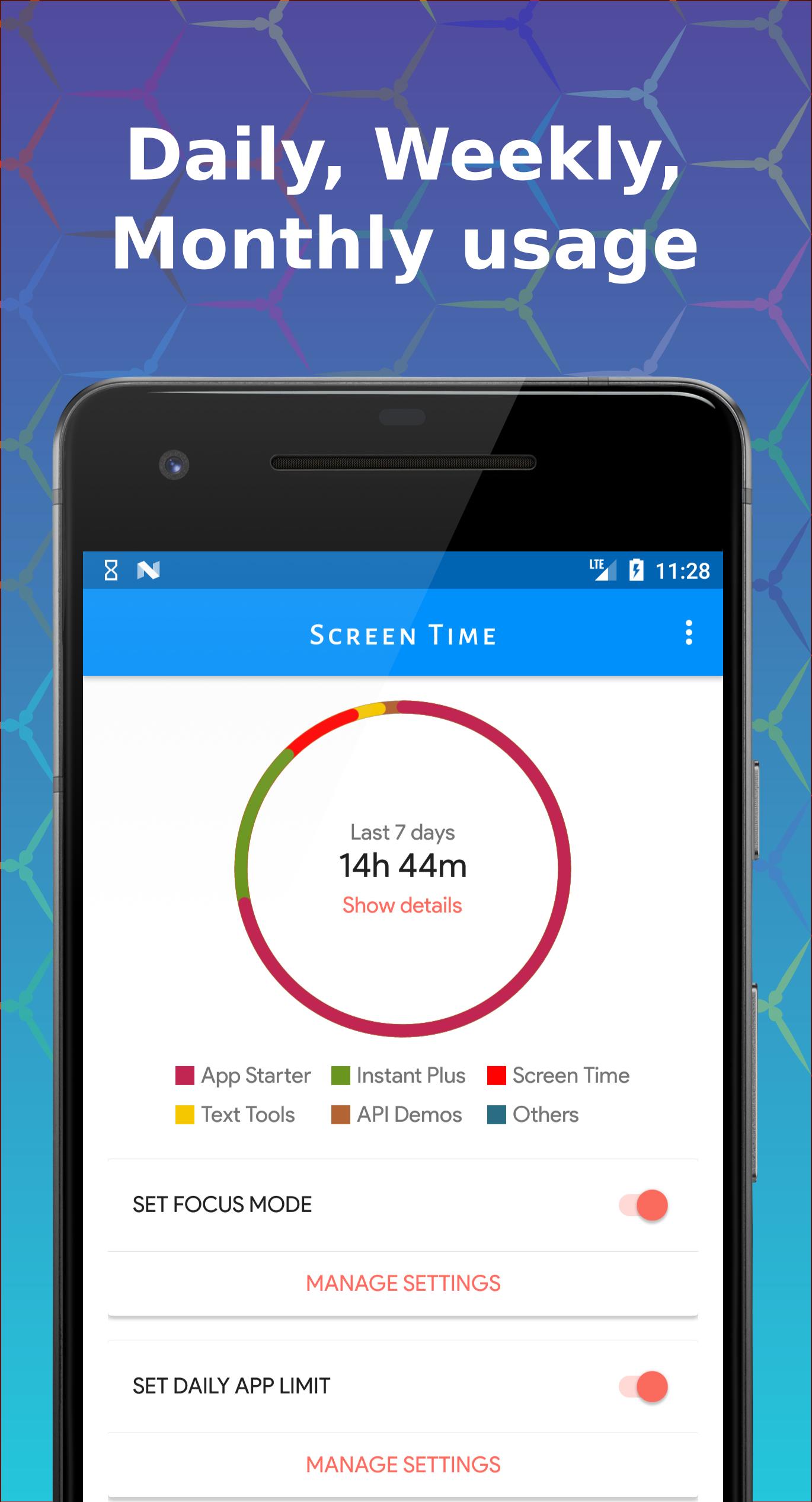
Take control of your phone usage and enhance your focus with Screen Time Manager! Available for all Android users up to Lollipop, this app extends Digital Well-being functionalities for better digital health.
Key Features
- 🕒 Limit App Usage: Set daily limits for apps.
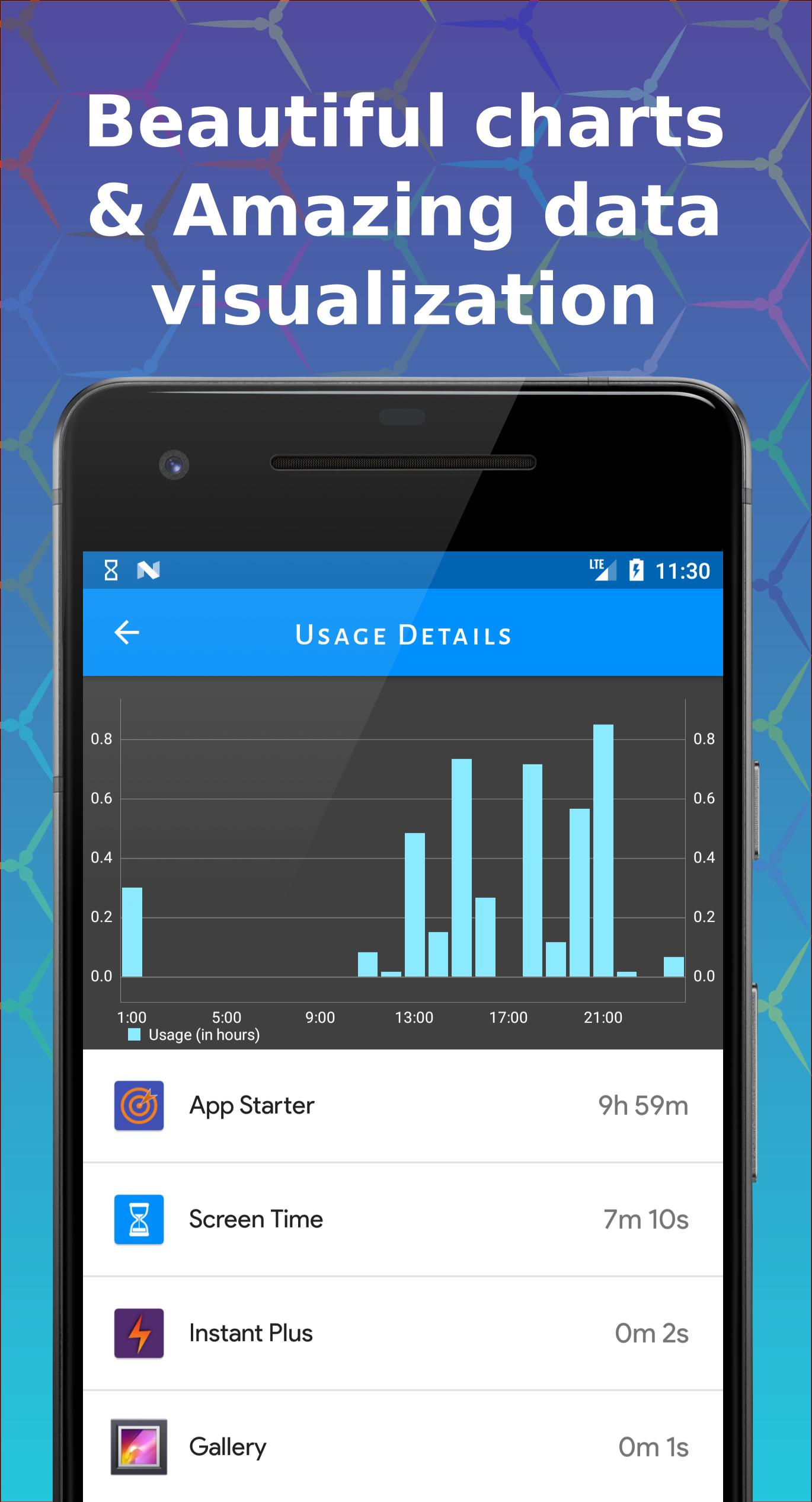
- 📊 Visualize Screen Time: Powerful visualizer and charts.
- ⏳ Daily App Limits: Manage phone usage effectively.
- 🚫 Focus Mode: Allow only essential apps during selected times.
- 📈 Compare Data: View screen time data across different periods.
- 🔍 Control Excessive Use: Enhanced charts to monitor usage.
- ⏰ Daily Notifications: Get screen time alerts.
Usage & Benefits
- 🔒 Effective Limiting: Manage app usage and break phone addiction.
- ⏰ Daily Limits: Keep track of app usage with notifications.
- 🚫 Focus Mode: Block certain apps during specific times.
Individuals often spend more time on their phones than they realize. Screen Time Manager helps you understand and manage your app usage for better productivity and digital wellbeing.
Why Choose Us?
Simple yet powerful, Screen Time Manager helps you manage screen time effectively. Your privacy is our priority; all data remains on your phone.
We’re always excited to hear from you! Contact us with any problems or suggestions.
معاينة
العلامات
إنتاجيةمعلومة
مطور
AppBuck3t
احدث اصدار
1.13.2
آخر تحديث
2025-08-17
فئة
إنتاجية
متاح على
Google Play
أظهر المزيد
كيف تلعب Screen Time Manager مع GameLoop على جهاز الكمبيوتر
1. قم بتنزيل GameLoop من الموقع الرسمي ، ثم قم بتشغيل ملف exe لتثبيت GameLoop.
2. افتح GameLoop وابحث عن "Screen Time Manager" ، وابحث عن Screen Time Manager في نتائج البحث وانقر على "تثبيت".
3. استمتع بلعب Screen Time Manager على GameLoop.
Minimum requirements
OS
Windows 8.1 64-bit or Windows 10 64-bit
GPU
GTX 1050
CPU
i3-8300
Memory
8GB RAM
Storage
1GB available space
Recommended requirements
OS
Windows 8.1 64-bit or Windows 10 64-bit
GPU
GTX 1050
CPU
i3-9320
Memory
16GB RAM
Storage
1GB available space