NSC SmartRevision PC
NSC Sicherheitstechnik GmbH
قم بتنزيل NSC SmartRevision على جهاز الكمبيوتر باستخدام GameLoop Emulator
NSC SmartRevision على الكمبيوتر الشخصي
NSC SmartRevision ، القادم من المطور NSC Sicherheitstechnik GmbH ، يعمل على نظام Android في الماضي.
الآن ، يمكنك لعب NSC SmartRevision على جهاز الكمبيوتر باستخدام GameLoop بسلاسة.
قم بتنزيله في مكتبة GameLoop أو في نتائج البحث. لا مزيد من الانتباه إلى البطارية أو المكالمات المحبطة في الوقت الخطأ بعد الآن.
ما عليك سوى الاستمتاع بجهاز NSC SmartRevision على الشاشة الكبيرة مجانًا!
NSC SmartRevision مقدمة
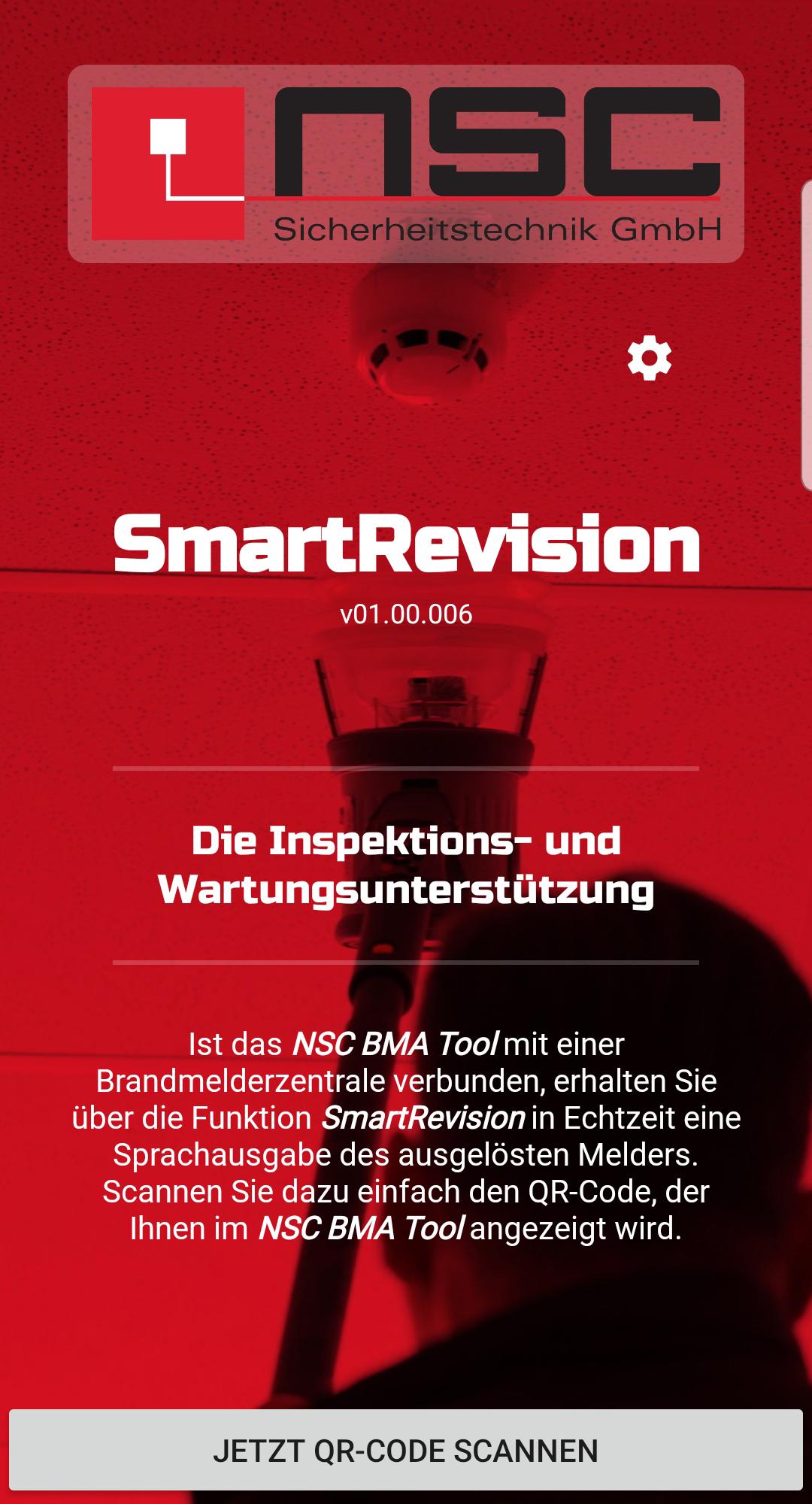
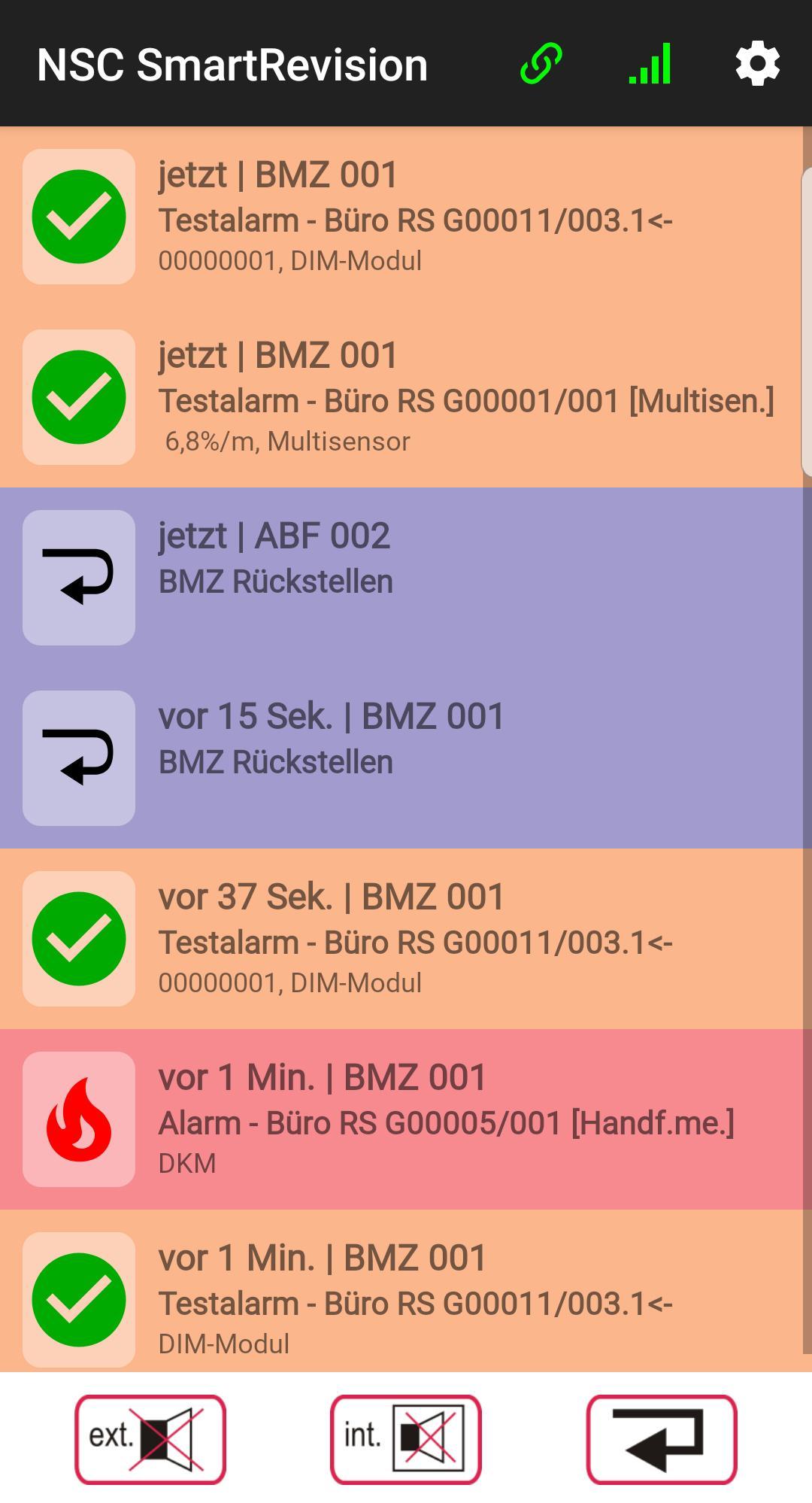
With the SmartRevision app, the maintenance technician receives a voice output of the triggered detector on his smartphone in real time. This means that he can immediately compare the voice message with the labeling on the detector on site!
To do this, the BMA Tool version 9.03 or higher must be installed on the PC and the SmartRevision function must be called up under Tools.
The fire alarm systems Solution F1 and Solution F2 are supported.
Version V15.07 or higher is recommended for Solution F1.
At least version 2.06 is required for Solution F2.
* requires a PC and smartphone internet connection
معاينة
العلامات
إنتاجيةمعلومة
مطور
NSC Sicherheitstechnik GmbH
احدث اصدار
01.00 Build 010
آخر تحديث
2023-08-30
فئة
إنتاجية
متاح على
Google Play
أظهر المزيد
كيف تلعب NSC SmartRevision مع GameLoop على جهاز الكمبيوتر
1. قم بتنزيل GameLoop من الموقع الرسمي ، ثم قم بتشغيل ملف exe لتثبيت GameLoop.
2. افتح GameLoop وابحث عن "NSC SmartRevision" ، وابحث عن NSC SmartRevision في نتائج البحث وانقر على "تثبيت".
3. استمتع بلعب NSC SmartRevision على GameLoop.
Minimum requirements
OS
Windows 8.1 64-bit or Windows 10 64-bit
GPU
GTX 1050
CPU
i3-8300
Memory
8GB RAM
Storage
1GB available space
Recommended requirements
OS
Windows 8.1 64-bit or Windows 10 64-bit
GPU
GTX 1050
CPU
i3-9320
Memory
16GB RAM
Storage
1GB available space