
Mobile Lookup - Eagle PC
Epicor Software Corporation
قم بتنزيل Mobile Lookup - Eagle على جهاز الكمبيوتر باستخدام GameLoop Emulator
Mobile Lookup - Eagle على الكمبيوتر الشخصي
Mobile Lookup - Eagle ، القادم من المطور Epicor Software Corporation ، يعمل على نظام Android في الماضي.
الآن ، يمكنك لعب Mobile Lookup - Eagle على جهاز الكمبيوتر باستخدام GameLoop بسلاسة.
قم بتنزيله في مكتبة GameLoop أو في نتائج البحث. لا مزيد من الانتباه إلى البطارية أو المكالمات المحبطة في الوقت الخطأ بعد الآن.
ما عليك سوى الاستمتاع بجهاز Mobile Lookup - Eagle على الشاشة الكبيرة مجانًا!
Mobile Lookup - Eagle مقدمة
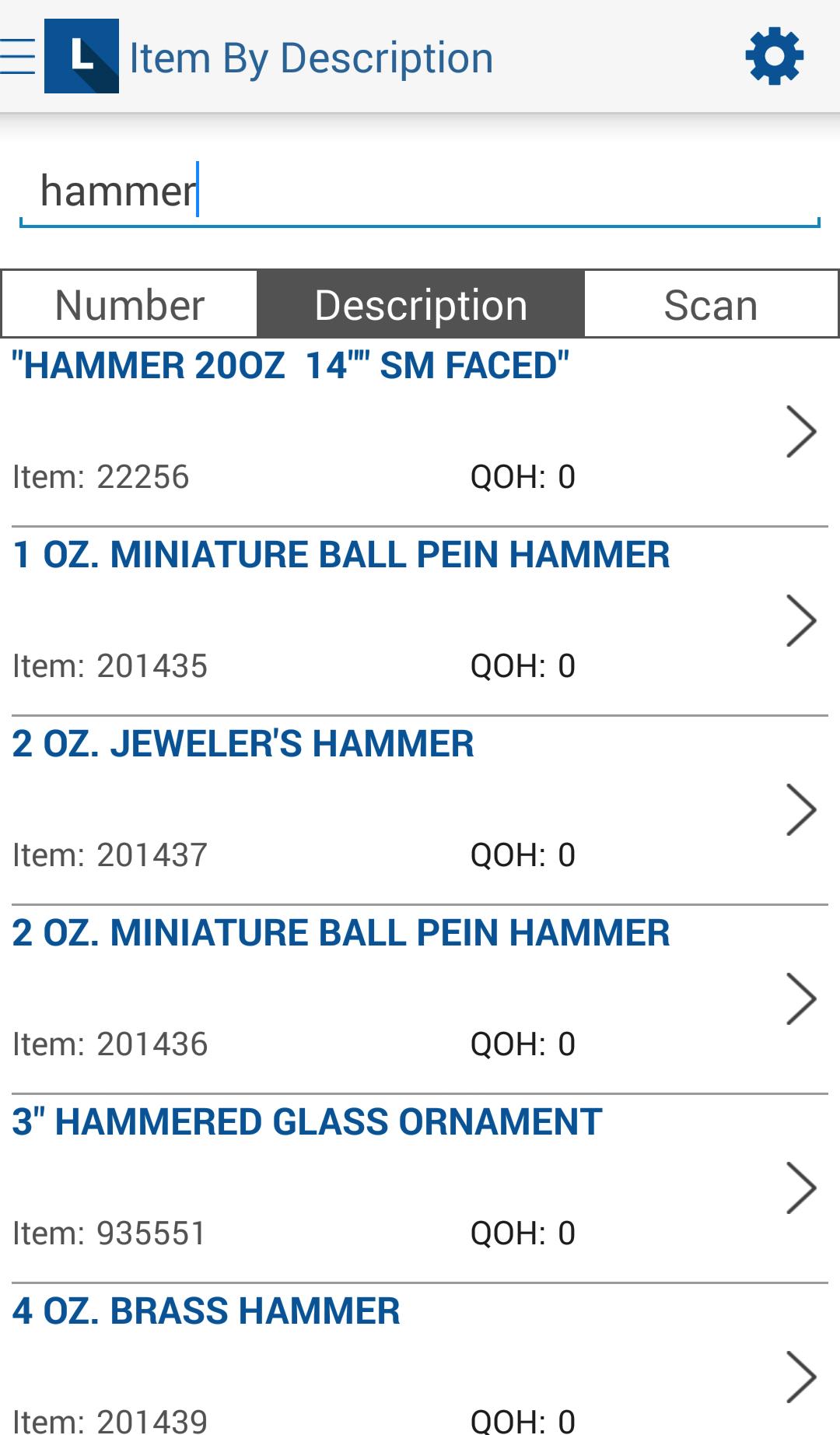
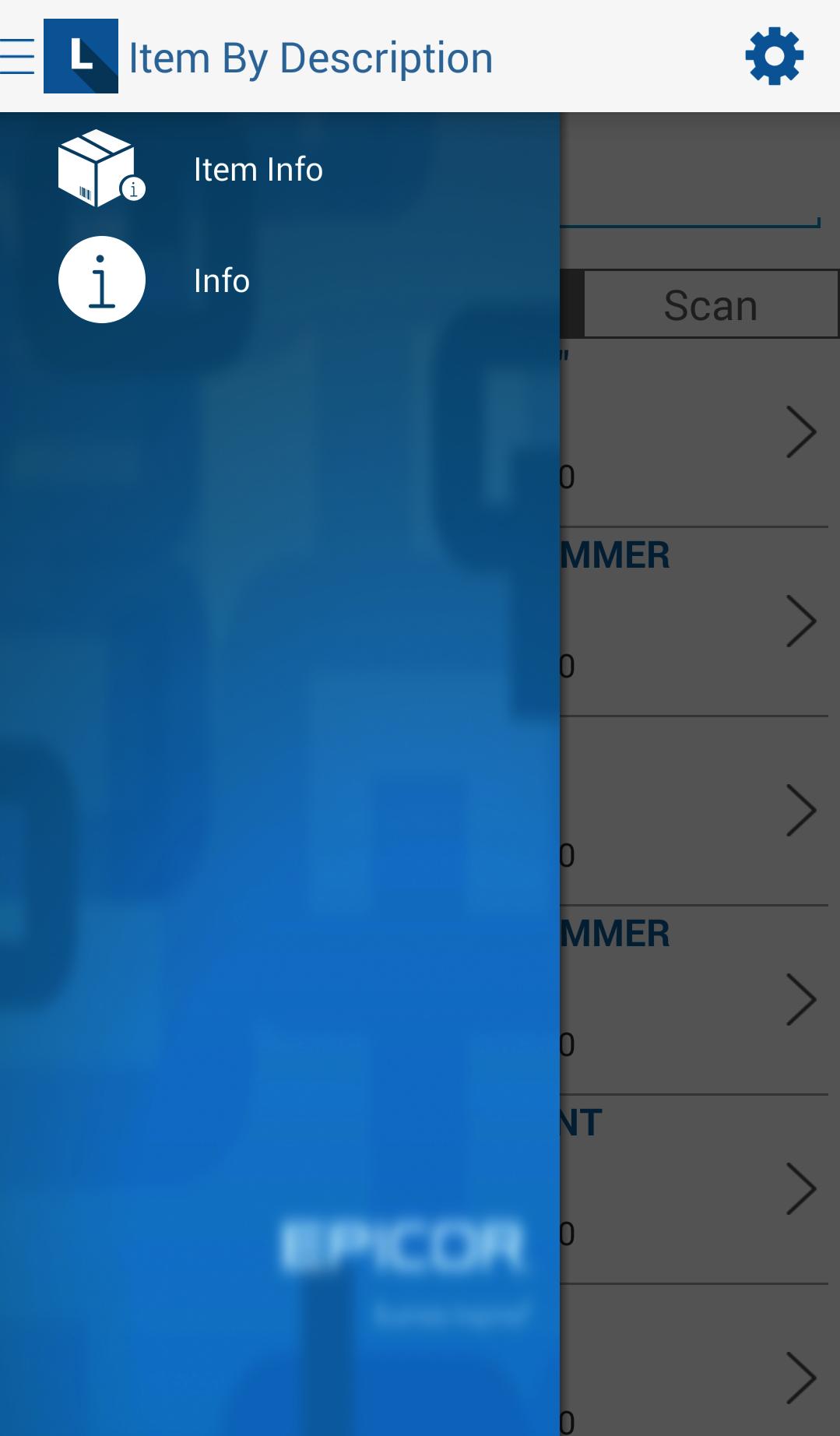
The Epicor Mobile Lookup application works in conjunction with Epicor’s Eagle Retail Management Solution. It enables users to view stocking information about their items on the go, including current on hand and on order quantities, location assignments and retail pricing. It is designed to be used by any retail floor employee to improve customer service. Eagle Level 21 or higher and Role Based Security are required. Please consult Eagle Online Help for assistance in configuring Role Based Security.
In order to use barcode scanning in this application, your device must have an auto-focus camera.
معاينة
العلامات
إنتاجيةمعلومة
مطور
Epicor Software Corporation
احدث اصدار
2.3
آخر تحديث
2023-12-04
فئة
إنتاجية
متاح على
Google Play
أظهر المزيد
كيف تلعب Mobile Lookup - Eagle مع GameLoop على جهاز الكمبيوتر
1. قم بتنزيل GameLoop من الموقع الرسمي ، ثم قم بتشغيل ملف exe لتثبيت GameLoop.
2. افتح GameLoop وابحث عن "Mobile Lookup - Eagle" ، وابحث عن Mobile Lookup - Eagle في نتائج البحث وانقر على "تثبيت".
3. استمتع بلعب Mobile Lookup - Eagle على GameLoop.
Minimum requirements
OS
Windows 8.1 64-bit or Windows 10 64-bit
GPU
GTX 1050
CPU
i3-8300
Memory
8GB RAM
Storage
1GB available space
Recommended requirements
OS
Windows 8.1 64-bit or Windows 10 64-bit
GPU
GTX 1050
CPU
i3-9320
Memory
16GB RAM
Storage
1GB available space