Merge PDF - Photo to PDF PC
Inspire Zone
قم بتنزيل Merge PDF - Photo to PDF على جهاز الكمبيوتر باستخدام GameLoop Emulator
Merge PDF - Photo to PDF على الكمبيوتر الشخصي
Merge PDF - Photo to PDF ، القادم من المطور Inspire Zone ، يعمل على نظام Android في الماضي.
الآن ، يمكنك لعب Merge PDF - Photo to PDF على جهاز الكمبيوتر باستخدام GameLoop بسلاسة.
قم بتنزيله في مكتبة GameLoop أو في نتائج البحث. لا مزيد من الانتباه إلى البطارية أو المكالمات المحبطة في الوقت الخطأ بعد الآن.
ما عليك سوى الاستمتاع بجهاز Merge PDF - Photo to PDF على الشاشة الكبيرة مجانًا!
Merge PDF - Photo to PDF مقدمة
Merge PDF - Photo to PDF | Image to PDF, Combine & Convert
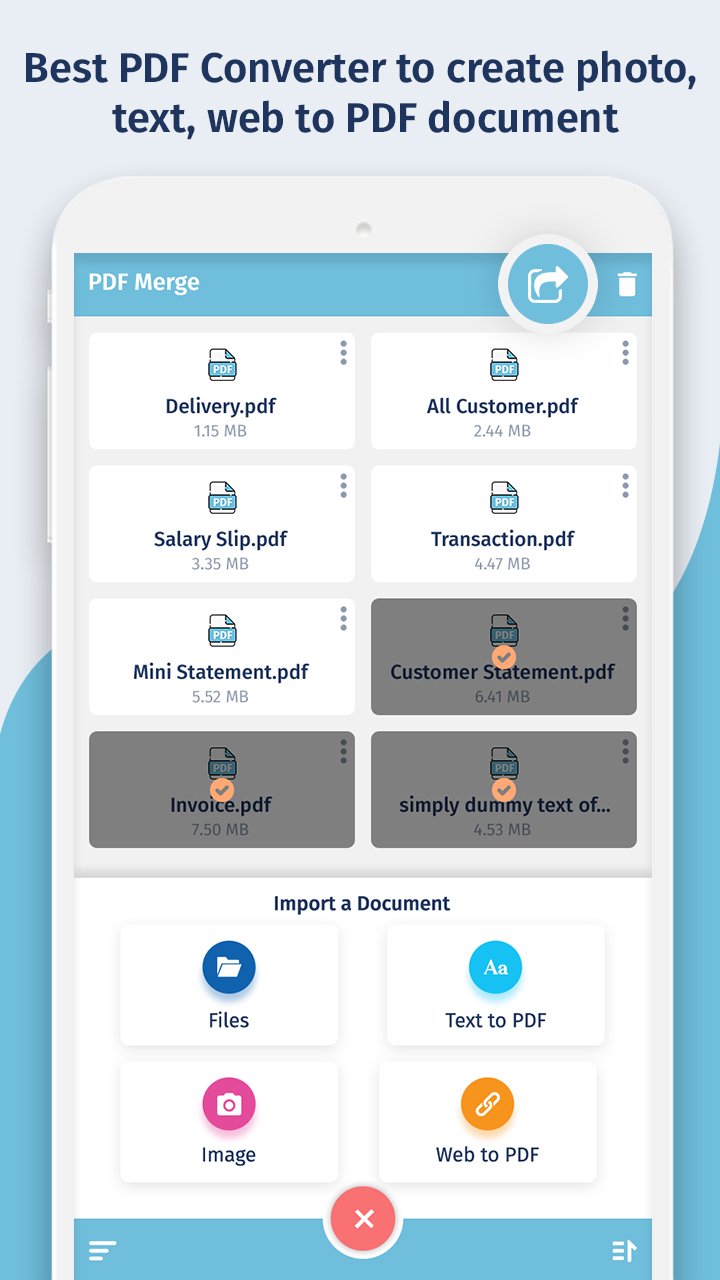
Looking for a powerful and easy-to-use PDF converter app? Merge PDF - Photo to PDF is the ultimate tool to convert images to PDF, merge PDF files, and create professional PDFs in seconds. Whether you need to combine documents, convert JPG to PDF, or save a webpage as a PDF, this app has everything you need.
🧩 Top Features:
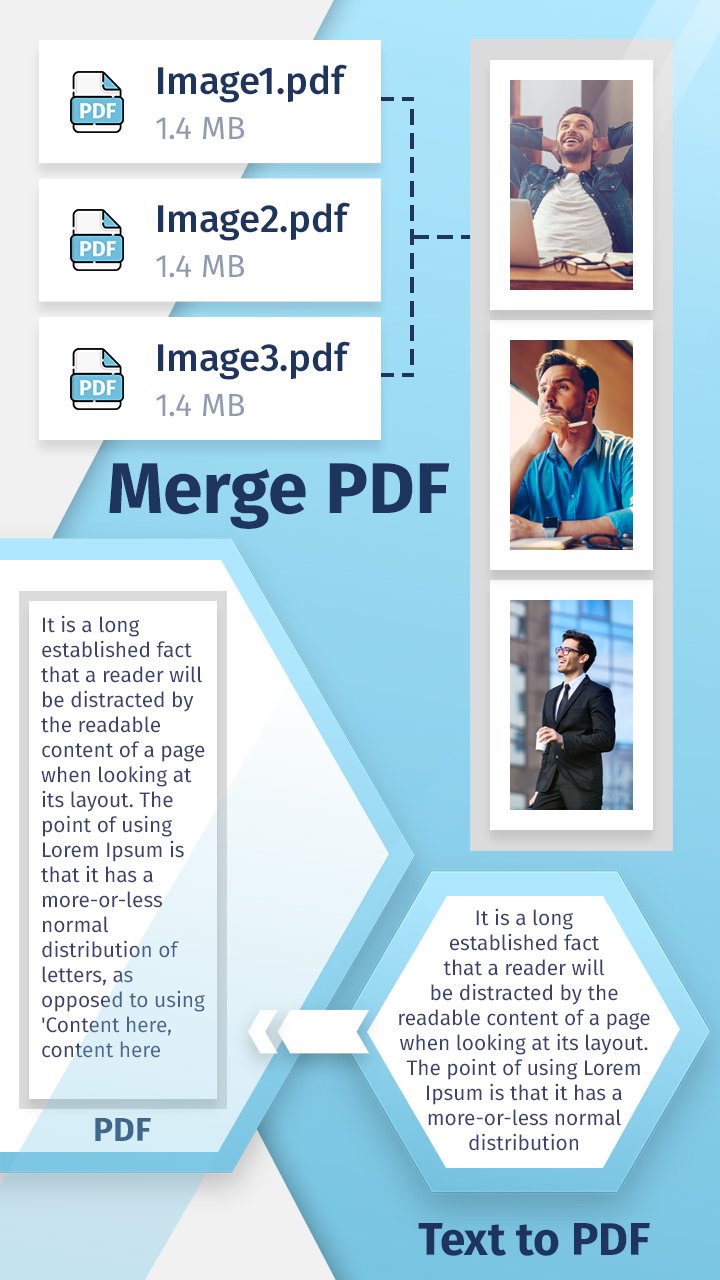
📎 Merge PDF – Combine Multiple PDF Files
Join two or more PDF files into one seamlessly
Arrange files in custom order before merging
No watermark, no page limits – merge unlimited PDFs
Fast, reliable, and secure PDF combiner
📷 Image to PDF – Convert Photo to PDF
Turn any image into a high-quality PDF file
Supports JPG, JPEG, PNG, and more
Combine multiple photos into one single PDF document
Great for receipts, documents, certificates, or scanned notes
🌐 Web to PDF Converter
Instantly convert any web page to PDF
Just enter the URL and save the content for offline use
Perfect for saving articles, reports, and online forms
📝 Text to PDF – Convert Notes & Documents
Write or import text and export as a PDF
Customize font, layout, and formatting
Convert .TXT and other text files to PDF format easily
📥 Why Choose Merge PDF - Photo to PDF?
✔ All-in-one PDF creation and management tool
✔ Combine PDFs, images, text, and websites into one file
✔ Easy to use, drag and drop support
✔ Lightweight, fast, and works offline
✔ Share PDFs directly via email or cloud services
🚀 Best Use Cases:
Create scanned PDFs using your mobile camera
Merge bills, bank statements, invoices into a single PDF
Convert class notes, assignments, or eBooks into PDFs
Save travel itineraries, tickets, or web pages offline
🔒 Privacy & Security
Your files are processed locally. Nothing is uploaded to any server. 100% safe and secure.
📲 Download Merge PDF - Photo to PDF now to organize, convert, and manage your documents on the go. Perfect for students, professionals, freelancers, and anyone needing a reliable PDF tool.
معاينة
العلامات
إنتاجيةمعلومة
مطور
Inspire Zone
احدث اصدار
1.4
آخر تحديث
2025-10-27
فئة
إنتاجية
متاح على
Google Play
أظهر المزيد
كيف تلعب Merge PDF - Photo to PDF مع GameLoop على جهاز الكمبيوتر
1. قم بتنزيل GameLoop من الموقع الرسمي ، ثم قم بتشغيل ملف exe لتثبيت GameLoop.
2. افتح GameLoop وابحث عن "Merge PDF - Photo to PDF" ، وابحث عن Merge PDF - Photo to PDF في نتائج البحث وانقر على "تثبيت".
3. استمتع بلعب Merge PDF - Photo to PDF على GameLoop.
Minimum requirements
OS
Windows 8.1 64-bit or Windows 10 64-bit
GPU
GTX 1050
CPU
i3-8300
Memory
8GB RAM
Storage
1GB available space
Recommended requirements
OS
Windows 8.1 64-bit or Windows 10 64-bit
GPU
GTX 1050
CPU
i3-9320
Memory
16GB RAM
Storage
1GB available space