
LG TV Cast & Screen Mirroring PC
AirBeamTV BV
قم بتنزيل LG TV Cast & Screen Mirroring على جهاز الكمبيوتر باستخدام GameLoop Emulator
LG TV Cast & Screen Mirroring على الكمبيوتر الشخصي
LG TV Cast & Screen Mirroring ، القادم من المطور AirBeamTV BV ، يعمل على نظام Android في الماضي.
الآن ، يمكنك لعب LG TV Cast & Screen Mirroring على جهاز الكمبيوتر باستخدام GameLoop بسلاسة.
قم بتنزيله في مكتبة GameLoop أو في نتائج البحث. لا مزيد من الانتباه إلى البطارية أو المكالمات المحبطة في الوقت الخطأ بعد الآن.
ما عليك سوى الاستمتاع بجهاز LG TV Cast & Screen Mirroring على الشاشة الكبيرة مجانًا!
LG TV Cast & Screen Mirroring مقدمة
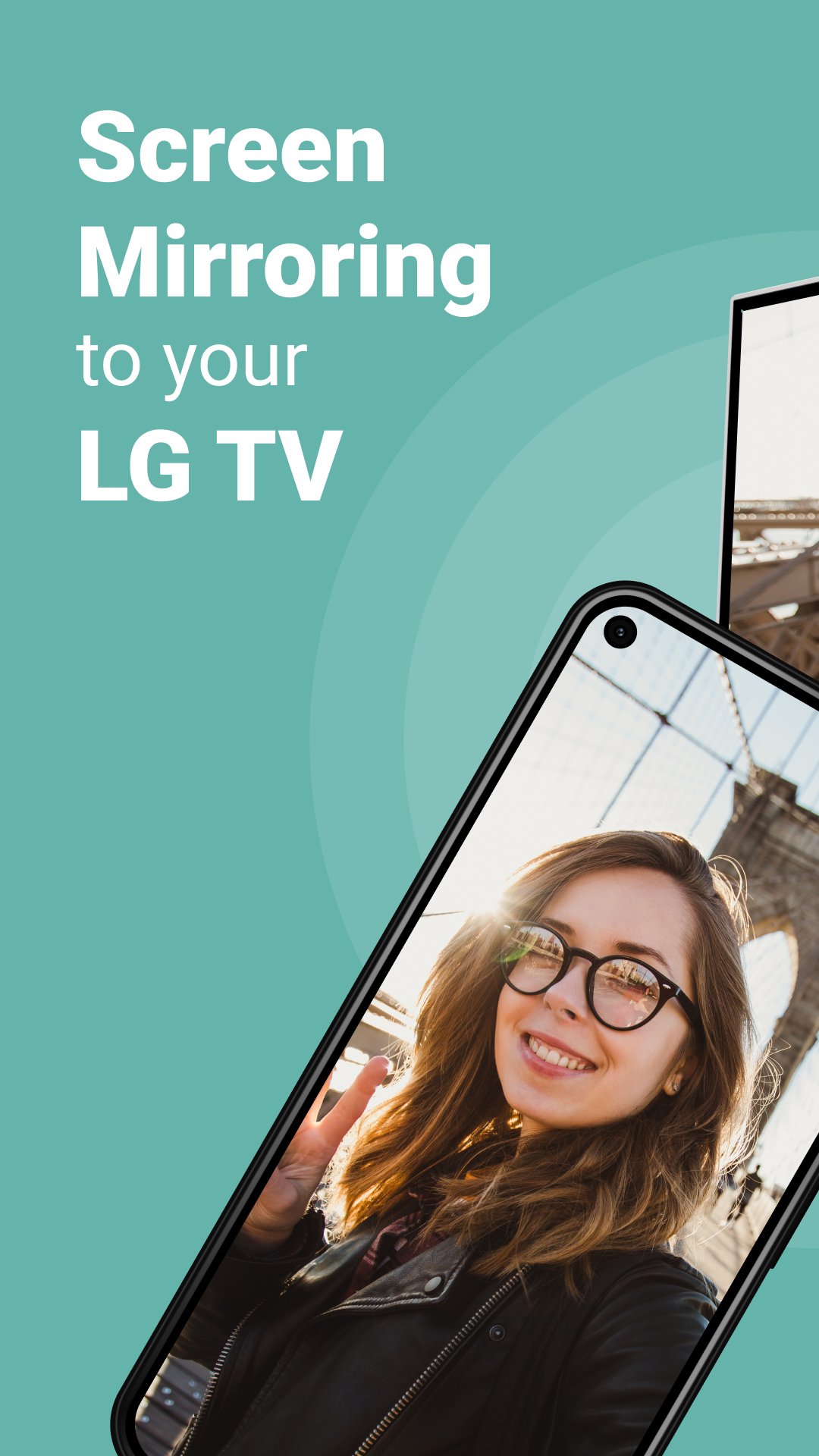
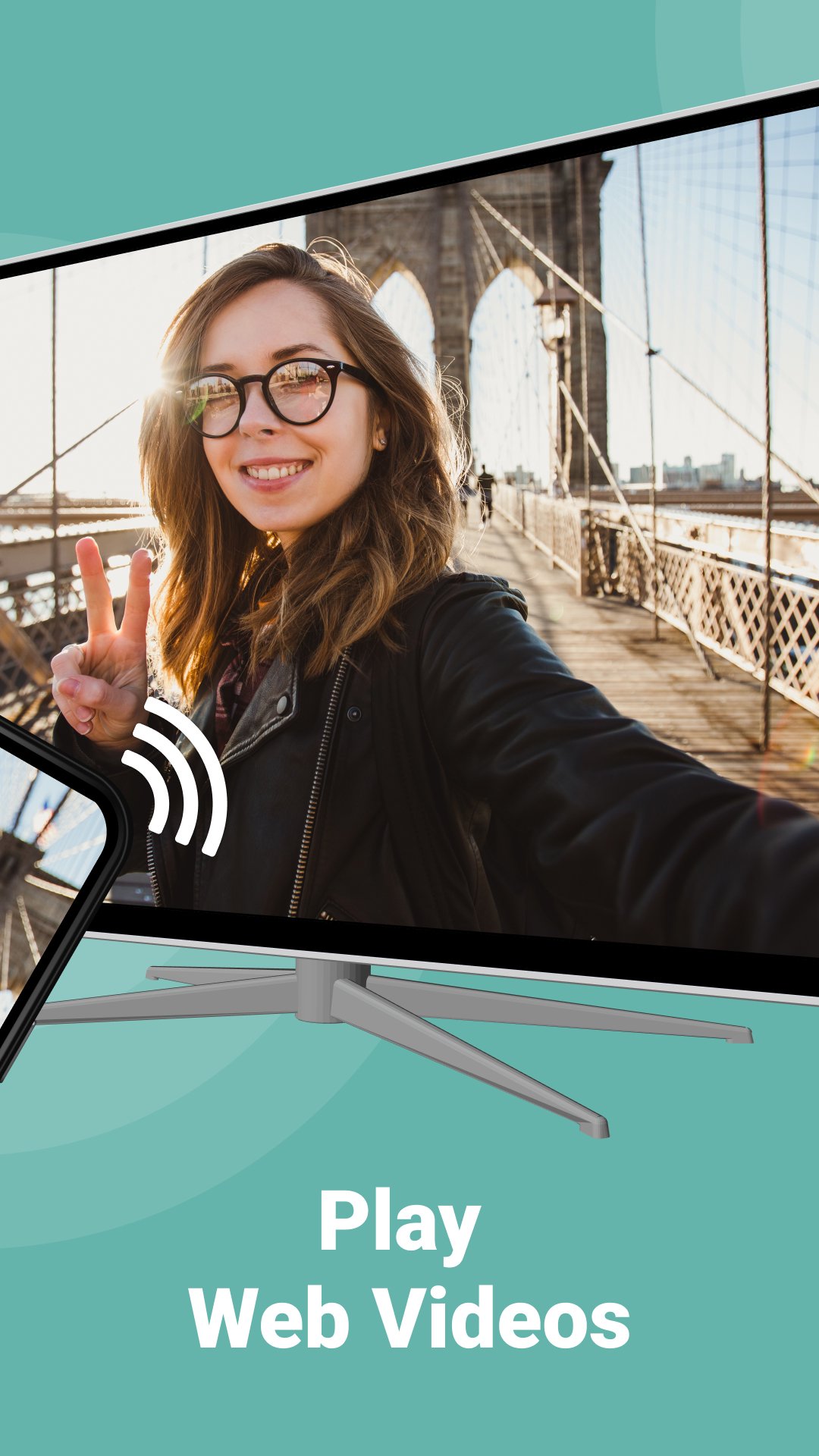
Enjoy effortless screen mirroring and casting for any LG TV, LG Thinq, LG TV Plus, and the power of LG screenshare! With AirBeamTV app for LG TV, you can easily stream movies, videos, photos, and apps from your phone or tablet directly to your LG TV. Using AirBeamTV, enjoy wireless display entertainment with smooth performance, connecting your devices in just a few taps. Seamlessly Mirror Your Screen with LG Thinq, LG TV Plus, and LG Screenshare.
Whether you're showing off vacation photos, streaming your favorite videos, or using apps, LG screenshare makes it easy to display everything on your LG Thinq or LG TV Plus device. No need for cables—just connect to the same Wi-Fi network, and start mirroring in seconds with our user-friendly app.
With AirBeamTV, your casting experience is optimized for LG screenshare, offering a fast and reliable connection for streaming videos and more. Even when some apps block mirroring, our app works perfectly with LG screenshare on LG Thinq and LG TV Plus devices, giving you full control of your content.
Key Features:
Cast videos, apps, and presentations wirelessly.
Screen mirroring phone or tablet to big television screen.
Simple setup and seamless connection through LG screenshare.
No cables required—everything is wireless!
AirBeamTV ensures a smooth and reliable screen mirroring experience
Requirements:
Wi-Fi connection
Phone or tablet on the same network with as your smart television
Please note: Some apps may block screen mirroring due to DRM restrictions, but for everything else, our app provides full LG screenshare support.
Terms of Use: http://bit.ly/ABTV-TOU21
Privacy Policy: http://bit.ly/ABTVPrivacy
Learn more: https://www.airbeam.tv/brands/mirror-for-lg-tv/
Download the AirBeamTV app for LG TV today and elevate your viewing experience with seamless mirroring on LG Thinq, LG TV Plus, and LG screenshare!
معاينة
العلامات
إنتاجيةمعلومة
مطور
AirBeamTV BV
احدث اصدار
3.23
آخر تحديث
2026-02-11
فئة
إنتاجية
متاح على
Google Play
أظهر المزيد
كيف تلعب LG TV Cast & Screen Mirroring مع GameLoop على جهاز الكمبيوتر
1. قم بتنزيل GameLoop من الموقع الرسمي ، ثم قم بتشغيل ملف exe لتثبيت GameLoop.
2. افتح GameLoop وابحث عن "LG TV Cast & Screen Mirroring" ، وابحث عن LG TV Cast & Screen Mirroring في نتائج البحث وانقر على "تثبيت".
3. استمتع بلعب LG TV Cast & Screen Mirroring على GameLoop.
Minimum requirements
OS
Windows 8.1 64-bit or Windows 10 64-bit
GPU
GTX 1050
CPU
i3-8300
Memory
8GB RAM
Storage
1GB available space
Recommended requirements
OS
Windows 8.1 64-bit or Windows 10 64-bit
GPU
GTX 1050
CPU
i3-9320
Memory
16GB RAM
Storage
1GB available space