
To Do Screen - Task PC
FirstScreenTeam
قم بتنزيل To Do Screen - Task على جهاز الكمبيوتر باستخدام GameLoop Emulator
To Do Screen - Task على الكمبيوتر الشخصي
To Do Screen - Task ، القادم من المطور FirstScreenTeam ، يعمل على نظام Android في الماضي.
الآن ، يمكنك لعب To Do Screen - Task على جهاز الكمبيوتر باستخدام GameLoop بسلاسة.
قم بتنزيله في مكتبة GameLoop أو في نتائج البحث. لا مزيد من الانتباه إلى البطارية أو المكالمات المحبطة في الوقت الخطأ بعد الآن.
ما عليك سوى الاستمتاع بجهاز To Do Screen - Task على الشاشة الكبيرة مجانًا!
To Do Screen - Task مقدمة
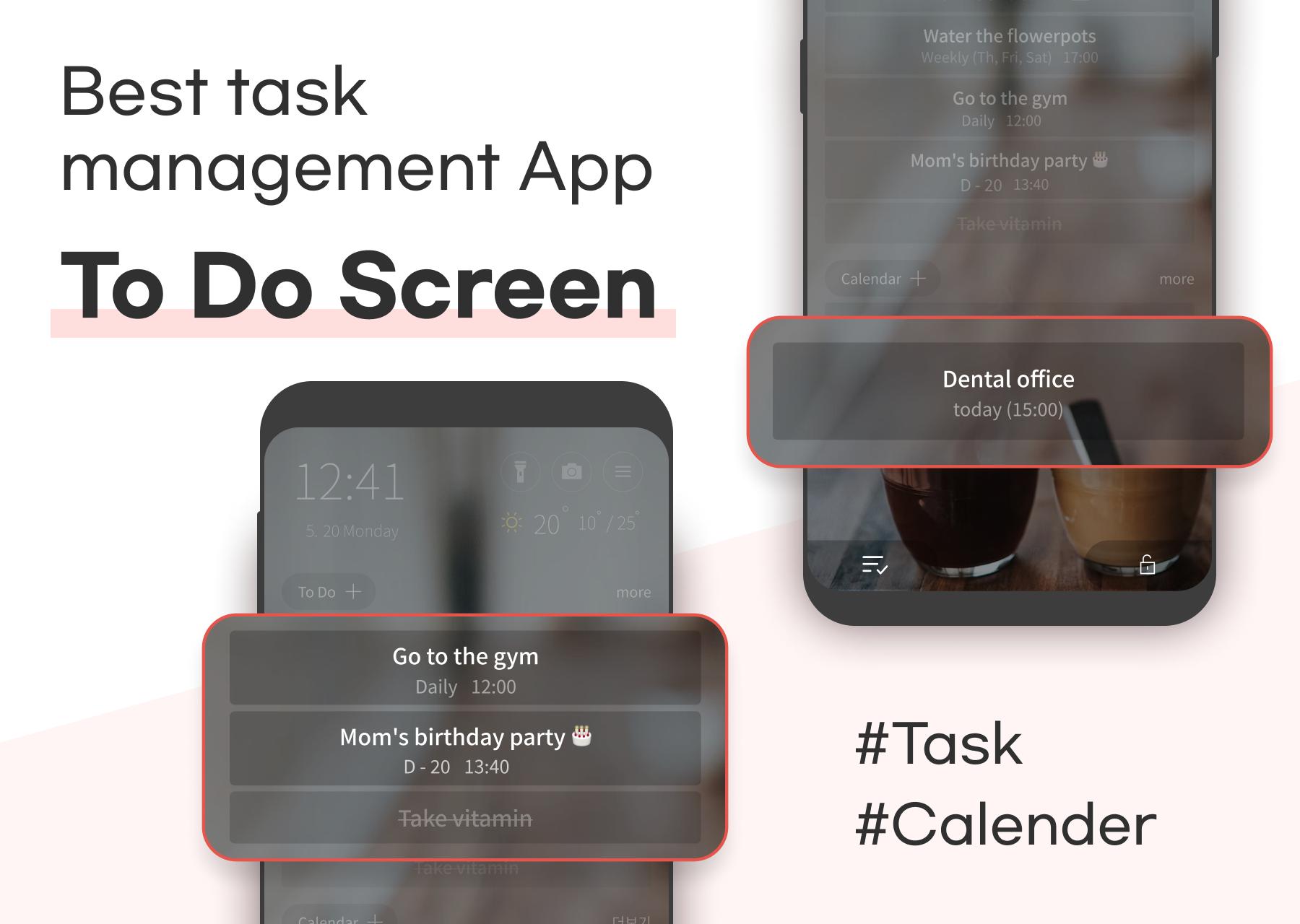
✔To Do App that remembers your important task for you
✔ You no longer have to keep your memo app
✔ Manage today's tasks, Calendar, Birthdays, Public Holidays, Event information on home screen with this app
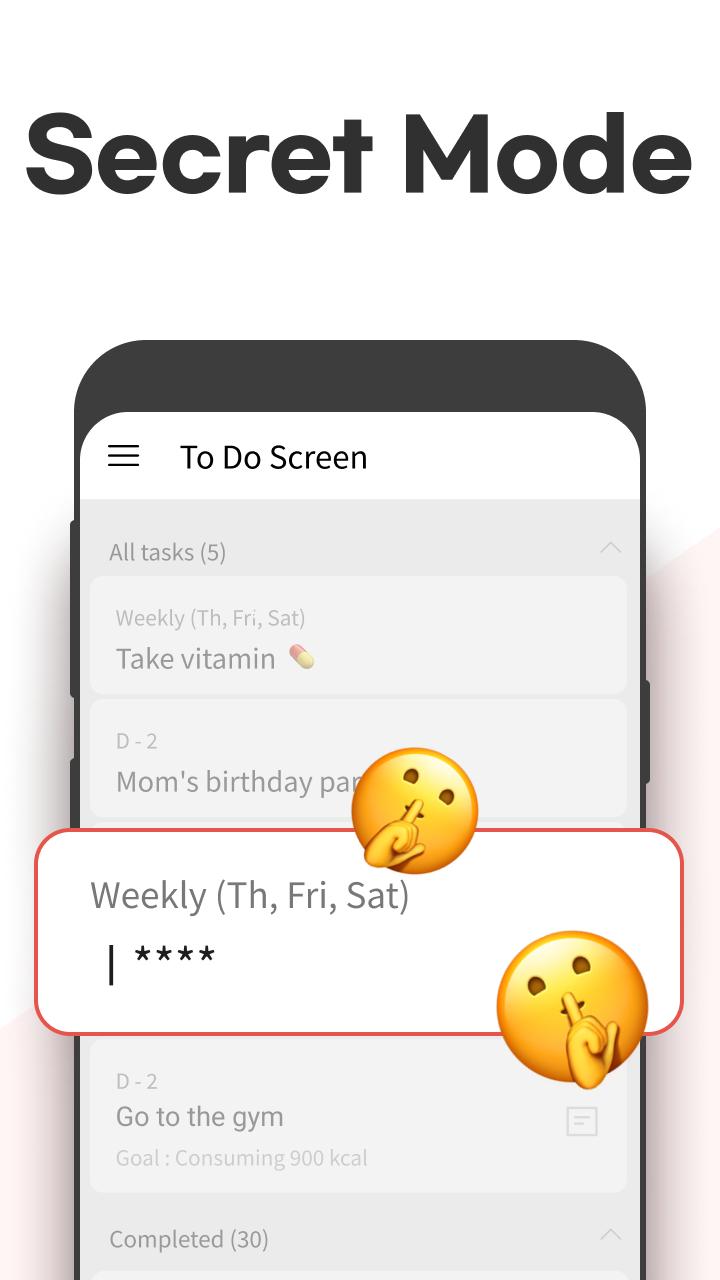
✔To Do Screen - Supported functionality
- Add tasks
- Delete, update, complete tasks
- Enter tasks memo
- Tasks export/import
- Repetitive tasks
- Auto sync with Google calendar
- Manage daily tasks with D-day functionality
- Highlight important tasks with various color and emojis
- Easier schedule management by linking today's tasks, Birthdays, Events, Public Holidays sync
✔To Do Screen - Additional functionality
- Weather information
- Go to Calendar
- Notification bar function
✔To Do Screen - Convenient functionality
- Convenient flashlight
- Quick camera
※To Do Screen Permission Notice
To provide smooth service, the following permissions are required. Please note that they will never be used for purposes other than those stated below.
[Required Permissions]
Display over other apps: Provides information on the phone's first screen.
[Optional Permissions]
*You can use the app without agreeing to the optional permissions.
Notifications: Use of notification bar and receiving task updates
Location: Setting the current location to receive weather information
Calendar: Accessing the calendar for task management
معاينة
العلامات
إنتاجيةمعلومة
مطور
FirstScreenTeam
احدث اصدار
2.7.5
آخر تحديث
2024-10-11
فئة
إنتاجية
متاح على
Google Play
أظهر المزيد
كيف تلعب To Do Screen - Task مع GameLoop على جهاز الكمبيوتر
1. قم بتنزيل GameLoop من الموقع الرسمي ، ثم قم بتشغيل ملف exe لتثبيت GameLoop.
2. افتح GameLoop وابحث عن "To Do Screen - Task" ، وابحث عن To Do Screen - Task في نتائج البحث وانقر على "تثبيت".
3. استمتع بلعب To Do Screen - Task على GameLoop.
Minimum requirements
OS
Windows 8.1 64-bit or Windows 10 64-bit
GPU
GTX 1050
CPU
i3-8300
Memory
8GB RAM
Storage
1GB available space
Recommended requirements
OS
Windows 8.1 64-bit or Windows 10 64-bit
GPU
GTX 1050
CPU
i3-9320
Memory
16GB RAM
Storage
1GB available space