
Mail Alarm PC
Mail Alarm Developer
قم بتنزيل Mail Alarm على جهاز الكمبيوتر باستخدام GameLoop Emulator
Mail Alarm على الكمبيوتر الشخصي
Mail Alarm ، القادم من المطور Mail Alarm Developer ، يعمل على نظام Android في الماضي.
الآن ، يمكنك لعب Mail Alarm على جهاز الكمبيوتر باستخدام GameLoop بسلاسة.
قم بتنزيله في مكتبة GameLoop أو في نتائج البحث. لا مزيد من الانتباه إلى البطارية أو المكالمات المحبطة في الوقت الخطأ بعد الآن.
ما عليك سوى الاستمتاع بجهاز Mail Alarm على الشاشة الكبيرة مجانًا!
Mail Alarm مقدمة
Do you want to get notified when a specific message arrives in your inbox?
As the name states "Mail Alarm" sounds an alarm when an email arrives in the inbox. At present this is done by monitoring emails with specific label(s).
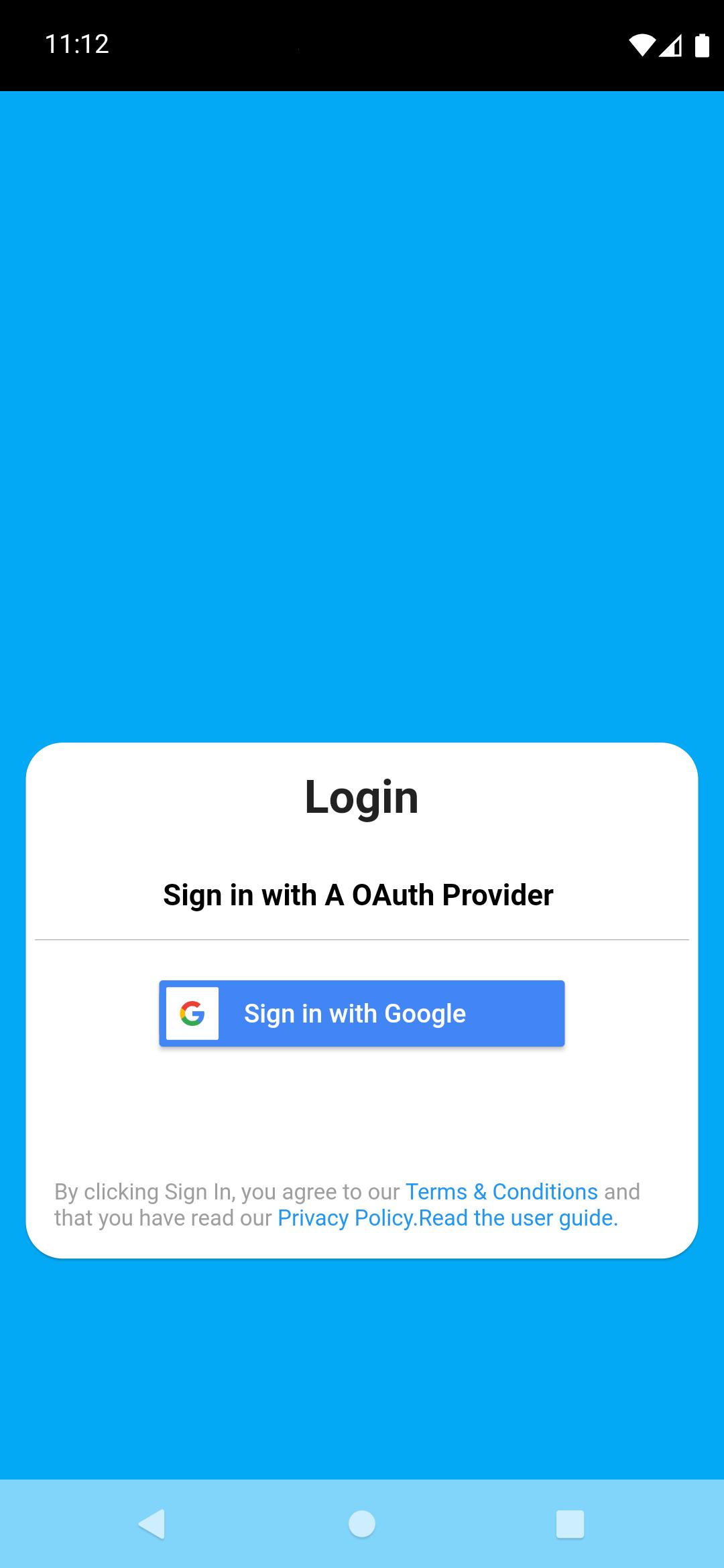
Labels are applied by the Gmail based on a criteria specified by you. In Gmail, this is achieved by specifying a filter. If you are not familiar with how to apply labels to messages, visit the home page of this app or click on the link on the login page of the app for a quick user guide.
Features:
1. Notifies only about unread messages with specific labels you selected.
2. Rings the alarm when such a message is detected and display a notification on notification panel.
3. Tapping on the notification opens the default email app.
4. Check for new messages every 15 minutes.
Current limitations:
1. Cannot change the alarm sound.
2. No silent mode at present, i.e. cannot mute the alarm sound.
3. Cannot change the checking interval.
4. Only works while the app is opened in the background.
5. Monitors only by labels.
6. Only retrieves the first 10 unread messages for each label, cannot change that number.
The app may be put to sleep by the OS depending on the battery optimization policy. In this case, go to the Setting > Battery > Background Usage Limits and then if Mail Alarm is found in "Sleeping apps" or in "Deep sleeping apps" remove it from there, and add to "Never sleeping apps". Make sure the same is set in Settings > Apps > Mail Alarm > Optimize Battery Usage and then turn off battery optimization for Mail Alarm.
Some of the above limitations will be fixed in future releases.
Feedback and suggestions are welcome.
معاينة
العلامات
إنتاجيةمعلومة
مطور
Mail Alarm Developer
احدث اصدار
1.0.1
آخر تحديث
2022-01-18
فئة
إنتاجية
متاح على
Google Play
أظهر المزيد
كيف تلعب Mail Alarm مع GameLoop على جهاز الكمبيوتر
1. قم بتنزيل GameLoop من الموقع الرسمي ، ثم قم بتشغيل ملف exe لتثبيت GameLoop.
2. افتح GameLoop وابحث عن "Mail Alarm" ، وابحث عن Mail Alarm في نتائج البحث وانقر على "تثبيت".
3. استمتع بلعب Mail Alarm على GameLoop.
Minimum requirements
OS
Windows 8.1 64-bit or Windows 10 64-bit
GPU
GTX 1050
CPU
i3-8300
Memory
8GB RAM
Storage
1GB available space
Recommended requirements
OS
Windows 8.1 64-bit or Windows 10 64-bit
GPU
GTX 1050
CPU
i3-9320
Memory
16GB RAM
Storage
1GB available space