
Lite Writer: Writing/Note/Memo PC
OneLiteCore
قم بتنزيل Lite Writer: Writing/Note/Memo على جهاز الكمبيوتر باستخدام GameLoop Emulator
Lite Writer: Writing/Note/Memo على الكمبيوتر الشخصي
Lite Writer: Writing/Note/Memo ، القادم من المطور OneLiteCore ، يعمل على نظام Android في الماضي.
الآن ، يمكنك لعب Lite Writer: Writing/Note/Memo على جهاز الكمبيوتر باستخدام GameLoop بسلاسة.
قم بتنزيله في مكتبة GameLoop أو في نتائج البحث. لا مزيد من الانتباه إلى البطارية أو المكالمات المحبطة في الوقت الخطأ بعد الآن.
ما عليك سوى الاستمتاع بجهاز Lite Writer: Writing/Note/Memo على الشاشة الكبيرة مجانًا!
Lite Writer: Writing/Note/Memo مقدمة
Designed with passion and dedication, Lite Writer is ready to be your best assistant in your creation process of writing your new books and fictions. Either you are a professional writer or a budding novelist or just someone who need a note app to make some notes, Lite Writer is for you!
--- POWERFUL FEATURES ---
Lite Writer offers many essential features to help you write:
📚 File Management and Bookshelf:
- Organize your creation in a folder-file structure
- Personalize book covers
- Streamlined bulk operations
- Intelligent chapter number recognition and sorting
- Mapping your home folder onto your PC and edit them with PC writer software
📝 Instant Note for Instant Inspirations:
- Open a quick note panel from shortcuts
- Pin a note in your notification bar to remind you
- Organize your note files in an easier way
📈 Effortless Word and Character Tracking:
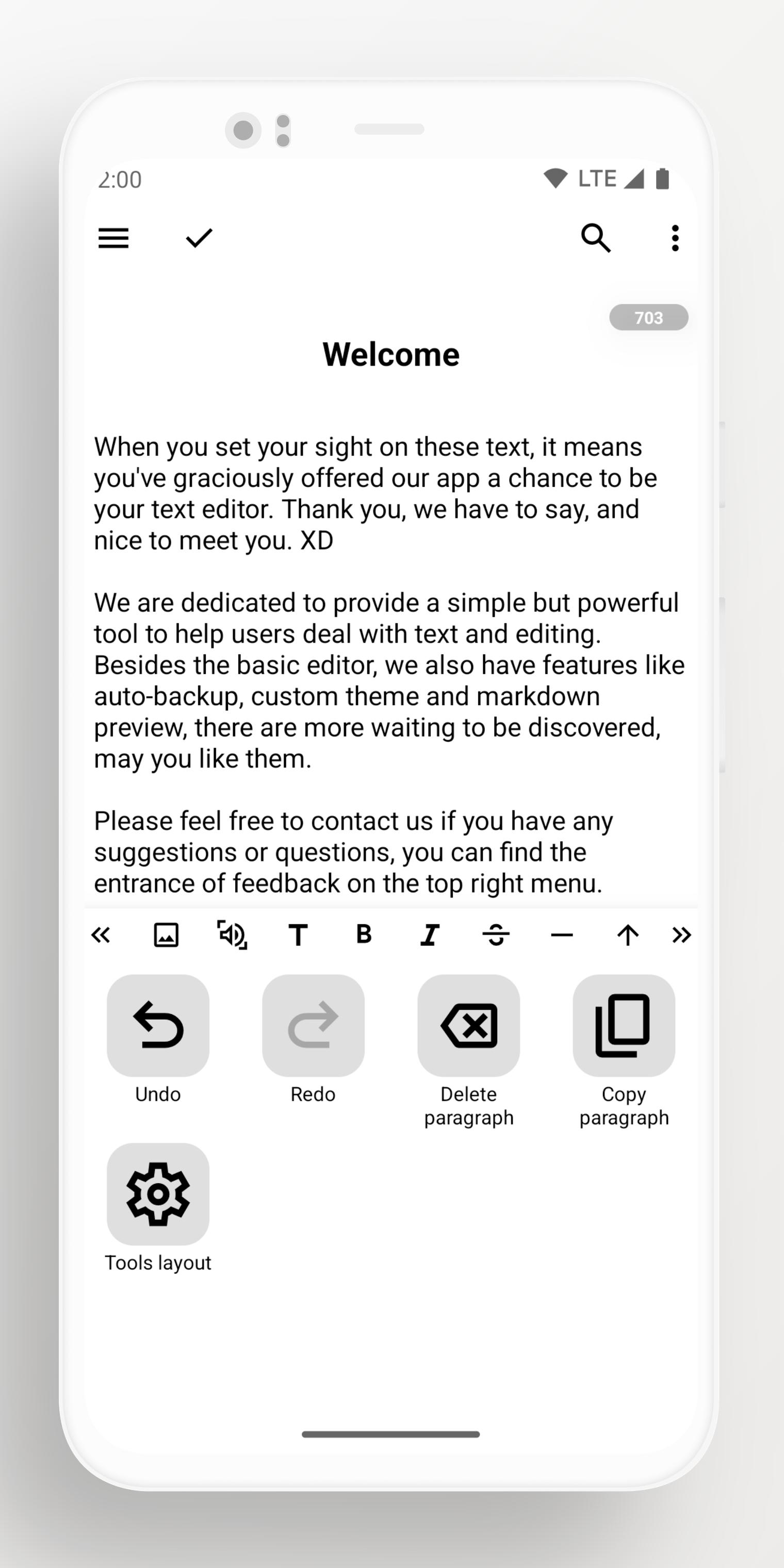
- Monitor character and word count at a glance
- Track word trends over 7 days.
- Floating widget for quick counts
- Full support for CJK characters
🎨 Customization and Inspiring Themes:
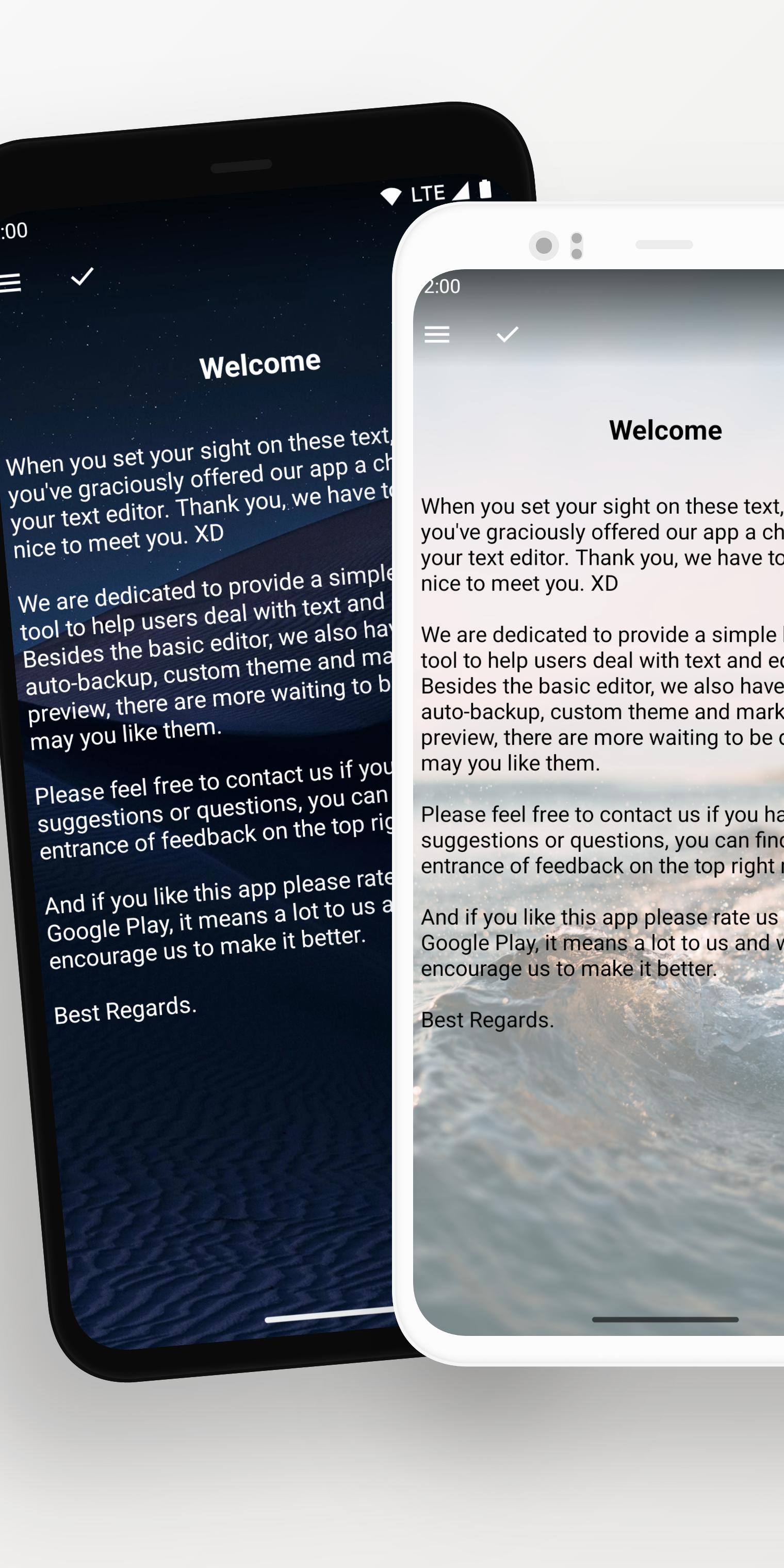
- Pure white or black themes
- Night-friendly dark mode
- Vibrant array of free themes
- Import your own wallpapers
💾 Reliable Backup System:
- Auto-backup on Google Drive and WebDav
- Use custom folder to keep local backup files
- Retrieve data from history records and recycle bin
- Seamlessly export all data with a single click
🔐 Security and Privacy:
- Secure your app with fingerprint or a pattern lock
- Automatic locking when idle
- Blur app screenshots in recent tasks
معاينة
العلامات
إنتاجيةمعلومة
مطور
OneLiteCore
احدث اصدار
1.96.5
آخر تحديث
2025-10-22
فئة
إنتاجية
متاح على
Google Play
أظهر المزيد
كيف تلعب Lite Writer: Writing/Note/Memo مع GameLoop على جهاز الكمبيوتر
1. قم بتنزيل GameLoop من الموقع الرسمي ، ثم قم بتشغيل ملف exe لتثبيت GameLoop.
2. افتح GameLoop وابحث عن "Lite Writer: Writing/Note/Memo" ، وابحث عن Lite Writer: Writing/Note/Memo في نتائج البحث وانقر على "تثبيت".
3. استمتع بلعب Lite Writer: Writing/Note/Memo على GameLoop.
Minimum requirements
OS
Windows 8.1 64-bit or Windows 10 64-bit
GPU
GTX 1050
CPU
i3-8300
Memory
8GB RAM
Storage
1GB available space
Recommended requirements
OS
Windows 8.1 64-bit or Windows 10 64-bit
GPU
GTX 1050
CPU
i3-9320
Memory
16GB RAM
Storage
1GB available space