
ScreenZen・Screen Time Control PC
screenzen
قم بتنزيل ScreenZen・Screen Time Control على جهاز الكمبيوتر باستخدام GameLoop Emulator
ScreenZen・Screen Time Control على الكمبيوتر الشخصي
ScreenZen・Screen Time Control ، القادم من المطور screenzen ، يعمل على نظام Android في الماضي.
الآن ، يمكنك لعب ScreenZen・Screen Time Control على جهاز الكمبيوتر باستخدام GameLoop بسلاسة.
قم بتنزيله في مكتبة GameLoop أو في نتائج البحث. لا مزيد من الانتباه إلى البطارية أو المكالمات المحبطة في الوقت الخطأ بعد الآن.
ما عليك سوى الاستمتاع بجهاز ScreenZen・Screen Time Control على الشاشة الكبيرة مجانًا!
ScreenZen・Screen Time Control مقدمة
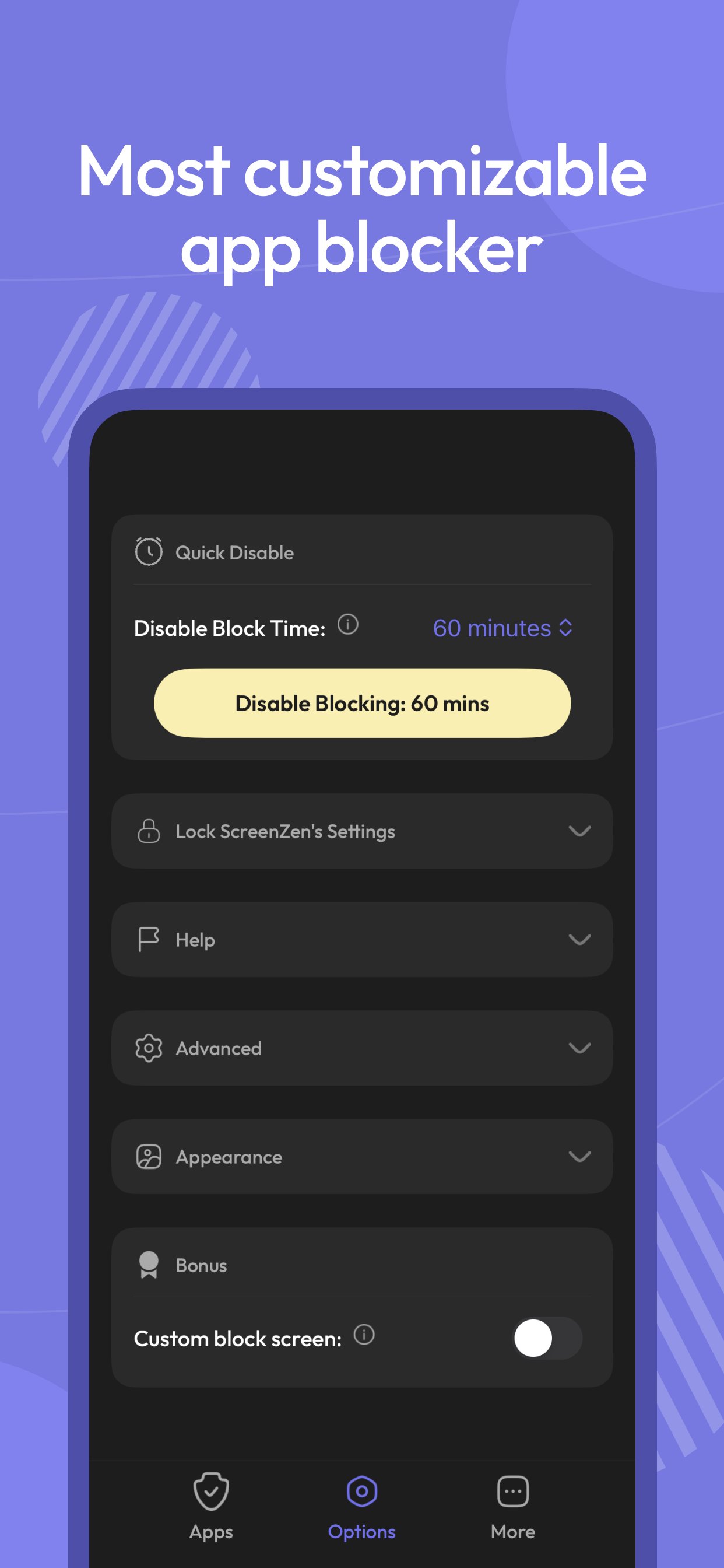
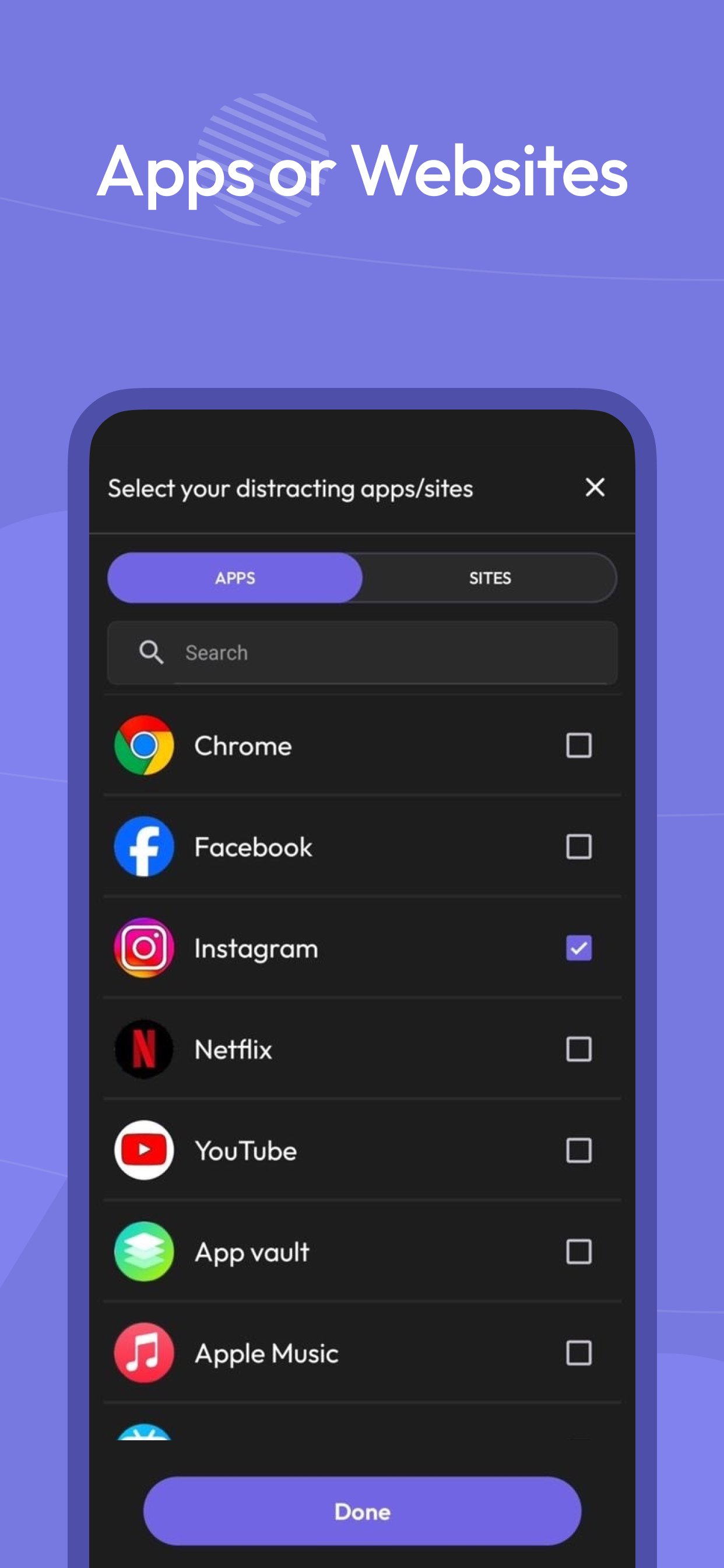
Multiple strategies to control your screen time, block apps and websites, and stay focused. Regain your freedom.
Pause before opening apps or websites:
Take a moment before launching a distracting app. The wait time can increase with each use, helping you build intention — a technique also seen in apps like Opal.
Interrupt your scrolling:
Limit your time on distracting apps to short bursts so you don’t get pulled in. If you’ve tried tools like Opal, this approach will feel familiar.
Set usage goals:
Define daily limits per app — and optionally block access when you hit your target.
Customize by day and time:
Flexible settings for different days of the week and hours of the day, tailored per app.
Mindful prompts before opening apps:
Messages like “Is this important?” encourage reflection — a small but powerful habit, also appreciated by users of focus-first apps like Opal.
See only the screen time that matters:
Track your time on distracting apps only. Productive tools like Google Maps won’t distort your stats.
ScreenZen uses Accessibility permissions to block websites.
معاينة
العلامات
إنتاجيةمعلومة
مطور
screenzen
احدث اصدار
1.54
آخر تحديث
2025-12-17
فئة
إنتاجية
متاح على
Google Play
أظهر المزيد
كيف تلعب ScreenZen・Screen Time Control مع GameLoop على جهاز الكمبيوتر
1. قم بتنزيل GameLoop من الموقع الرسمي ، ثم قم بتشغيل ملف exe لتثبيت GameLoop.
2. افتح GameLoop وابحث عن "ScreenZen・Screen Time Control" ، وابحث عن ScreenZen・Screen Time Control في نتائج البحث وانقر على "تثبيت".
3. استمتع بلعب ScreenZen・Screen Time Control على GameLoop.
Minimum requirements
OS
Windows 8.1 64-bit or Windows 10 64-bit
GPU
GTX 1050
CPU
i3-8300
Memory
8GB RAM
Storage
1GB available space
Recommended requirements
OS
Windows 8.1 64-bit or Windows 10 64-bit
GPU
GTX 1050
CPU
i3-9320
Memory
16GB RAM
Storage
1GB available space