
Check-In PC
Church Community Builder
قم بتنزيل Check-In على جهاز الكمبيوتر باستخدام GameLoop Emulator
Check-In على الكمبيوتر الشخصي
Check-In ، القادم من المطور Church Community Builder ، يعمل على نظام Android في الماضي.
الآن ، يمكنك لعب Check-In على جهاز الكمبيوتر باستخدام GameLoop بسلاسة.
قم بتنزيله في مكتبة GameLoop أو في نتائج البحث. لا مزيد من الانتباه إلى البطارية أو المكالمات المحبطة في الوقت الخطأ بعد الآن.
ما عليك سوى الاستمتاع بجهاز Check-In على الشاشة الكبيرة مجانًا!
Check-In مقدمة
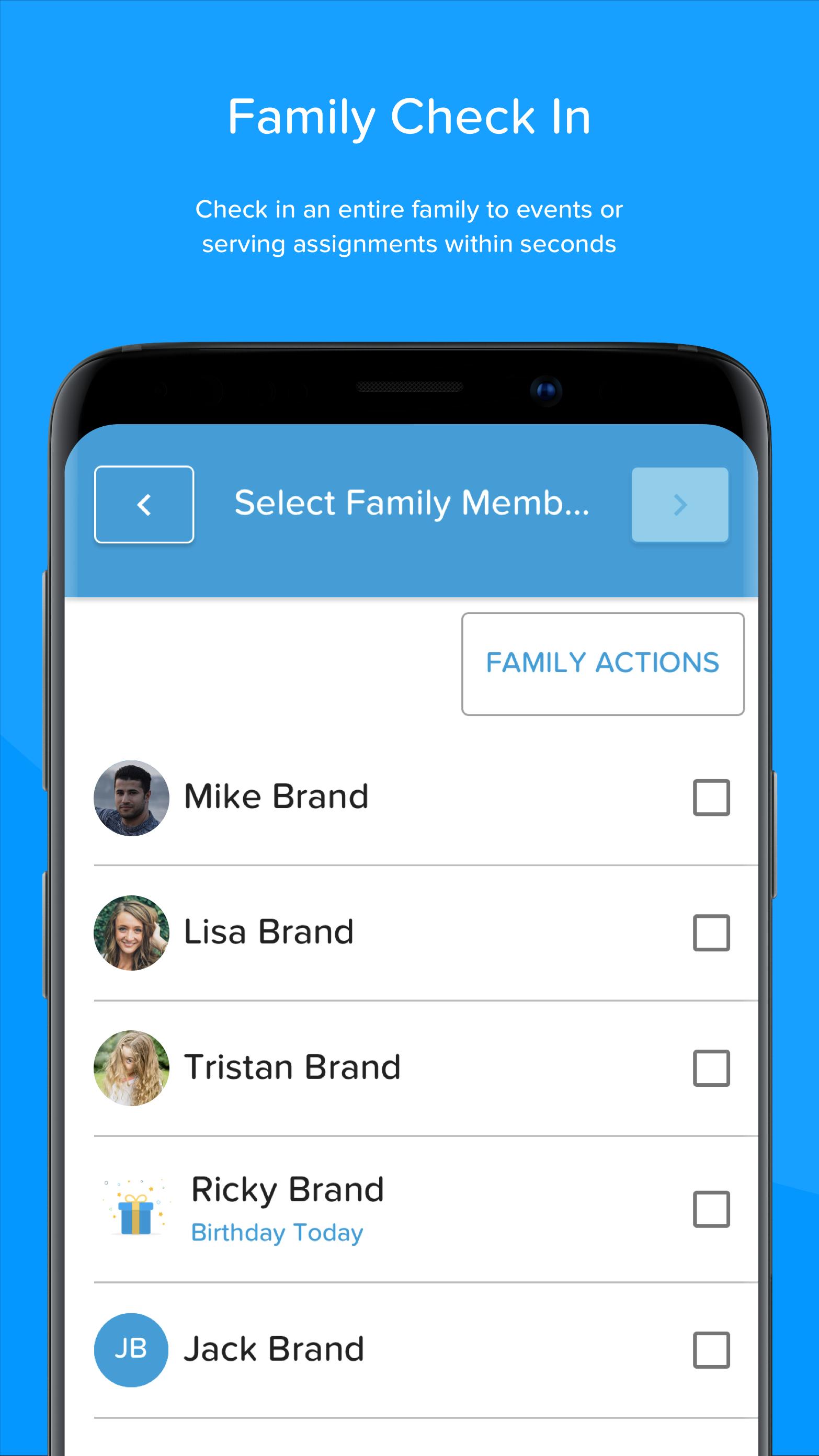
We've taken our time-tested Check-In tool and built an app that will make checking in people easier than ever and it's here for Android devices! The app is available to use with the Deluxe version of Church Community Builder, and uses your saved Check-In setups to allow you to create Self Check-In stations for your regular attenders, or Manned Check-In stations for your first-time guests.
Simply open the app, connect your compatible bluetooth printer, choose your setup, and you're good to go!
• Check-in to events
• Check-in to serving assignments connected to your schedules
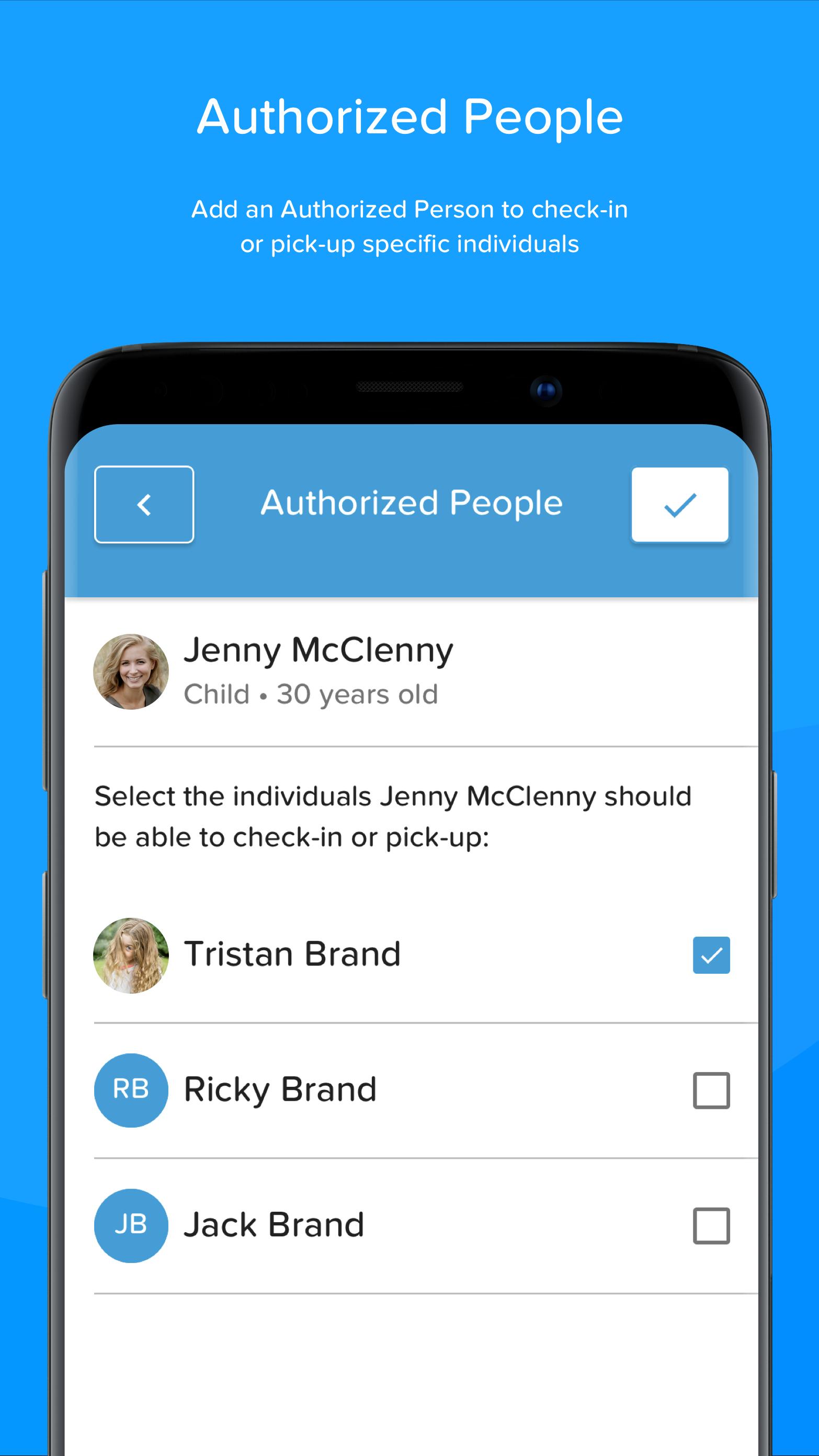
• Add Authorized People
• Enable Dark Mode
• And More!
معاينة
العلامات
إنتاجيةمعلومة
مطور
Church Community Builder
احدث اصدار
4.8.11
آخر تحديث
2025-07-14
فئة
إنتاجية
متاح على
Google Play
أظهر المزيد
كيف تلعب Check-In مع GameLoop على جهاز الكمبيوتر
1. قم بتنزيل GameLoop من الموقع الرسمي ، ثم قم بتشغيل ملف exe لتثبيت GameLoop.
2. افتح GameLoop وابحث عن "Check-In" ، وابحث عن Check-In في نتائج البحث وانقر على "تثبيت".
3. استمتع بلعب Check-In على GameLoop.
Minimum requirements
OS
Windows 8.1 64-bit or Windows 10 64-bit
GPU
GTX 1050
CPU
i3-8300
Memory
8GB RAM
Storage
1GB available space
Recommended requirements
OS
Windows 8.1 64-bit or Windows 10 64-bit
GPU
GTX 1050
CPU
i3-9320
Memory
16GB RAM
Storage
1GB available space