
Brella – Card Manager PC
SHAZAM
قم بتنزيل Brella – Card Manager على جهاز الكمبيوتر باستخدام GameLoop Emulator
Brella – Card Manager على الكمبيوتر الشخصي
Brella – Card Manager ، القادم من المطور SHAZAM ، يعمل على نظام Android في الماضي.
الآن ، يمكنك لعب Brella – Card Manager على جهاز الكمبيوتر باستخدام GameLoop بسلاسة.
قم بتنزيله في مكتبة GameLoop أو في نتائج البحث. لا مزيد من الانتباه إلى البطارية أو المكالمات المحبطة في الوقت الخطأ بعد الآن.
ما عليك سوى الاستمتاع بجهاز Brella – Card Manager على الشاشة الكبيرة مجانًا!
Brella – Card Manager مقدمة
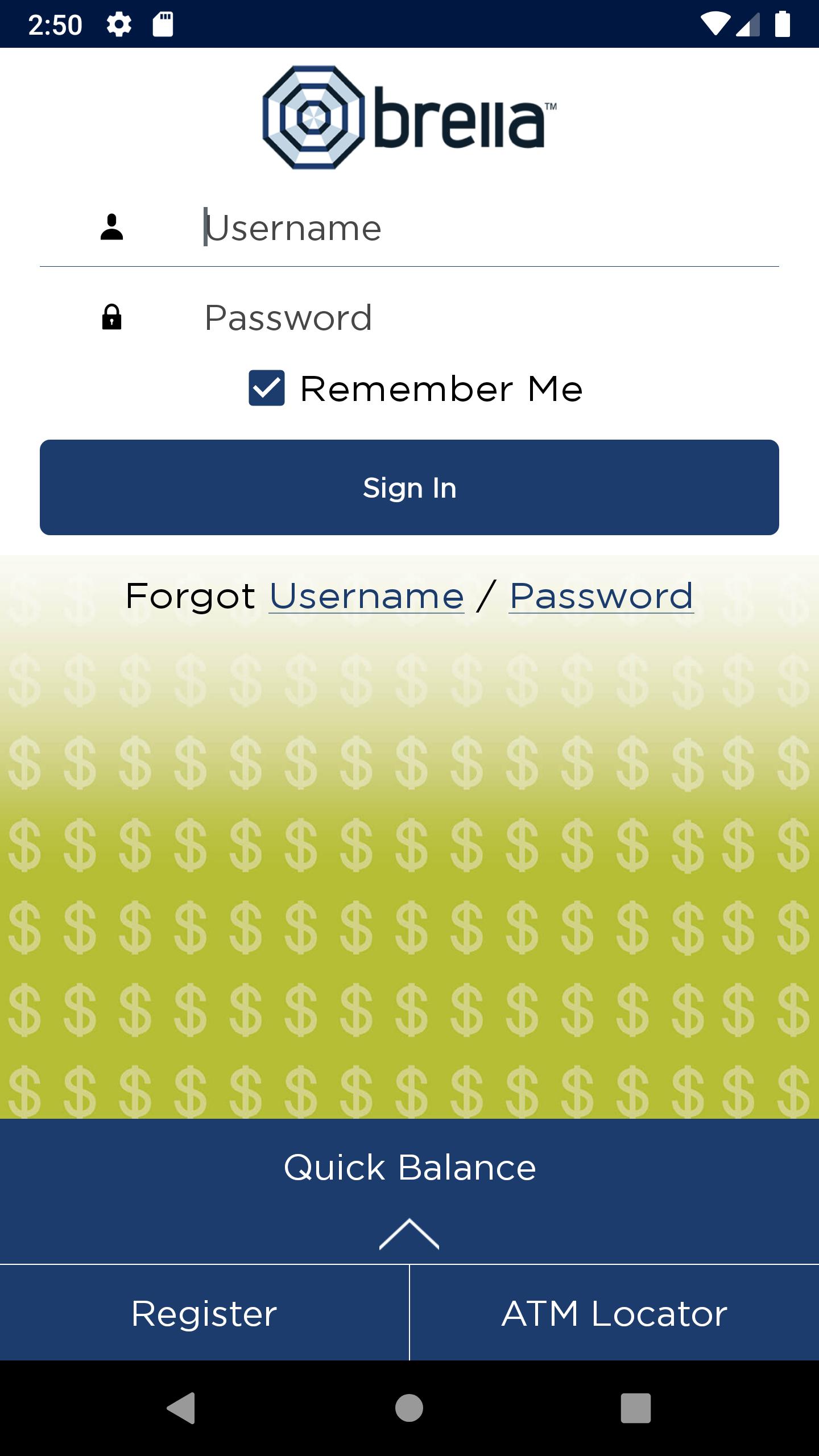
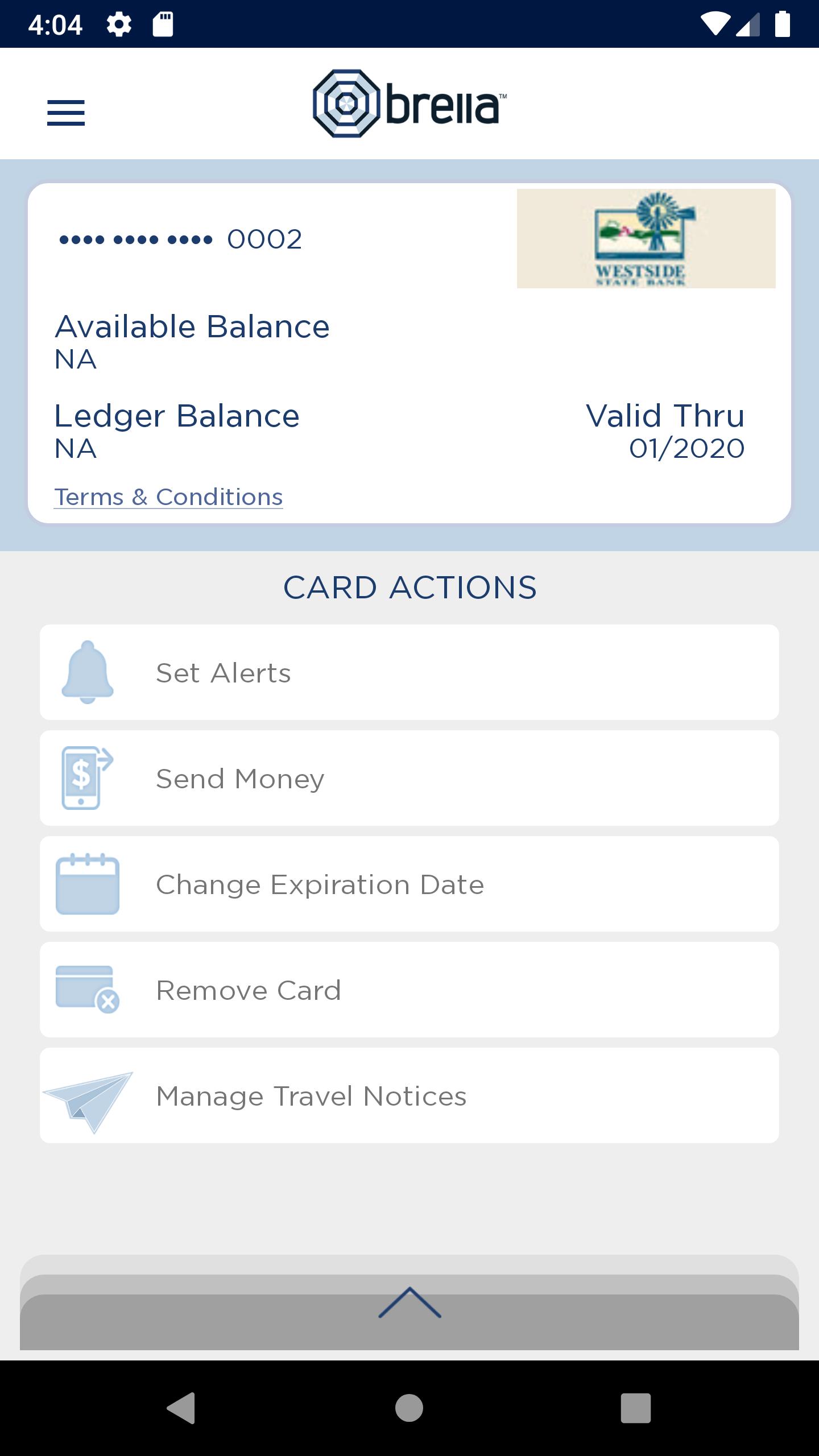
Brella helps you protect your debit card by sending you alerts when your card is used so you can quickly detect unauthorized or fraudulent activity on your account. Users have the option to receive text or email alerts. You can also check your account balance anytime, turn your card off and on, send money to other users and find nearby ATMs.
Alerts are provided for:
• Purchases exceeding dollar amounts you set
• Card-not-present purchases
• Suspicious or high-risk transactions
With this app, you have the ability to define when, where and how your debit card can be used. Users can set blocks for:
• Transactions exceeding a specific dollar amount
• Internet and phone transactions
• Transactions conducted outside of the U.S.
Turn your debit card off/on
This control can be used to disable a lost or stolen card, prevent fraudulent activity and control spending.
More great features
- Users can check their balance without logging into the app with the Quick Balance feature
- Users can choose to enable Touch ID, a secure and quick way to sign on with your fingerprint so you don’t have to type in a password
- Users can submit a Travel Notice to inform their financial institution of any scheduled travel
NOTE: This application is powered by SHAZAM and is activated through specific financial institutions. Check with your financial institution to ensure they subscribe to Brella prior to downloading and if they participate in optional features.
معاينة
العلامات
إنتاجيةمعلومة
مطور
SHAZAM
احدث اصدار
Version 1.5
آخر تحديث
2023-03-30
فئة
إنتاجية
متاح على
Google Play
أظهر المزيد
كيف تلعب Brella – Card Manager مع GameLoop على جهاز الكمبيوتر
1. قم بتنزيل GameLoop من الموقع الرسمي ، ثم قم بتشغيل ملف exe لتثبيت GameLoop.
2. افتح GameLoop وابحث عن "Brella – Card Manager" ، وابحث عن Brella – Card Manager في نتائج البحث وانقر على "تثبيت".
3. استمتع بلعب Brella – Card Manager على GameLoop.
Minimum requirements
OS
Windows 8.1 64-bit or Windows 10 64-bit
GPU
GTX 1050
CPU
i3-8300
Memory
8GB RAM
Storage
1GB available space
Recommended requirements
OS
Windows 8.1 64-bit or Windows 10 64-bit
GPU
GTX 1050
CPU
i3-9320
Memory
16GB RAM
Storage
1GB available space