Astable 555 Timer PC
Randle C. Sink
قم بتنزيل Astable 555 Timer على جهاز الكمبيوتر باستخدام GameLoop Emulator
Astable 555 Timer على الكمبيوتر الشخصي
Astable 555 Timer ، القادم من المطور Randle C. Sink ، يعمل على نظام Android في الماضي.
الآن ، يمكنك لعب Astable 555 Timer على جهاز الكمبيوتر باستخدام GameLoop بسلاسة.
قم بتنزيله في مكتبة GameLoop أو في نتائج البحث. لا مزيد من الانتباه إلى البطارية أو المكالمات المحبطة في الوقت الخطأ بعد الآن.
ما عليك سوى الاستمتاع بجهاز Astable 555 Timer على الشاشة الكبيرة مجانًا!
Astable 555 Timer مقدمة
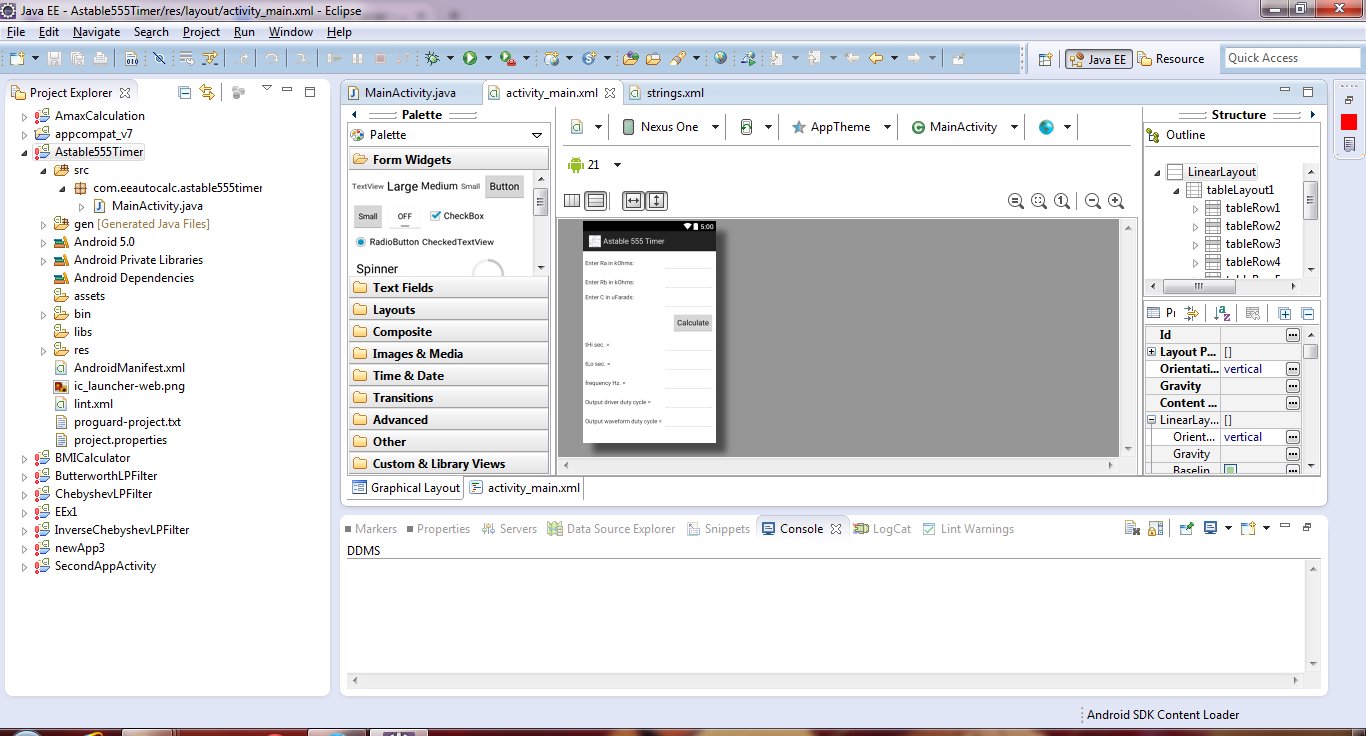
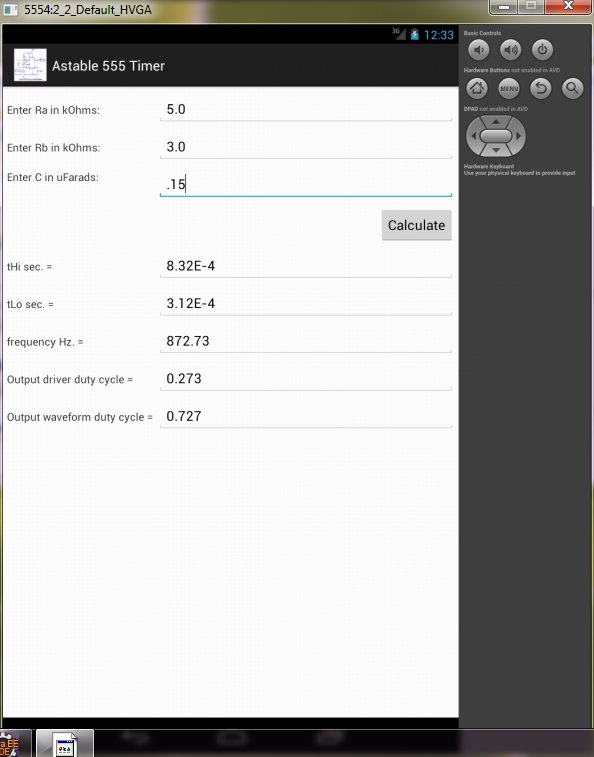
Adding a second resistor Rb to the 555 timer and connecting the trigger input to the threshold input causes the timer to self-trigger and run as a multivibrator. The capacitor C will charge through Ra & Rb and discharge through Rb only. The duty cycle can be controlled by changing the values of Ra and Rb. Input Ra, Rb (in kOhms) & C (in uFarads) then push the Calculate button to get the values for the output high-level duration tH and low-level duration tL and frequency. Output driver and output waveform duty cycles are also determined.
معاينة
العلامات
إنتاجيةمعلومة
مطور
Randle C. Sink
احدث اصدار
1.0
آخر تحديث
2014-11-19
فئة
إنتاجية
متاح على
Google Play
أظهر المزيد
كيف تلعب Astable 555 Timer مع GameLoop على جهاز الكمبيوتر
1. قم بتنزيل GameLoop من الموقع الرسمي ، ثم قم بتشغيل ملف exe لتثبيت GameLoop.
2. افتح GameLoop وابحث عن "Astable 555 Timer" ، وابحث عن Astable 555 Timer في نتائج البحث وانقر على "تثبيت".
3. استمتع بلعب Astable 555 Timer على GameLoop.
Minimum requirements
OS
Windows 8.1 64-bit or Windows 10 64-bit
GPU
GTX 1050
CPU
i3-8300
Memory
8GB RAM
Storage
1GB available space
Recommended requirements
OS
Windows 8.1 64-bit or Windows 10 64-bit
GPU
GTX 1050
CPU
i3-9320
Memory
16GB RAM
Storage
1GB available space