
Accell InstantView PC
Silicon Motion Inc.
قم بتنزيل Accell InstantView على جهاز الكمبيوتر باستخدام GameLoop Emulator
Accell InstantView على الكمبيوتر الشخصي
Accell InstantView ، القادم من المطور Silicon Motion Inc. ، يعمل على نظام Android في الماضي.
الآن ، يمكنك لعب Accell InstantView على جهاز الكمبيوتر باستخدام GameLoop بسلاسة.
قم بتنزيله في مكتبة GameLoop أو في نتائج البحث. لا مزيد من الانتباه إلى البطارية أو المكالمات المحبطة في الوقت الخطأ بعد الآن.
ما عليك سوى الاستمتاع بجهاز Accell InstantView على الشاشة الكبيرة مجانًا!
Accell InstantView مقدمة
>>> Accell InstantView requires Accell based display products to operate <<<
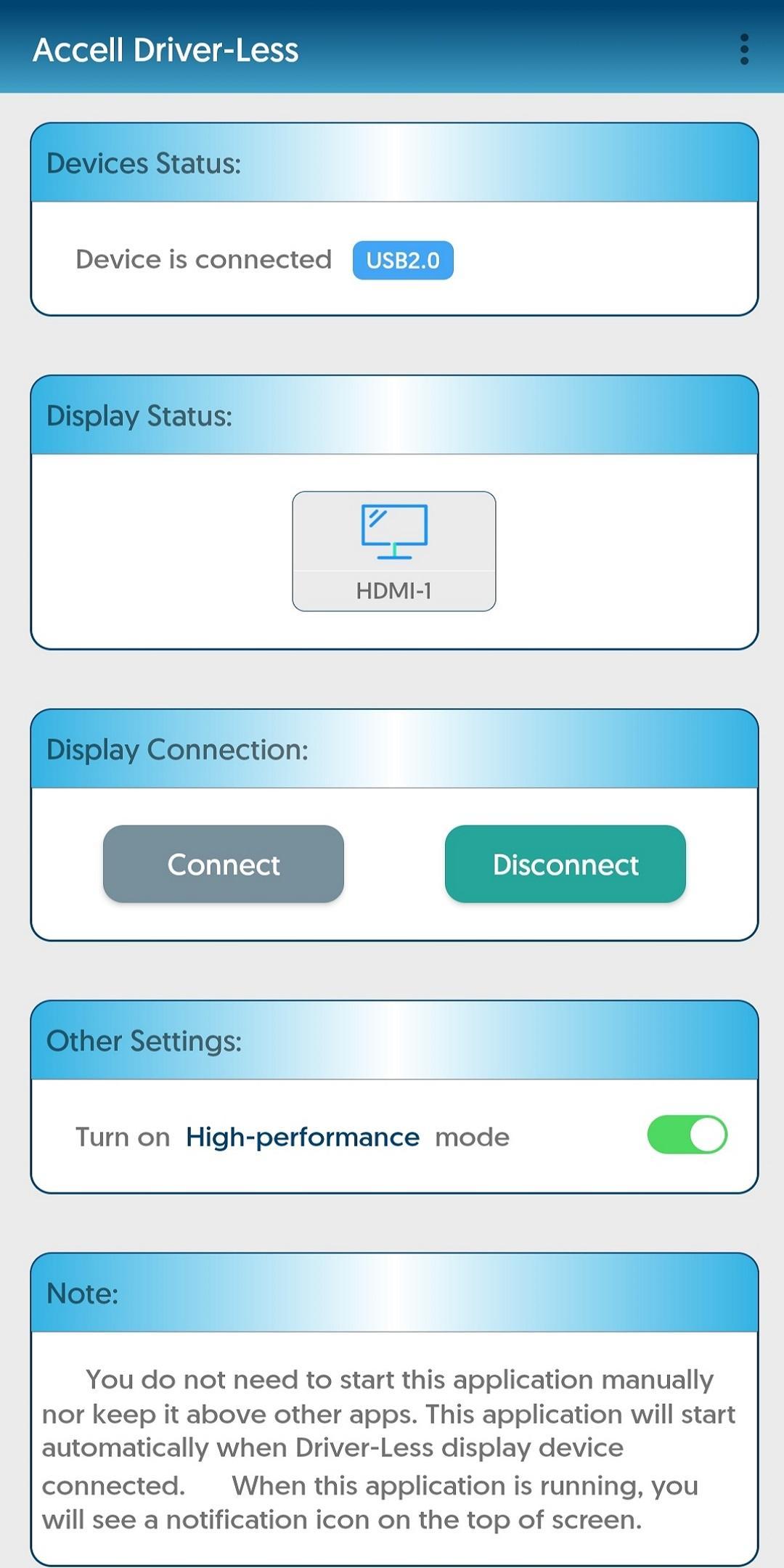
This app enables a single monitor, at any resolution up to 1920x1080. The app will mirror Android device screen to monitor/projector.
What can I do with this app?
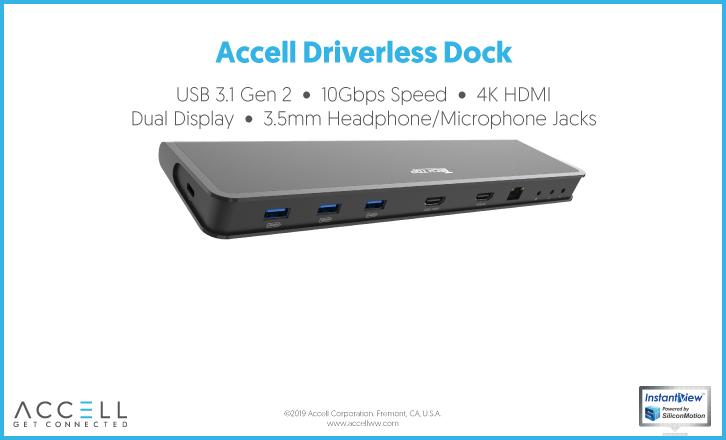
With Accell USB docking station, you can easily connect Android device with external monitor, keyboard, mouse and USB peripherals. Make Android devices easier to access many accessories at the same time and increase productivity.
This application can also be used with Accell USB display dongle to present Android screen content to another display, for example to connect to a projector in a meeting room or classroom, or to connect to TV in hotel rooms.
Requirements
- Any Android device running Marshmallow 6.0 or later, with a USB-C, USB-A or Micro B ports
- Accell based Docking stations or Display adapters
Feature detail
- Enables single display up to 1920x1080 (FHD) resolution
- USB Audio supported
معاينة
العلامات
إنتاجيةمعلومة
مطور
Silicon Motion Inc.
احدث اصدار
2.16.1.0
آخر تحديث
2023-07-16
فئة
إنتاجية
متاح على
Google Play
أظهر المزيد
كيف تلعب Accell InstantView مع GameLoop على جهاز الكمبيوتر
1. قم بتنزيل GameLoop من الموقع الرسمي ، ثم قم بتشغيل ملف exe لتثبيت GameLoop.
2. افتح GameLoop وابحث عن "Accell InstantView" ، وابحث عن Accell InstantView في نتائج البحث وانقر على "تثبيت".
3. استمتع بلعب Accell InstantView على GameLoop.
Minimum requirements
OS
Windows 8.1 64-bit or Windows 10 64-bit
GPU
GTX 1050
CPU
i3-8300
Memory
8GB RAM
Storage
1GB available space
Recommended requirements
OS
Windows 8.1 64-bit or Windows 10 64-bit
GPU
GTX 1050
CPU
i3-9320
Memory
16GB RAM
Storage
1GB available space