
Skylar PixLab - Photo Editor P PC
Skylar Blue
قم بتنزيل Skylar PixLab - Photo Editor P على جهاز الكمبيوتر باستخدام GameLoop Emulator
Skylar PixLab - Photo Editor P على الكمبيوتر الشخصي
Skylar PixLab - Photo Editor P ، القادم من المطور Skylar Blue ، يعمل على نظام Android في الماضي.
الآن ، يمكنك لعب Skylar PixLab - Photo Editor P على جهاز الكمبيوتر باستخدام GameLoop بسلاسة.
قم بتنزيله في مكتبة GameLoop أو في نتائج البحث. لا مزيد من الانتباه إلى البطارية أو المكالمات المحبطة في الوقت الخطأ بعد الآن.
ما عليك سوى الاستمتاع بجهاز Skylar PixLab - Photo Editor P على الشاشة الكبيرة مجانًا!
Skylar PixLab - Photo Editor P مقدمة
Skylar PixLab Photo has the following featured with special effects, stylized effects, camera effects, and also add some VFX effects on your photo.
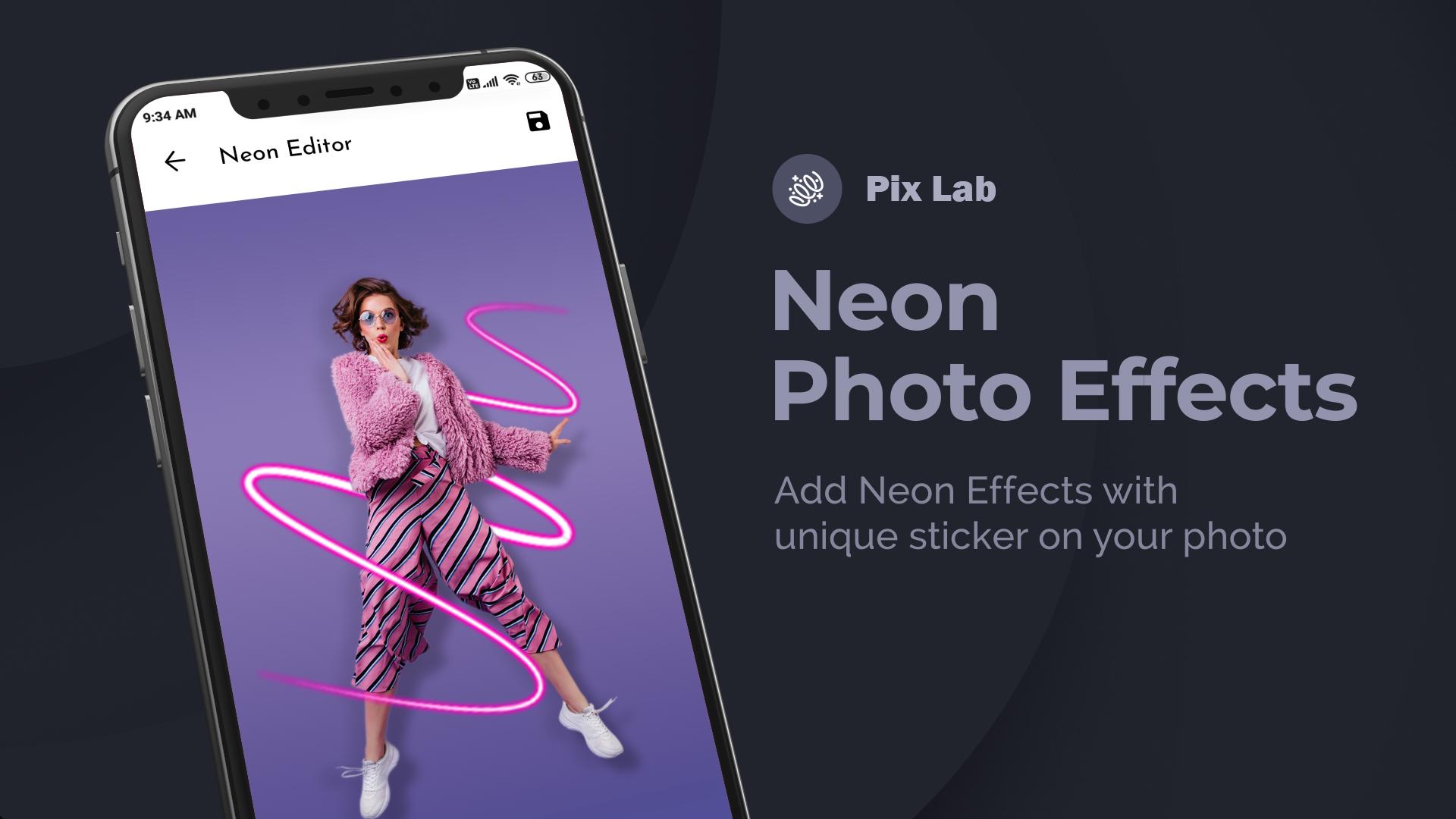
1. Neon Photo effects: Add neon effects around photos. Different colors to
decorate photos with neon effects.
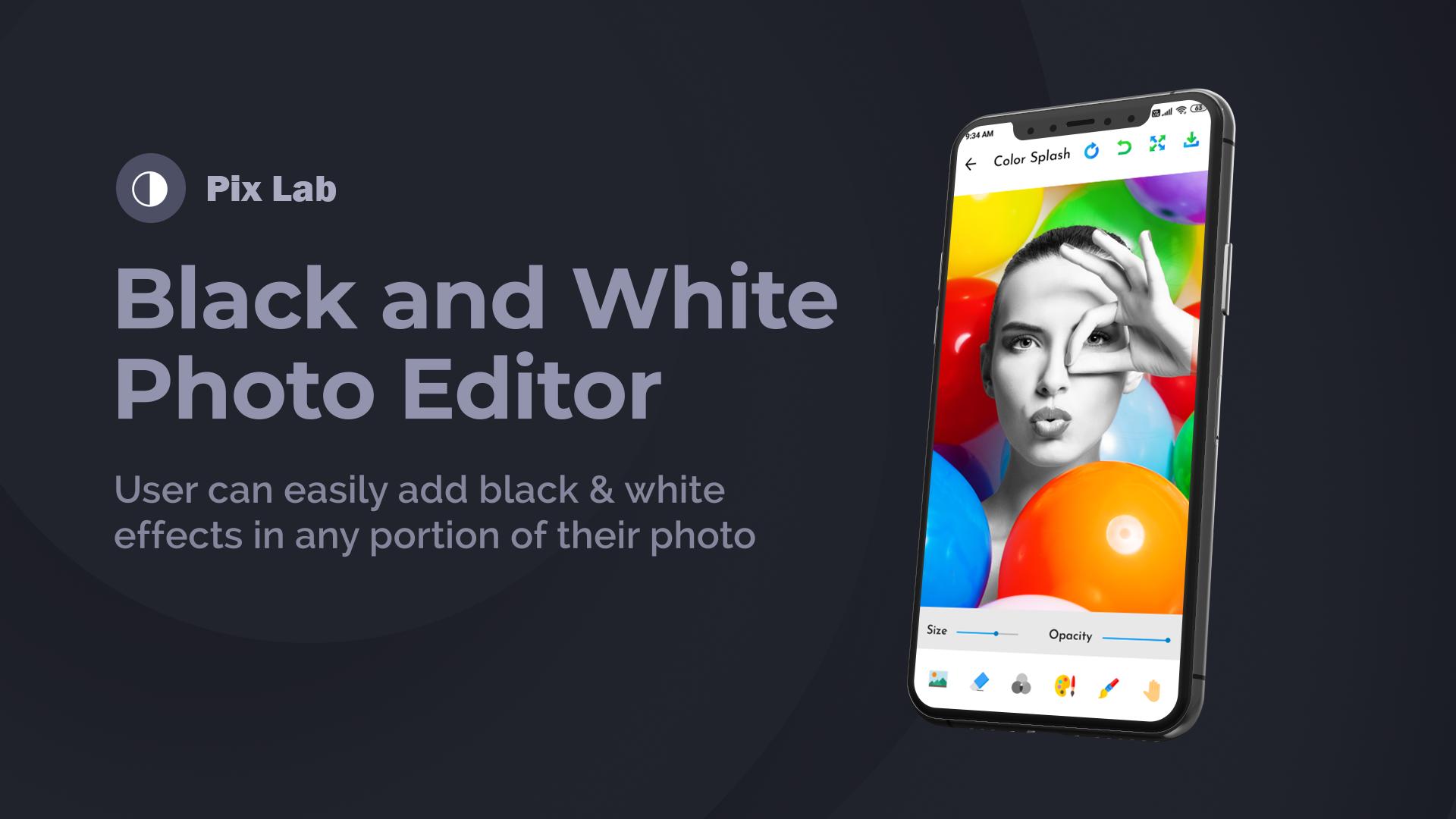
2. Black and White Photo Editor: Create black and white photos with
different filters.
3. Remove Backgrounds: Remove background with Remover Tool easily
4. Drip Photo Effects: We’ve added trending drip effects to photo edits.
Create amazing drip effects.
5. Unlimited Stickers: Sticker Packs with different categories and higher
resolution.
6. Blur Photo- DSLR Effect: Focus on the object and create blur effects on
the background.
7. Preset Photo Filters: Phot filter with different effects.
With This photo-editing tool, you can make photography like photoshop editing.
معاينة
العلامات
التصويرمعلومة
مطور
Skylar Blue
احدث اصدار
1.1
آخر تحديث
2021-03-08
فئة
التصوير
متاح على
Google Play
أظهر المزيد
كيف تلعب Skylar PixLab - Photo Editor P مع GameLoop على جهاز الكمبيوتر
1. قم بتنزيل GameLoop من الموقع الرسمي ، ثم قم بتشغيل ملف exe لتثبيت GameLoop.
2. افتح GameLoop وابحث عن "Skylar PixLab - Photo Editor P" ، وابحث عن Skylar PixLab - Photo Editor P في نتائج البحث وانقر على "تثبيت".
3. استمتع بلعب Skylar PixLab - Photo Editor P على GameLoop.
Minimum requirements
OS
Windows 8.1 64-bit or Windows 10 64-bit
GPU
GTX 1050
CPU
i3-8300
Memory
8GB RAM
Storage
1GB available space
Recommended requirements
OS
Windows 8.1 64-bit or Windows 10 64-bit
GPU
GTX 1050
CPU
i3-9320
Memory
16GB RAM
Storage
1GB available space