PIXPRO SP360 PC
JK Imaging Ltd.
قم بتنزيل PIXPRO SP360 على جهاز الكمبيوتر باستخدام GameLoop Emulator
PIXPRO SP360 على الكمبيوتر الشخصي
PIXPRO SP360 ، القادم من المطور JK Imaging Ltd. ، يعمل على نظام Android في الماضي.
الآن ، يمكنك لعب PIXPRO SP360 على جهاز الكمبيوتر باستخدام GameLoop بسلاسة.
قم بتنزيله في مكتبة GameLoop أو في نتائج البحث. لا مزيد من الانتباه إلى البطارية أو المكالمات المحبطة في الوقت الخطأ بعد الآن.
ما عليك سوى الاستمتاع بجهاز PIXPRO SP360 على الشاشة الكبيرة مجانًا!
PIXPRO SP360 مقدمة
This application program supports KODAK PIXPRO SP360 Camera.
"PIXPRO SP360" app elevates your photography experiences by wirelessly
connecting between KODAK PIXPRO SP360 and your Smart Device. You will be able to enjoy 360 degree photo shooting and 360 degree video recording remotely.
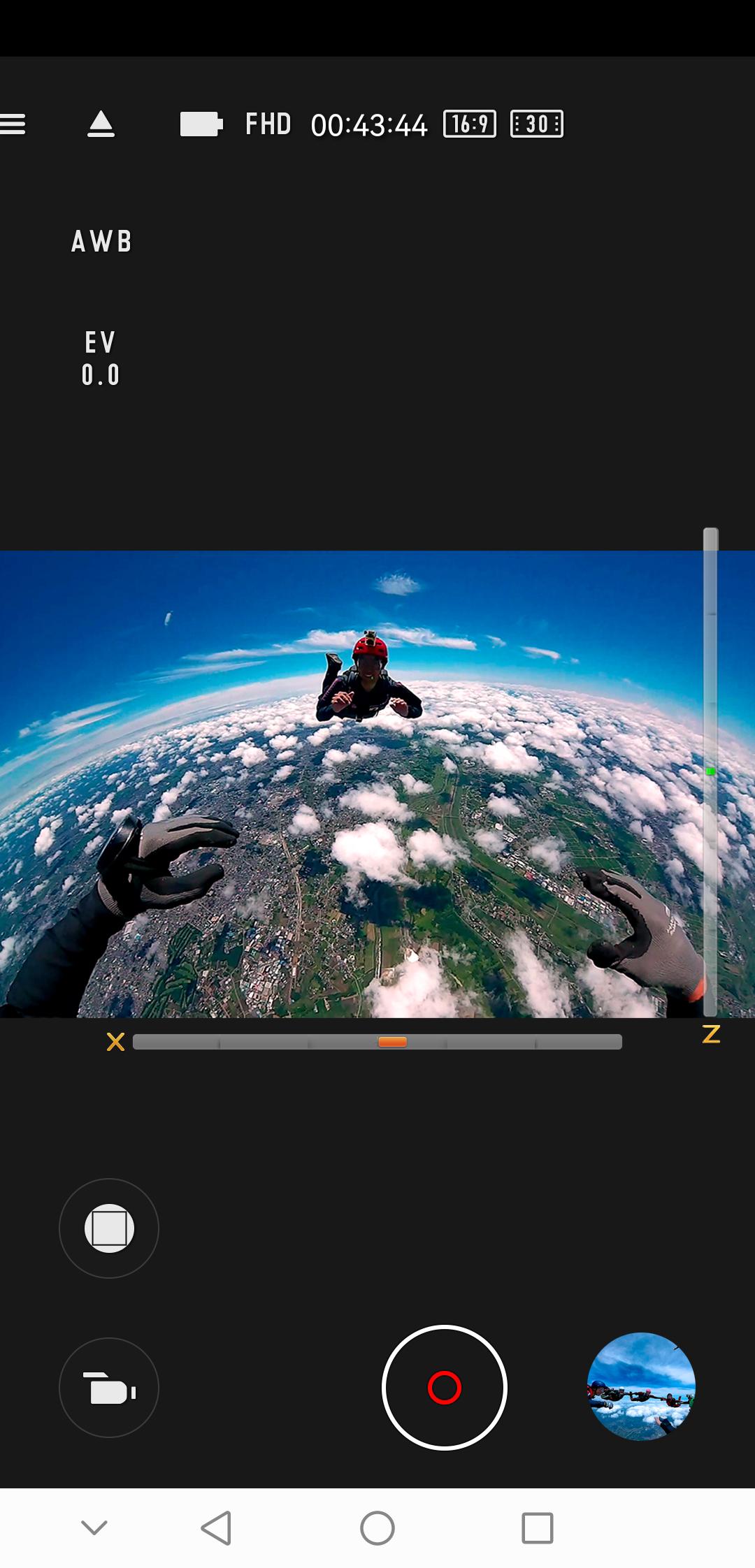
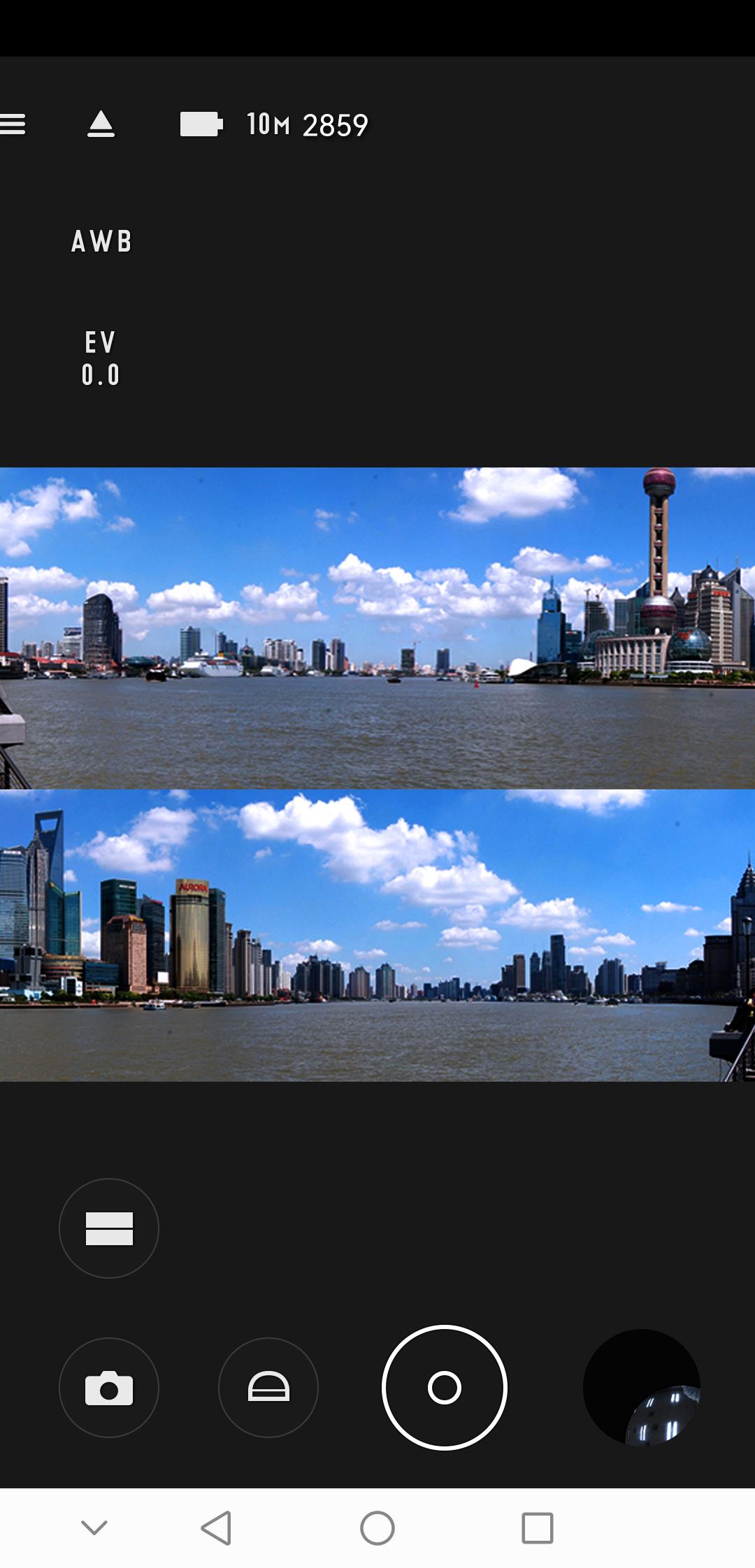
This APP supports five kinds of visual effects: front, segmentation, dome, ring and panorama for both live view and playback.
Users can even set relevant parameters and tag your geo information into photos through Smart Device location services.
Through "PIXPRO SP360" app, users can remotely playback images inside of KODAK PIXPRO SP360 Camera, and download images files into Smart Devices then share with your friends and families.
معاينة
العلامات
التصويرمعلومة
مطور
JK Imaging Ltd.
احدث اصدار
2.5.10
آخر تحديث
2022-08-02
فئة
التصوير
متاح على
Google Play
أظهر المزيد
كيف تلعب PIXPRO SP360 مع GameLoop على جهاز الكمبيوتر
1. قم بتنزيل GameLoop من الموقع الرسمي ، ثم قم بتشغيل ملف exe لتثبيت GameLoop.
2. افتح GameLoop وابحث عن "PIXPRO SP360" ، وابحث عن PIXPRO SP360 في نتائج البحث وانقر على "تثبيت".
3. استمتع بلعب PIXPRO SP360 على GameLoop.
Minimum requirements
OS
Windows 8.1 64-bit or Windows 10 64-bit
GPU
GTX 1050
CPU
i3-8300
Memory
8GB RAM
Storage
1GB available space
Recommended requirements
OS
Windows 8.1 64-bit or Windows 10 64-bit
GPU
GTX 1050
CPU
i3-9320
Memory
16GB RAM
Storage
1GB available space