
Photo editing: Travel anywhere PC
G3 Studio
قم بتنزيل Photo editing: Travel anywhere على جهاز الكمبيوتر باستخدام GameLoop Emulator
Photo editing: Travel anywhere على الكمبيوتر الشخصي
Photo editing: Travel anywhere ، القادم من المطور G3 Studio ، يعمل على نظام Android في الماضي.
الآن ، يمكنك لعب Photo editing: Travel anywhere على جهاز الكمبيوتر باستخدام GameLoop بسلاسة.
قم بتنزيله في مكتبة GameLoop أو في نتائج البحث. لا مزيد من الانتباه إلى البطارية أو المكالمات المحبطة في الوقت الخطأ بعد الآن.
ما عليك سوى الاستمتاع بجهاز Photo editing: Travel anywhere على الشاشة الكبيرة مجانًا!
Photo editing: Travel anywhere مقدمة
In the current era of the technology boom, having a lot of likes on social networks has brought a certain joy to each person. Highlight your photos with this Photo editing: Travel anywhere for travel collages and start your magical journey of creating lovely and inspiring photos.
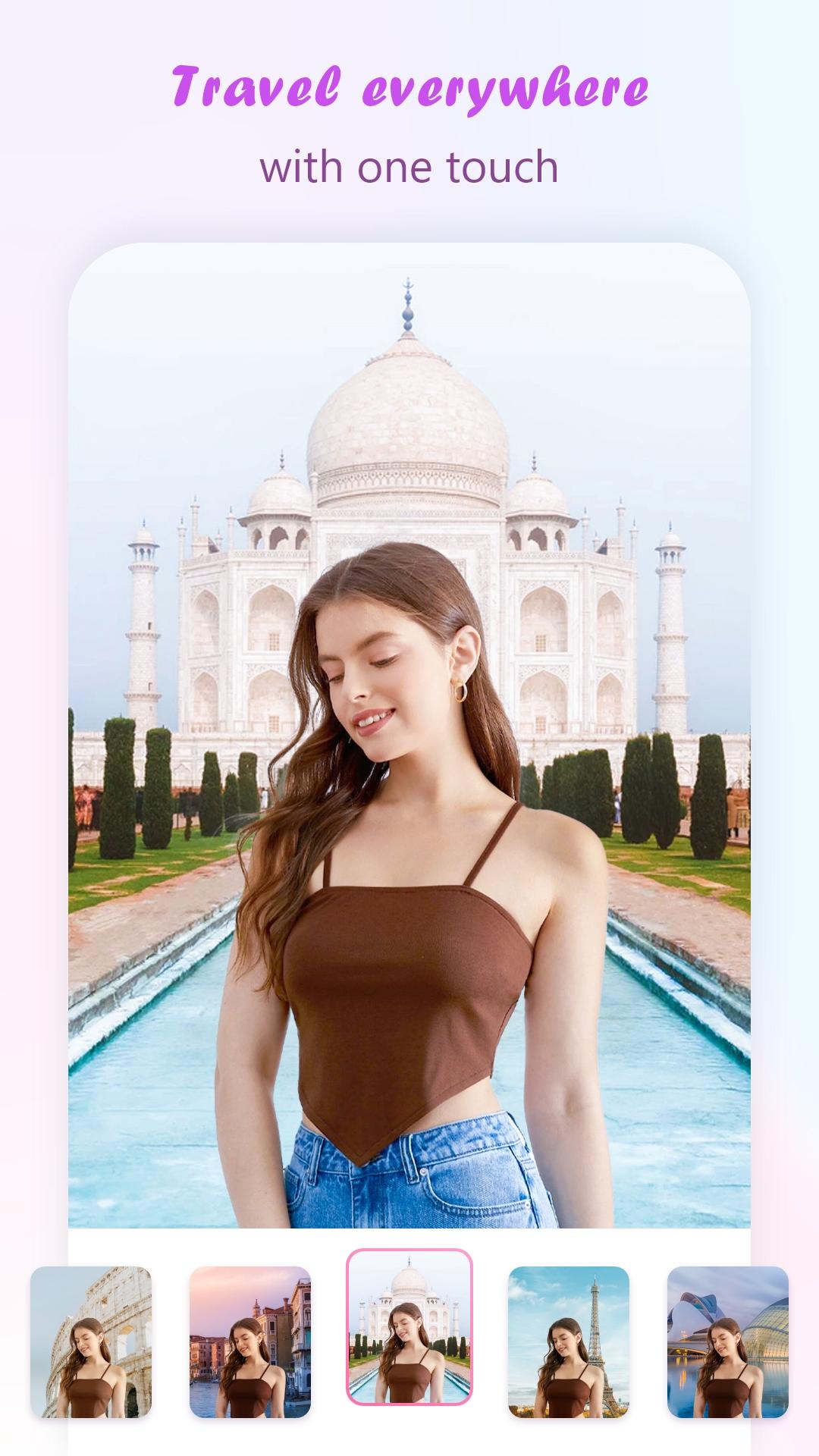
With Photo editing: Travel anywhere application, you can enhance your photos of travel moments with world-famous tourist and sightseeing landmarks to make the photo more unique. You can edit your images with different views of a place and nature, and turn your photos into real works of art.
Main features:
- Change the frame with +9999 famous landmarks in the world for virtual photo collage
- Photo editing effects toolkit
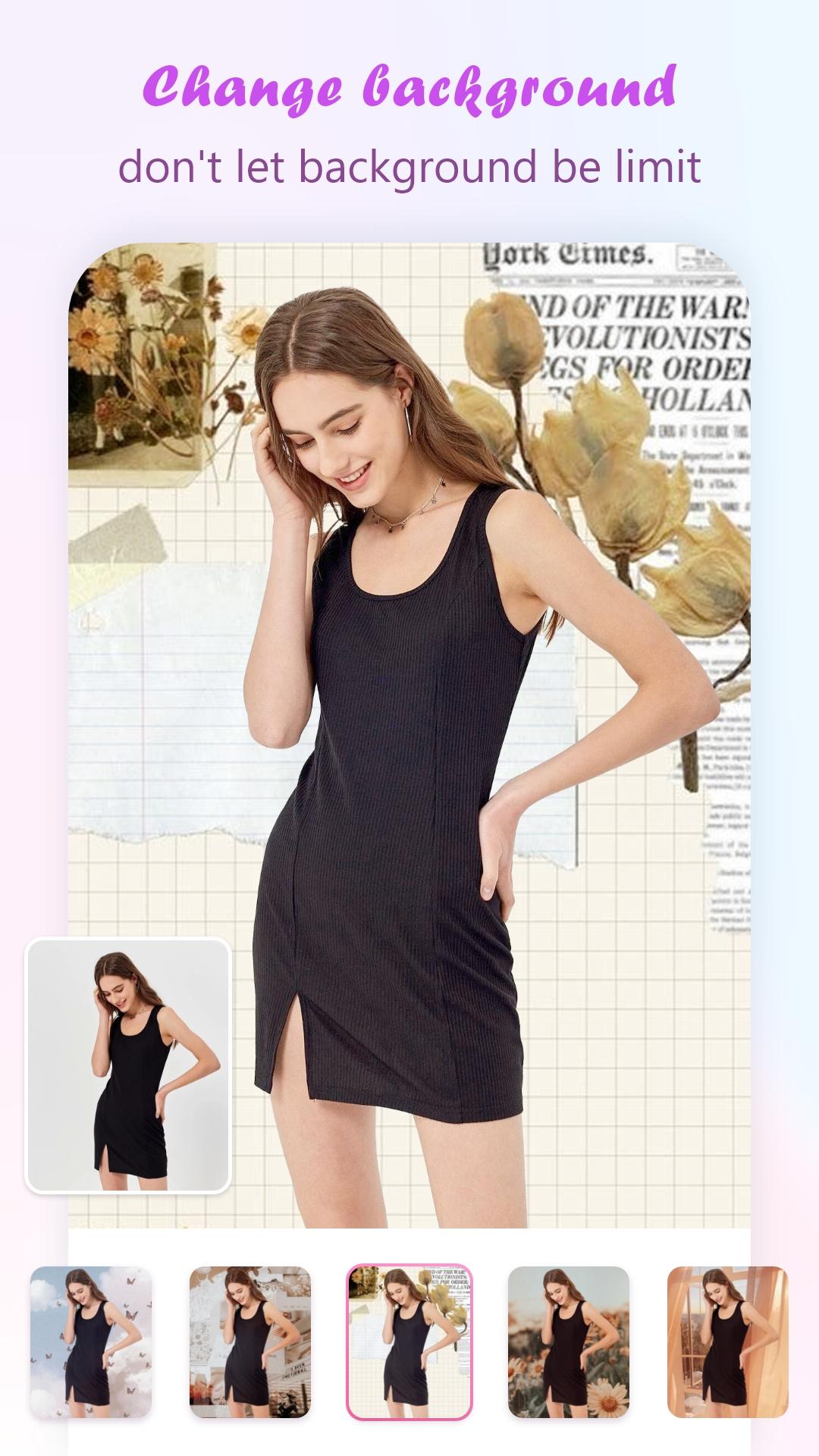
- Edit colors, clouds and change the sky background
- Text & sticker adder will change the image to more attractive
- Automatic photo filters
- Create travel photos and stitch them into a story
- You can Rotate, scale, zoom in, zoom out or drag the photo to fit the frame as you like
- You can save and share your photo via social network
User manual app Photo editing: Travel anywhere
Step 1: Install Photo editing: Travel anywhere
Step 2: Open the application and follow the instructions of the application
Step 3: Select photos from Mobile Gallery or take new ones
Step 4: Apply your favorite Effect on the photo of your choice
Step 5: Choose the place you want to visit and collage a photo
Tip: Choose a photo of yourself, the background is not many people, the photo is not too bright to create a photo of the best moment.
Step 6: Apply many filters, text styles & cute stickers to it
Step 7: Save or share your work via social networks with friends and family
We always listen to your feedback, we appreciate your rating and comments to improve and make it better.
معاينة
العلامات
التصويرمعلومة
مطور
G3 Studio
احدث اصدار
10.0
آخر تحديث
2023-11-06
فئة
التصوير
متاح على
Google Play
أظهر المزيد
كيف تلعب Photo editing: Travel anywhere مع GameLoop على جهاز الكمبيوتر
1. قم بتنزيل GameLoop من الموقع الرسمي ، ثم قم بتشغيل ملف exe لتثبيت GameLoop.
2. افتح GameLoop وابحث عن "Photo editing: Travel anywhere" ، وابحث عن Photo editing: Travel anywhere في نتائج البحث وانقر على "تثبيت".
3. استمتع بلعب Photo editing: Travel anywhere على GameLoop.
Minimum requirements
OS
Windows 8.1 64-bit or Windows 10 64-bit
GPU
GTX 1050
CPU
i3-8300
Memory
8GB RAM
Storage
1GB available space
Recommended requirements
OS
Windows 8.1 64-bit or Windows 10 64-bit
GPU
GTX 1050
CPU
i3-9320
Memory
16GB RAM
Storage
1GB available space