
iPixel - Modern Image Editor PC
oneAppz
قم بتنزيل iPixel - Modern Image Editor على جهاز الكمبيوتر باستخدام GameLoop Emulator
iPixel - Modern Image Editor على الكمبيوتر الشخصي
iPixel - Modern Image Editor ، القادم من المطور oneAppz ، يعمل على نظام Android في الماضي.
الآن ، يمكنك لعب iPixel - Modern Image Editor على جهاز الكمبيوتر باستخدام GameLoop بسلاسة.
قم بتنزيله في مكتبة GameLoop أو في نتائج البحث. لا مزيد من الانتباه إلى البطارية أو المكالمات المحبطة في الوقت الخطأ بعد الآن.
ما عليك سوى الاستمتاع بجهاز iPixel - Modern Image Editor على الشاشة الكبيرة مجانًا!
iPixel - Modern Image Editor مقدمة
ipixel is a best free powerful photo editing application.
If you have some knowledge of photography, you can do a lot with ipixel,
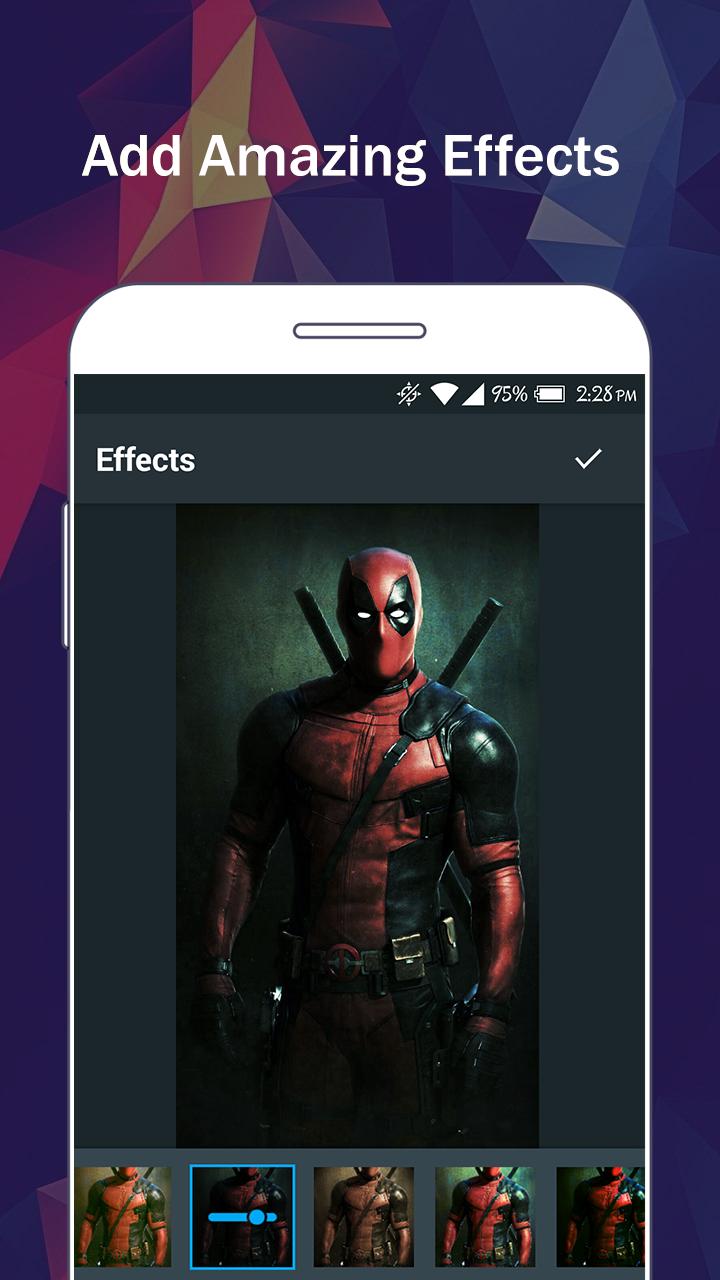
There are so many effects, stickers and features to apply to your photos!
Main Features:
- Photo filters
- Magic photo effects and frames
- Awesome stickers
- One-tap auto enhance
- Color balance
- Crop, rotate, and straighten your photo
- Adjust brightness, contrast, color temperature, and saturation
- Sharpen and blur
- Color : exposure, brightness, contrast, saturation, tint and hue
- Color temperature ("Warmth")
- Color Splash
- Easily edit with the touch and pinch-to-zoom interface
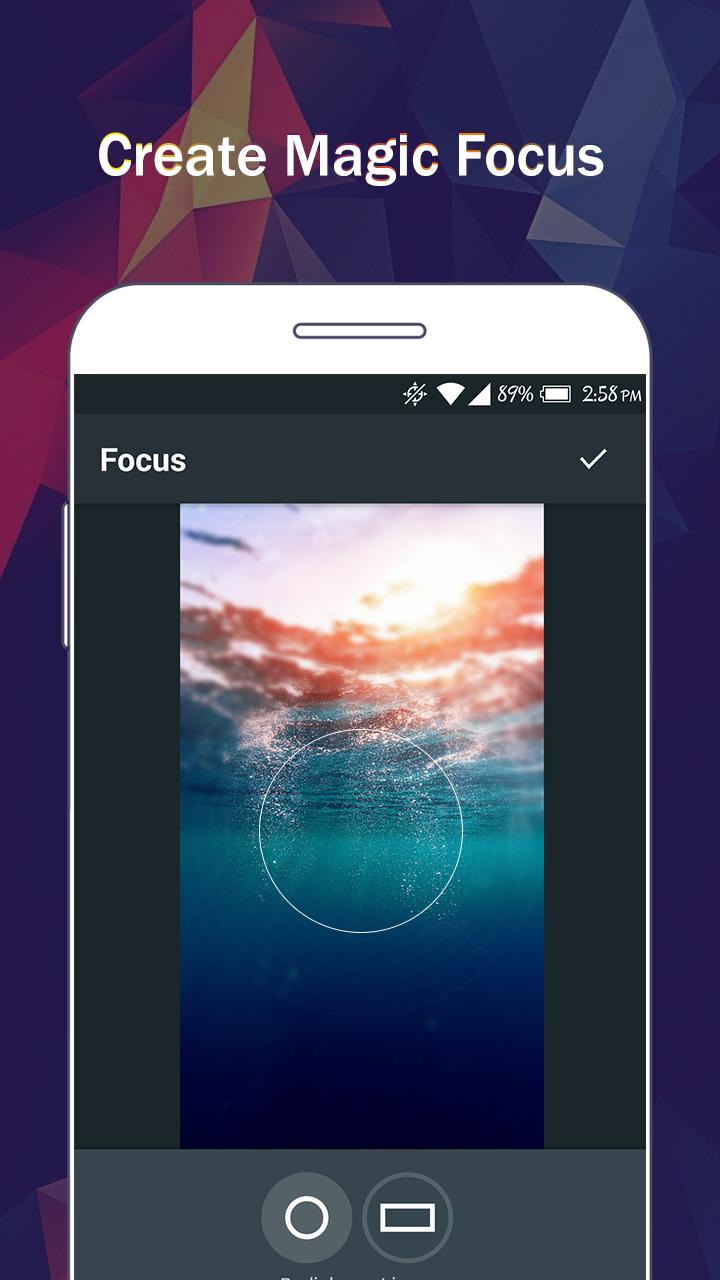
- Focus (Tilt Shift)
- Draw and add text
- Create your own memes
- Share photos with e-mail, SNS and more
معاينة
العلامات
التصويرمعلومة
مطور
oneAppz
احدث اصدار
1.2.2000
آخر تحديث
2019-12-23
فئة
التصوير
متاح على
Google Play
أظهر المزيد
كيف تلعب iPixel - Modern Image Editor مع GameLoop على جهاز الكمبيوتر
1. قم بتنزيل GameLoop من الموقع الرسمي ، ثم قم بتشغيل ملف exe لتثبيت GameLoop.
2. افتح GameLoop وابحث عن "iPixel - Modern Image Editor" ، وابحث عن iPixel - Modern Image Editor في نتائج البحث وانقر على "تثبيت".
3. استمتع بلعب iPixel - Modern Image Editor على GameLoop.
Minimum requirements
OS
Windows 8.1 64-bit or Windows 10 64-bit
GPU
GTX 1050
CPU
i3-8300
Memory
8GB RAM
Storage
1GB available space
Recommended requirements
OS
Windows 8.1 64-bit or Windows 10 64-bit
GPU
GTX 1050
CPU
i3-9320
Memory
16GB RAM
Storage
1GB available space