
Dual Camera : Front & Back Cam PC
Backs Infotech
قم بتنزيل Dual Camera : Front & Back Cam على جهاز الكمبيوتر باستخدام GameLoop Emulator
Dual Camera : Front & Back Cam على الكمبيوتر الشخصي
Dual Camera : Front & Back Cam ، القادم من المطور Backs Infotech ، يعمل على نظام Android في الماضي.
الآن ، يمكنك لعب Dual Camera : Front & Back Cam على جهاز الكمبيوتر باستخدام GameLoop بسلاسة.
قم بتنزيله في مكتبة GameLoop أو في نتائج البحث. لا مزيد من الانتباه إلى البطارية أو المكالمات المحبطة في الوقت الخطأ بعد الآن.
ما عليك سوى الاستمتاع بجهاز Dual Camera : Front & Back Cam على الشاشة الكبيرة مجانًا!
Dual Camera : Front & Back Cam مقدمة
Use both cameras together to capture everything in one shot.
Sometimes one camera isn’t enough. With this dual camera app, you can use both the front and back cameras at the same time — so you can record what’s happening and your reaction together.
It’s simple to use and works great for everyday moments, fun videos, or sharing something special.
✨ Why use Dual Camera?
Because one view is not always enough. Capture both sides at once and make your moments more fun and engaging.
📌 Key Features
• Dual Camera (Front + Back)
Capture photos and videos using both cameras at the same time
• Live Reaction Recording
Record your expressions along with what’s happening around you
• Easy Selfie Mode
Take more creative selfies with extra background and context
• Group Photo Support
Be part of every group photo without leaving anyone behind
🎬 New: Video Merge
Now you can also combine two videos into one.
Create simple and clean videos using clips from your gallery or record directly from your camera. Perfect for reactions, comparisons, and creative content.
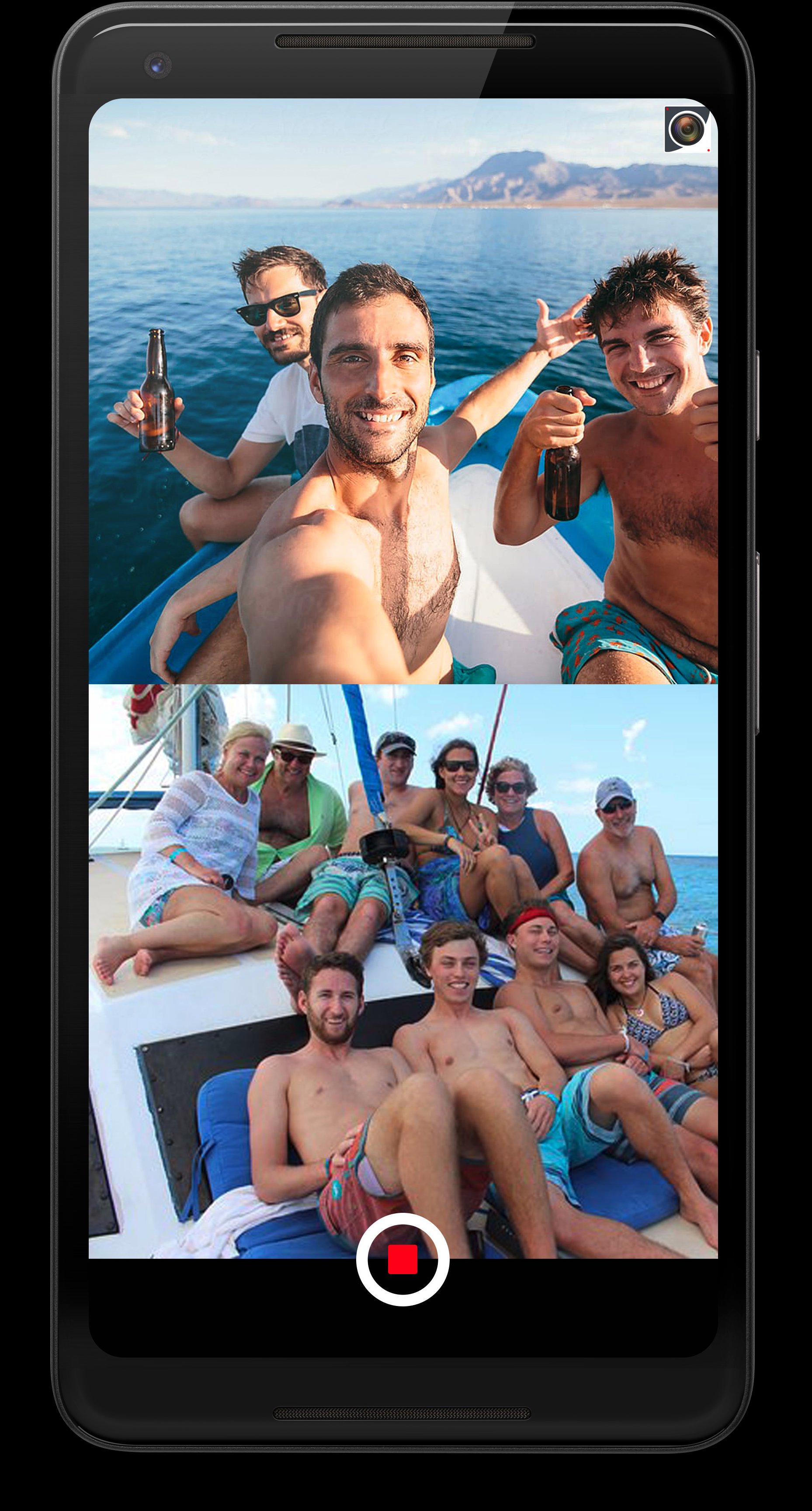
• Stack Mode – Place two videos top and bottom
• PiP Mode – Overlay one video on another, move and resize easily
• Shapes & Border – Customize the PiP look
• Delay Control – Set when the second video appears
• Music & Sound – Add music and control audio
• Text Overlay – Add text with custom styles
• Export Quality – Save in 480p, 720p, or 1080p
✂️ Extra Tools
• Video Trim – Quickly cut and keep only the part you need
• Photo Rotation – Rotate photos easily to adjust the angle
Capture more than just moments — capture the full experience.
Thanks for your support 😊
معاينة

العلامات
التصويرمعلومة
مطور
Backs Infotech
احدث اصدار
10.0
آخر تحديث
2026-04-22
فئة
التصوير
متاح على
Google Play
أظهر المزيد
كيف تلعب Dual Camera : Front & Back Cam مع GameLoop على جهاز الكمبيوتر
1. قم بتنزيل GameLoop من الموقع الرسمي ، ثم قم بتشغيل ملف exe لتثبيت GameLoop.
2. افتح GameLoop وابحث عن "Dual Camera : Front & Back Cam" ، وابحث عن Dual Camera : Front & Back Cam في نتائج البحث وانقر على "تثبيت".
3. استمتع بلعب Dual Camera : Front & Back Cam على GameLoop.
Minimum requirements
OS
Windows 8.1 64-bit or Windows 10 64-bit
GPU
GTX 1050
CPU
i3-8300
Memory
8GB RAM
Storage
1GB available space
Recommended requirements
OS
Windows 8.1 64-bit or Windows 10 64-bit
GPU
GTX 1050
CPU
i3-9320
Memory
16GB RAM
Storage
1GB available space