
Cymera - Photo Editor Collage PC
SK Communications
قم بتنزيل Cymera - Photo Editor Collage على جهاز الكمبيوتر باستخدام GameLoop Emulator
Cymera - Photo Editor Collage على الكمبيوتر الشخصي
Cymera - Photo Editor Collage ، القادم من المطور SK Communications ، يعمل على نظام Android في الماضي.
الآن ، يمكنك لعب Cymera - Photo Editor Collage على جهاز الكمبيوتر باستخدام GameLoop بسلاسة.
قم بتنزيله في مكتبة GameLoop أو في نتائج البحث. لا مزيد من الانتباه إلى البطارية أو المكالمات المحبطة في الوقت الخطأ بعد الآن.
ما عليك سوى الاستمتاع بجهاز Cymera - Photo Editor Collage على الشاشة الكبيرة مجانًا!
Cymera - Photo Editor Collage مقدمة
Cymera: Photo Editor Collage - Create Selfies, Collages, And Beauty Edits!
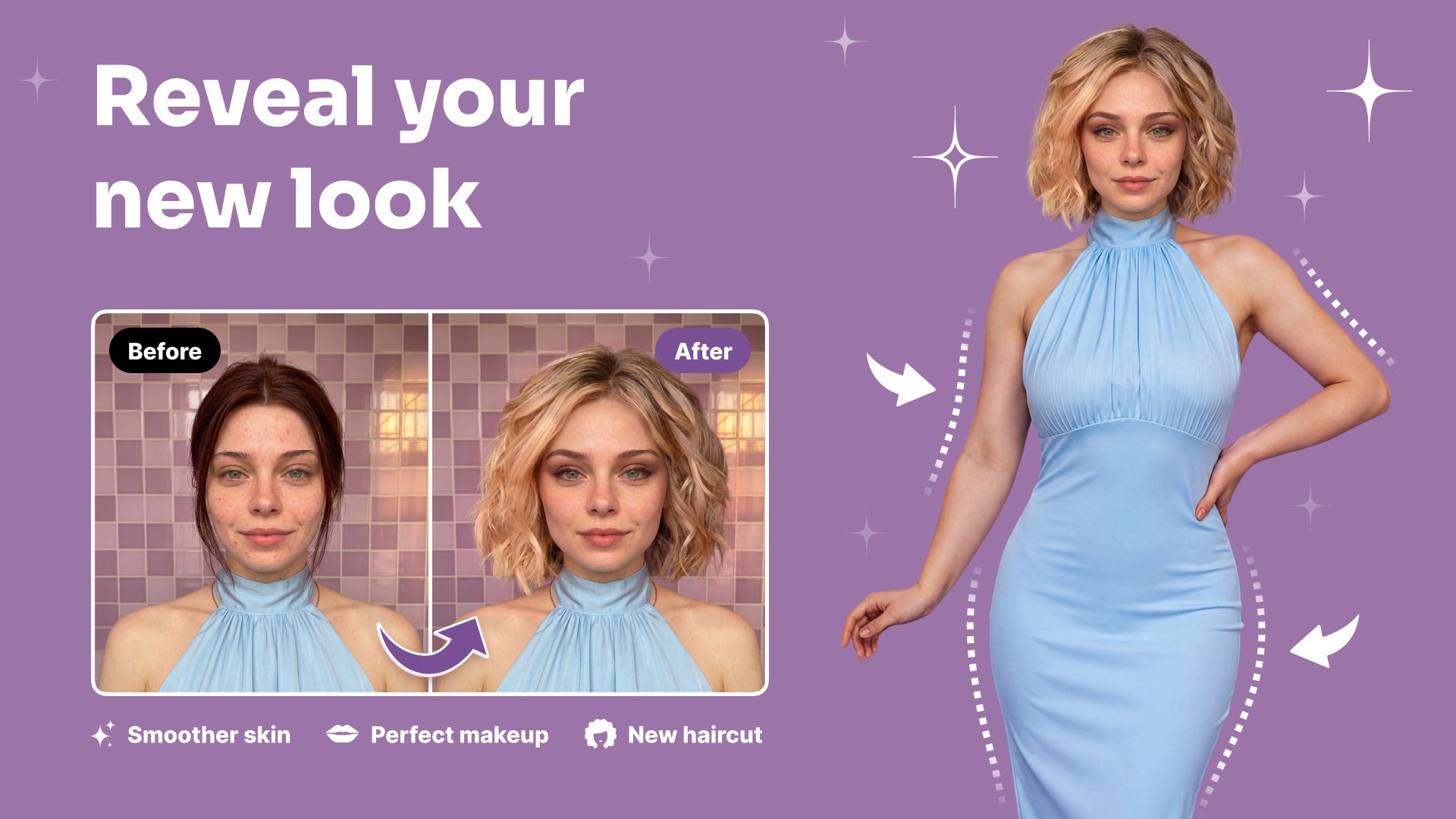
Cymera: Photo Editor Collage helps you capture selfies, edit portraits, make collages, and decorate photos with creative tools in one place.Reshape Photos: Face Filters Selfie Camera gives you real-time selfie effects and beauty camera tools for smoother portraits. Beauty Camera & Pic Collage Maker also helps you combine multiple photos, create poster-style designs, and prepare clean edits quickly.
Creative Photo Editing Features:
📸Body Retouch: Filters For Pictures - Use body shaping, waist slimming, leg lengthening, and hip lift tools;
✨Photo Collage & Selfie Editor - Create collages, posters, and photo cards from gallery images;
💄Face Retouch: Pic Editor - Remove pimples, wrinkles, dark circles, and red eye;
🖼️Picture Collage Photo Editing - Combine up to 9 photos with different grid styles;
🤳Selfie Filters: Picture Editor - Try real-time filters, makeup effects, and favorite filter collections;
🎨Cymera: Photo Editor Collage - Crop, rotate, add mosaic, adjust brightness, and change contrast;
🌈Reshape Photos: Face Filters Selfie Camera - Enlarge eyes, adjust smile, slim the face, and reshape portraits;
💎Beauty Camera & Pic Collage Maker - Use high-resolution output for clean and clear photos;
Take selfies, retouch faces, reshape photos, and build collages!
Body Retouch: Filters For Pictures is helpful when you want to adjust body shape in a simple editor.Photo Collage & Selfie Editor makes collage creation easy by letting you choose pictures from your gallery and instantly place them into layouts. You can also add text, texture, and photo-card details for posts, greetings, covers, and other social designs.
Simple Editing Flow:
📲Open Face Retouch: Pic Editor and choose a selfie or gallery photo;
🤳Use Selfie Filters: Picture Editor for real-time beauty looks;
🖼️Start Picture Collage Photo Editing when you want a grid or poster;
🎨Crop the image for socials, square layouts, covers, or thumbnail-style designs;
💄Apply skin glow, makeup, wrinkle removal, and dark circle cleanup;
📸Try body reshape tools when you want a different portrait look;
✅Save the photo in high quality when your edit is ready;
📸Beauty Camera And Selfie Tools:
Reshape Photos: Face Filters Selfie Camera includes skin makeup, face reshape, slim effects, wrinkle cleanup, pimple removal, and dark circle correction. Automatic face recognition helps with eye enlargement, smile adjustment, and face slimming, so selfie edits feel quicker. The app also includes real-time beauty camera effects for previewing your look before saving.
🌈Filters, Lenses, And Camera Options:
Selfie Filters: Picture Editor includes many filter styles such as vintage, natural, neon, lomo, film, sketch, fisheye, pastel, black and white, nation flags, lens flare, and light leak effects. The camera also includes 7 lenses, anti-shake, timer, touch shooting, out-focusing options, and silent mode for quieter photo capture.
🖼️Collage, Poster, And Easy Editing:
Picture Collage Photo Editing supports quick layouts from gallery photos, with grid options that can combine up to 9 images. Beauty Camera & Pic Collage Maker also includes crop tools for social ratios, blur background, text, stickers, and poster-style designs.
Make Every Selfie And Photo Edit Feel More Complete!
Cymera: Photo Editor Collage gives you beauty tools, camera effects, collage layouts, body editing, face retouching, and photo adjustments in one app. Face Retouch: Pic Editor keeps portrait cleanup simple, while Photo Collage & Selfie Editor helps turn everyday pictures into polished designs for sharing or saving.معاينة

العلامات
التصويرمعلومة
مطور
SK Communications
احدث اصدار
5.2.0
آخر تحديث
2026-09-22
فئة
التصوير
متاح على
Google Play
أظهر المزيد
كيف تلعب Cymera - Photo Editor Collage مع GameLoop على جهاز الكمبيوتر
1. قم بتنزيل GameLoop من الموقع الرسمي ، ثم قم بتشغيل ملف exe لتثبيت GameLoop.
2. افتح GameLoop وابحث عن "Cymera - Photo Editor Collage" ، وابحث عن Cymera - Photo Editor Collage في نتائج البحث وانقر على "تثبيت".
3. استمتع بلعب Cymera - Photo Editor Collage على GameLoop.
Minimum requirements
OS
Windows 8.1 64-bit or Windows 10 64-bit
GPU
GTX 1050
CPU
i3-8300
Memory
8GB RAM
Storage
1GB available space
Recommended requirements
OS
Windows 8.1 64-bit or Windows 10 64-bit
GPU
GTX 1050
CPU
i3-9320
Memory
16GB RAM
Storage
1GB available space