Cool Me Camera PC
Cool Launcher App Team
قم بتنزيل Cool Me Camera على جهاز الكمبيوتر باستخدام GameLoop Emulator
Cool Me Camera على الكمبيوتر الشخصي
Cool Me Camera ، القادم من المطور Cool Launcher App Team ، يعمل على نظام Android في الماضي.
الآن ، يمكنك لعب Cool Me Camera على جهاز الكمبيوتر باستخدام GameLoop بسلاسة.
قم بتنزيله في مكتبة GameLoop أو في نتائج البحث. لا مزيد من الانتباه إلى البطارية أو المكالمات المحبطة في الوقت الخطأ بعد الآن.
ما عليك سوى الاستمتاع بجهاز Cool Me Camera على الشاشة الكبيرة مجانًا!
Cool Me Camera مقدمة
Cool Me Camera has many valuable cool camera features, it make your photos cool; With Cool Me Camera, you may get many cool camera features which contain in normal camera, and also, you may get many more advanced camera features.😍
Cool Me Camera can run on all Android 7.0+ devices, helping you take cool photos, regardless of what phone you have! 💯
Notice:
- Android™ is a registered trademark of Google, Inc.
- Main require Camera permission to take photos and record video
🔥 Cool Me Camera features:
- Cool Me Camera has real-time vivid AR stickers and emoji stickers for you to take live photos or videos
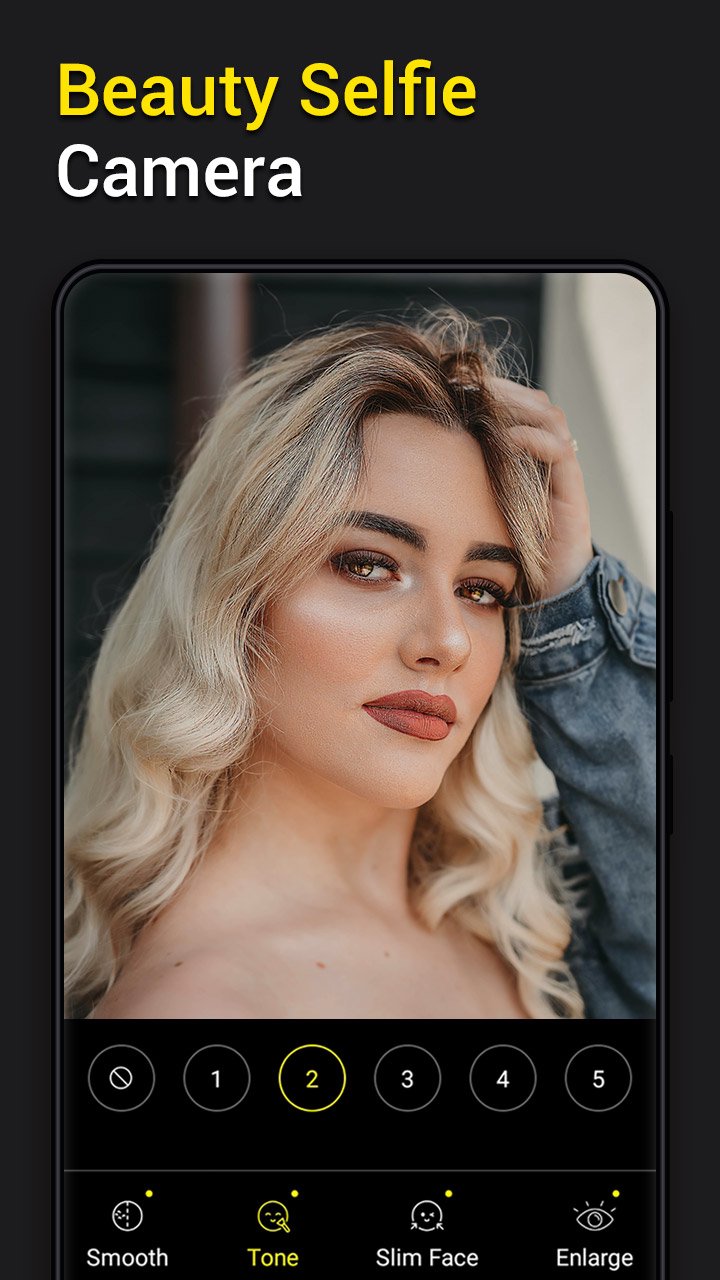
- Cool Me Camera can make up skin tone, big eyes, face-lift.
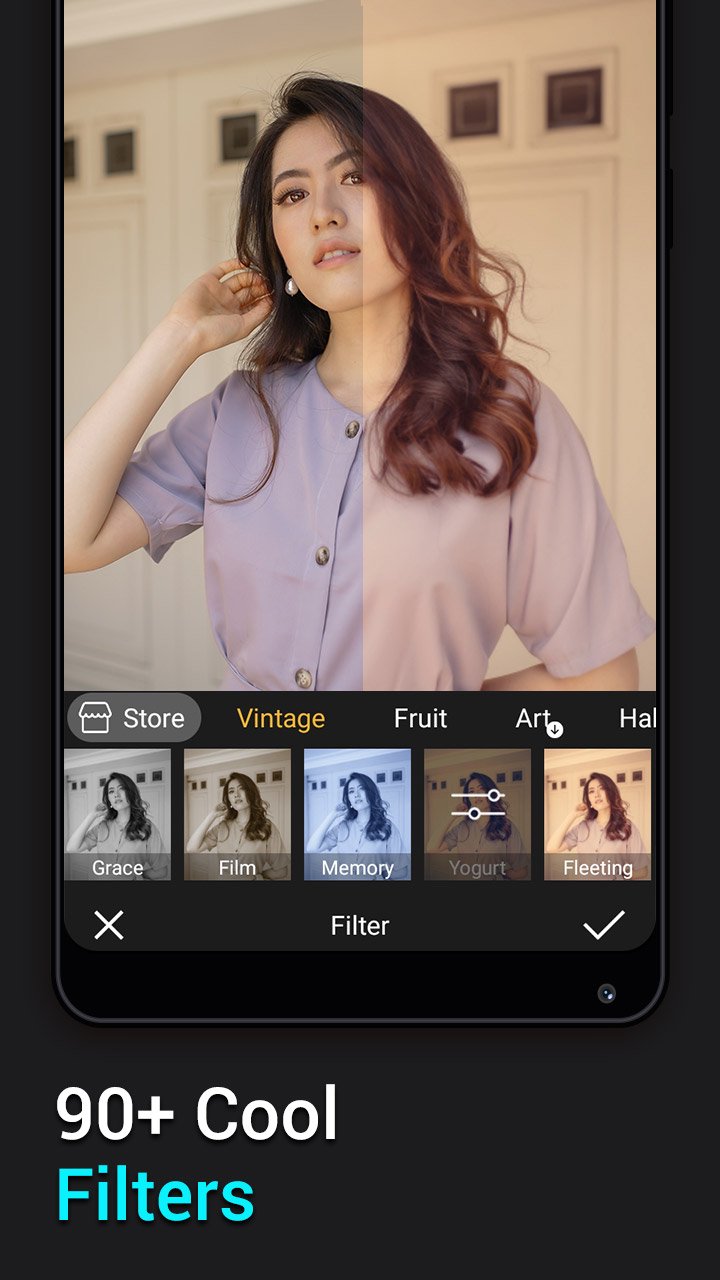
- Cool Me Camera has 100+ cool filters
- Cool Me Camera has funny mask stickers, seal sticker for you to play
- Support 4K, Ultra HD camera
- Support HDR mode, help you take better photos
- Support move shutter button left and right to zoom, more convenience than pinch to zoom
- White screen flash for front camera, fill light in front camera to take better selfie
- Long press shutter to burst shooting.
- Professional mode: ISO, white balance, scene modes, exposure compensation adjustment
- Easy album manager for your photos
- Touch to focus
- Auto flash on/off
- Silent capture mode
- Cool Me Camera support using volume key to take selfie handily
- Cool Me Camera support Timer shot and burst shot
- Cool Me Camera support resolution adjustment for camera & video
- Support tilt-shift photography to take pictures with blur background
- Stamp photos with date tags
- Grid line
- Mirror camera
- Cool Me Camera support Vignette function
- Cool Me Camera include a powerful photo editor:
+ Amazing Filters
+ Photo editor support crop and rotate photo
+ Add doodle, text or tags for photo in cool mi photo editor
+ Adjust photo size, tilt-shift and vignette
+ Choose photo save format
+ Photo editor support photo adjustment: contrast, saturation, brightness and tone
⭐⭐⭐⭐⭐ If you like❤️ Cool Me Camera, please comment and rate, we are trying best to make Cool Me Camera better, thanks!
معاينة
العلامات
التصويرمعلومة
مطور
Cool Launcher App Team
احدث اصدار
6.6
آخر تحديث
2025-12-06
فئة
التصوير
متاح على
Google Play
أظهر المزيد
كيف تلعب Cool Me Camera مع GameLoop على جهاز الكمبيوتر
1. قم بتنزيل GameLoop من الموقع الرسمي ، ثم قم بتشغيل ملف exe لتثبيت GameLoop.
2. افتح GameLoop وابحث عن "Cool Me Camera" ، وابحث عن Cool Me Camera في نتائج البحث وانقر على "تثبيت".
3. استمتع بلعب Cool Me Camera على GameLoop.
Minimum requirements
OS
Windows 8.1 64-bit or Windows 10 64-bit
GPU
GTX 1050
CPU
i3-8300
Memory
8GB RAM
Storage
1GB available space
Recommended requirements
OS
Windows 8.1 64-bit or Windows 10 64-bit
GPU
GTX 1050
CPU
i3-9320
Memory
16GB RAM
Storage
1GB available space