Photo Editor 2026: Art Paint PC
elmoussafir fatima zahra
قم بتنزيل Photo Editor 2026: Art Paint على جهاز الكمبيوتر باستخدام GameLoop Emulator
Photo Editor 2026: Art Paint على الكمبيوتر الشخصي
Photo Editor 2026: Art Paint ، القادم من المطور elmoussafir fatima zahra ، يعمل على نظام Android في الماضي.
الآن ، يمكنك لعب Photo Editor 2026: Art Paint على جهاز الكمبيوتر باستخدام GameLoop بسلاسة.
قم بتنزيله في مكتبة GameLoop أو في نتائج البحث. لا مزيد من الانتباه إلى البطارية أو المكالمات المحبطة في الوقت الخطأ بعد الآن.
ما عليك سوى الاستمتاع بجهاز Photo Editor 2026: Art Paint على الشاشة الكبيرة مجانًا!
Photo Editor 2026: Art Paint مقدمة
Elevate Your Photo Editing Game with Photo Editor 2026: Art Paint – Neon Photo Lab!
Are you ready to unlock the full potential of your photos and create stunning, eye-catching profile pictures?
Look no further than Photo Editor 2026: Art Paint – Neon Photo Lab, the all-in-one photo editing app that combines powerful tools, beautiful effects, and professional results — all in one place!
📸 Powerful Features at Your Fingertips:
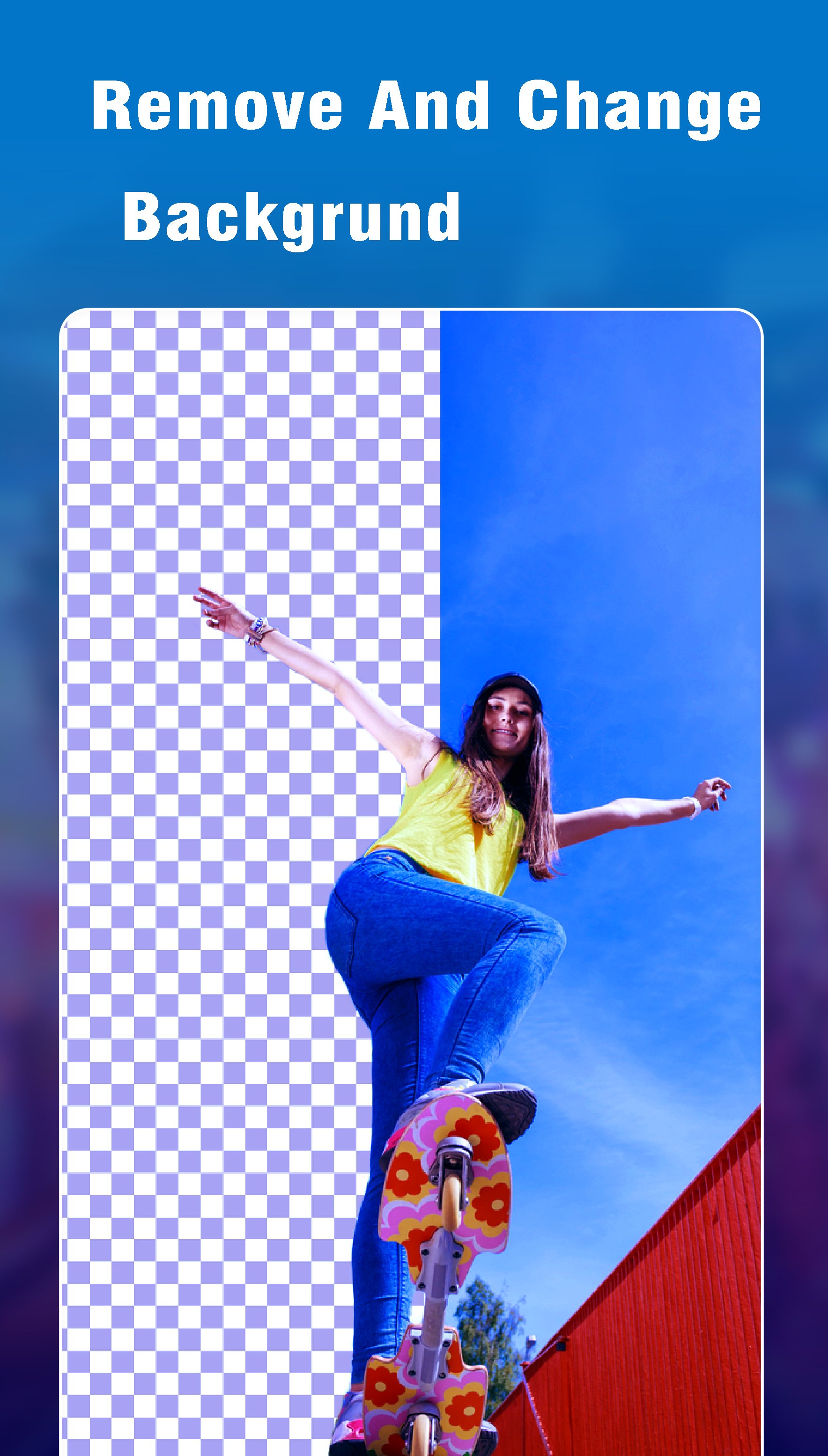
🪄 Remove & Replace Backgrounds with AI
Say goodbye to boring backgrounds! Instantly remove the background from any photo with our smart AI Background Remover, and replace it with a wide selection of aesthetic, clean, or creative backgrounds.
Perfect for professional looks or a scroll-stopping profile picture in seconds!
🎨 Neon Photo Editor
Transform your photos with dazzling neon effects, Drip Art, Photo Motion, and 3D Photo Frames to give your pictures a mesmerizing, modern edge.
Create attractive profile photos that are sure to increase profile views and social engagement.
📷 Selfie Camera
Capture perfect selfies and apply a variety of filters to enhance lighting and colors. Easily edit your photos to make them social media-ready in just moments!
🎆 Pix Lab Effects
Add a touch of artistry with Pix Lab’s vibrant filters and effects. Create bold, unique edits that turn everyday pictures into creative masterpieces and increase your profile visits.
🖼️ Profile Picture Frame Maker
Choose from a stunning collection of aesthetic profile picture frames and borders.
Give your DP a professional makeover that’s guaranteed to attract more friend requests, followers, and likes.
🎨 Photo Filters
No need to be a pro editor! Add style and personality with a wide range of filters like Black & White, Neon Glow, and more.
🌟 Photo Motion Effects
Bring your photos to life! Add animated effects and create 3D-like motion visuals — perfect for dynamic social posts and attention-grabbing content.
🌁 Blur & Mosaic
Blur the background to emphasize your subject, or apply mosaic effects to protect privacy by blurring faces — perfect for portrait photos.
🎨 Free HSL Color & Curves
Fine-tune your edits with advanced yet easy controls for Hue, Saturation, and Luminance using the HSL editor and curves — totally free!
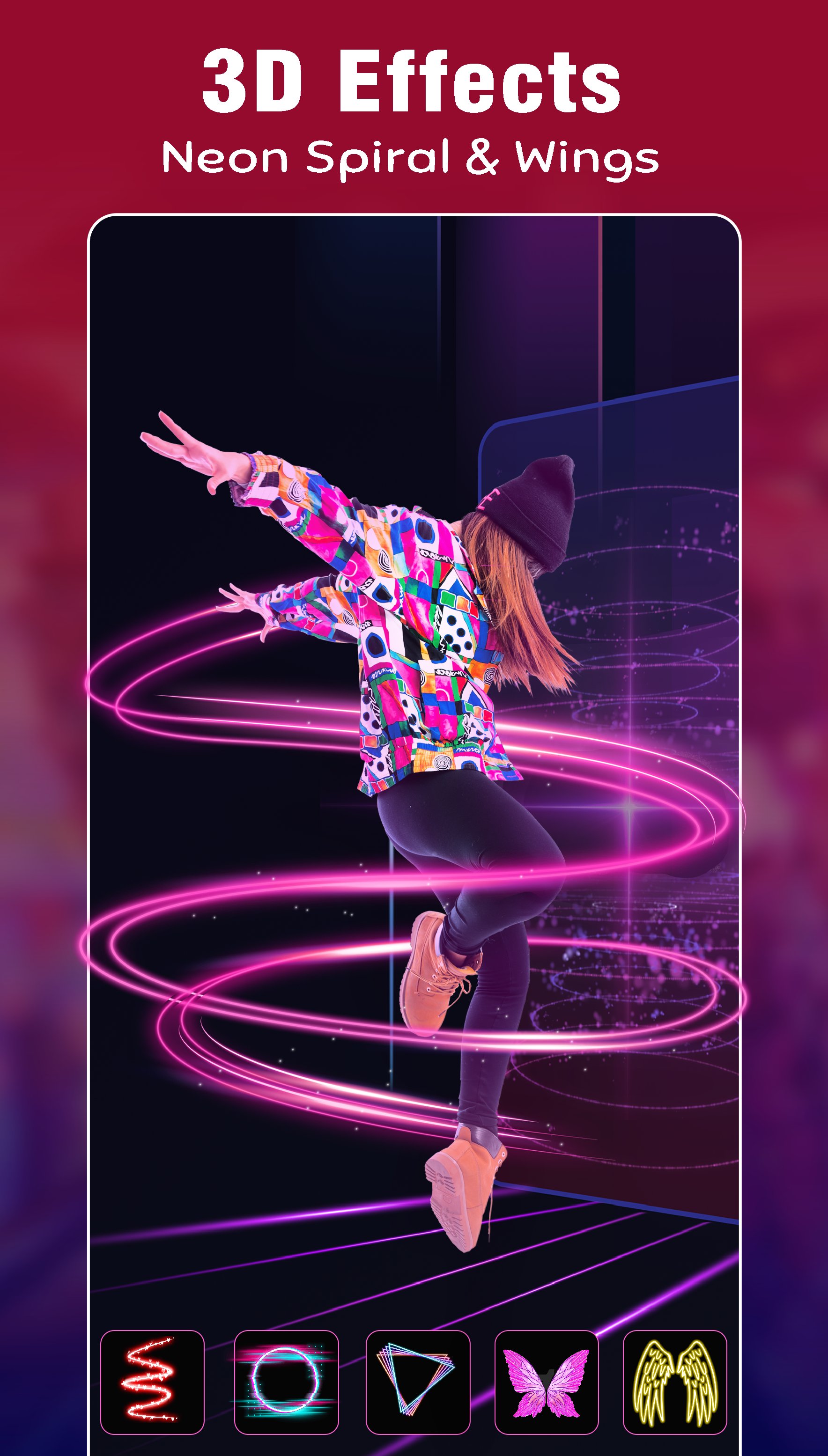
🦋 Wings Effects
Add magical or edgy elements with angel wings, butterfly wings, or even devil wings.
Give your profile picture a unique touch that expresses your personality.
✂️ Cutout – Crop Your Images
Effortlessly crop unwanted parts of your photo with the Cutout tool. Highlight what matters most and create cleaner, sharper visuals.
🔽 Resize & Compress
Easily resize your images for different platforms or compress them to save space — all while keeping top image quality. Ideal for fast uploads and optimized sharing.
✍️ Text, Stickers & Doodles
Add stylish text overlays, choose from a variety of fonts, and enhance your images with fun stickers.
Feeling creative? Doodle freely to give your edits a personal touch.
📲 Share & Shine on Social Media
Post your masterpieces directly to Instagram, Facebook, WhatsApp, TikTok, and more.
With easy-to-use tools and next-level editing features, your profile picture will stand out like never before!
معاينة
العلامات
التصويرمعلومة
مطور
elmoussafir fatima zahra
احدث اصدار
1.20
آخر تحديث
2025-08-28
فئة
التصوير
متاح على
Google Play
أظهر المزيد
كيف تلعب Photo Editor 2026: Art Paint مع GameLoop على جهاز الكمبيوتر
1. قم بتنزيل GameLoop من الموقع الرسمي ، ثم قم بتشغيل ملف exe لتثبيت GameLoop.
2. افتح GameLoop وابحث عن "Photo Editor 2026: Art Paint" ، وابحث عن Photo Editor 2026: Art Paint في نتائج البحث وانقر على "تثبيت".
3. استمتع بلعب Photo Editor 2026: Art Paint على GameLoop.
Minimum requirements
OS
Windows 8.1 64-bit or Windows 10 64-bit
GPU
GTX 1050
CPU
i3-8300
Memory
8GB RAM
Storage
1GB available space
Recommended requirements
OS
Windows 8.1 64-bit or Windows 10 64-bit
GPU
GTX 1050
CPU
i3-9320
Memory
16GB RAM
Storage
1GB available space