Nepali English Keyboard PC
khantechnology
قم بتنزيل Nepali English Keyboard على جهاز الكمبيوتر باستخدام GameLoop Emulator
Nepali English Keyboard على الكمبيوتر الشخصي
Nepali English Keyboard ، القادم من المطور khantechnology ، يعمل على نظام Android في الماضي.
الآن ، يمكنك لعب Nepali English Keyboard على جهاز الكمبيوتر باستخدام GameLoop بسلاسة.
قم بتنزيله في مكتبة GameLoop أو في نتائج البحث. لا مزيد من الانتباه إلى البطارية أو المكالمات المحبطة في الوقت الخطأ بعد الآن.
ما عليك سوى الاستمتاع بجهاز Nepali English Keyboard على الشاشة الكبيرة مجانًا!
Nepali English Keyboard مقدمة
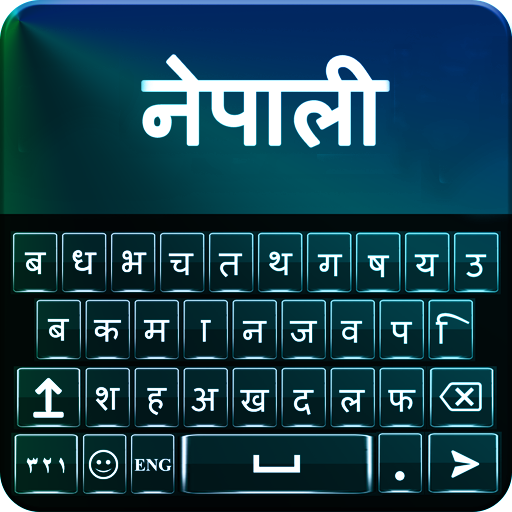
Nepali English Keyboard to make you best student of Nepali. Nepali console English which causes you to type messages in Nepali. It is console Nepali English change that empowers you to switch English dialect .
Best Nepali English console is set apart with English and Nepali letters all the while that empower you to appreciate composing with keypad Nepali English.
Adapt your new Nepali console for android with new looks. In excess of 20 styles to change foundation shade of Nepali English console. Wonderful pictures for console foundation and diverse sound choices for simple go console composing background.
Nepali English Keyboard Features:
Distinctive console skins with styling choices
All Nepali letter sets, letters and word in Nepali keypad effortlessly.
Support for both English and Nepali composing
Customize vivid subjects, textual styles and foundations
Sounds and vibration setting for composing
Auto amend spellings with English Nepali text composing and emoticon prediction
Smiley included
Brilliant tweaking console Nepali English skins for android mobile
How It Works:
Download and Install Nepali English Keyboard on your cell phone from Store.
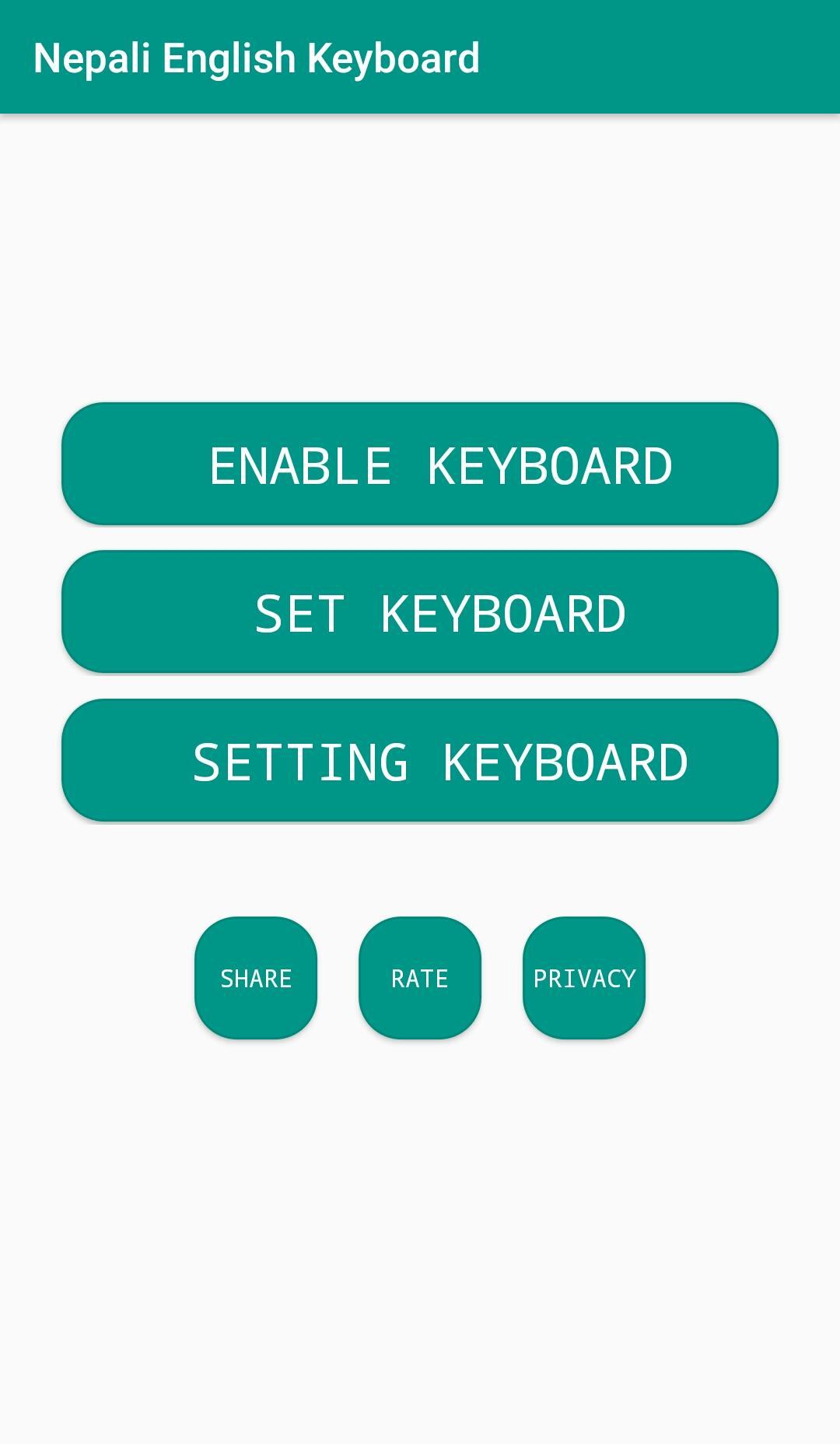
Go to the settings and pick the choice of empowering.
Appreciate the new keypad with a lot of subjects and emoticons.
معاينة
العلامات
إضفاء الطابع الشخصيمعلومة
مطور
khantechnology
احدث اصدار
1.2.2
آخر تحديث
2024-07-31
فئة
إضفاء الطابع الشخصي
متاح على
Google Play
أظهر المزيد
كيف تلعب Nepali English Keyboard مع GameLoop على جهاز الكمبيوتر
1. قم بتنزيل GameLoop من الموقع الرسمي ، ثم قم بتشغيل ملف exe لتثبيت GameLoop.
2. افتح GameLoop وابحث عن "Nepali English Keyboard" ، وابحث عن Nepali English Keyboard في نتائج البحث وانقر على "تثبيت".
3. استمتع بلعب Nepali English Keyboard على GameLoop.
Minimum requirements
OS
Windows 8.1 64-bit or Windows 10 64-bit
GPU
GTX 1050
CPU
i3-8300
Memory
8GB RAM
Storage
1GB available space
Recommended requirements
OS
Windows 8.1 64-bit or Windows 10 64-bit
GPU
GTX 1050
CPU
i3-9320
Memory
16GB RAM
Storage
1GB available space