Bangla Keyboard PC
Color Apps HBN
قم بتنزيل Bangla Keyboard على جهاز الكمبيوتر باستخدام GameLoop Emulator
Bangla Keyboard على الكمبيوتر الشخصي
Bangla Keyboard ، القادم من المطور Color Apps HBN ، يعمل على نظام Android في الماضي.
الآن ، يمكنك لعب Bangla Keyboard على جهاز الكمبيوتر باستخدام GameLoop بسلاسة.
قم بتنزيله في مكتبة GameLoop أو في نتائج البحث. لا مزيد من الانتباه إلى البطارية أو المكالمات المحبطة في الوقت الخطأ بعد الآن.
ما عليك سوى الاستمتاع بجهاز Bangla Keyboard على الشاشة الكبيرة مجانًا!
Bangla Keyboard مقدمة
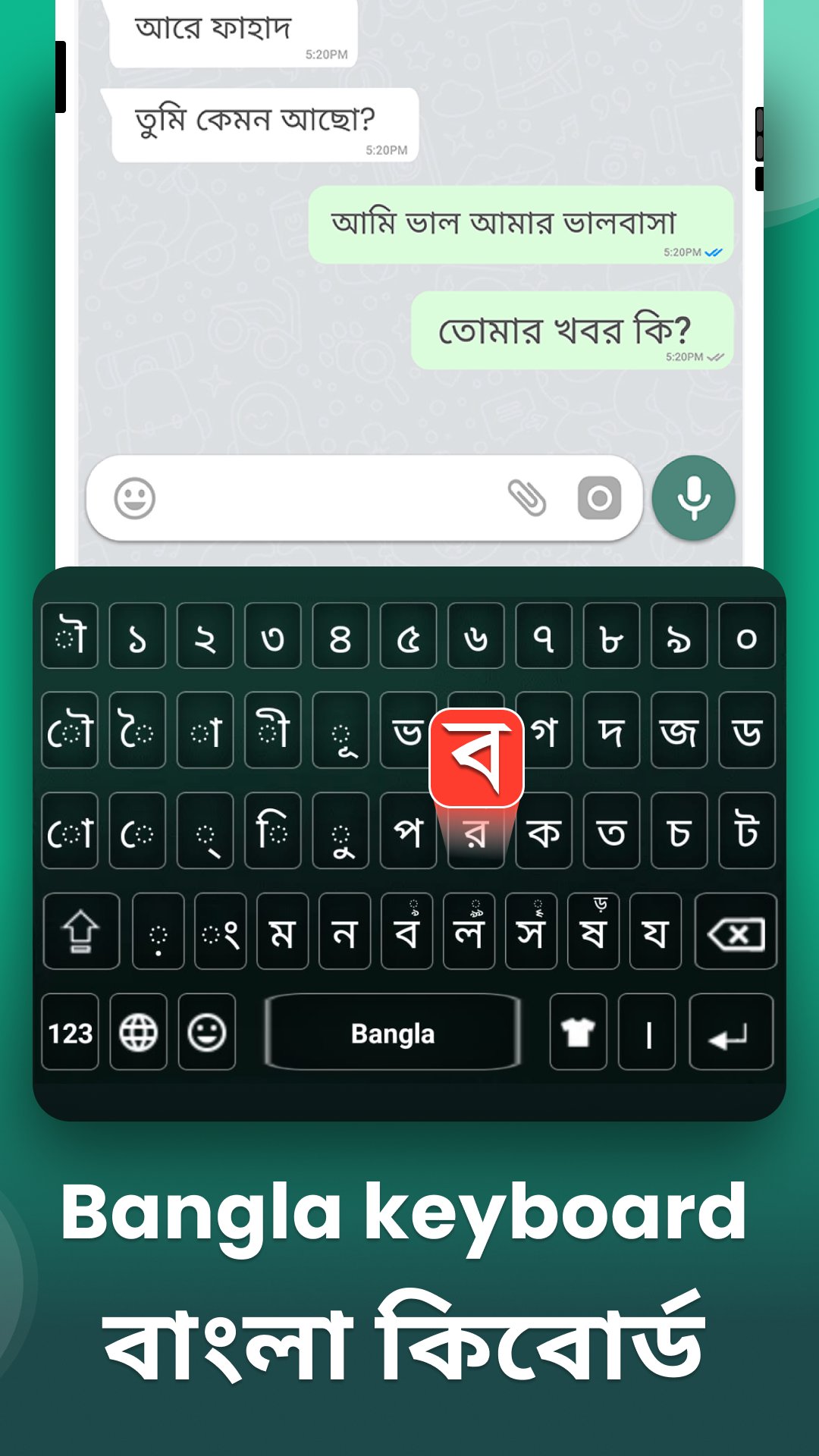
Bangla Keyboard lets you experience simple, smooth, and accurate typing in your native language. Whether you call it a Bangla typing keyboard or Bengali language keyboard, this app is made to simplify your daily communication. With direct Bangla typing pad (ক খ গ), smart phonetic input (Avro-style), and an intelligent word suggestion system, this Bangla Bengali Keyboard makes writing in Bangla faster and easier than ever. You can seamlessly switch between Bangla and English with one tap, making it perfect for bilingual users who want to type in both languages without hassle.
Typing Bangla on your Android phone has never been this easy. This Bangla Keyboard allows you to write messages, update social media, compose emails, or search online in Bangla or Bengali language without switching keyboards. It also includes a built-in voice typing feature to let you speak and type Bangla effortlessly. The app comes packed with 1200+ emojis, stylish themes, and helpful formatting tools like bold, italic, and underline to give your text a personalized touch. Whether you're chatting with friends, entering USSD codes for mobile banking, or posting cricket scores in Bangla numbers, this keyboard has everything you need.
________________________________________
🔑 Key Features of Bangla Bengali Keyboard:
• Direct Bangla typing from ক খ গ letters
• Phonetic input with Avro-style typing
• Fast Bangla typing with smart word suggestions
• Voice typing – speak and type in Bangla easily
• Switch between Bangla and English with one tap
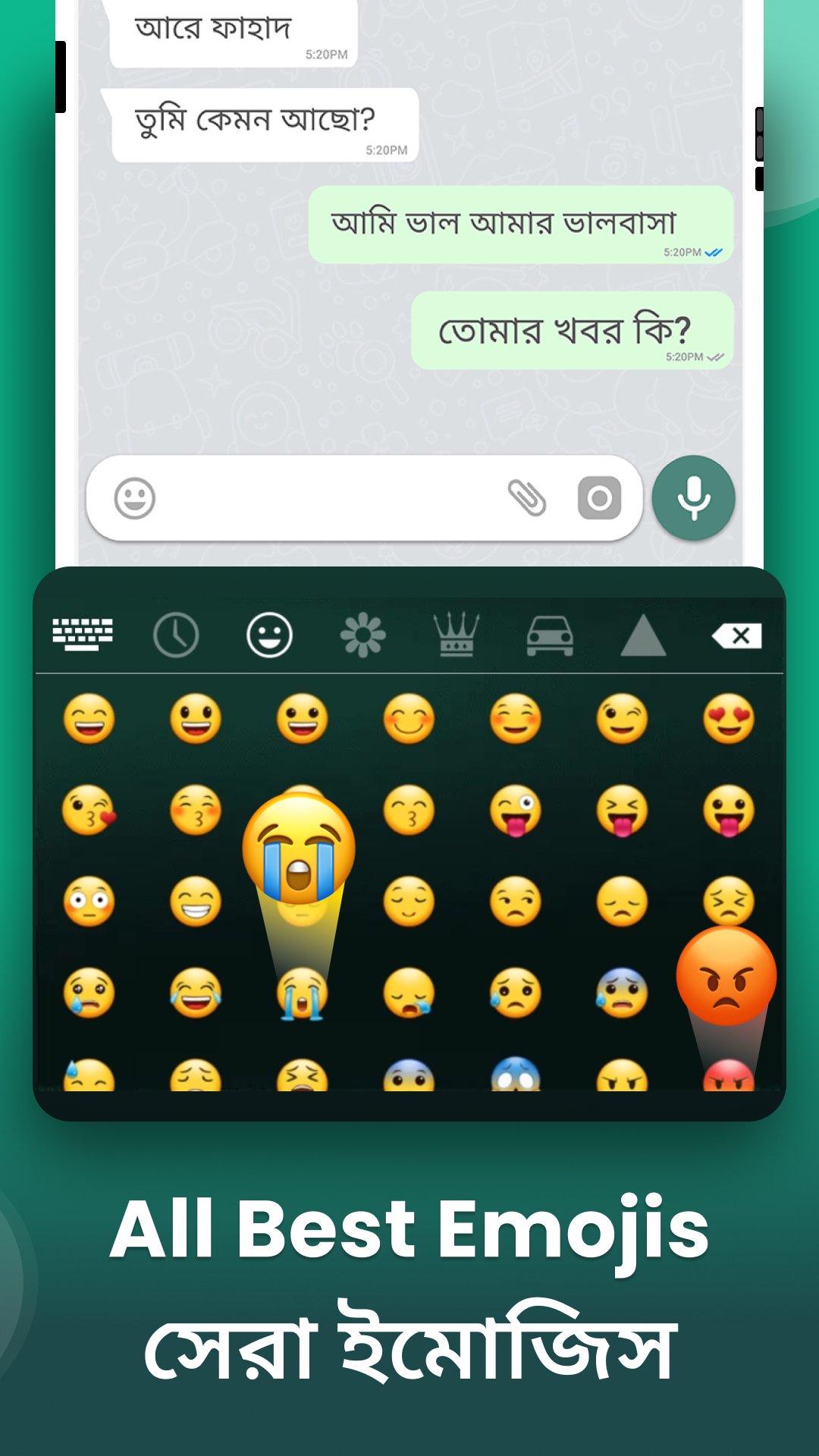
• Built-in emoji panel with 1200+ emojis
• Format text: bold, italic, underline, strike-through
• Offline support – type without internet
• Customize keyboard with beautiful themes
• App size only 4 MB – lightweight and fast
• Full support for Bangla and Bengali typing
________________________________________
📱 Where to Use Bangla Keyboard:
• Send messages and SMS in Bangla
• Write Facebook, WhatsApp, or Instagram posts in Bengali
• Compose emails in Bangla language
• Search Google in Bangla directly
• Chat in your favorite messenger apps with Bangla text
________________________________________
🛠️ How to Use Bangla Typing Keyboard:
1. Download and install the Bangla Keyboard app from Play Store.
2. Open the app and tap “Enable Keyboard.”
3. Select Bangla Keyboard as your default input method.
4. Start typing in Bangla or English anywhere – chats, emails, browsers, etc.
5. Customize themes and font styles from the app settings.
________________________________________
🔐 Privacy Policy
Your privacy matters to us. This Bangla Keyboard does not collect or save any personal data like passwords, credit card numbers, messages, or keystrokes. Everything you type stays on your device. The app works completely offline, and we never access your contacts, camera, microphone, or files.
________________________________________
⭐ Love using Bangla Keyboard?
If you enjoy using this Bangla Bengali Keyboard, please support us by leaving a 5-star rating and a helpful review on the Play Store. Your feedback helps us improve and bring even more features for easier Bangla typing.
معاينة
العلامات
إضفاء الطابع الشخصيمعلومة
مطور
Color Apps HBN
احدث اصدار
4.9
آخر تحديث
2026-05-21
فئة
إضفاء الطابع الشخصي
متاح على
Google Play
أظهر المزيد
كيف تلعب Bangla Keyboard مع GameLoop على جهاز الكمبيوتر
1. قم بتنزيل GameLoop من الموقع الرسمي ، ثم قم بتشغيل ملف exe لتثبيت GameLoop.
2. افتح GameLoop وابحث عن "Bangla Keyboard" ، وابحث عن Bangla Keyboard في نتائج البحث وانقر على "تثبيت".
3. استمتع بلعب Bangla Keyboard على GameLoop.
Minimum requirements
OS
Windows 8.1 64-bit or Windows 10 64-bit
GPU
GTX 1050
CPU
i3-8300
Memory
8GB RAM
Storage
1GB available space
Recommended requirements
OS
Windows 8.1 64-bit or Windows 10 64-bit
GPU
GTX 1050
CPU
i3-9320
Memory
16GB RAM
Storage
1GB available space