MatPop for Kustom KLWP/KWGT PC
BaconBits
قم بتنزيل MatPop for Kustom KLWP/KWGT على جهاز الكمبيوتر باستخدام GameLoop Emulator
MatPop for Kustom KLWP/KWGT على الكمبيوتر الشخصي
MatPop for Kustom KLWP/KWGT ، القادم من المطور BaconBits ، يعمل على نظام Android في الماضي.
الآن ، يمكنك لعب MatPop for Kustom KLWP/KWGT على جهاز الكمبيوتر باستخدام GameLoop بسلاسة.
قم بتنزيله في مكتبة GameLoop أو في نتائج البحث. لا مزيد من الانتباه إلى البطارية أو المكالمات المحبطة في الوقت الخطأ بعد الآن.
ما عليك سوى الاستمتاع بجهاز MatPop for Kustom KLWP/KWGT على الشاشة الكبيرة مجانًا!
MatPop for Kustom KLWP/KWGT مقدمة
YOU NEED TO HAVE THE PRO VERSION OF KUSTOM KLWP INSTALLED ON YOUR PHONE TO USE THE WALLPAPERS/KOMPONENTS - https://goo.gl/UkHJ99
YOU NEED TO HAVE THE PRO VERSION OF KUSTOM KWGT INSTALLED ON YOUR PHONE TO USE THE WIDGETS - https://goo.gl/ABJVXq
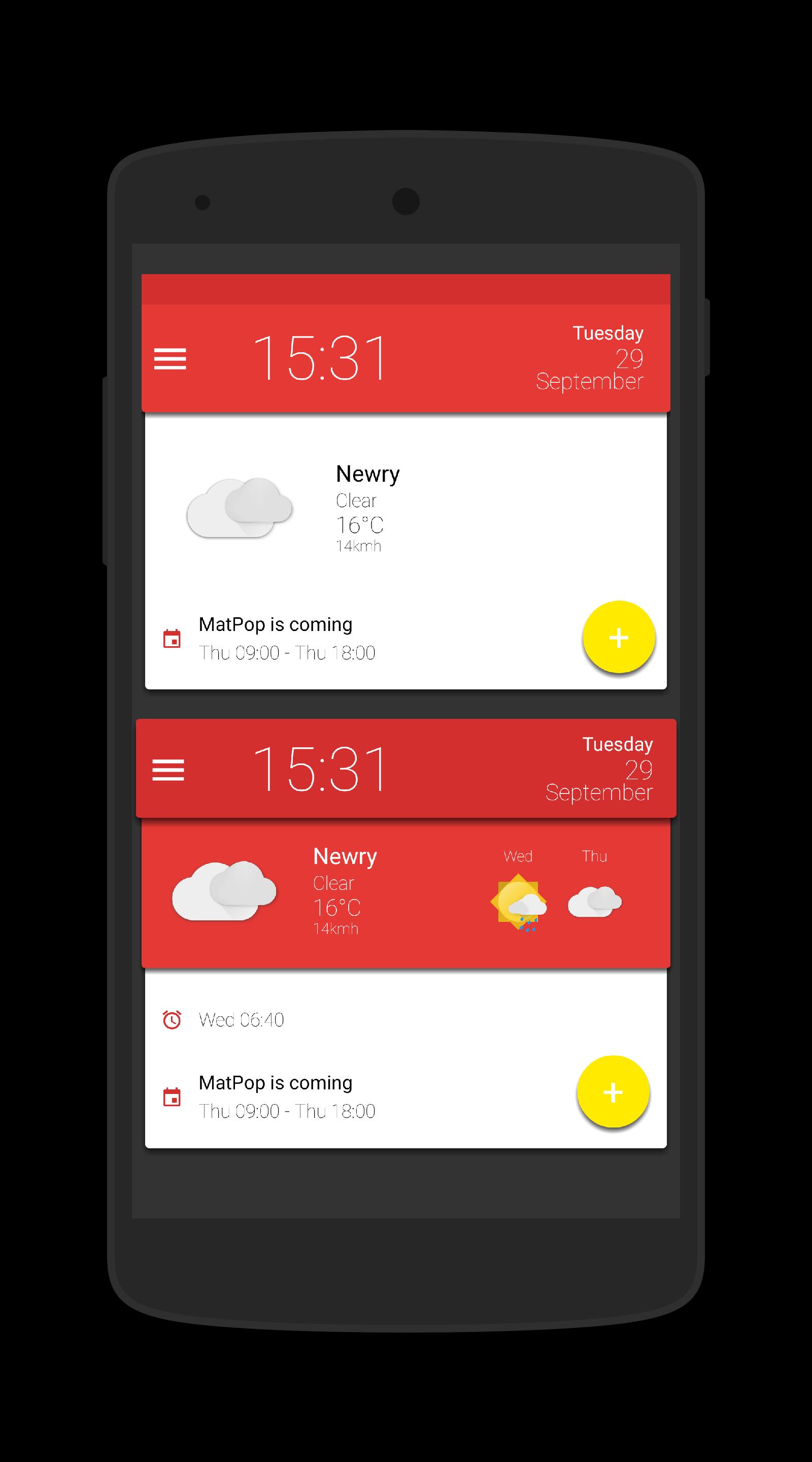
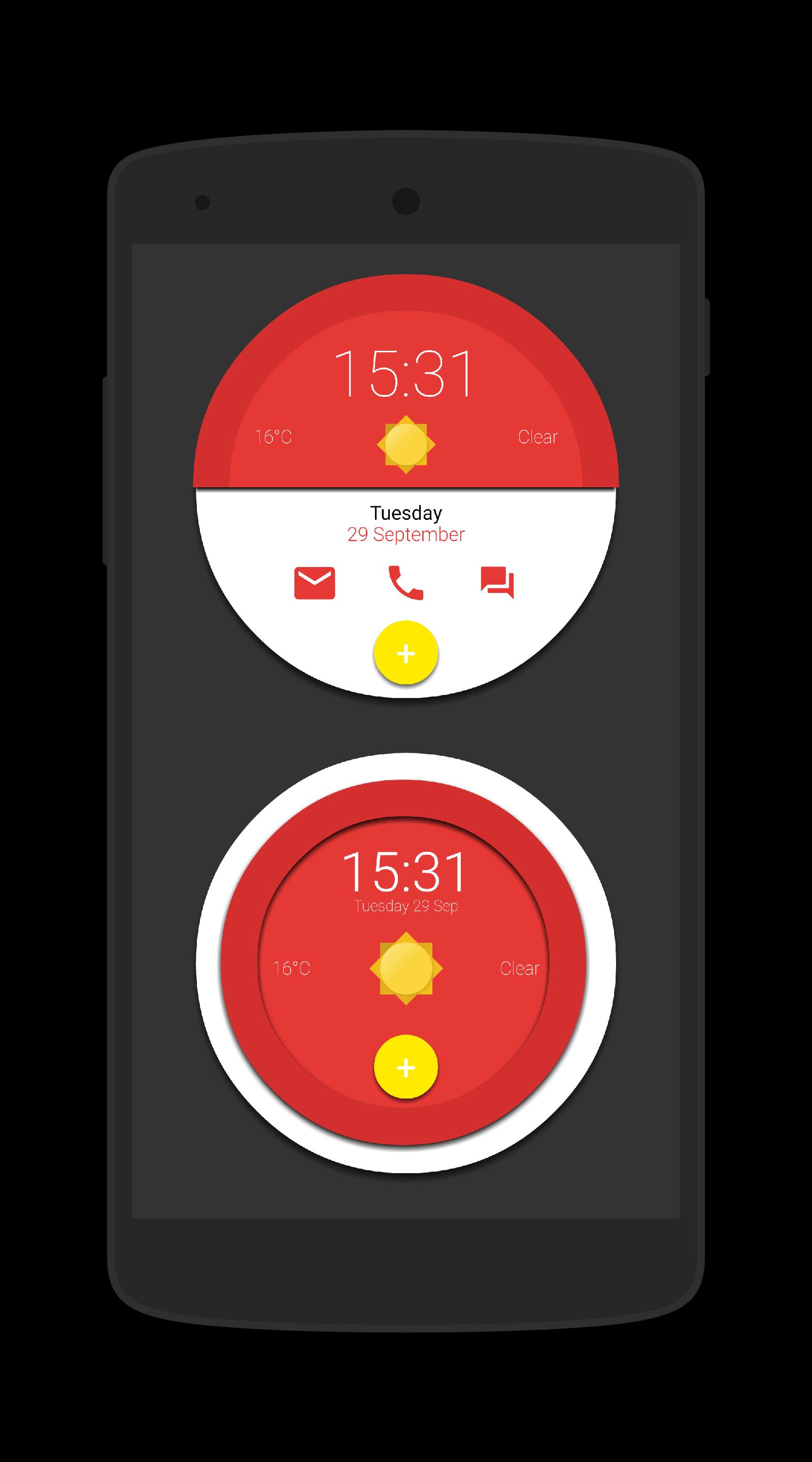
This is a collection of 15 Komponents and a Wallpaper for Kustom KLWP & 15 Widgets for use with Kustom KWGT, all in glorious Material Design
Instructions - Video - https://www.youtube.com/watch?v=dVlmgFTAsa4&feature=youtu.be
Using the Wallpaper (3 page setup)
- Open Kustom KLWP app
- Tap on menu icon
- Select Load Presenmt
- Tap on Installed tab and select Matpop for Kustom
- Select the Matpop Wallpaper
- Tap on save icon
- Make Kustom the Live Wallpaper
- Return to homescreen
- Colours can be changed via the Globals menu in the editor
Using a komponent
- Open the Kustom KWLP app
- Tap the + icon
- Select Matpop for Kustom
- Select the komponent(s) you wish to use
- Tap on save icon
- Make Kustom the Live Wallpaper
- Return to homescreen
- Colours can be changed via the Globals menu in the editor
Using a Wiget
- Longpress on homescreen and select Widget
- Scroll down and select a KWGT widget
- Rersize widget and tap on it
- KWGT app will open
- Select load preset from menu
- Tap on Installed and select Matpop for Kustom
- Select the widget you which to use and press save
- Return to the homescreen
- Colours can be changed via the Globals menu in the editor
Please watch the video as it shows how to use this app
If you have any queries, please email me instead of leaving 1* reviews
Enjoy & Thankyou
Find me on Reddit - https://www.reddit.com/user/BaconBitsNI/
or Twitter - https://twitter.com/baconbitskustom
for more Bacon
معاينة
العلامات
إضفاء الطابع الشخصيمعلومة
مطور
BaconBits
احدث اصدار
2.1
آخر تحديث
2020-09-01
فئة
إضفاء الطابع الشخصي
متاح على
Google Play
أظهر المزيد
كيف تلعب MatPop for Kustom KLWP/KWGT مع GameLoop على جهاز الكمبيوتر
1. قم بتنزيل GameLoop من الموقع الرسمي ، ثم قم بتشغيل ملف exe لتثبيت GameLoop.
2. افتح GameLoop وابحث عن "MatPop for Kustom KLWP/KWGT" ، وابحث عن MatPop for Kustom KLWP/KWGT في نتائج البحث وانقر على "تثبيت".
3. استمتع بلعب MatPop for Kustom KLWP/KWGT على GameLoop.
Minimum requirements
OS
Windows 8.1 64-bit or Windows 10 64-bit
GPU
GTX 1050
CPU
i3-8300
Memory
8GB RAM
Storage
1GB available space
Recommended requirements
OS
Windows 8.1 64-bit or Windows 10 64-bit
GPU
GTX 1050
CPU
i3-9320
Memory
16GB RAM
Storage
1GB available space