Multiple Wallpapers PC
Interesting Apps
قم بتنزيل Multiple Wallpapers على جهاز الكمبيوتر باستخدام GameLoop Emulator
Multiple Wallpapers على الكمبيوتر الشخصي
Multiple Wallpapers ، القادم من المطور Interesting Apps ، يعمل على نظام Android في الماضي.
الآن ، يمكنك لعب Multiple Wallpapers على جهاز الكمبيوتر باستخدام GameLoop بسلاسة.
قم بتنزيله في مكتبة GameLoop أو في نتائج البحث. لا مزيد من الانتباه إلى البطارية أو المكالمات المحبطة في الوقت الخطأ بعد الآن.
ما عليك سوى الاستمتاع بجهاز Multiple Wallpapers على الشاشة الكبيرة مجانًا!
Multiple Wallpapers مقدمة
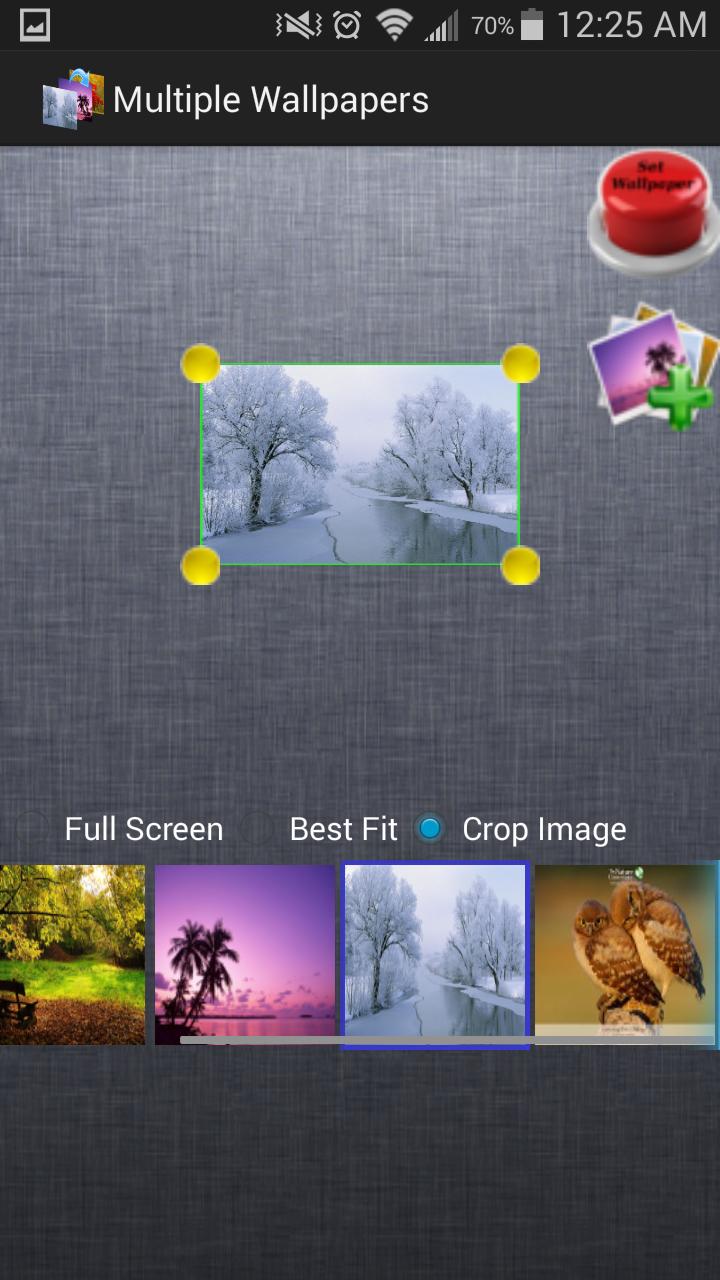
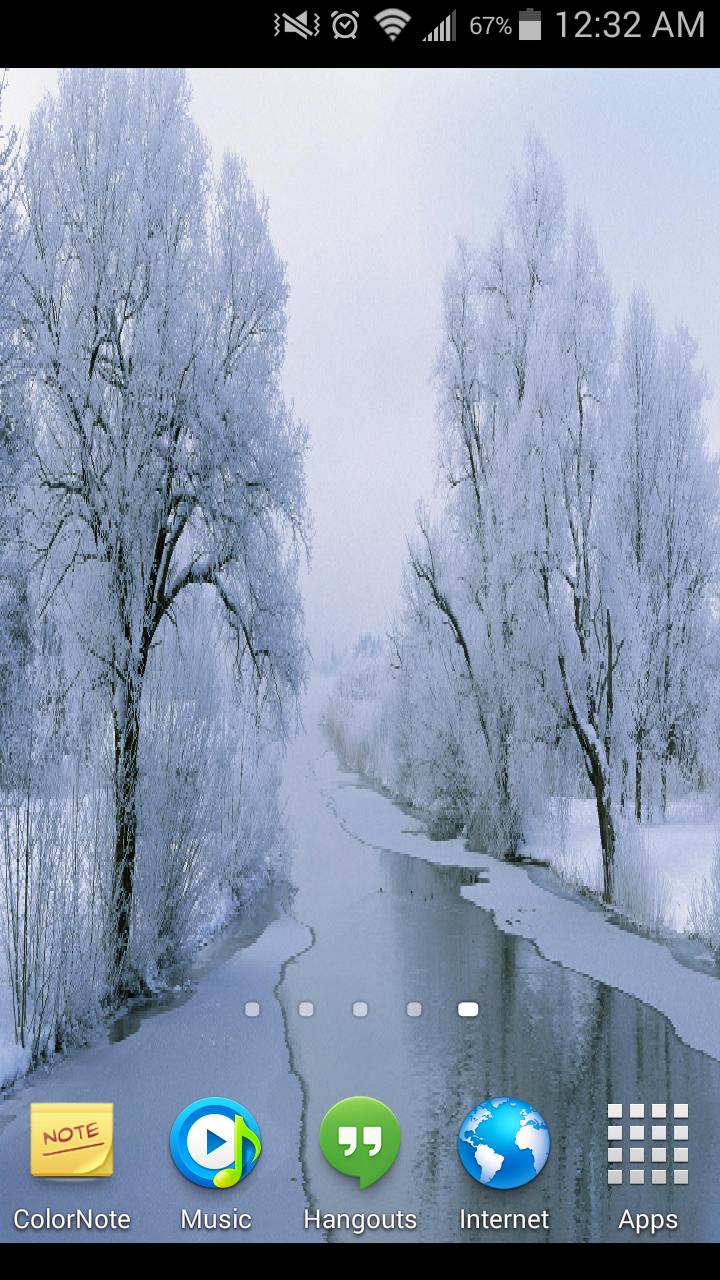
Multiple Wallpapers is a unique live wallpaper app that livens up your home screen just by changing home screen wallpapers with each swipe without draining your phone's battery at all. It lets you add photos from your phone, crop them or resize them to your liking and then sets them as home screen wallpaper. With Multiple Wallpapers you can enjoy a new wallpaper with every swipe you make on your home screen. With crop image functionality, you have the option to select only a part of the image that you like the most. If you like the whole image, then set it to "best fit" the screen or cover the whole screen.
Its really easy to set multiple background wallpapers using Multiple Wallpapers App, just following these simple steps:
1. Open the app and add multiple images that you would like to set as wallpaper
2. Tap on Set Wallpaper image in the app and select the entry "Multiple Wallpapers" from the list of live wallpapers that is shown.
3. Tap on Set Wallpaper button at the bottom.
Thats it! With just 3 simple steps, you can completely revolutionize your home screen and the way you view things on Android.
With Multiple Wallpapers you can:
- Select multiple home screen wallpapers, that can be changed with just a simple horizontal swipe.
- Crop images and set only that part of each image that you like as homescreen wallpapers
- Drag and drop images to manage the order in which they are set as wallpapers. Select Random order in settings before setting live wallpaper, if you want Multiple Wallpapers to take care of image order while setting wallpapers
- Set the size of images so as to get best look on the home screen
- Drag and discard the images from the list into trash can, if you don't want them as wallpaper. Don't worry, it won't delete the images from your phone. :)
Note: Adding images belonging to web albums like Google+, Picasa, Dropbox etc is not supported.
معاينة
معلومة
مطور
Interesting Apps
احدث اصدار
2.1.0
آخر تحديث
2015-01-21
فئة
إضفاء الطابع الشخصي
متاح على
Google Play
أظهر المزيد
كيف تلعب Multiple Wallpapers مع GameLoop على جهاز الكمبيوتر
1. قم بتنزيل GameLoop من الموقع الرسمي ، ثم قم بتشغيل ملف exe لتثبيت GameLoop.
2. افتح GameLoop وابحث عن "Multiple Wallpapers" ، وابحث عن Multiple Wallpapers في نتائج البحث وانقر على "تثبيت".
3. استمتع بلعب Multiple Wallpapers على GameLoop.
Minimum requirements
OS
Windows 8.1 64-bit or Windows 10 64-bit
GPU
GTX 1050
CPU
i3-8300
Memory
8GB RAM
Storage
1GB available space
Recommended requirements
OS
Windows 8.1 64-bit or Windows 10 64-bit
GPU
GTX 1050
CPU
i3-9320
Memory
16GB RAM
Storage
1GB available space