
Niagara Launcher ‧ Home Screen PC
Peter Huber
قم بتنزيل Niagara Launcher ‧ Home Screen على جهاز الكمبيوتر باستخدام GameLoop Emulator
Niagara Launcher ‧ Home Screen على الكمبيوتر الشخصي
Niagara Launcher ‧ Home Screen ، القادم من المطور Peter Huber ، يعمل على نظام Android في الماضي.
الآن ، يمكنك لعب Niagara Launcher ‧ Home Screen على جهاز الكمبيوتر باستخدام GameLoop بسلاسة.
قم بتنزيله في مكتبة GameLoop أو في نتائج البحث. لا مزيد من الانتباه إلى البطارية أو المكالمات المحبطة في الوقت الخطأ بعد الآن.
ما عليك سوى الاستمتاع بجهاز Niagara Launcher ‧ Home Screen على الشاشة الكبيرة مجانًا!
Niagara Launcher ‧ Home Screen مقدمة
Niagara Launcher – A Clean & Elegant Home Screen
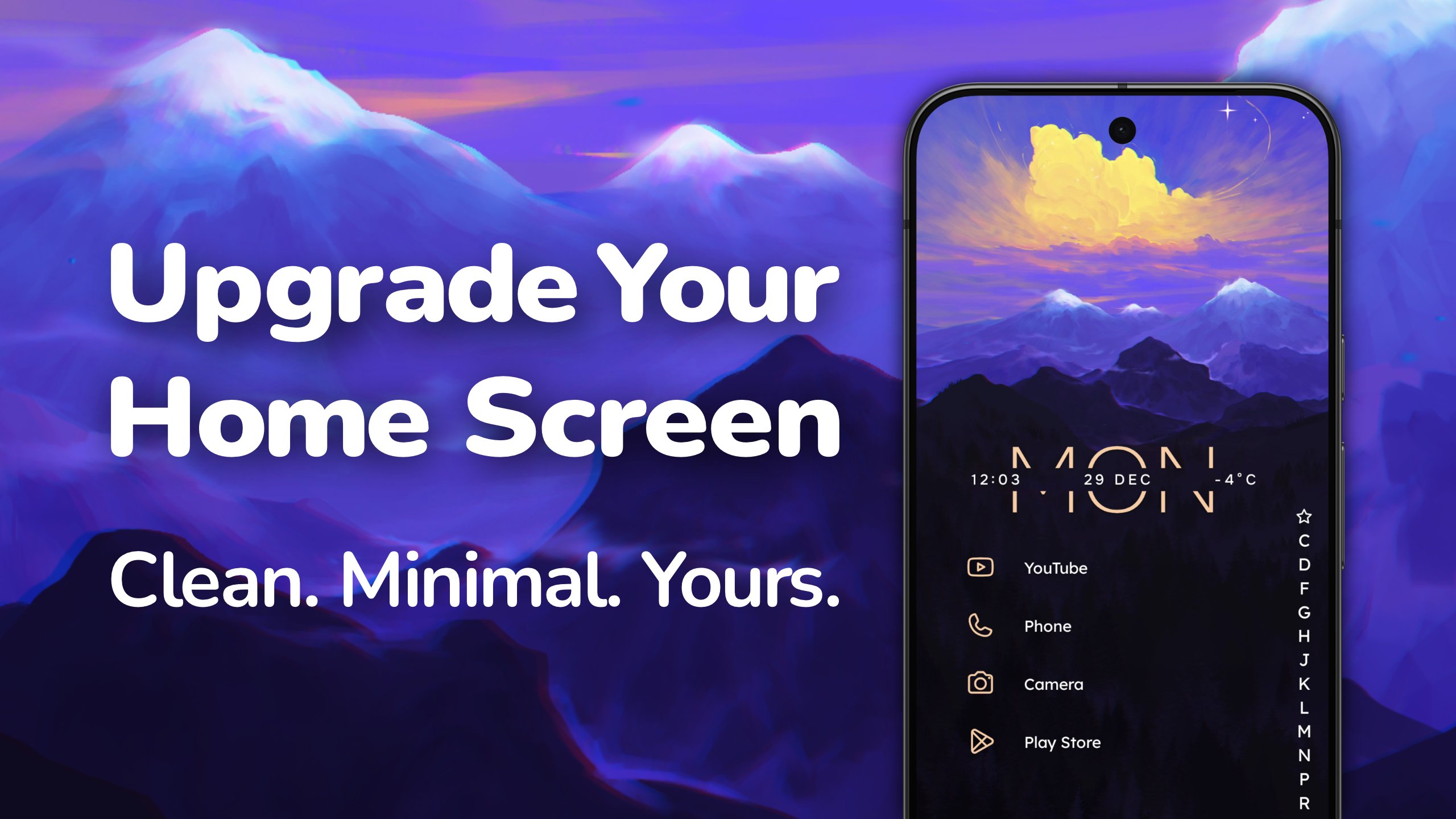
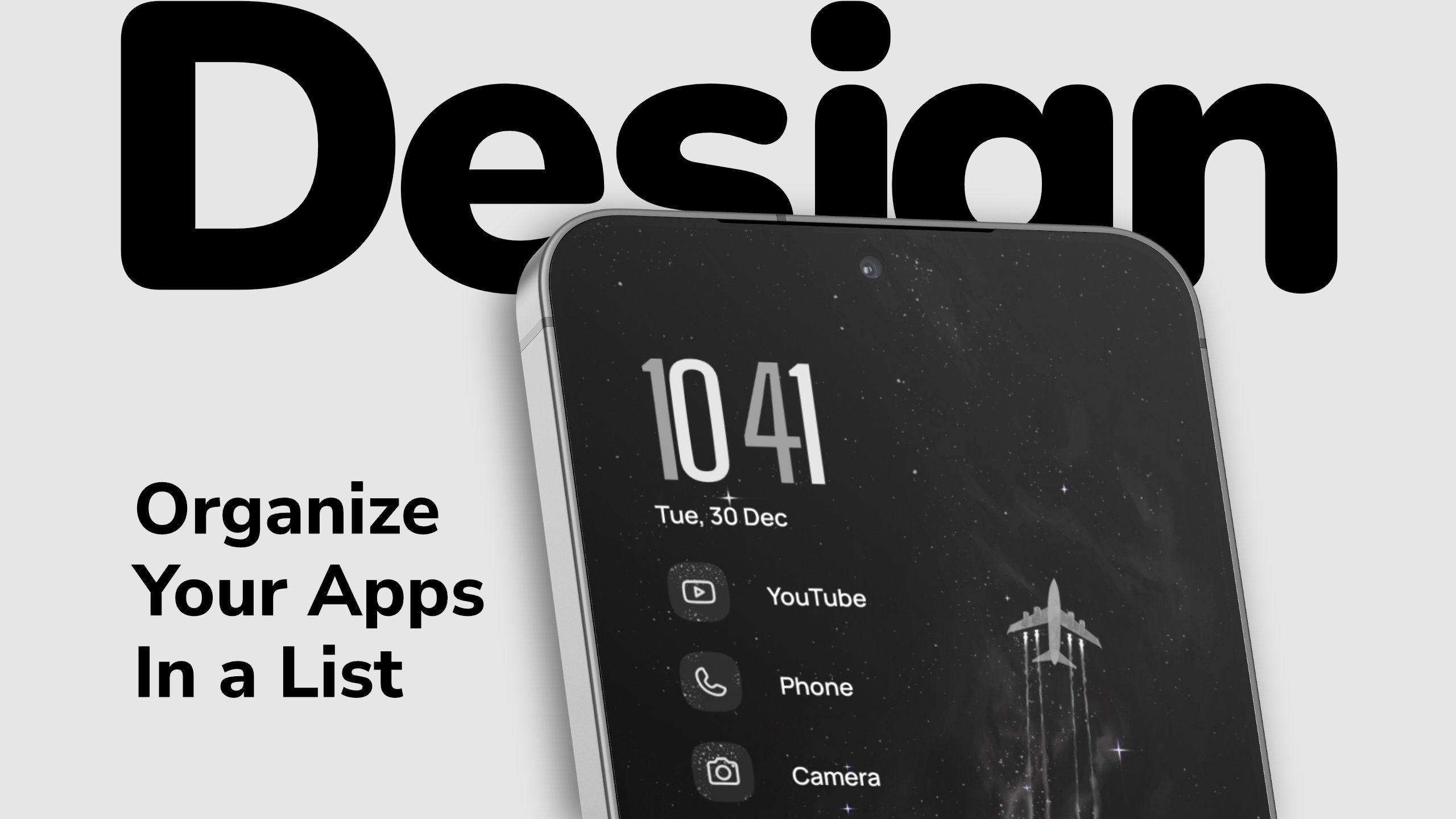
Niagara Launcher is a minimalist Android launcher designed to upgrade your phone by offering a clean, elegant, and customizable home screen. Focusing on productivity and easy customization, Niagara Launcher reduces clutter and allows you to effortlessly customize your home screen with themes, widgets, wallpapers, and icons, helping you make the most of your smartphone.
🏅 Awards
🏅 Among the Best Android Launchers in 2025 – Tom’s Guide
🏅 Among the Best Minimalist Launchers in 2025 – Geeky Gadgets
🏅 Among the Best Android Launchers to customize your phone in 2025 – Android Police
▌ Customization – Make your phone truly yours
🎨 Themes · Apply themes from our theme collection with just one tap.
🖌️ Custom App Icons · Discover a wide range of unique icon packs supporting all your apps.
🖼️ Built-In Wallpapers · Customize your home screen with our unique wallpaper collection.
🕰️ Clock Style · Choose from different clock styles to match your home screen theme.
📝 Custom Fonts · Customize your launcher experience with various fonts.
🎨 Material You · Dynamic theming adapts to your wallpaper on all Android versions.
🌓 Light & Dark Themes · Choose from different light and dark theme options.
▌ Productivity – Everything within reach
📄 Integrated Notifications · Read and reply directly from the home screen.
🌊 Wave Alphabet · Fast access to apps with intuitive one-handed operation.
📅 Calendar Widget · Stay organized with a clear and practical calendar widget.
🌤️ Weather Widget · Check the latest weather updates with the built-in weather widget.
📚 Widget Stack · Space-saving arrangement of up to four widgets.
📁 Pop-Up Folders · An efficient way to organize apps without cluttering your home screen.
🎮 Customizable Gestures · Navigate with gestures like double-tap to turn off the screen.
🔍 Advanced Search · Find contacts, search the web, and calculate instantly.
▌ Wellbeing – Reduce your screen time
⏳ Usage Breaker · Stay mindful of screen time with gentle reminders for apps you use too often.
🎯 Stay focused · Simplify and declutter your home screen for fewer distractions.
🔒 Hide Apps · Keep your app drawer clean by hiding apps you don’t need.
📩 Notification Summary · Bundle less important notifications for longer uninterrupted sessions.
⛔ Ad-Free · An undisturbed usage experience, even in the free version.
🔍 Discover More · Various other features await you in Niagara Launcher.
▌ Continuous Updates & Reliable Support
💻 Active Development · Constant improvements & new features for the launcher.
❤️ Helpful Support · Get quick and friendly assistance whenever you need it.
📲 Backup & Restore · Effortlessly transfer your home screen setup when switching phones.
▌ What Others Say
🏆 "Niagara Launcher for Android, which is, in theory, largely optimized for one-handed phone use but is also just a better, quieter way of organizing your home screen” - David Pierce, The Verge
🏆 „The Best Android Launcher for Big Phones“ - Joe Fedewa, How-To Geek
🏆 „A standout new Android launcher for ergonomic efficiency“ - JR Raphael
🏆 „Your best choice for a tall or folding phone“ - Ryne Hager, Android Police
Thank you for your interest in Niagara Launcher!
Download Niagara Launcher now and transform your phone!
---
📴 Why We Offer an Accessibility Service · Our accessibility service has the sole purpose of letting you quickly turn off your phone's screen with a gesture. The service is optional, disabled by default, and neither collects nor shares any data.
معاينة
العلامات
إضفاء الطابع الشخصيمعلومة
مطور
Peter Huber
احدث اصدار
1.16.21
آخر تحديث
2026-08-05
فئة
إضفاء الطابع الشخصي
متاح على
Google Play
أظهر المزيد
كيف تلعب Niagara Launcher ‧ Home Screen مع GameLoop على جهاز الكمبيوتر
1. قم بتنزيل GameLoop من الموقع الرسمي ، ثم قم بتشغيل ملف exe لتثبيت GameLoop.
2. افتح GameLoop وابحث عن "Niagara Launcher ‧ Home Screen" ، وابحث عن Niagara Launcher ‧ Home Screen في نتائج البحث وانقر على "تثبيت".
3. استمتع بلعب Niagara Launcher ‧ Home Screen على GameLoop.
Minimum requirements
OS
Windows 8.1 64-bit or Windows 10 64-bit
GPU
GTX 1050
CPU
i3-8300
Memory
8GB RAM
Storage
1GB available space
Recommended requirements
OS
Windows 8.1 64-bit or Windows 10 64-bit
GPU
GTX 1050
CPU
i3-9320
Memory
16GB RAM
Storage
1GB available space