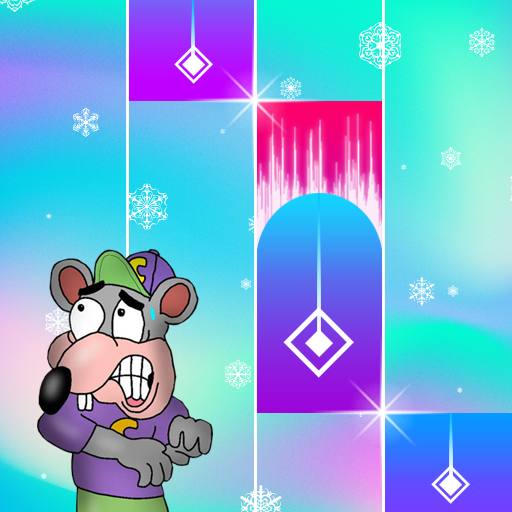
Scary Chuck e Cheese Piano PC
Silopas.Studio
قم بتنزيل Scary Chuck e Cheese Piano على جهاز الكمبيوتر باستخدام GameLoop Emulator
Scary Chuck e Cheese Piano على الكمبيوتر الشخصي
Scary Chuck e Cheese Piano ، القادم من المطور Silopas.Studio ، يعمل على نظام Android في الماضي.
الآن ، يمكنك لعب Scary Chuck e Cheese Piano على جهاز الكمبيوتر باستخدام GameLoop بسلاسة.
قم بتنزيله في مكتبة GameLoop أو في نتائج البحث. لا مزيد من الانتباه إلى البطارية أو المكالمات المحبطة في الوقت الخطأ بعد الآن.
ما عليك سوى الاستمتاع بجهاز Scary Chuck e Cheese Piano على الشاشة الكبيرة مجانًا!
Scary Chuck e Cheese Piano مقدمة
This is the best piano game application of all time, you can download it for free.
You can also play this piano wherever you are, this game can be played online and offline
This game is very easy to play and understand.
With this game you can also train your fingers to be able to play a real piano
because we have collaborated on music, rhythm, drums and several other musical instruments
so that when you play this piano, it will be more pleasant to hear.
* As for how to play it, as follows.
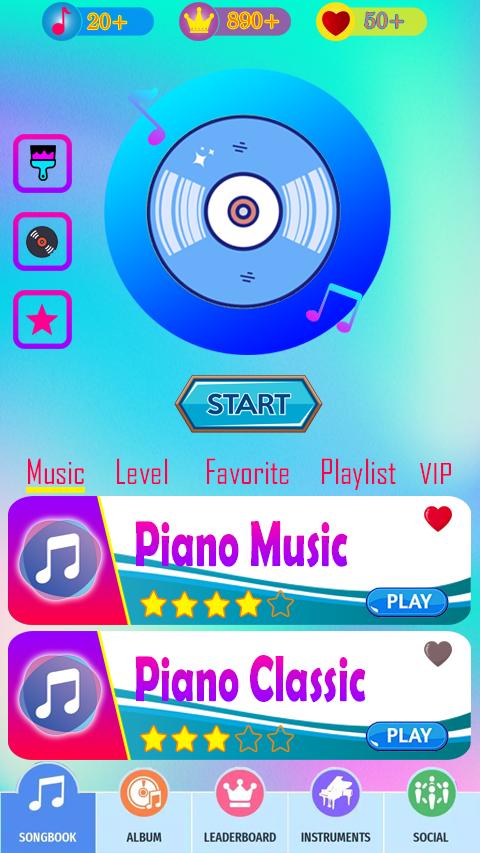
First you open the piano application, a list of songs will appear on your cellphone screen
choose one of the songs that you will play, by pressing the play button
you will enter the piano game, Press the first tile and follow each rhythm and song sequence
adjust to the piano tiles, you will feel like playing a real piano,
and you also have to remember, the longer and the more scores you get, the piano tiles are being
you press will be faster, that's where your toughest challenge.
if you memorize every piano tile that drops, then you can definitely complete this challenge.
* Application Features
- Colored tiles
- Latest songs
- Background options
- Wide range of Disc options
- Favorites Menu
- Attractive View
- Your Favorite Song
Interesting right? You have to try it, collect the highest score and compare it with your friends.
معاينة

العلامات
موسيقىمعلومة
مطور
Silopas.Studio
احدث اصدار
1.0
آخر تحديث
2023-03-29
فئة
موسيقى
متاح على
Google Play
أظهر المزيد
كيف تلعب Scary Chuck e Cheese Piano مع GameLoop على جهاز الكمبيوتر
1. قم بتنزيل GameLoop من الموقع الرسمي ، ثم قم بتشغيل ملف exe لتثبيت GameLoop.
2. افتح GameLoop وابحث عن "Scary Chuck e Cheese Piano" ، وابحث عن Scary Chuck e Cheese Piano في نتائج البحث وانقر على "تثبيت".
3. استمتع بلعب Scary Chuck e Cheese Piano على GameLoop.
Minimum requirements
OS
Windows 8.1 64-bit or Windows 10 64-bit
GPU
GTX 1050
CPU
i3-8300
Memory
8GB RAM
Storage
1GB available space
Recommended requirements
OS
Windows 8.1 64-bit or Windows 10 64-bit
GPU
GTX 1050
CPU
i3-9320
Memory
16GB RAM
Storage
1GB available space