Trumpet Fingerings PC
Notely Apps
قم بتنزيل Trumpet Fingerings على جهاز الكمبيوتر باستخدام GameLoop Emulator
Trumpet Fingerings على الكمبيوتر الشخصي
Trumpet Fingerings ، القادم من المطور Notely Apps ، يعمل على نظام Android في الماضي.
الآن ، يمكنك لعب Trumpet Fingerings على جهاز الكمبيوتر باستخدام GameLoop بسلاسة.
قم بتنزيله في مكتبة GameLoop أو في نتائج البحث. لا مزيد من الانتباه إلى البطارية أو المكالمات المحبطة في الوقت الخطأ بعد الآن.
ما عليك سوى الاستمتاع بجهاز Trumpet Fingerings على الشاشة الكبيرة مجانًا!
Trumpet Fingerings مقدمة
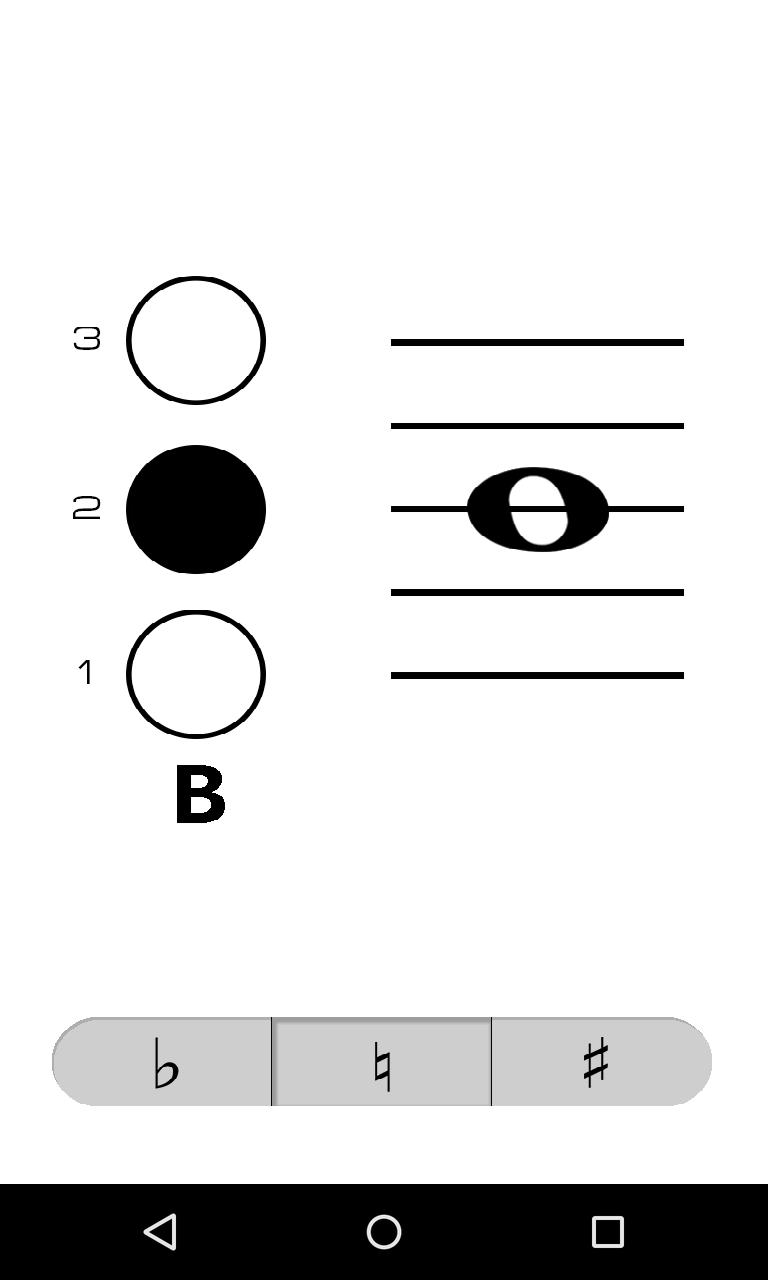
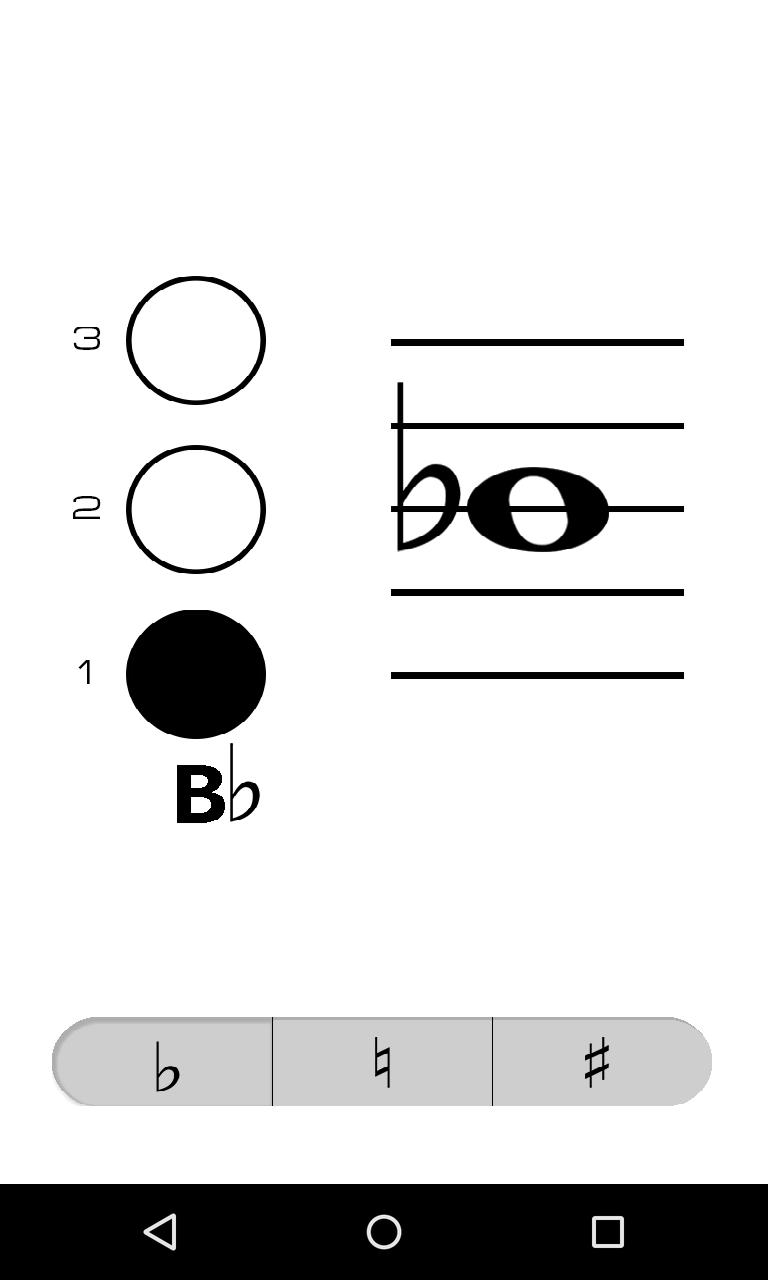
Trumpet Fingerings is a clean and simple virtual fingering chart that makes it fast and easy to look up the fingering and name of a note. No more flipping through clumsy paper fingering charts.
To use Trumpet Fingerings, simply tap the location on the staff of the note you wish to check or drag your finger up or down to the location of the note on the staff. Select whether the pitch of the note is flat, natural, or sharp by tapping the corresponding button on the bottom of the screen, notes are natural by default. The "1" next to the button on the left side of the screen represents the first valve on your trumpet (the one closest to your face when you play).
معاينة
العلامات
Music-&معلومة
مطور
Notely Apps
احدث اصدار
1.2
آخر تحديث
2015-05-02
فئة
Music-audio
متاح على
Google Play
أظهر المزيد
كيف تلعب Trumpet Fingerings مع GameLoop على جهاز الكمبيوتر
1. قم بتنزيل GameLoop من الموقع الرسمي ، ثم قم بتشغيل ملف exe لتثبيت GameLoop.
2. افتح GameLoop وابحث عن "Trumpet Fingerings" ، وابحث عن Trumpet Fingerings في نتائج البحث وانقر على "تثبيت".
3. استمتع بلعب Trumpet Fingerings على GameLoop.
Minimum requirements
OS
Windows 8.1 64-bit or Windows 10 64-bit
GPU
GTX 1050
CPU
i3-8300
Memory
8GB RAM
Storage
1GB available space
Recommended requirements
OS
Windows 8.1 64-bit or Windows 10 64-bit
GPU
GTX 1050
CPU
i3-9320
Memory
16GB RAM
Storage
1GB available space