
Sunufm Radio PC
GS3 Sénégal
قم بتنزيل Sunufm Radio على جهاز الكمبيوتر باستخدام GameLoop Emulator
Sunufm Radio على الكمبيوتر الشخصي
Sunufm Radio ، القادم من المطور GS3 Sénégal ، يعمل على نظام Android في الماضي.
الآن ، يمكنك لعب Sunufm Radio على جهاز الكمبيوتر باستخدام GameLoop بسلاسة.
قم بتنزيله في مكتبة GameLoop أو في نتائج البحث. لا مزيد من الانتباه إلى البطارية أو المكالمات المحبطة في الوقت الخطأ بعد الآن.
ما عليك سوى الاستمتاع بجهاز Sunufm Radio على الشاشة الكبيرة مجانًا!
Sunufm Radio مقدمة
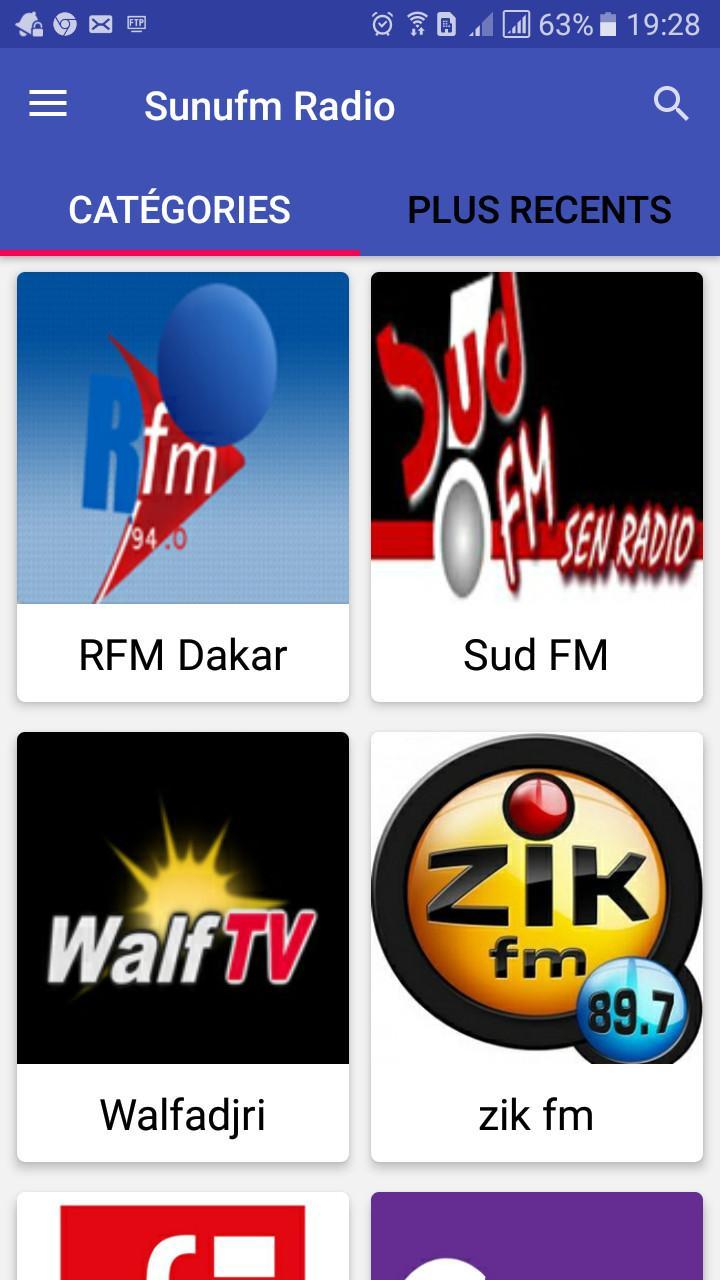
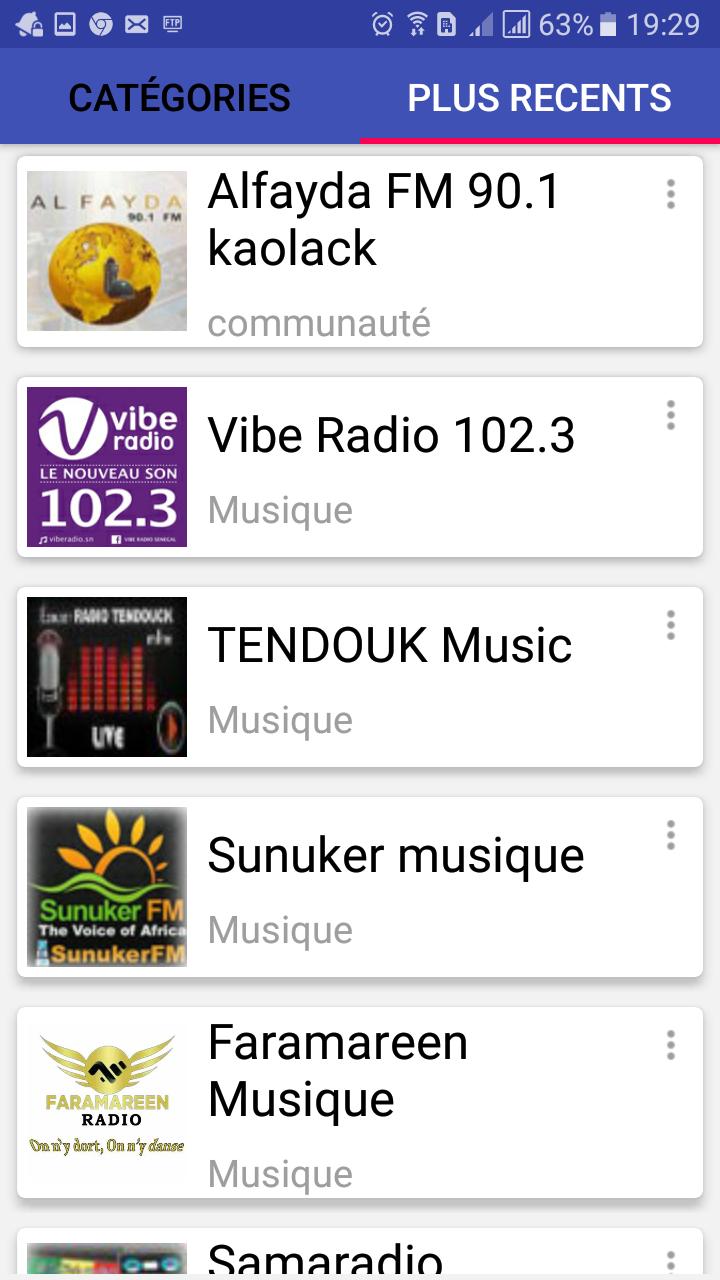
Discover the SunuFM Radio application, the ideal tool to listen to all Senegal radio stations live, wherever you are. With a wide variety of radio channels, this app will keep you updated on the latest news, sporting events, entertainment shows, and more.
Whether you are an expatriate nostalgic for your country or an African music enthusiast, SunuFM Radio has everything you need to keep you entertained and informed. The app offers an easy-to-use interface, allowing you to quickly switch between different radio stations, adjust the volume, and easily share your favorite stations with friends and family.
Download SunuFM Radio now and enjoy your radio listening experience with great sound quality and stable connection. Don't wait any longer to live a unique radio experience, which transports you directly to the atmosphere and culture of Senegal.
معاينة
العلامات
Music-&معلومة
مطور
GS3 Sénégal
احدث اصدار
5.7.1
آخر تحديث
2024-04-24
فئة
Music-audio
متاح على
Google Play
أظهر المزيد
كيف تلعب Sunufm Radio مع GameLoop على جهاز الكمبيوتر
1. قم بتنزيل GameLoop من الموقع الرسمي ، ثم قم بتشغيل ملف exe لتثبيت GameLoop.
2. افتح GameLoop وابحث عن "Sunufm Radio" ، وابحث عن Sunufm Radio في نتائج البحث وانقر على "تثبيت".
3. استمتع بلعب Sunufm Radio على GameLoop.
Minimum requirements
OS
Windows 8.1 64-bit or Windows 10 64-bit
GPU
GTX 1050
CPU
i3-8300
Memory
8GB RAM
Storage
1GB available space
Recommended requirements
OS
Windows 8.1 64-bit or Windows 10 64-bit
GPU
GTX 1050
CPU
i3-9320
Memory
16GB RAM
Storage
1GB available space