
Loch Ness Monster Real Sounds PC
Third Age Ai
قم بتنزيل Loch Ness Monster Real Sounds على جهاز الكمبيوتر باستخدام GameLoop Emulator
Loch Ness Monster Real Sounds على الكمبيوتر الشخصي
Loch Ness Monster Real Sounds ، القادم من المطور Third Age Ai ، يعمل على نظام Android في الماضي.
الآن ، يمكنك لعب Loch Ness Monster Real Sounds على جهاز الكمبيوتر باستخدام GameLoop بسلاسة.
قم بتنزيله في مكتبة GameLoop أو في نتائج البحث. لا مزيد من الانتباه إلى البطارية أو المكالمات المحبطة في الوقت الخطأ بعد الآن.
ما عليك سوى الاستمتاع بجهاز Loch Ness Monster Real Sounds على الشاشة الكبيرة مجانًا!
Loch Ness Monster Real Sounds مقدمة
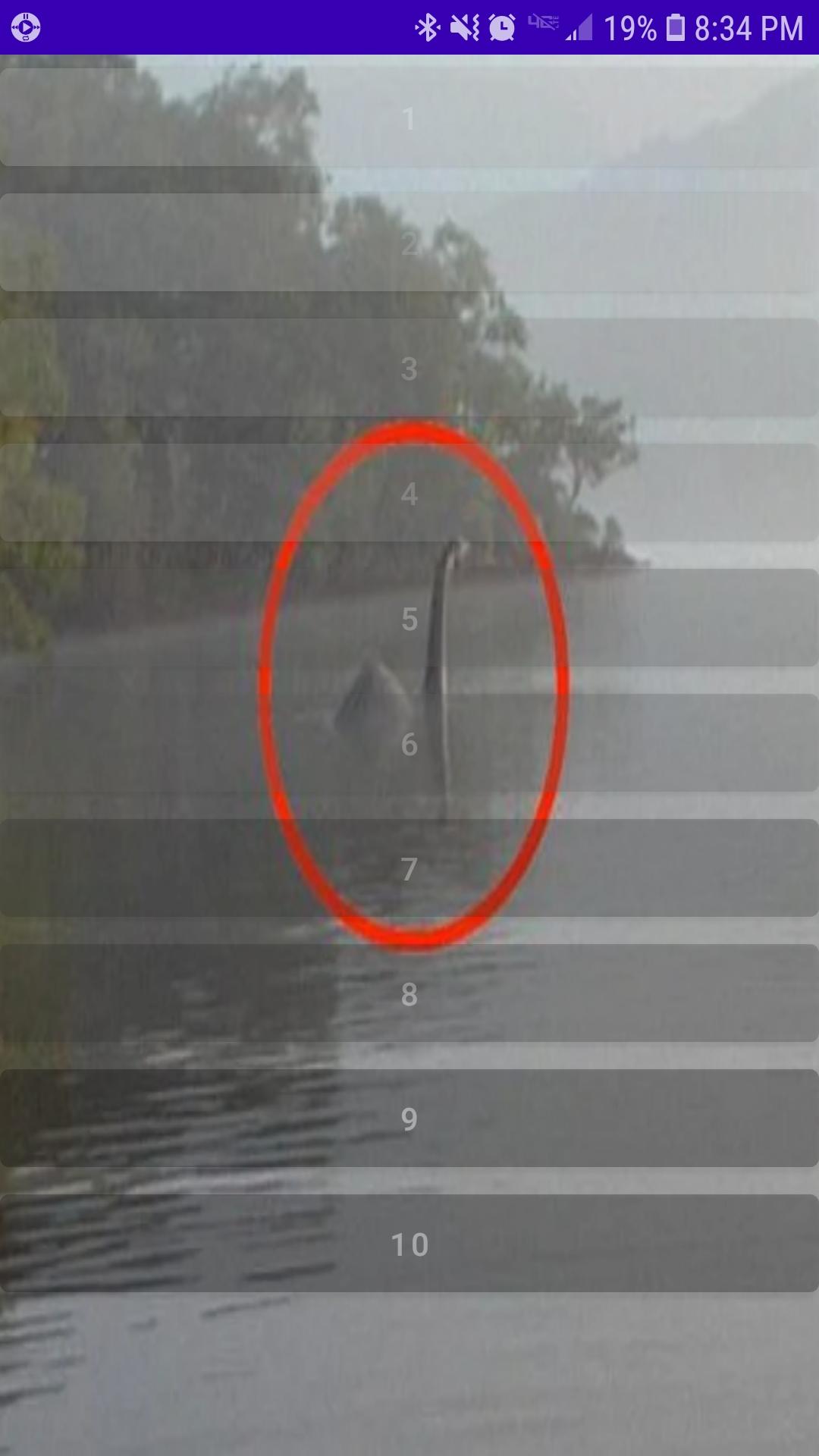
Loch Ness Monster Real Sounds features a collection of recently released sound recordings taken in the Northwest region of the lake. While Loch Ness is already well known for many strange appearances, the Loch Ness Monster continues to puzzle many sceptic, scientist and enthusiast alike. Many want to believe, yet even more remain unsure. Most just want the truth.
Recently released to the public comes a collection of audio recordings highly anticipated by most as factual proof the Loch Ness Monster lives and still inhabits the lake peacefully alongside many a brave fishermen.
What you hear may disturb you. Possibly even leave you feeling void of all purpose in response. Please take caution before glimpsing inside at what you may find. Loch Ness Monster Real Sounds is not for the faint hearted.
معاينة
العلامات
Music-&معلومة
مطور
Third Age Ai
احدث اصدار
3.0
آخر تحديث
2022-11-19
فئة
Music-audio
متاح على
Google Play
أظهر المزيد
كيف تلعب Loch Ness Monster Real Sounds مع GameLoop على جهاز الكمبيوتر
1. قم بتنزيل GameLoop من الموقع الرسمي ، ثم قم بتشغيل ملف exe لتثبيت GameLoop.
2. افتح GameLoop وابحث عن "Loch Ness Monster Real Sounds" ، وابحث عن Loch Ness Monster Real Sounds في نتائج البحث وانقر على "تثبيت".
3. استمتع بلعب Loch Ness Monster Real Sounds على GameLoop.
Minimum requirements
OS
Windows 8.1 64-bit or Windows 10 64-bit
GPU
GTX 1050
CPU
i3-8300
Memory
8GB RAM
Storage
1GB available space
Recommended requirements
OS
Windows 8.1 64-bit or Windows 10 64-bit
GPU
GTX 1050
CPU
i3-9320
Memory
16GB RAM
Storage
1GB available space