Easy Audio Manager PC
100.5 Appworks
قم بتنزيل Easy Audio Manager على جهاز الكمبيوتر باستخدام GameLoop Emulator
Easy Audio Manager على الكمبيوتر الشخصي
Easy Audio Manager ، القادم من المطور 100.5 Appworks ، يعمل على نظام Android في الماضي.
الآن ، يمكنك لعب Easy Audio Manager على جهاز الكمبيوتر باستخدام GameLoop بسلاسة.
قم بتنزيله في مكتبة GameLoop أو في نتائج البحث. لا مزيد من الانتباه إلى البطارية أو المكالمات المحبطة في الوقت الخطأ بعد الآن.
ما عليك سوى الاستمتاع بجهاز Easy Audio Manager على الشاشة الكبيرة مجانًا!
Easy Audio Manager مقدمة
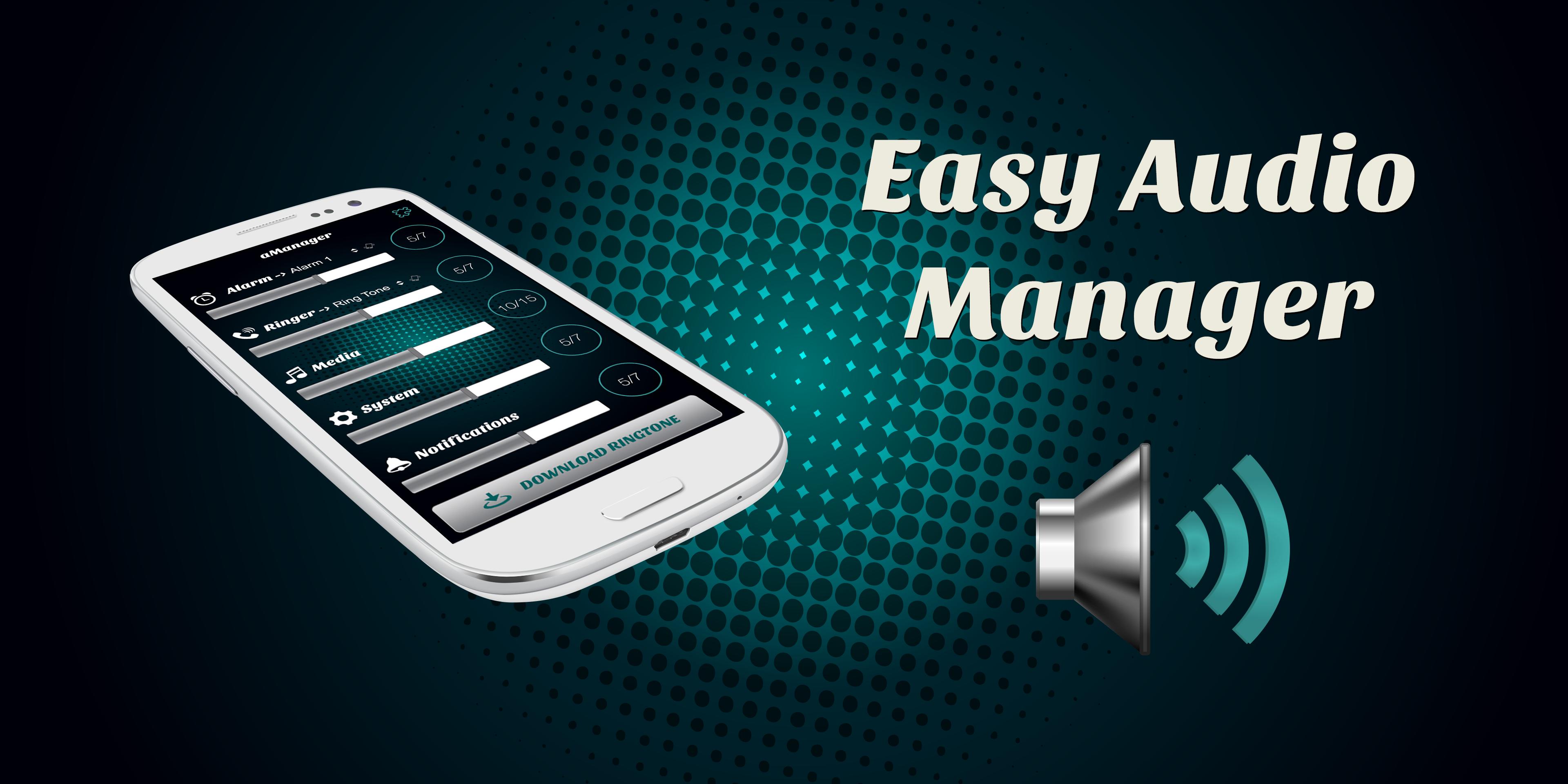
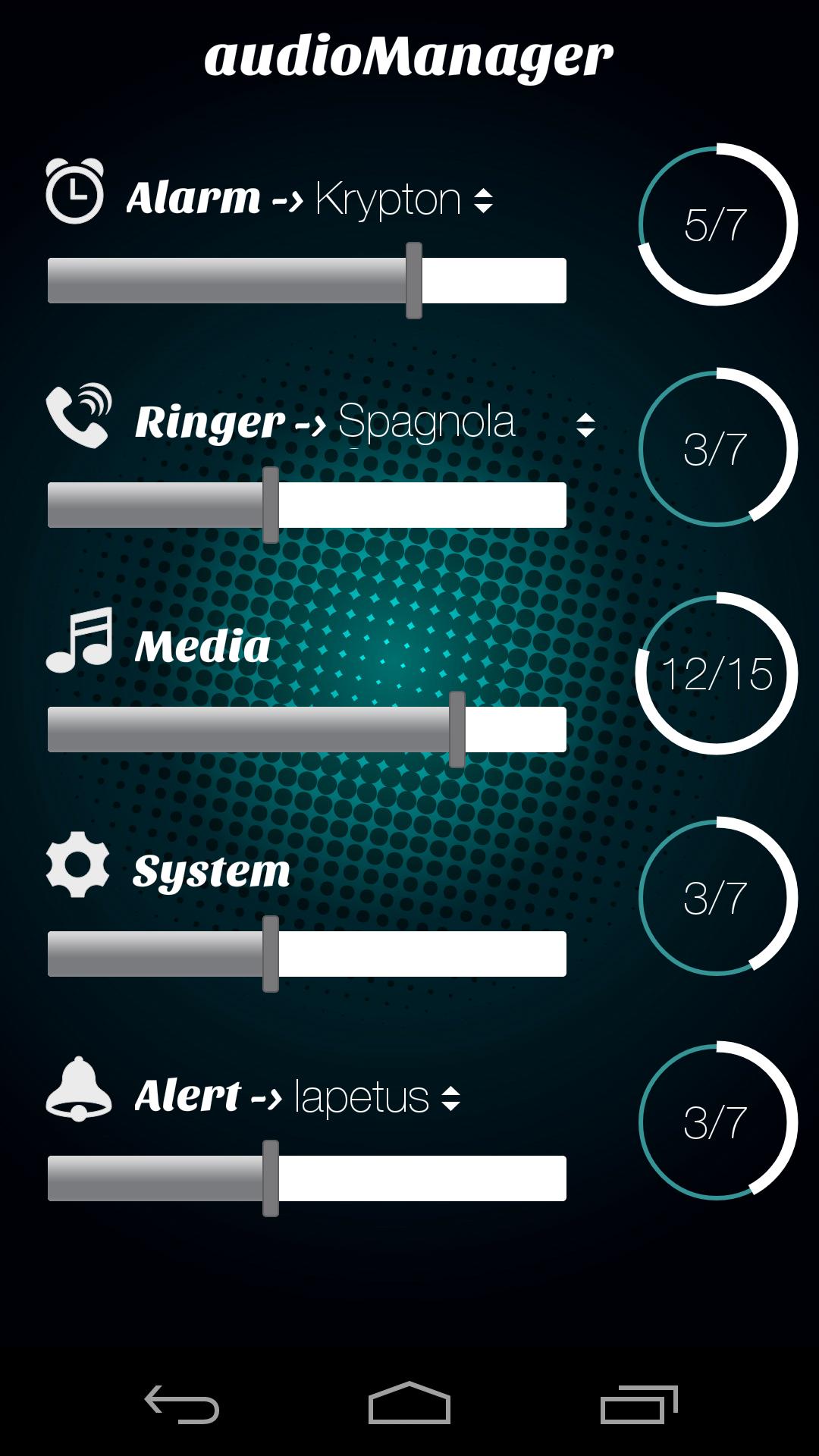
Audio Manager helps you to easy manage volume levels on your Android phone and change ringtones.
Features:
- Alarm level and ringtone
- Ringer level and ringtone
- Media sound level
- System sound level
- Notification level and ringtone
Advertising Policy:
We inform you that this app is free of charge, but in order to be able to continue our development, we use revenue-generating ads. When you click on ads displayed by Easy Audio Manager, you will be redirected to a third-party web page. We may provide certain information to third parties hosting these pages, such as an email address, a phone number, and a list of other applications on your device.
If you like our app, please reward us with a 5 star rating and click the +1 button, thus supporting the future development of this app.
DISCLAIMER: This app in no way can damage your phone!
معاينة
العلامات
Music-&معلومة
مطور
100.5 Appworks
احدث اصدار
1.7.11
آخر تحديث
2018-09-25
فئة
Music-audio
متاح على
Google Play
أظهر المزيد
كيف تلعب Easy Audio Manager مع GameLoop على جهاز الكمبيوتر
1. قم بتنزيل GameLoop من الموقع الرسمي ، ثم قم بتشغيل ملف exe لتثبيت GameLoop.
2. افتح GameLoop وابحث عن "Easy Audio Manager" ، وابحث عن Easy Audio Manager في نتائج البحث وانقر على "تثبيت".
3. استمتع بلعب Easy Audio Manager على GameLoop.
Minimum requirements
OS
Windows 8.1 64-bit or Windows 10 64-bit
GPU
GTX 1050
CPU
i3-8300
Memory
8GB RAM
Storage
1GB available space
Recommended requirements
OS
Windows 8.1 64-bit or Windows 10 64-bit
GPU
GTX 1050
CPU
i3-9320
Memory
16GB RAM
Storage
1GB available space