
BOCLAA PC
Zachary Aghaizu
قم بتنزيل BOCLAA على جهاز الكمبيوتر باستخدام GameLoop Emulator
BOCLAA على الكمبيوتر الشخصي
BOCLAA ، القادم من المطور Zachary Aghaizu ، يعمل على نظام Android في الماضي.
الآن ، يمكنك لعب BOCLAA على جهاز الكمبيوتر باستخدام GameLoop بسلاسة.
قم بتنزيله في مكتبة GameLoop أو في نتائج البحث. لا مزيد من الانتباه إلى البطارية أو المكالمات المحبطة في الوقت الخطأ بعد الآن.
ما عليك سوى الاستمتاع بجهاز BOCLAA على الشاشة الكبيرة مجانًا!
BOCLAA مقدمة
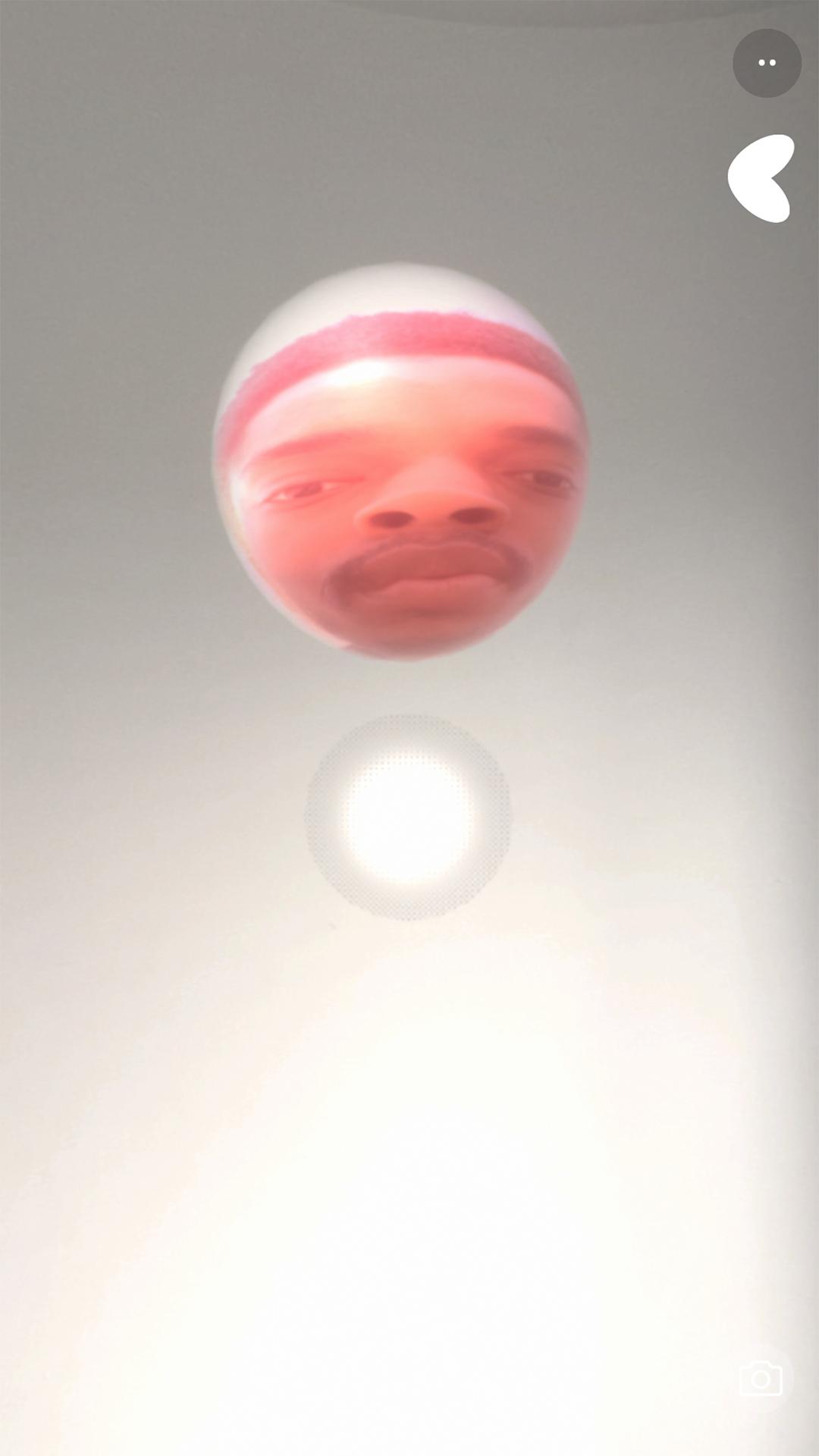
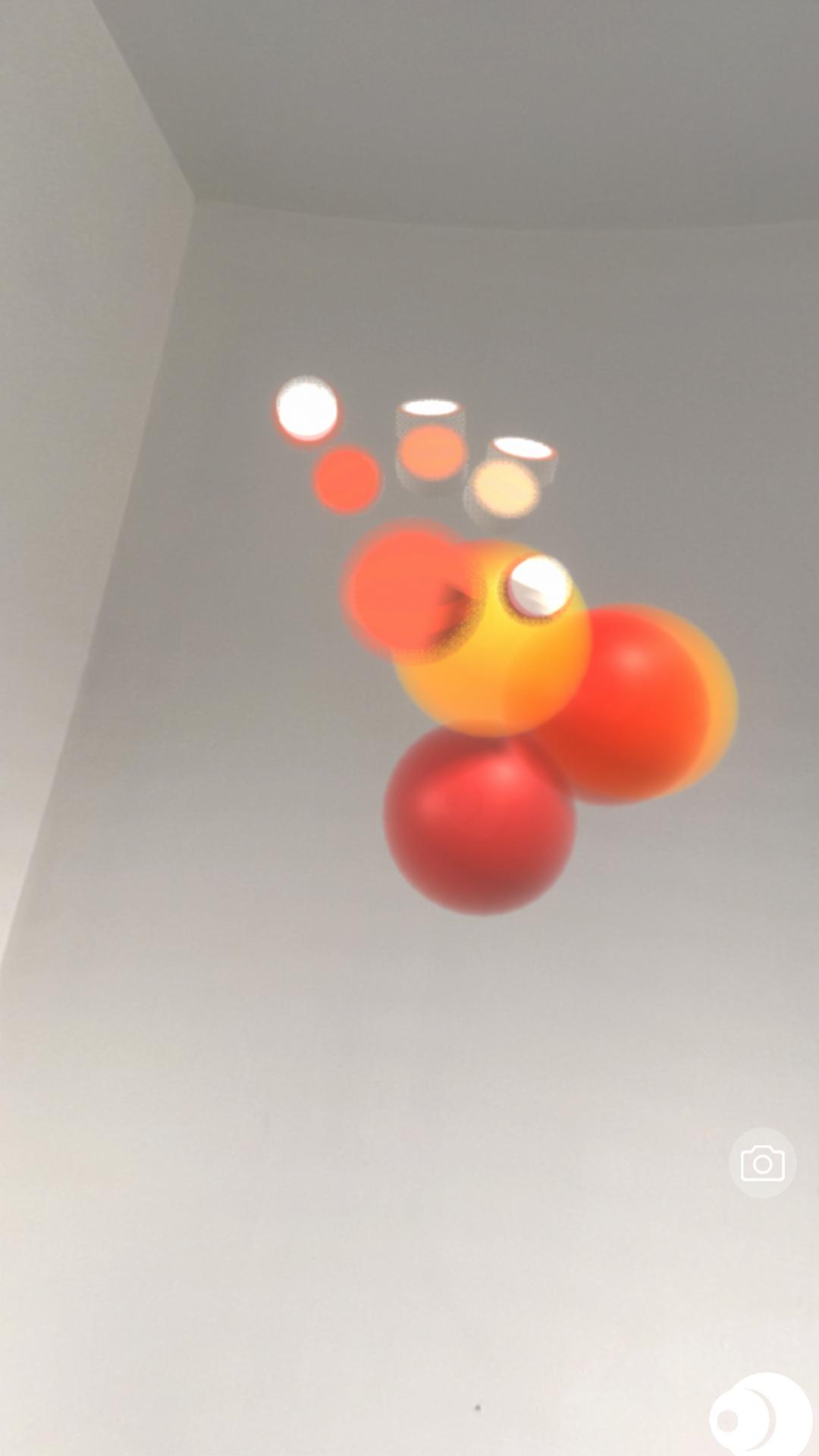
BOCLAA Version 2.2.0 Introduces IMMERSE is an exciting new Augmented Reality Music Production and Visual App developed by Zachary Aghaizu. There are a multitude of features for an immersive and creative experience spawning and interacting with your own recordings and other recordings. This includes World AR, Image Tracking and User FaceTracking making full use of Augmented Reality possibilities.
*BOCLAA 2.2.0 ANDROID CRASH FIX - The Midi Bluetooth Error should be fixed and BOCLAA should stop kicking users out of the app on start!*
*BOCLAA 2.1.9 + Introduces the new IMMERSE, which allows anyone to download .boclaa files provided on my website and unlimited subscribers can share their own .boclaa scenes for any of their friends and supporters to experience.
You may purchase an auto-renewing subscription through an In-App Purchase.
• Auto-renewable subscription
• 1 month ($4.99)
معاينة
العلامات
Music-&معلومة
مطور
Zachary Aghaizu
احدث اصدار
2.2.9
آخر تحديث
2024-03-04
فئة
Music-audio
متاح على
Google Play
أظهر المزيد
كيف تلعب BOCLAA مع GameLoop على جهاز الكمبيوتر
1. قم بتنزيل GameLoop من الموقع الرسمي ، ثم قم بتشغيل ملف exe لتثبيت GameLoop.
2. افتح GameLoop وابحث عن "BOCLAA" ، وابحث عن BOCLAA في نتائج البحث وانقر على "تثبيت".
3. استمتع بلعب BOCLAA على GameLoop.
Minimum requirements
OS
Windows 8.1 64-bit or Windows 10 64-bit
GPU
GTX 1050
CPU
i3-8300
Memory
8GB RAM
Storage
1GB available space
Recommended requirements
OS
Windows 8.1 64-bit or Windows 10 64-bit
GPU
GTX 1050
CPU
i3-9320
Memory
16GB RAM
Storage
1GB available space