Bass Booster PC
D&V
قم بتنزيل Bass Booster على جهاز الكمبيوتر باستخدام GameLoop Emulator
Bass Booster على الكمبيوتر الشخصي
Bass Booster ، القادم من المطور D&V ، يعمل على نظام Android في الماضي.
الآن ، يمكنك لعب Bass Booster على جهاز الكمبيوتر باستخدام GameLoop بسلاسة.
قم بتنزيله في مكتبة GameLoop أو في نتائج البحث. لا مزيد من الانتباه إلى البطارية أو المكالمات المحبطة في الوقت الخطأ بعد الآن.
ما عليك سوى الاستمتاع بجهاز Bass Booster على الشاشة الكبيرة مجانًا!
Bass Booster مقدمة
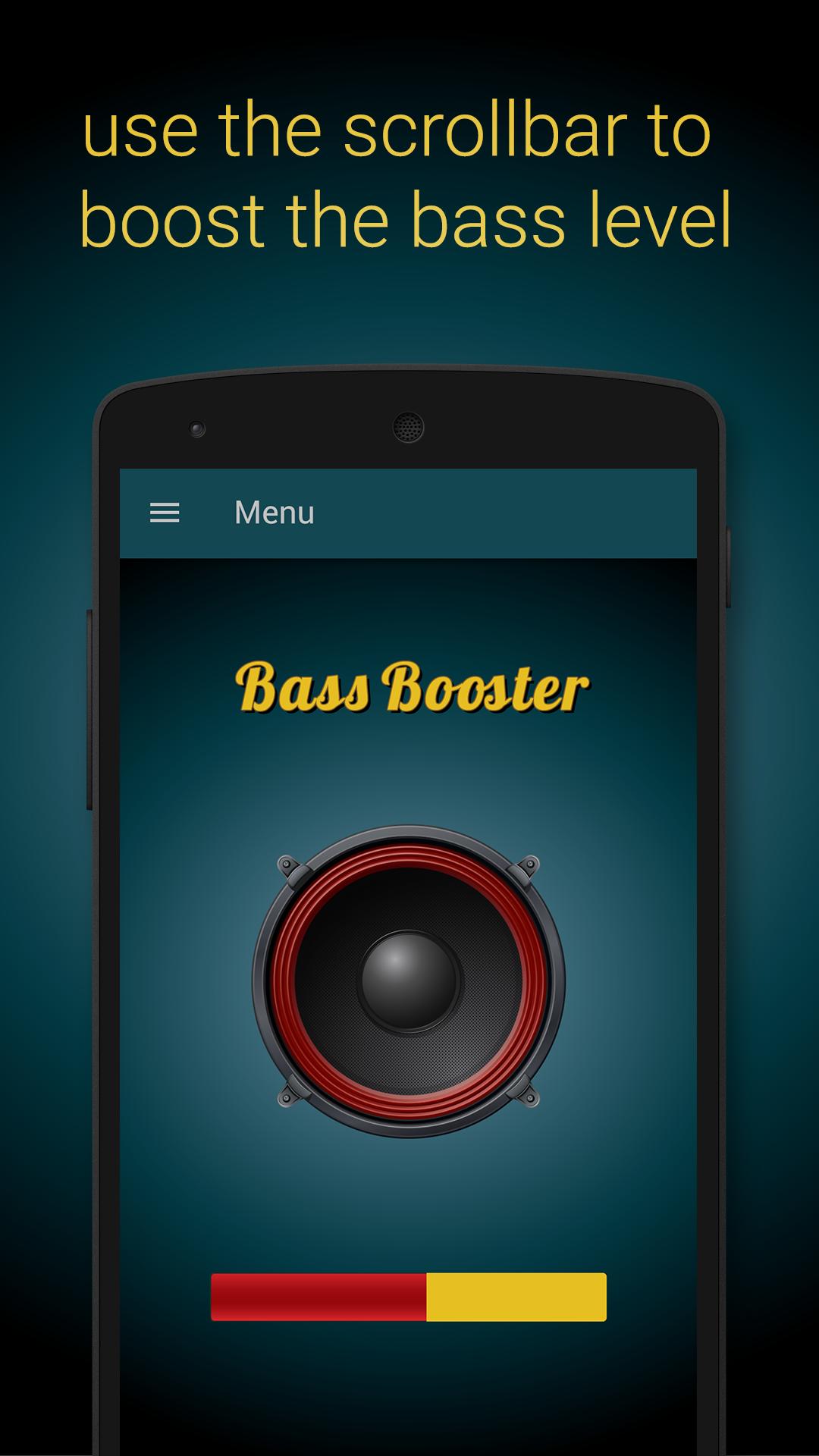
Bass Booster will make your bass level stronger by 30-40% depending on your device!
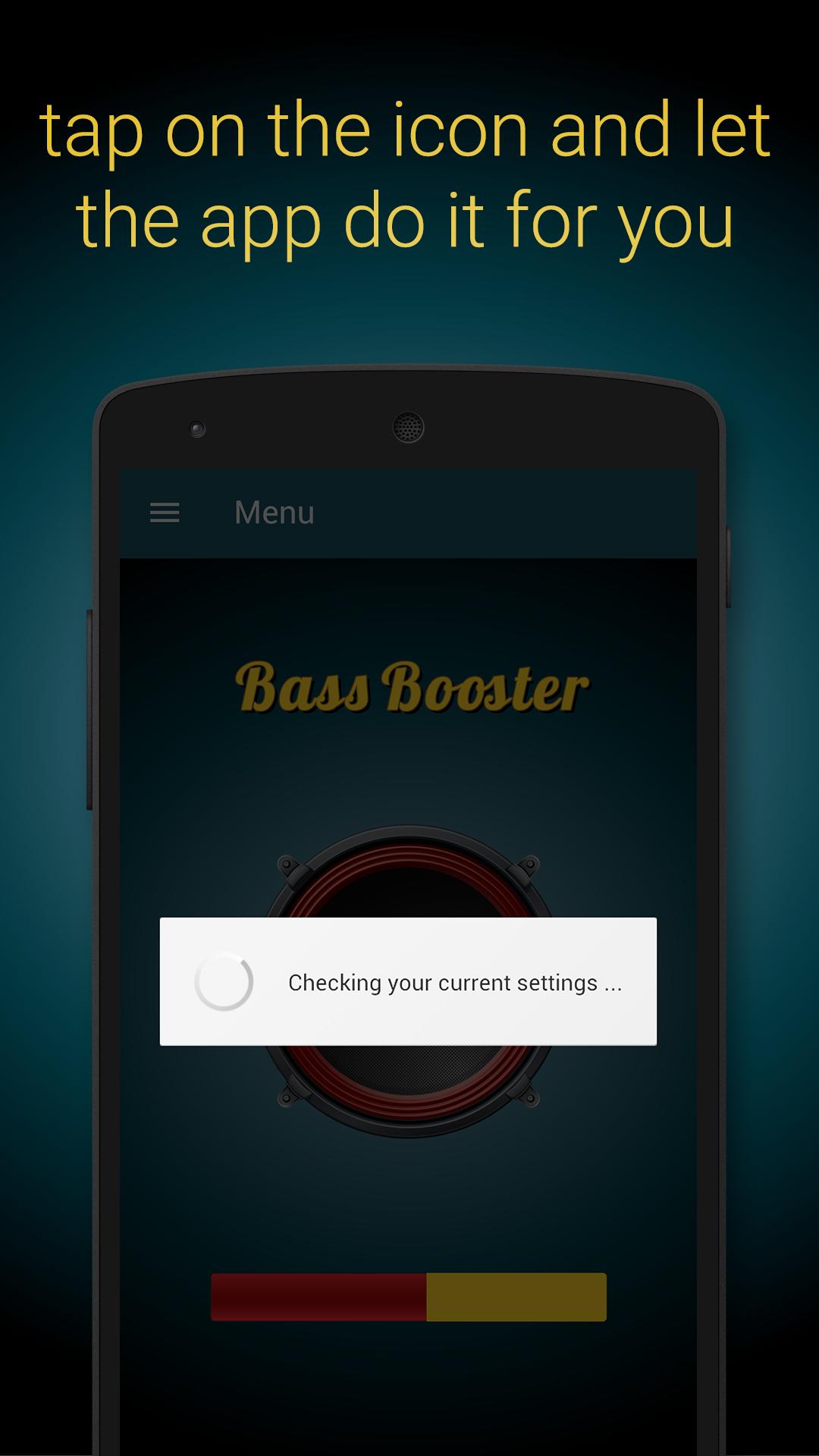
Simply tap on the icon and let the app calibrate your eQualizer settings!
This app will increase the low frequencies on your device and will make it sound like a professional media player.
For maximum results, please plug-in external speakers or headsets.
Disclaimer: This app will NOT damage your speakers.
Listening music too loud is bad for your ears.
This app doesn't have viruses and will NOT damage your phone!
Advertising Policy Disclosure:
We love creating apps, and want to keep them free forever.
In order to keep our development running, Bass Booster is ad-supported to generate some revenue.
When you click on advertisements delivered by Bass Booster, you will typically be directed to a third-party’s web page.
معاينة
العلامات
Music-&معلومة
مطور
D&V
احدث اصدار
3.2
آخر تحديث
2020-10-21
فئة
Music-audio
متاح على
Google Play
أظهر المزيد
كيف تلعب Bass Booster مع GameLoop على جهاز الكمبيوتر
1. قم بتنزيل GameLoop من الموقع الرسمي ، ثم قم بتشغيل ملف exe لتثبيت GameLoop.
2. افتح GameLoop وابحث عن "Bass Booster" ، وابحث عن Bass Booster في نتائج البحث وانقر على "تثبيت".
3. استمتع بلعب Bass Booster على GameLoop.
Minimum requirements
OS
Windows 8.1 64-bit or Windows 10 64-bit
GPU
GTX 1050
CPU
i3-8300
Memory
8GB RAM
Storage
1GB available space
Recommended requirements
OS
Windows 8.1 64-bit or Windows 10 64-bit
GPU
GTX 1050
CPU
i3-9320
Memory
16GB RAM
Storage
1GB available space