AiDEX mg/dL PC
Micro Tech Medical(Hangzhou)Co.,LTD.
قم بتنزيل AiDEX mg/dL على جهاز الكمبيوتر باستخدام GameLoop Emulator
AiDEX mg/dL على الكمبيوتر الشخصي
AiDEX mg/dL ، القادم من المطور Micro Tech Medical(Hangzhou)Co.,LTD. ، يعمل على نظام Android في الماضي.
الآن ، يمكنك لعب AiDEX mg/dL على جهاز الكمبيوتر باستخدام GameLoop بسلاسة.
قم بتنزيله في مكتبة GameLoop أو في نتائج البحث. لا مزيد من الانتباه إلى البطارية أو المكالمات المحبطة في الوقت الخطأ بعد الآن.
ما عليك سوى الاستمتاع بجهاز AiDEX mg/dL على الشاشة الكبيرة مجانًا!
AiDEX mg/dL مقدمة
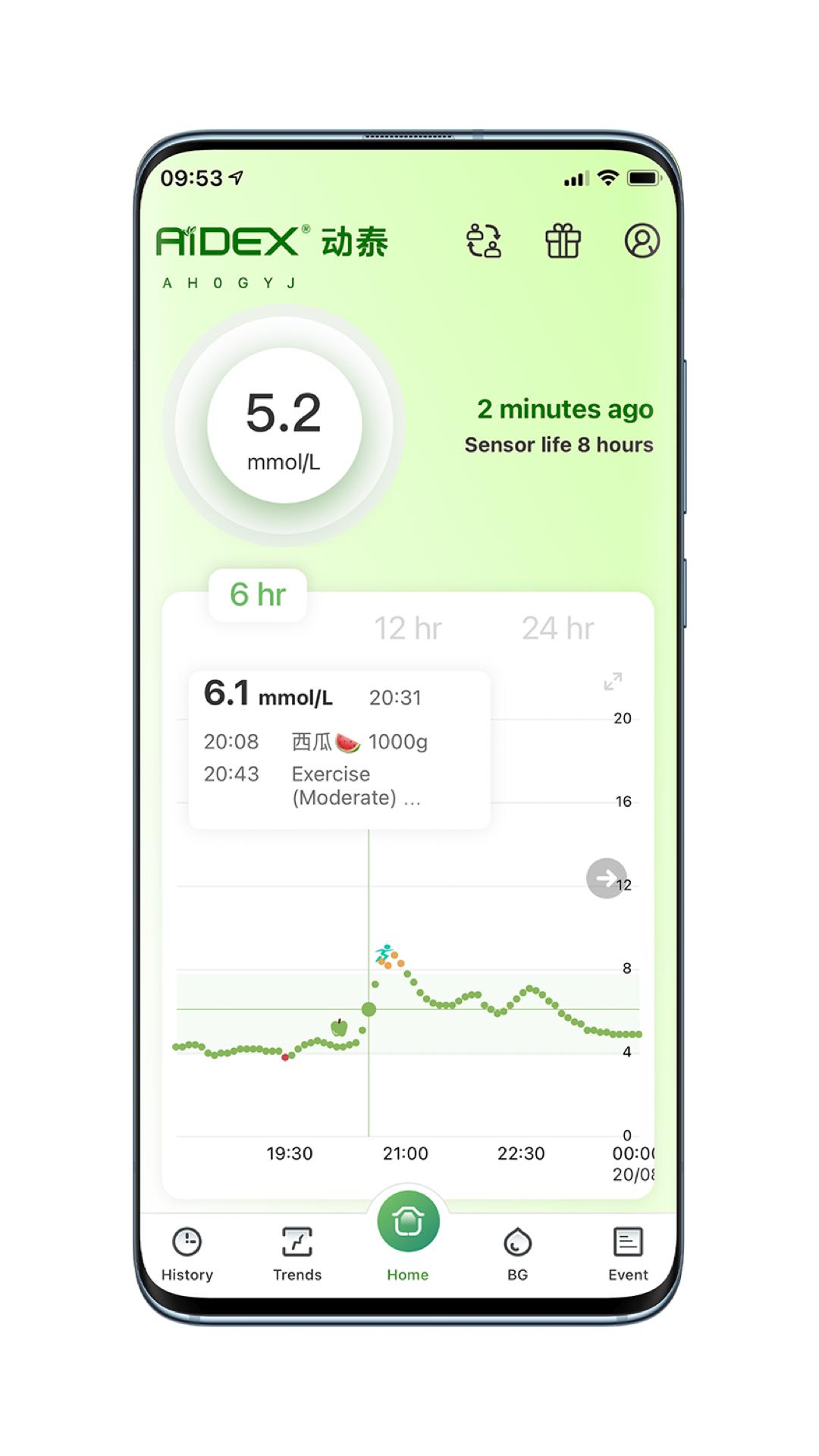
The AiDEX App can be used with the AiDEX Continuous Glucose Monitoring System. The AiDEX App allows you to monitor your glucose with your phone. You could calibrate your glucose value after 6 hour your Sensor being inserted successfully. The AiDEX App is compatible with 7/10/14 days Sensors.
You can use the AiDEX App to:•Check your glucose value every 5 mintutes, instead of a routine fingerstick.*•View your current glucose reading, trend arrow, and history.•Add notes to track your food, insulin use,medicine and
exercise.•See glucose reports, including your Ambulatory Glucose Profile.•Connect to healthcare professionals with Pancares.***Fingersticks are required if your glucose alarms and readings
do not match symptoms.**For a list of compatible devices, please visit http://www.microtechmd.com/en/support/More-support
معاينة
العلامات
طبيمعلومة
مطور
Micro Tech Medical(Hangzhou)Co.,LTD.
احدث اصدار
1.5.1
آخر تحديث
2024-12-21
فئة
طبي
متاح على
Google Play
أظهر المزيد
كيف تلعب AiDEX mg/dL مع GameLoop على جهاز الكمبيوتر
1. قم بتنزيل GameLoop من الموقع الرسمي ، ثم قم بتشغيل ملف exe لتثبيت GameLoop.
2. افتح GameLoop وابحث عن "AiDEX mg/dL" ، وابحث عن AiDEX mg/dL في نتائج البحث وانقر على "تثبيت".
3. استمتع بلعب AiDEX mg/dL على GameLoop.
Minimum requirements
OS
Windows 8.1 64-bit or Windows 10 64-bit
GPU
GTX 1050
CPU
i3-8300
Memory
8GB RAM
Storage
1GB available space
Recommended requirements
OS
Windows 8.1 64-bit or Windows 10 64-bit
GPU
GTX 1050
CPU
i3-9320
Memory
16GB RAM
Storage
1GB available space