
CL Rider App PC
Chughtai lab Pvt LTD
قم بتنزيل CL Rider App على جهاز الكمبيوتر باستخدام GameLoop Emulator
CL Rider App على الكمبيوتر الشخصي
CL Rider App ، القادم من المطور Chughtai lab Pvt LTD ، يعمل على نظام Android في الماضي.
الآن ، يمكنك لعب CL Rider App على جهاز الكمبيوتر باستخدام GameLoop بسلاسة.
قم بتنزيله في مكتبة GameLoop أو في نتائج البحث. لا مزيد من الانتباه إلى البطارية أو المكالمات المحبطة في الوقت الخطأ بعد الآن.
ما عليك سوى الاستمتاع بجهاز CL Rider App على الشاشة الكبيرة مجانًا!
CL Rider App مقدمة
Chughtai Lab Rider App
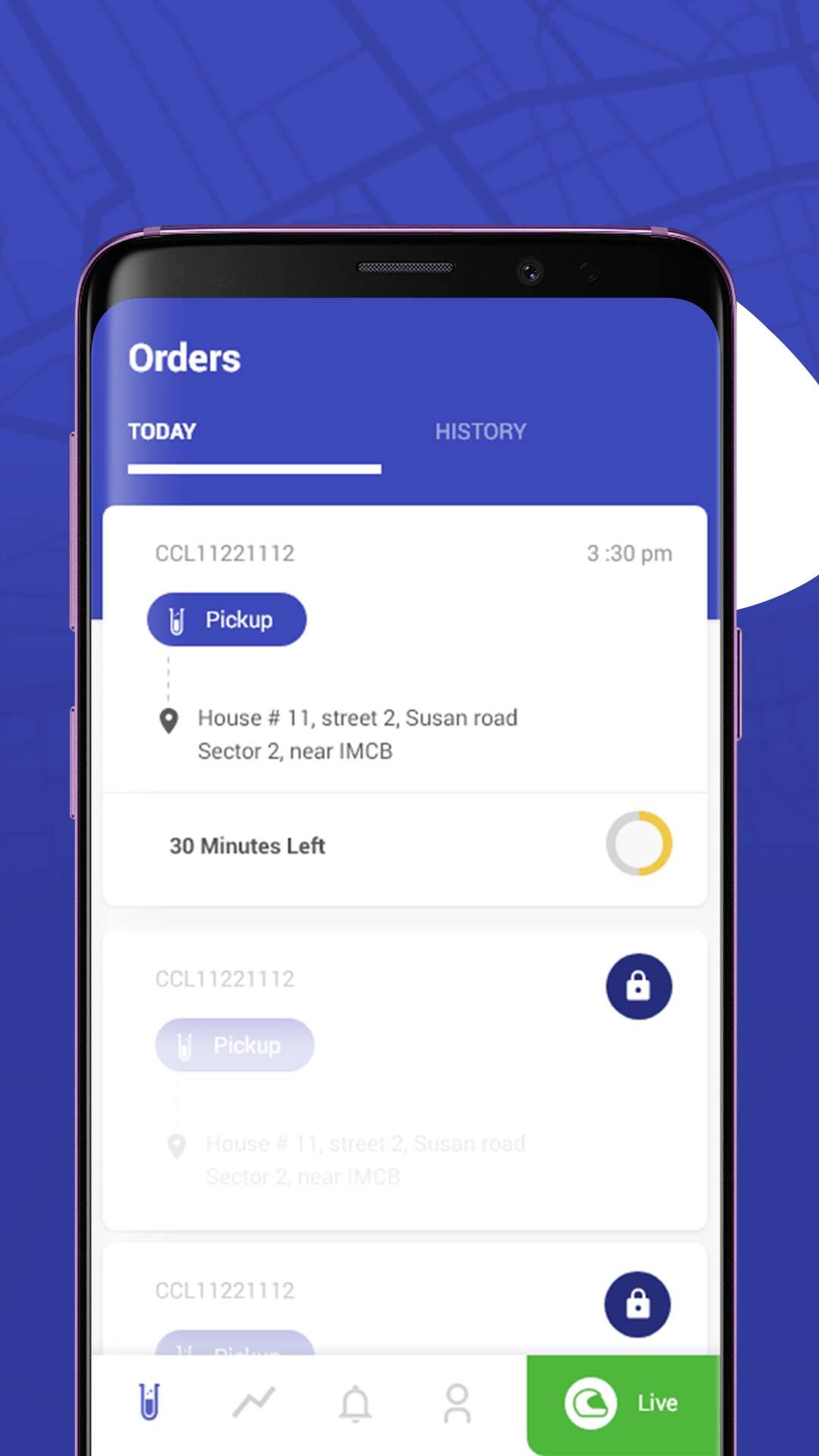
Chughtai Lab Rider App is a dedicated application for authorized Chughtai Lab home collection riders. The app helps riders manage their assigned home collection visits and update collection-related information efficiently.
Key Features:
• View assigned home collection visits
• Access relevant patient and collection details
• Manage scheduled collection assignments
• Update collection and visit status
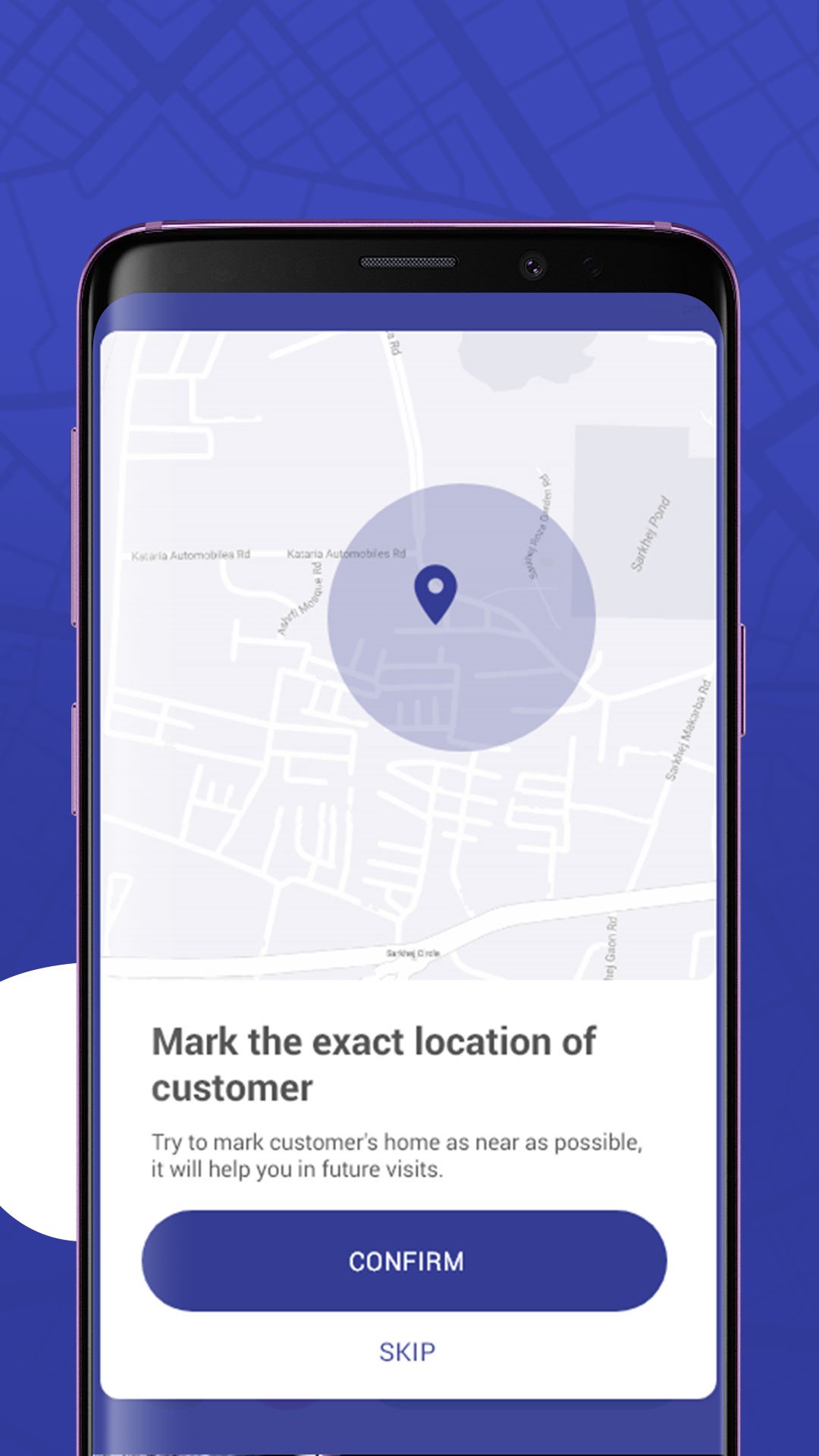
• Record sample collection information
• View assigned and completed collection activities
• Receive notifications related to assigned visits
This application is intended for authorized Chughtai Lab riders and staff involved in home sample collection services.
The app requires authorized access and is not intended for general public use.
معاينة
العلامات
Maps-&معلومة
مطور
Chughtai lab Pvt LTD
احدث اصدار
1.2.3.0-fleet
آخر تحديث
2026-08-20
فئة
Maps-navigation
متاح على
Google Play
أظهر المزيد
كيف تلعب CL Rider App مع GameLoop على جهاز الكمبيوتر
1. قم بتنزيل GameLoop من الموقع الرسمي ، ثم قم بتشغيل ملف exe لتثبيت GameLoop.
2. افتح GameLoop وابحث عن "CL Rider App" ، وابحث عن CL Rider App في نتائج البحث وانقر على "تثبيت".
3. استمتع بلعب CL Rider App على GameLoop.
Minimum requirements
OS
Windows 8.1 64-bit or Windows 10 64-bit
GPU
GTX 1050
CPU
i3-8300
Memory
8GB RAM
Storage
1GB available space
Recommended requirements
OS
Windows 8.1 64-bit or Windows 10 64-bit
GPU
GTX 1050
CPU
i3-9320
Memory
16GB RAM
Storage
1GB available space