
Toddler Wake Clock PC
Andrew Wood
قم بتنزيل Toddler Wake Clock على جهاز الكمبيوتر باستخدام GameLoop Emulator
Toddler Wake Clock على الكمبيوتر الشخصي
Toddler Wake Clock ، القادم من المطور Andrew Wood ، يعمل على نظام Android في الماضي.
الآن ، يمكنك لعب Toddler Wake Clock على جهاز الكمبيوتر باستخدام GameLoop بسلاسة.
قم بتنزيله في مكتبة GameLoop أو في نتائج البحث. لا مزيد من الانتباه إلى البطارية أو المكالمات المحبطة في الوقت الخطأ بعد الآن.
ما عليك سوى الاستمتاع بجهاز Toddler Wake Clock على الشاشة الكبيرة مجانًا!
Toddler Wake Clock مقدمة
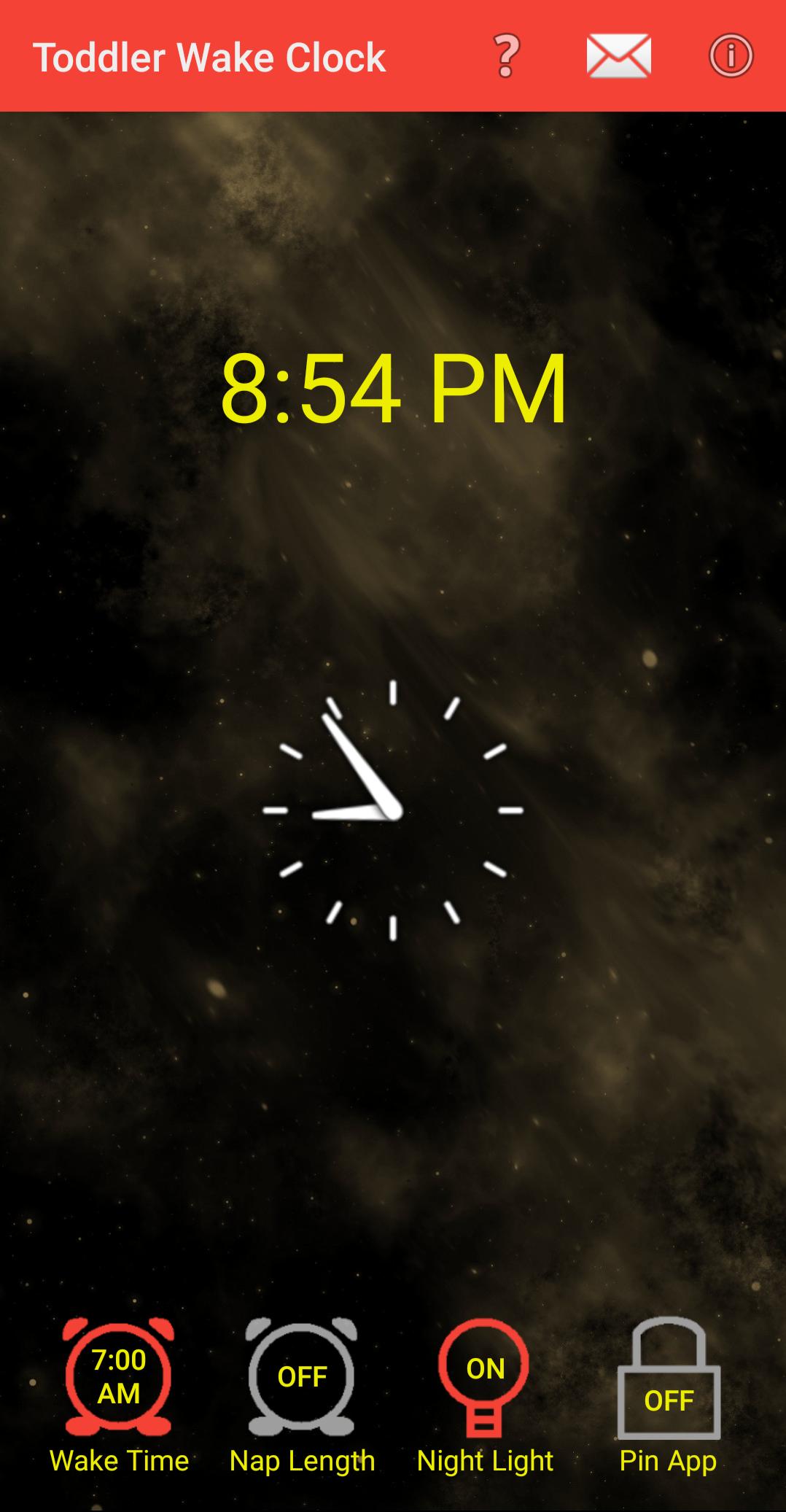
Welcome to the Toddler Wake Clock, designed to help you and your toddler get more sleep. I developed and used this app to help my child learn when it was acceptable to get up and wake me in the morning (Hint: It's not 4 AM). I hope it helps you and your toddler too.
Features:
* An animated dancing sun lets your child know when it is OK to leave his/her room in the morning.
* The screen stays on when it is OK to wake up so your toddler will not miss the animation.
* A "Wake Time" clock setting for mornings, and a "Nap Length" for problematic nappers.
* Avoids using blue light whenever possible so as to not disturb your toddler's sleep rhythm.
* Hints and tips to help you teach your toddler when it is OK to wake up.
* Optional screen night light.
معاينة

العلامات
أسلوب الحياةمعلومة
مطور
Andrew Wood
احدث اصدار
2.3.1
آخر تحديث
2024-07-25
فئة
أسلوب الحياة
متاح على
Google Play
أظهر المزيد
كيف تلعب Toddler Wake Clock مع GameLoop على جهاز الكمبيوتر
1. قم بتنزيل GameLoop من الموقع الرسمي ، ثم قم بتشغيل ملف exe لتثبيت GameLoop.
2. افتح GameLoop وابحث عن "Toddler Wake Clock" ، وابحث عن Toddler Wake Clock في نتائج البحث وانقر على "تثبيت".
3. استمتع بلعب Toddler Wake Clock على GameLoop.
Minimum requirements
OS
Windows 8.1 64-bit or Windows 10 64-bit
GPU
GTX 1050
CPU
i3-8300
Memory
8GB RAM
Storage
1GB available space
Recommended requirements
OS
Windows 8.1 64-bit or Windows 10 64-bit
GPU
GTX 1050
CPU
i3-9320
Memory
16GB RAM
Storage
1GB available space