
MRCOOL SmartHVAC PC
Cielo WiGle Inc
قم بتنزيل MRCOOL SmartHVAC على جهاز الكمبيوتر باستخدام GameLoop Emulator
MRCOOL SmartHVAC على الكمبيوتر الشخصي
MRCOOL SmartHVAC ، القادم من المطور Cielo WiGle Inc ، يعمل على نظام Android في الماضي.
الآن ، يمكنك لعب MRCOOL SmartHVAC على جهاز الكمبيوتر باستخدام GameLoop بسلاسة.
قم بتنزيله في مكتبة GameLoop أو في نتائج البحث. لا مزيد من الانتباه إلى البطارية أو المكالمات المحبطة في الوقت الخطأ بعد الآن.
ما عليك سوى الاستمتاع بجهاز MRCOOL SmartHVAC على الشاشة الكبيرة مجانًا!
MRCOOL SmartHVAC مقدمة
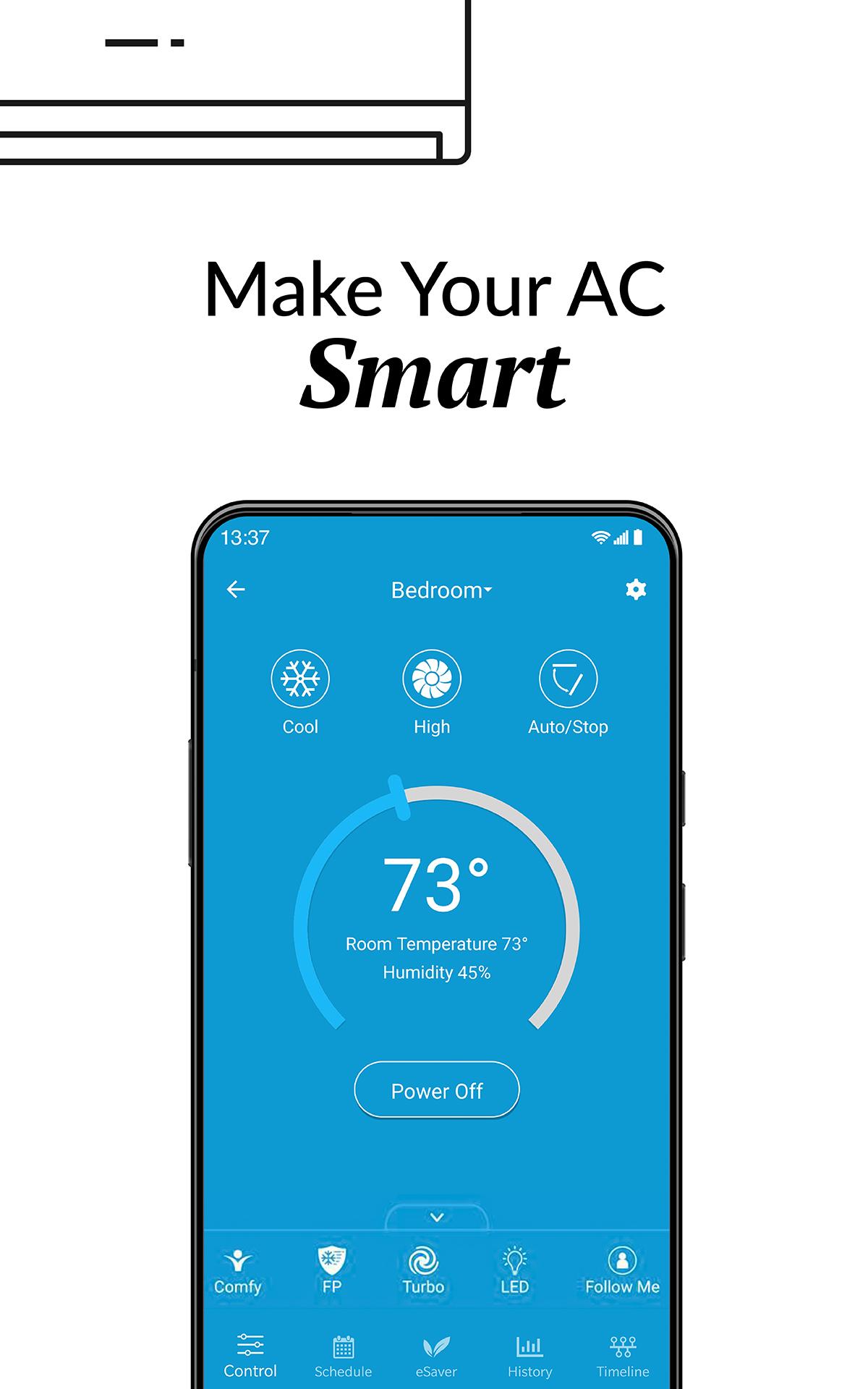
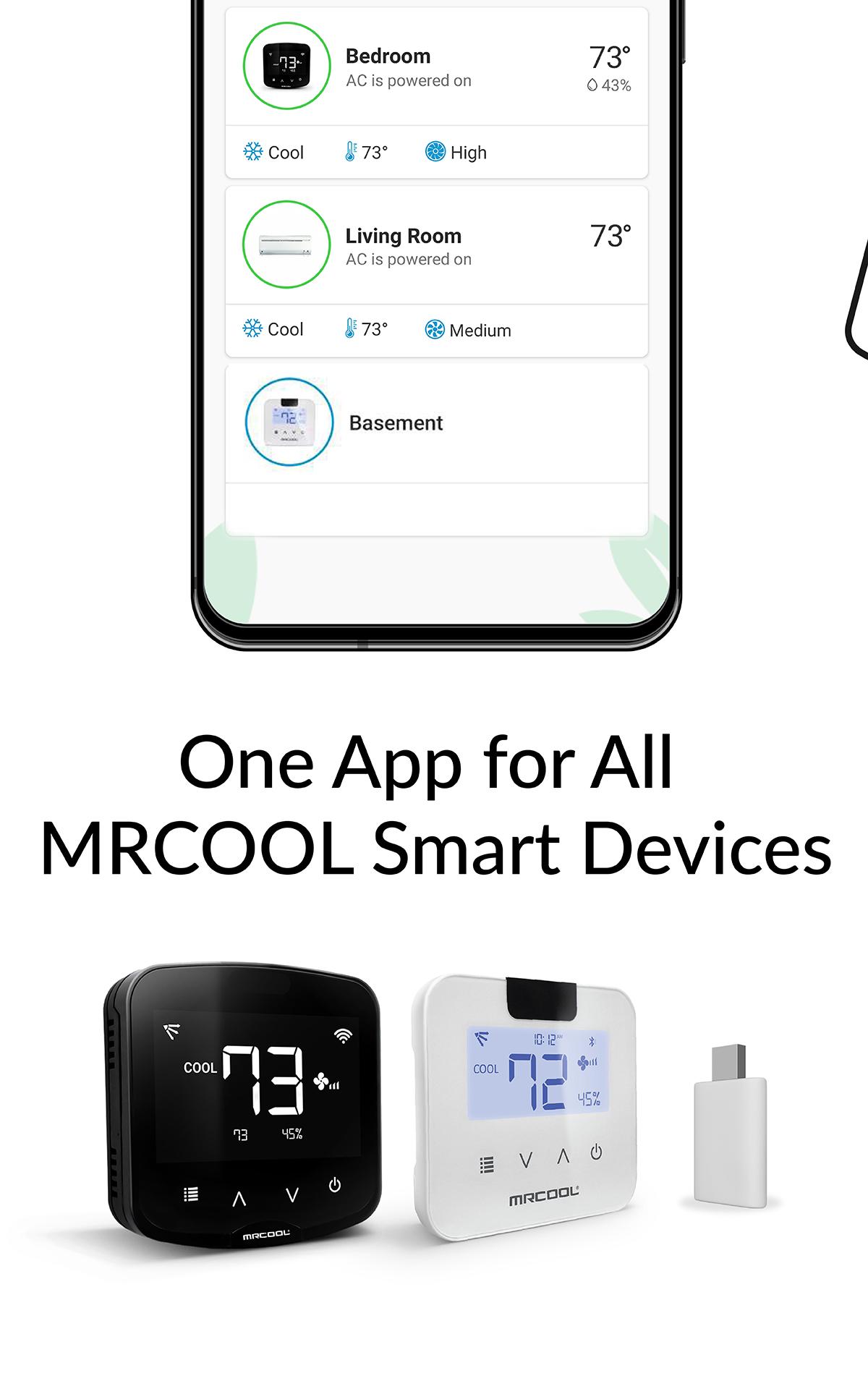
MRCOOL SmartHVAC App works with MRCOOL Smart Controllers to convert MRCOOL Air Conditioners & Heat Pumps to smart ones. Our smart controllers work with this App to help you convert your existing or new ACs to smart ACs. You can control your MRCOOL ACs through your smartphone or simple voice commands (our smart controllers are Alexa & Google Home enabled).
These DIY controllers are extremely easy to setup. You can automatically turn the air conditioner or heat pump OFF when you leave the premises and start to cool/heat once you arrive as per your settings. This App gives you complete control of your heating and cooling. It figures out when you're at home and when you're out and adjusts the settings to provide comfort and energy savings.
You can set weekly schedules for your air conditioners, monitor usage history, set air conditioning action in relation to your locations, see the air filter status of your AC and lot more. You can set intelligent temperature based triggers for your air conditioners by using the ‘Comfy’ feature under ‘My Rules’ section of the app. Comfy lets you set triggers to personalize the operation of your AC. It helps you automatically change your AC settings if room temperature goes above or falls below a pre-set value. It helps you reduce your energy bills with lot of convenience.
معاينة
العلامات
أسلوب الحياةمعلومة
مطور
Cielo WiGle Inc
احدث اصدار
6.1.6
آخر تحديث
2025-08-19
فئة
أسلوب الحياة
متاح على
Google Play
أظهر المزيد
كيف تلعب MRCOOL SmartHVAC مع GameLoop على جهاز الكمبيوتر
1. قم بتنزيل GameLoop من الموقع الرسمي ، ثم قم بتشغيل ملف exe لتثبيت GameLoop.
2. افتح GameLoop وابحث عن "MRCOOL SmartHVAC" ، وابحث عن MRCOOL SmartHVAC في نتائج البحث وانقر على "تثبيت".
3. استمتع بلعب MRCOOL SmartHVAC على GameLoop.
Minimum requirements
OS
Windows 8.1 64-bit or Windows 10 64-bit
GPU
GTX 1050
CPU
i3-8300
Memory
8GB RAM
Storage
1GB available space
Recommended requirements
OS
Windows 8.1 64-bit or Windows 10 64-bit
GPU
GTX 1050
CPU
i3-9320
Memory
16GB RAM
Storage
1GB available space