High FPS Camera test app PC
Timo Rantalainen
قم بتنزيل High FPS Camera test app على جهاز الكمبيوتر باستخدام GameLoop Emulator
High FPS Camera test app على الكمبيوتر الشخصي
High FPS Camera test app ، القادم من المطور Timo Rantalainen ، يعمل على نظام Android في الماضي.
الآن ، يمكنك لعب High FPS Camera test app على جهاز الكمبيوتر باستخدام GameLoop بسلاسة.
قم بتنزيله في مكتبة GameLoop أو في نتائج البحث. لا مزيد من الانتباه إلى البطارية أو المكالمات المحبطة في الوقت الخطأ بعد الآن.
ما عليك سوى الاستمتاع بجهاز High FPS Camera test app على الشاشة الكبيرة مجانًا!
High FPS Camera test app مقدمة
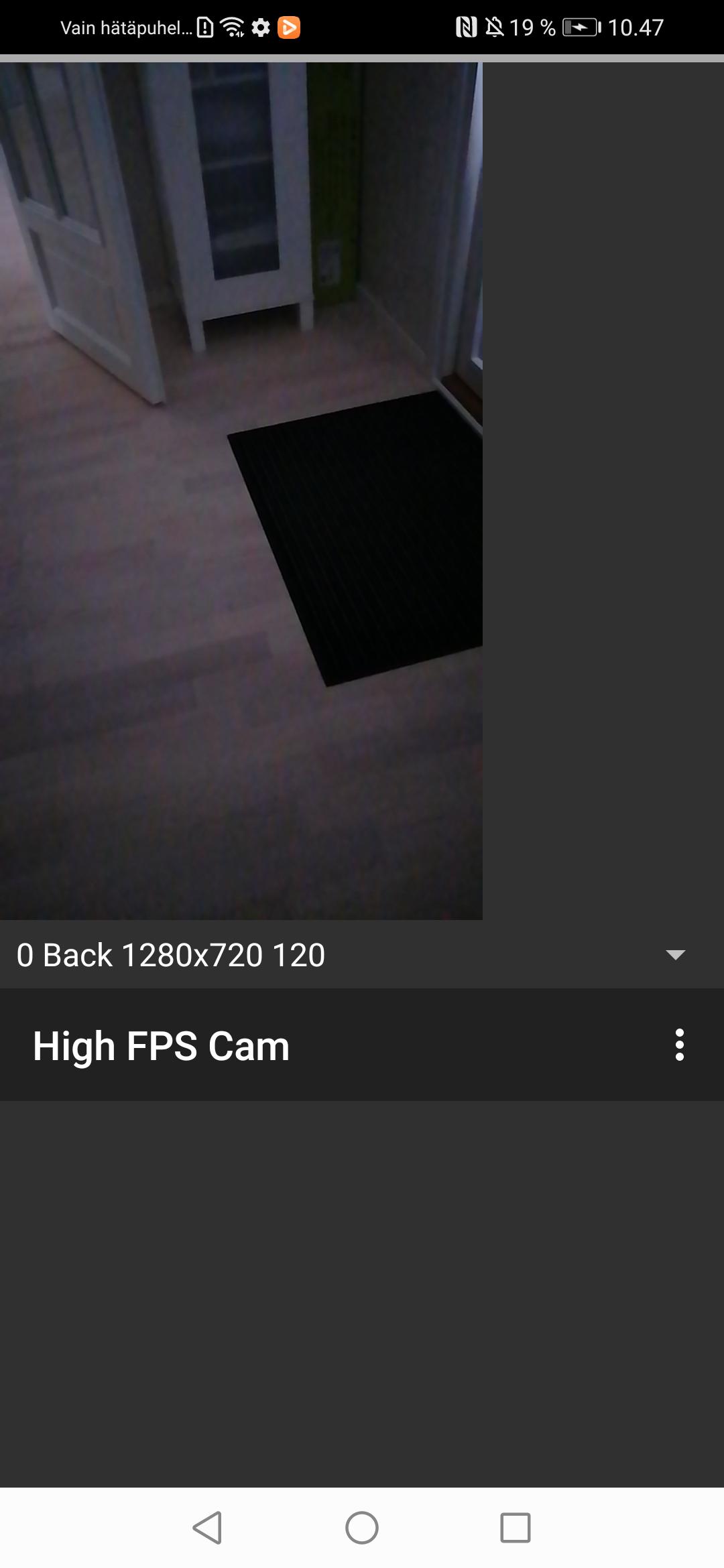
App for testing whether your phone support recording high frame rate video using the camera2 package from the Android SDK. If the app works, you will be able to record video only high frame rate (>= 120 frames per second) video only (i.e., no audio) recordings on your smartphone camera.
Note that the app is experimental and requires restarting after granting permissions for camera and writing onto the device storage or media access in newer Android versions. I was unable to figure out the various alternative app life cycles and you may need to completely close the app e.g., by accessing the Android view where you can scroll through the recent apps and flicking this app off the screen.
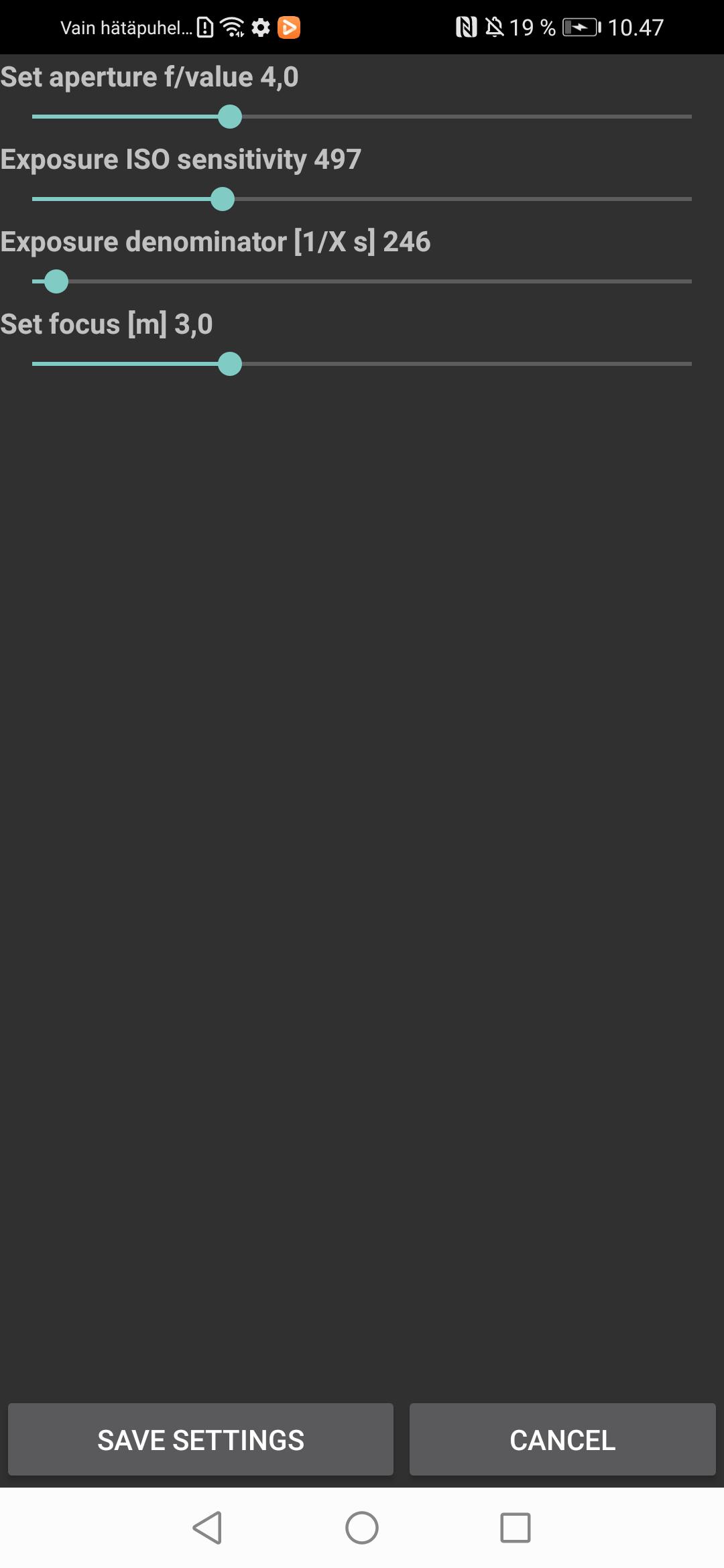
You will need to set focus, aperture, light sensitivity, and exposure time manually through the settings to suit the present conditions. Automated focus and exposure slow down the capture frame rate and, hence, I went for manual settings. The video recordings will be stored in the Movies folder.
معاينة
العلامات
أسلوب الحياةمعلومة
مطور
Timo Rantalainen
احدث اصدار
1.0.0
آخر تحديث
2023-07-22
فئة
أسلوب الحياة
متاح على
Google Play
أظهر المزيد
كيف تلعب High FPS Camera test app مع GameLoop على جهاز الكمبيوتر
1. قم بتنزيل GameLoop من الموقع الرسمي ، ثم قم بتشغيل ملف exe لتثبيت GameLoop.
2. افتح GameLoop وابحث عن "High FPS Camera test app" ، وابحث عن High FPS Camera test app في نتائج البحث وانقر على "تثبيت".
3. استمتع بلعب High FPS Camera test app على GameLoop.
Minimum requirements
OS
Windows 8.1 64-bit or Windows 10 64-bit
GPU
GTX 1050
CPU
i3-8300
Memory
8GB RAM
Storage
1GB available space
Recommended requirements
OS
Windows 8.1 64-bit or Windows 10 64-bit
GPU
GTX 1050
CPU
i3-9320
Memory
16GB RAM
Storage
1GB available space