Brain Upgrade: Binaural Beats PC
Sollapps
قم بتنزيل Brain Upgrade: Binaural Beats على جهاز الكمبيوتر باستخدام GameLoop Emulator
Brain Upgrade: Binaural Beats على الكمبيوتر الشخصي
Brain Upgrade: Binaural Beats ، القادم من المطور Sollapps ، يعمل على نظام Android في الماضي.
الآن ، يمكنك لعب Brain Upgrade: Binaural Beats على جهاز الكمبيوتر باستخدام GameLoop بسلاسة.
قم بتنزيله في مكتبة GameLoop أو في نتائج البحث. لا مزيد من الانتباه إلى البطارية أو المكالمات المحبطة في الوقت الخطأ بعد الآن.
ما عليك سوى الاستمتاع بجهاز Brain Upgrade: Binaural Beats على الشاشة الكبيرة مجانًا!
Brain Upgrade: Binaural Beats مقدمة
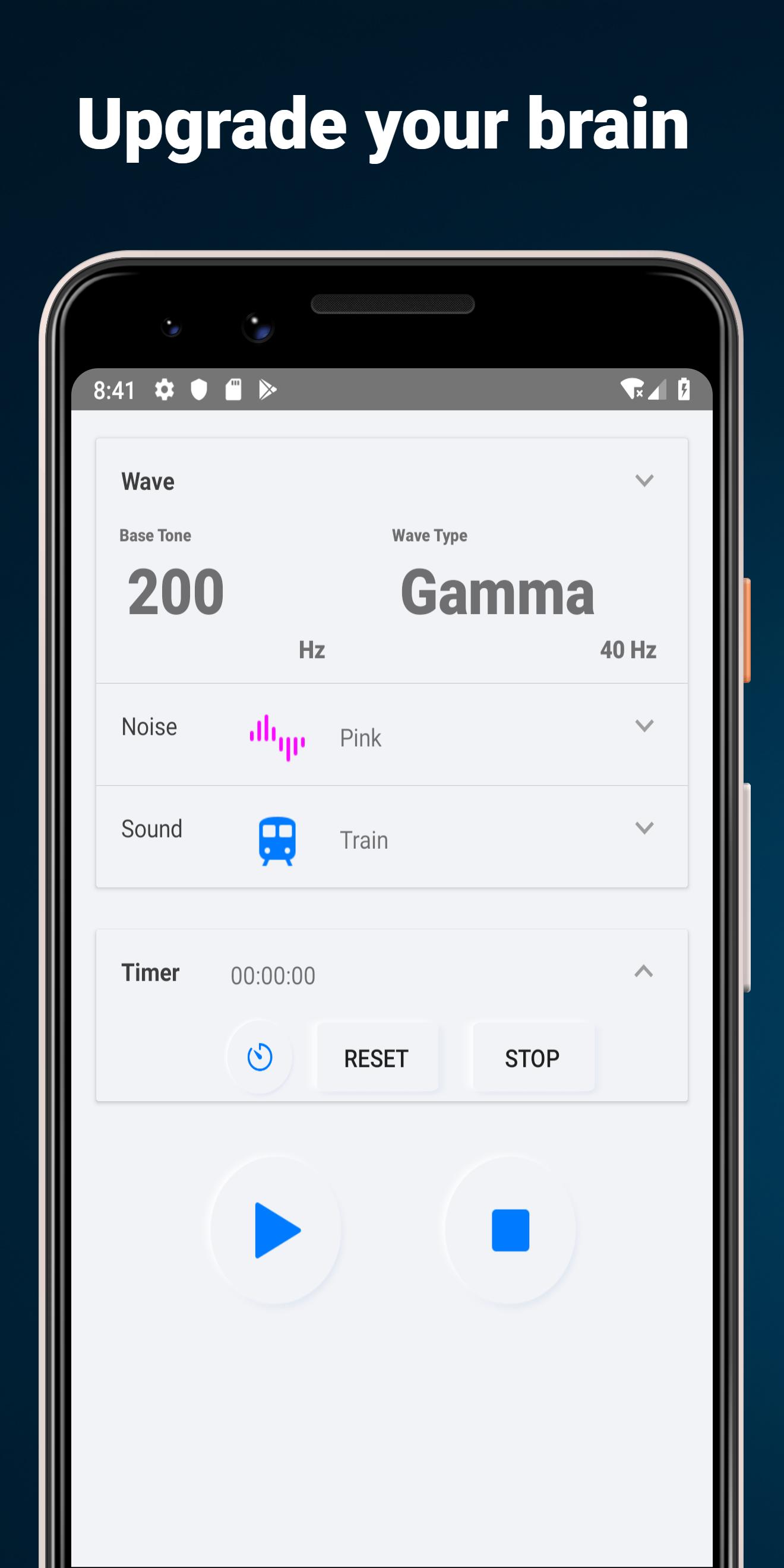
This app generates binaural beats and noises combination, and plays in background mode
- speaker or headphone mode
- flip fuction of binaural beat direction
- 5 types of wave
- base frequency from 25 to 800 Hz
- 6 types of noise sounds
- 5 types of dark wallpaper
- memory current setting
2 Mode Types
Binaural beat: for headphone or earphone
Isochronic tone:for speaker
Brain Selector
Flip Binaural beat in headphone mode
5 Wave Types
- alpha: 10 Hz, relaxation, pre-sleep and pre-wake drowsiness, REM sleep, Dreams
- beta: 20 Hz, active, busy or anxious thinking and active concentration, arousal, cognition, and or paranoia
- gamma: 40 Hz, higher mental activity, including perception, problem solving, fear, and consciousness
- delta: 2.5 Hz, deep dreamless sleep, loss of body awareness
- theta: 5 Hz, deep meditation/relaxation, NREM sleep
Frequency bands
Select base frequency from 25, 50, 100, 200, 300, 400, 500, 600, 700, 800 Hz
5 Noise types
White noise, pink noise, gray noise, blue noise, brown noise, purple noise
Wallpaper
Select background wallpaper from 5 types
معاينة

العلامات
أسلوب الحياةمعلومة
مطور
Sollapps
احدث اصدار
14
آخر تحديث
2020-01-25
فئة
أسلوب الحياة
متاح على
Google Play
أظهر المزيد
كيف تلعب Brain Upgrade: Binaural Beats مع GameLoop على جهاز الكمبيوتر
1. قم بتنزيل GameLoop من الموقع الرسمي ، ثم قم بتشغيل ملف exe لتثبيت GameLoop.
2. افتح GameLoop وابحث عن "Brain Upgrade: Binaural Beats " ، وابحث عن Brain Upgrade: Binaural Beats في نتائج البحث وانقر على "تثبيت".
3. استمتع بلعب Brain Upgrade: Binaural Beats على GameLoop.
Minimum requirements
OS
Windows 8.1 64-bit or Windows 10 64-bit
GPU
GTX 1050
CPU
i3-8300
Memory
8GB RAM
Storage
1GB available space
Recommended requirements
OS
Windows 8.1 64-bit or Windows 10 64-bit
GPU
GTX 1050
CPU
i3-9320
Memory
16GB RAM
Storage
1GB available space