
Cue PC
Health Rhythms
قم بتنزيل Cue على جهاز الكمبيوتر باستخدام GameLoop Emulator
Cue على الكمبيوتر الشخصي
Cue ، القادم من المطور Health Rhythms ، يعمل على نظام Android في الماضي.
الآن ، يمكنك لعب Cue على جهاز الكمبيوتر باستخدام GameLoop بسلاسة.
قم بتنزيله في مكتبة GameLoop أو في نتائج البحث. لا مزيد من الانتباه إلى البطارية أو المكالمات المحبطة في الوقت الخطأ بعد الآن.
ما عليك سوى الاستمتاع بجهاز Cue على الشاشة الكبيرة مجانًا!
Cue مقدمة
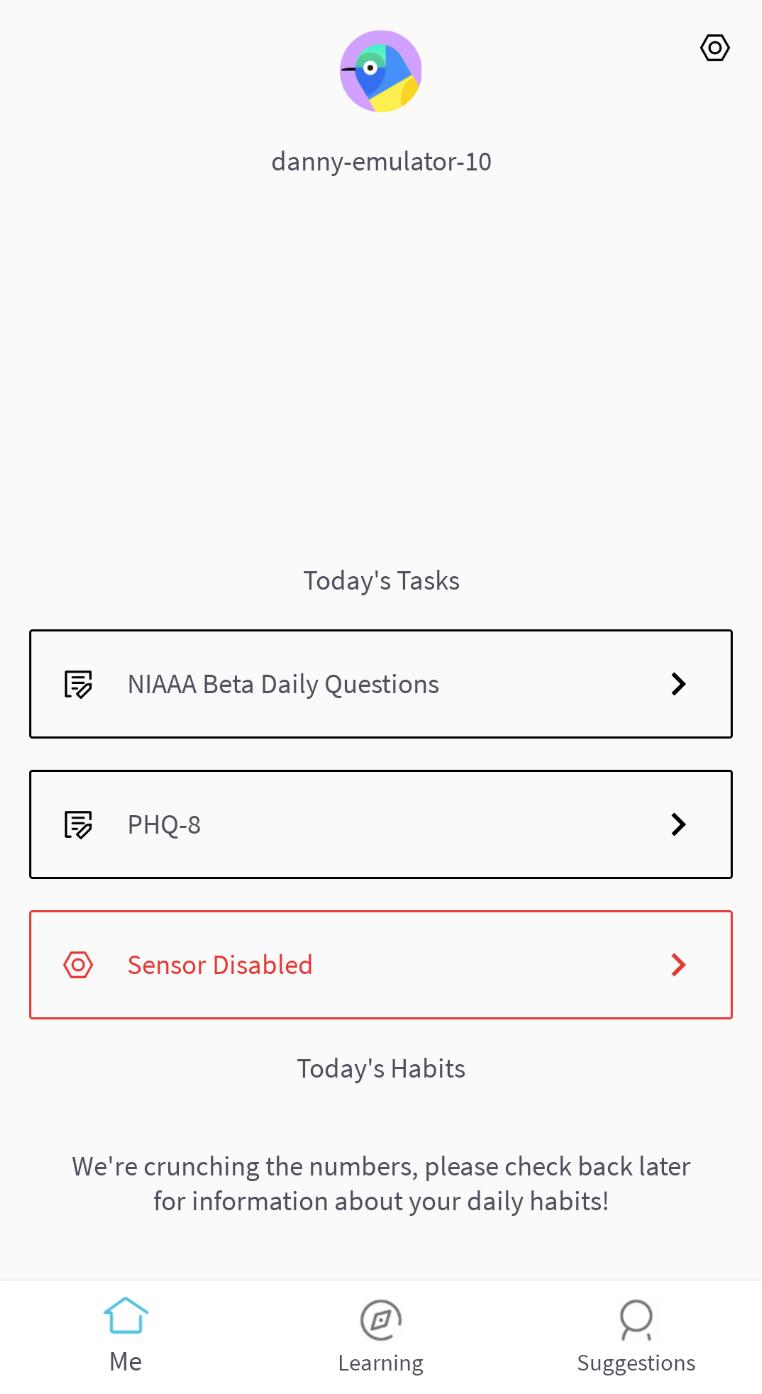
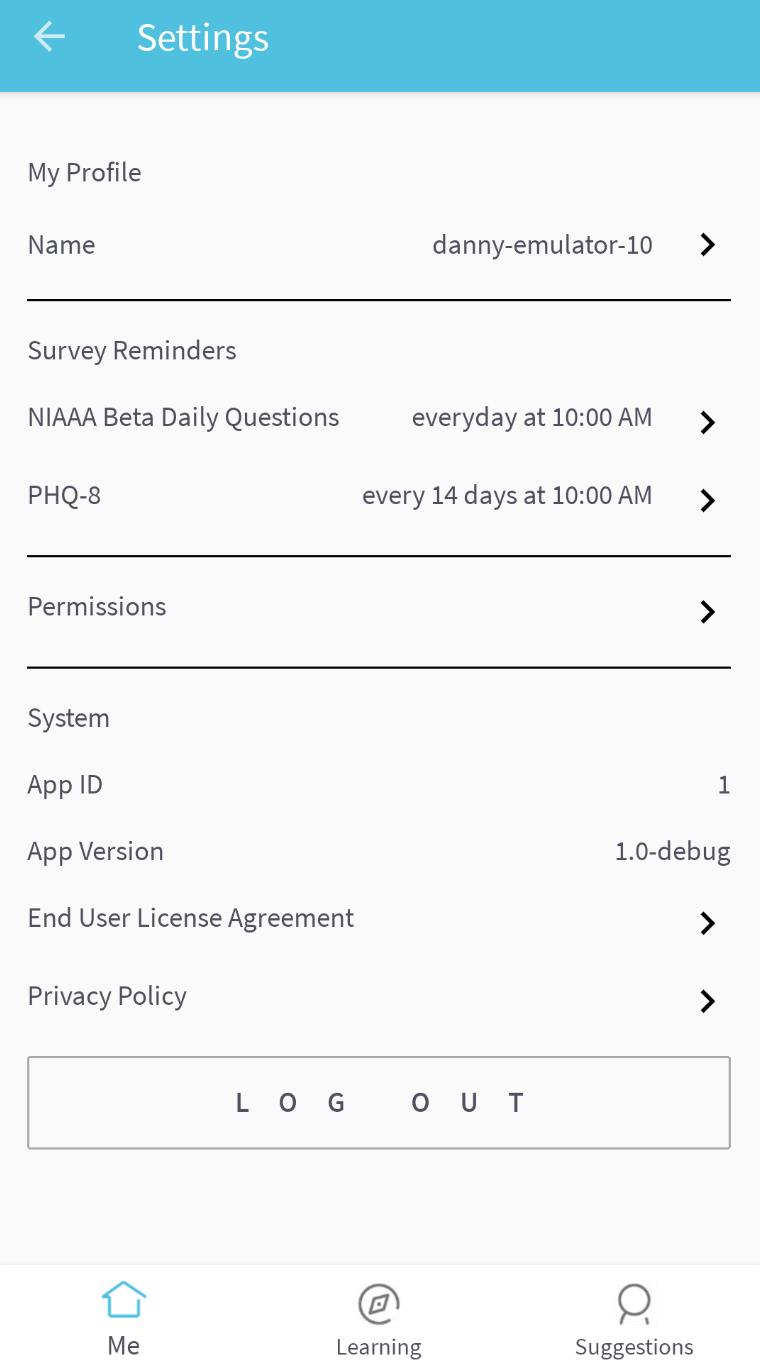
Cue® is a light-touch digital experience that is designed to optimize your mental wellbeing.
Cue® harnesses continuous sensor measurements to provide person-specific clinical-validated digital treatments that are unique to you. Sensor and self-reported assessments fuel machine learning algorithms that drive personally-tailored feedback, learning programs and within-in reach suggestions.
How can I use Cue®?
Cue® can help in many ways including:
- Measuring and improving your sleep health
- Measuring and improving your overall routine
- Helping you understand the relationship between your routine and how you feel
- Delivering personalized actionable suggestions designed to improve your routine
- Cue can integrate with Google Fit to provide more accurate predictions and tailored suggestions
معاينة
العلامات
Health-&معلومة
مطور
Health Rhythms
احدث اصدار
0.11.15
آخر تحديث
2023-07-28
فئة
Health-fitness
متاح على
Google Play
أظهر المزيد
كيف تلعب Cue مع GameLoop على جهاز الكمبيوتر
1. قم بتنزيل GameLoop من الموقع الرسمي ، ثم قم بتشغيل ملف exe لتثبيت GameLoop.
2. افتح GameLoop وابحث عن "Cue" ، وابحث عن Cue في نتائج البحث وانقر على "تثبيت".
3. استمتع بلعب Cue على GameLoop.
Minimum requirements
OS
Windows 8.1 64-bit or Windows 10 64-bit
GPU
GTX 1050
CPU
i3-8300
Memory
8GB RAM
Storage
1GB available space
Recommended requirements
OS
Windows 8.1 64-bit or Windows 10 64-bit
GPU
GTX 1050
CPU
i3-9320
Memory
16GB RAM
Storage
1GB available space