Ziggo GO TV PC
Liberty Global
قم بتنزيل Ziggo GO TV على جهاز الكمبيوتر باستخدام GameLoop Emulator
Ziggo GO TV على الكمبيوتر الشخصي
Ziggo GO TV ، القادم من المطور Liberty Global ، يعمل على نظام Android في الماضي.
الآن ، يمكنك لعب Ziggo GO TV على جهاز الكمبيوتر باستخدام GameLoop بسلاسة.
قم بتنزيله في مكتبة GameLoop أو في نتائج البحث. لا مزيد من الانتباه إلى البطارية أو المكالمات المحبطة في الوقت الخطأ بعد الآن.
ما عليك سوى الاستمتاع بجهاز Ziggo GO TV على الشاشة الكبيرة مجانًا!
Ziggo GO TV مقدمة
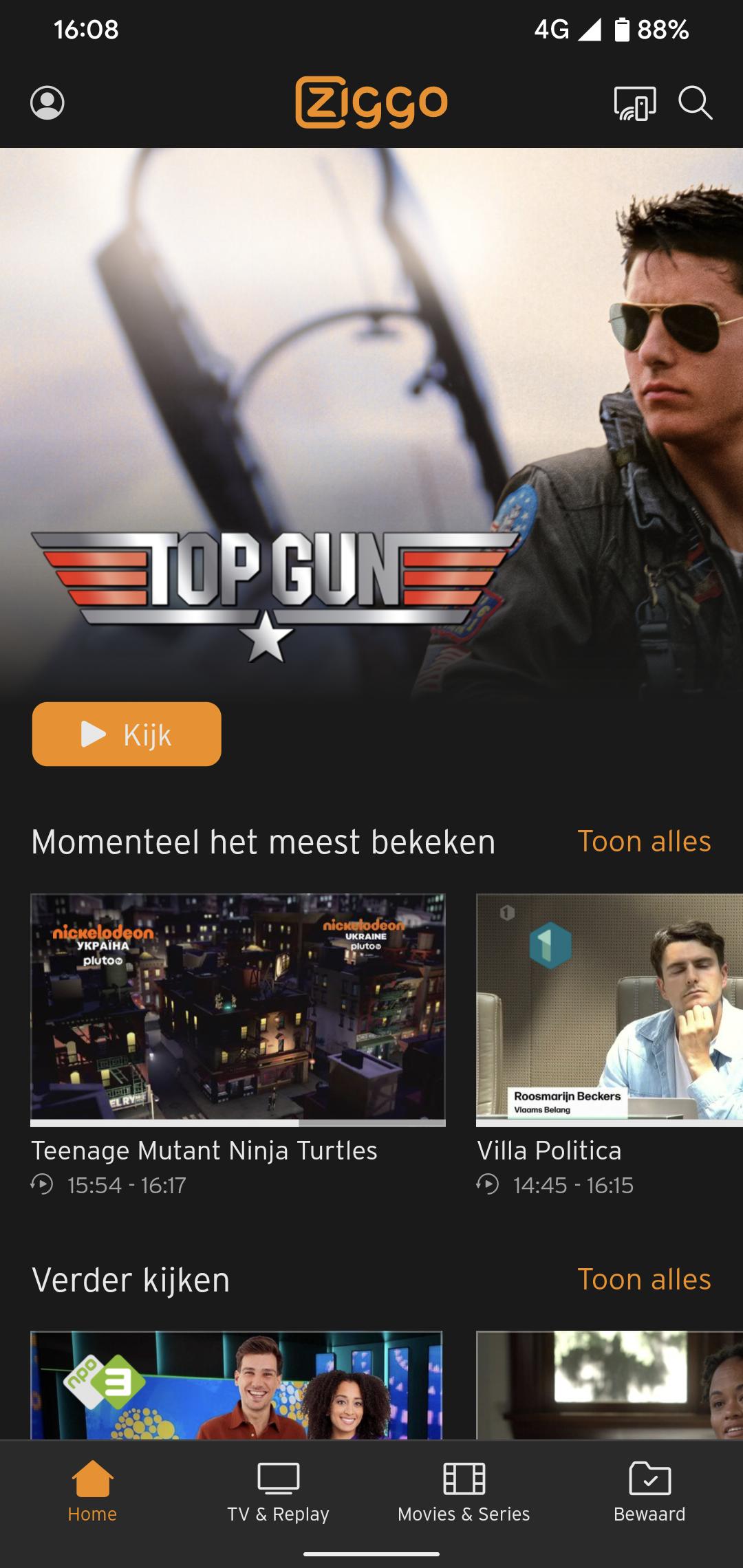
Watch anywhere in your home with Ziggo GO.
Watch your favourite programmes, films, series and sports wherever and whenever you want. With Ziggo GO you can turn any screen in your home into your TV.
Download the Ziggo GO app on your smartphone, tablet, smart TV or media player. Or watch via your laptop on ziggogo.tv
Do you have a Ziggo TV subscription?
Then you will receive Ziggo GO as standard with your subscription, at no extra cost. All you need is a My Ziggo account and Ziggo internet (wifi).
You can do all this with Ziggo GO:
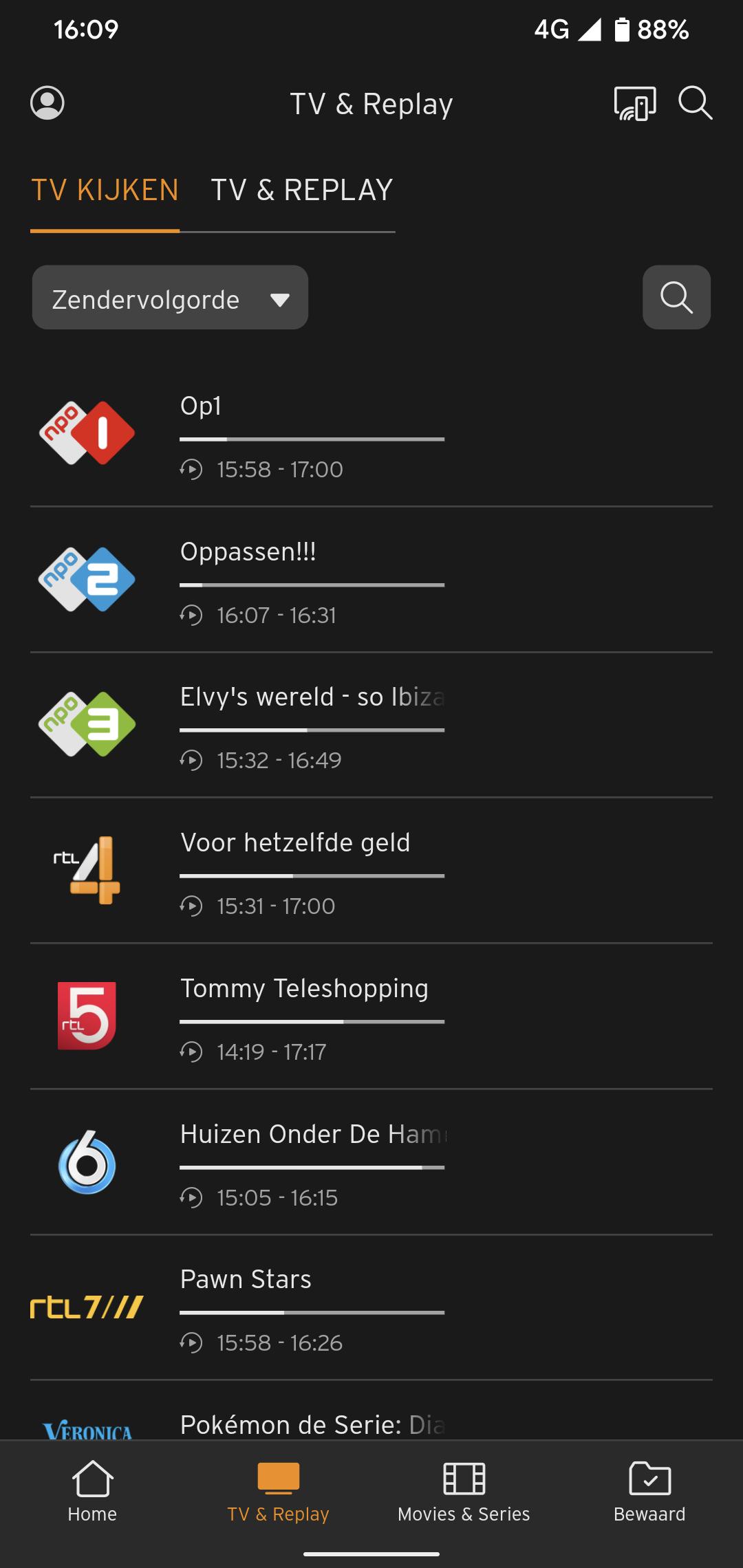
- Watch live TV on 70+ TV channels. Missed the beginning? Then start again from the beginning.
- Watch up to 7 days back. Watch a programme whenever you want and have time.
- Record programmes. No time for a film? Record it. Easy with the app. Also remotely. Stream to your TV
- Watch on multiple screens at the same time. With Ziggo GO you can watch TV, films and series on 3 devices at the same time.
Are you a football fan and don't have Ziggo?
Stream the European matches of Dutch clubs and the finals of the UEFA Champions League, UEFA Europa League and UEFA Conference League for free with Ziggo GO. You don't need an account in the Netherlands: on match days you use the app via a special entrance on the login screen. Do you want to watch in the entire EU? Then create a Ziggo Sport Free account via ziggo.nl/free
Want to watch UEFA European football on a big screen?
Open the App store on your smart TV and install the Ziggo GO app. Or easily stream with Ziggo GO from your mobile or tablet to your TV via Chromecast or AirPlay. In the European Union (EU) and per account on a maximum of 3 screens at the same time!
Please note:
- Always use the latest version of the Ziggo GO TV app
- If you are a Ziggo customer, log in with your My Ziggo details and enjoy the complete range of Ziggo TV. If you are not a customer but are a UEFA viewer, log in with your Ziggo Sport Free details or watch on match days by clicking on the banner on the login screen.
Minimum requirements and conditions
- Required: a smart TV or media player running on Android TV 5.1 or higher
- The use of the boxes on your TV set and apps on smart TVs do not fall under the 'Content Portability legislation' for online services and is therefore not an open internet service. We must therefore adhere to the agreements made with the various content parties. The Apple TV, Android TV, Amazon Fire TV app from Ziggo is therefore an 'in-house solution' for a second and third TV in the house. It is a replacement for an extra TV receiver and, as agreed with content parties, we only offer some channels via our own network. In order to use this channel, you also need an internet connection from Ziggo.
معاينة
العلامات
وسائل الترفيهمعلومة
مطور
Liberty Global
احدث اصدار
5.11.9508
آخر تحديث
2025-09-10
فئة
وسائل الترفيه
متاح على
Google Play
أظهر المزيد
كيف تلعب Ziggo GO TV مع GameLoop على جهاز الكمبيوتر
1. قم بتنزيل GameLoop من الموقع الرسمي ، ثم قم بتشغيل ملف exe لتثبيت GameLoop.
2. افتح GameLoop وابحث عن "Ziggo GO TV" ، وابحث عن Ziggo GO TV في نتائج البحث وانقر على "تثبيت".
3. استمتع بلعب Ziggo GO TV على GameLoop.
Minimum requirements
OS
Windows 8.1 64-bit or Windows 10 64-bit
GPU
GTX 1050
CPU
i3-8300
Memory
8GB RAM
Storage
1GB available space
Recommended requirements
OS
Windows 8.1 64-bit or Windows 10 64-bit
GPU
GTX 1050
CPU
i3-9320
Memory
16GB RAM
Storage
1GB available space