
Webtic Starplex Cinema PC
CREA Informatica srl
قم بتنزيل Webtic Starplex Cinema على جهاز الكمبيوتر باستخدام GameLoop Emulator
Webtic Starplex Cinema على الكمبيوتر الشخصي
Webtic Starplex Cinema ، القادم من المطور CREA Informatica srl ، يعمل على نظام Android في الماضي.
الآن ، يمكنك لعب Webtic Starplex Cinema على جهاز الكمبيوتر باستخدام GameLoop بسلاسة.
قم بتنزيله في مكتبة GameLoop أو في نتائج البحث. لا مزيد من الانتباه إلى البطارية أو المكالمات المحبطة في الوقت الخطأ بعد الآن.
ما عليك سوى الاستمتاع بجهاز Webtic Starplex Cinema على الشاشة الكبيرة مجانًا!
Webtic Starplex Cinema مقدمة
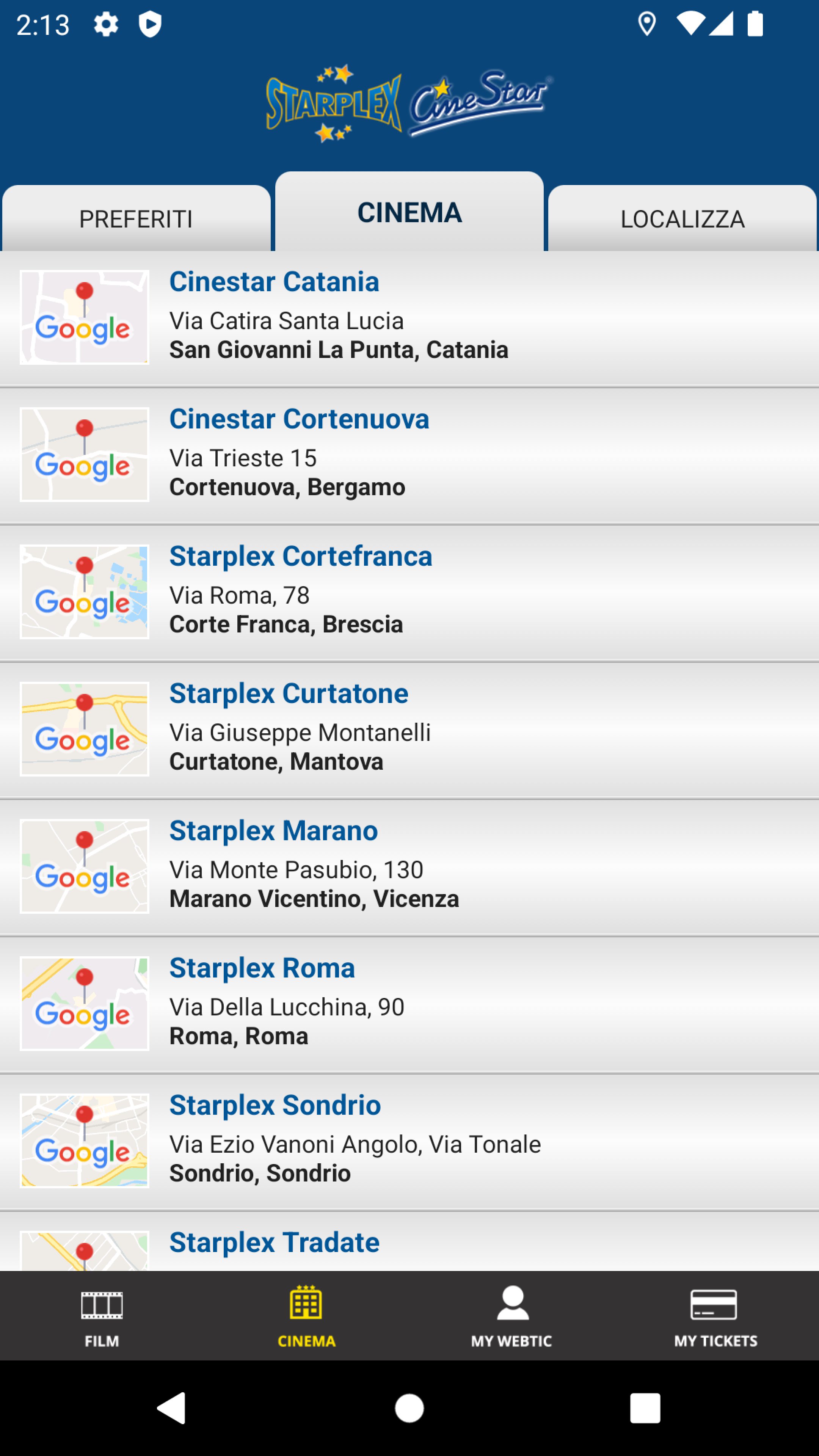
Crea Informatica application, for the purchase and reservation of seats in the prestigious Starplex and Cinestar cinemas in Marano Vicentino, Rome, Sondrio, Curtatone, Catania, Cortefranca and Tradate.
Multiplexes equipped with the latest technologies and high-level services.
You can easily choose your seats from the map of the rooms and decide whether to book them by collecting them at the box office at least 30 minutes in advance.
You can book a maximum of 8 seats per day, even for different films.
We recommend our customers to consult the website www.starplex.it for more commercial information.
Tickets booked and not collected on time will be automatically canceled from the system.
معاينة

العلامات
وسائل الترفيهمعلومة
مطور
CREA Informatica srl
احدث اصدار
1.5.0
آخر تحديث
2025-08-20
فئة
وسائل الترفيه
متاح على
Google Play
أظهر المزيد
كيف تلعب Webtic Starplex Cinema مع GameLoop على جهاز الكمبيوتر
1. قم بتنزيل GameLoop من الموقع الرسمي ، ثم قم بتشغيل ملف exe لتثبيت GameLoop.
2. افتح GameLoop وابحث عن "Webtic Starplex Cinema" ، وابحث عن Webtic Starplex Cinema في نتائج البحث وانقر على "تثبيت".
3. استمتع بلعب Webtic Starplex Cinema على GameLoop.
Minimum requirements
OS
Windows 8.1 64-bit or Windows 10 64-bit
GPU
GTX 1050
CPU
i3-8300
Memory
8GB RAM
Storage
1GB available space
Recommended requirements
OS
Windows 8.1 64-bit or Windows 10 64-bit
GPU
GTX 1050
CPU
i3-9320
Memory
16GB RAM
Storage
1GB available space