
Watercock Sound PC
Nucharee Wankaew
قم بتنزيل Watercock Sound على جهاز الكمبيوتر باستخدام GameLoop Emulator
Watercock Sound على الكمبيوتر الشخصي
Watercock Sound ، القادم من المطور Nucharee Wankaew ، يعمل على نظام Android في الماضي.
الآن ، يمكنك لعب Watercock Sound على جهاز الكمبيوتر باستخدام GameLoop بسلاسة.
قم بتنزيله في مكتبة GameLoop أو في نتائج البحث. لا مزيد من الانتباه إلى البطارية أو المكالمات المحبطة في الوقت الخطأ بعد الآن.
ما عليك سوى الاستمتاع بجهاز Watercock Sound على الشاشة الكبيرة مجانًا!
Watercock Sound مقدمة
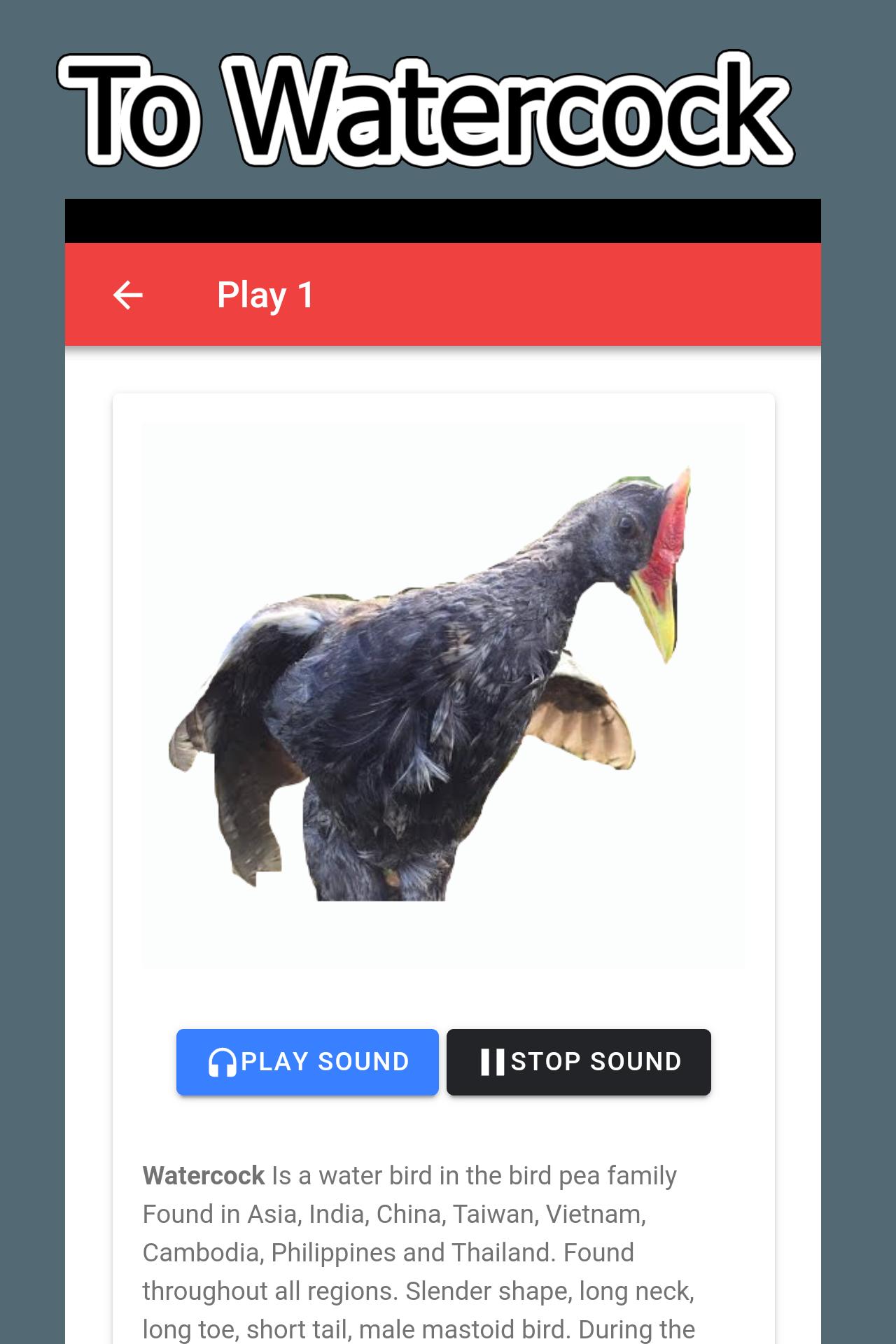
The birds will be effective, there must be another bird or many birds to help in connecting or calling another bird that we need. To find another bird, it may be difficult. The Watercock audio app does not use the internet. Therefore brought Watercock sound to this app To help facilitate people who are interested in connecting to Watercock or training birds to sing And those interested in bird sound and Watercock's history
Highlights of this app In addition to the fact that we have selected Watercock with HD sound, Watercock can be activated without having to connect or use the internet, making it more convenient. Because entering the forest may not have an internet contract Making it possible to actually connect birds anywhere and anytime
معاينة
العلامات
وسائل الترفيهمعلومة
مطور
Nucharee Wankaew
احدث اصدار
0.0.2
آخر تحديث
2019-06-19
فئة
وسائل الترفيه
متاح على
Google Play
أظهر المزيد
كيف تلعب Watercock Sound مع GameLoop على جهاز الكمبيوتر
1. قم بتنزيل GameLoop من الموقع الرسمي ، ثم قم بتشغيل ملف exe لتثبيت GameLoop.
2. افتح GameLoop وابحث عن "Watercock Sound" ، وابحث عن Watercock Sound في نتائج البحث وانقر على "تثبيت".
3. استمتع بلعب Watercock Sound على GameLoop.
Minimum requirements
OS
Windows 8.1 64-bit or Windows 10 64-bit
GPU
GTX 1050
CPU
i3-8300
Memory
8GB RAM
Storage
1GB available space
Recommended requirements
OS
Windows 8.1 64-bit or Windows 10 64-bit
GPU
GTX 1050
CPU
i3-9320
Memory
16GB RAM
Storage
1GB available space