
Spirit & Witch Board Simulator PC
First Class Media B.V.
قم بتنزيل Spirit & Witch Board Simulator على جهاز الكمبيوتر باستخدام GameLoop Emulator
Spirit & Witch Board Simulator على الكمبيوتر الشخصي
Spirit & Witch Board Simulator ، القادم من المطور First Class Media B.V. ، يعمل على نظام Android في الماضي.
الآن ، يمكنك لعب Spirit & Witch Board Simulator على جهاز الكمبيوتر باستخدام GameLoop بسلاسة.
قم بتنزيله في مكتبة GameLoop أو في نتائج البحث. لا مزيد من الانتباه إلى البطارية أو المكالمات المحبطة في الوقت الخطأ بعد الآن.
ما عليك سوى الاستمتاع بجهاز Spirit & Witch Board Simulator على الشاشة الكبيرة مجانًا!
Spirit & Witch Board Simulator مقدمة
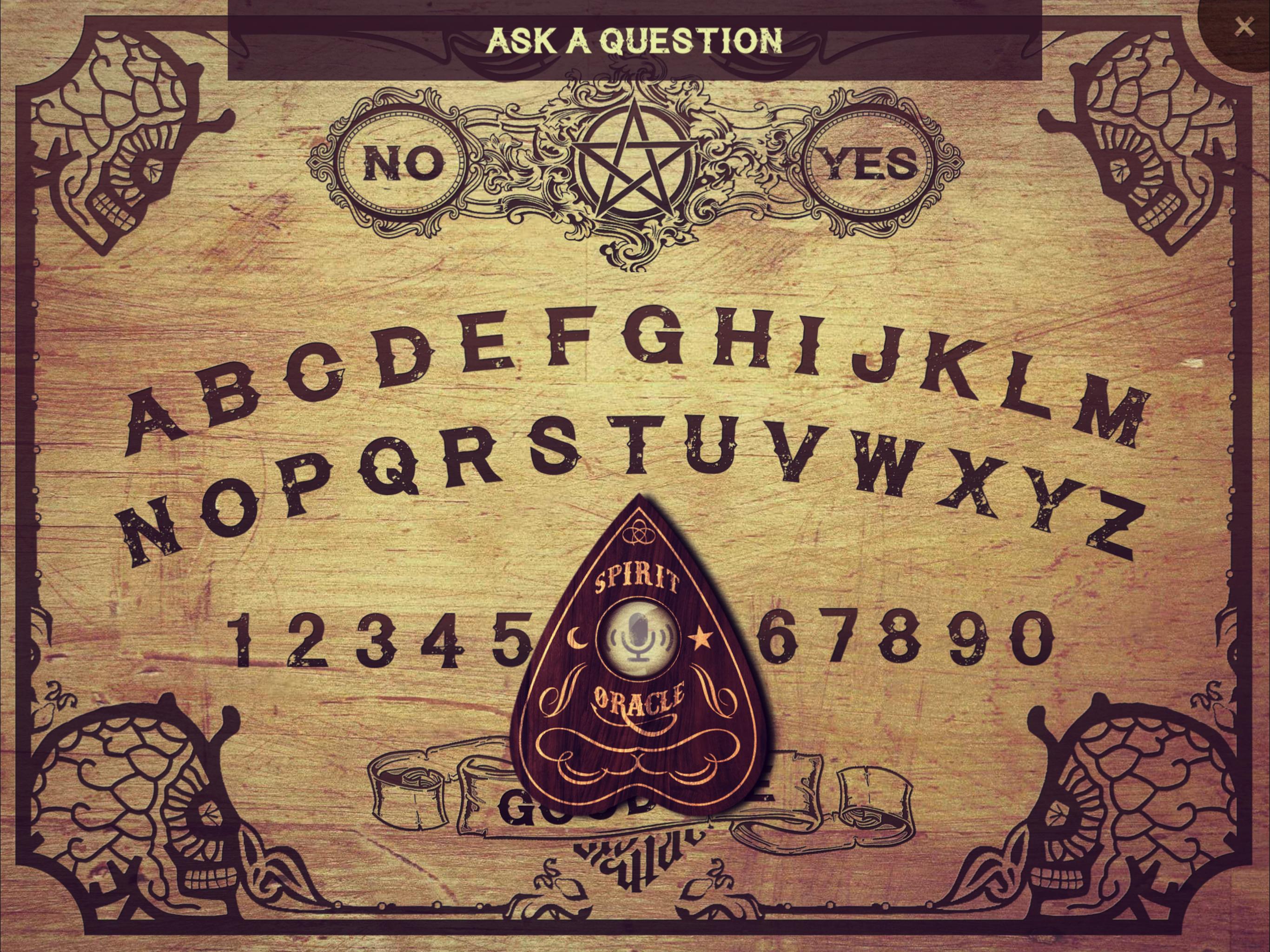
The only Spirit Board that actually listens to your voice! Ask any question and wait for spirits or ghosts to respond!
INSTRUCTIONS
1) If possible, darken the room you are in and light some candles before starting a séance.
2) Place your finger on the planchette (the wooden piece) in order to initiate the spiritual connection to the other side.
3) Ask the spirit your question loud and clear. Always start a séance with the question “Is anyone there?”.
4) Wait for the spirit to respond. The planchette will start moving across the spirit board to show you the spirit’s answer. Warning: keep your fingers on the planchette at all times!
5) Always be polite and ask normal questions. Be careful to not upset any spirit. Examples of questions you can ask: What’s your name? How old are you? Are you a good spirit? How did you die? Are you male? Do you mean us any harm? Where are you?
6) In case you have angered a spirit, quickly move the planchette to “Goodbye” before the countdown is over - or unexplained things might happen. Sometimes an angry ghost refuses a “Goodbye”. In that case, be persistent and try again.
Disclaimer: since paranormal activity can't be scientifically proven, we can't guarantee that this spirit board communicates with real spirits.
معاينة
العلامات
وسائل الترفيهمعلومة
مطور
First Class Media B.V.
احدث اصدار
2.0.4
آخر تحديث
2025-05-22
فئة
وسائل الترفيه
متاح على
Google Play
أظهر المزيد
كيف تلعب Spirit & Witch Board Simulator مع GameLoop على جهاز الكمبيوتر
1. قم بتنزيل GameLoop من الموقع الرسمي ، ثم قم بتشغيل ملف exe لتثبيت GameLoop.
2. افتح GameLoop وابحث عن "Spirit & Witch Board Simulator" ، وابحث عن Spirit & Witch Board Simulator في نتائج البحث وانقر على "تثبيت".
3. استمتع بلعب Spirit & Witch Board Simulator على GameLoop.
Minimum requirements
OS
Windows 8.1 64-bit or Windows 10 64-bit
GPU
GTX 1050
CPU
i3-8300
Memory
8GB RAM
Storage
1GB available space
Recommended requirements
OS
Windows 8.1 64-bit or Windows 10 64-bit
GPU
GTX 1050
CPU
i3-9320
Memory
16GB RAM
Storage
1GB available space